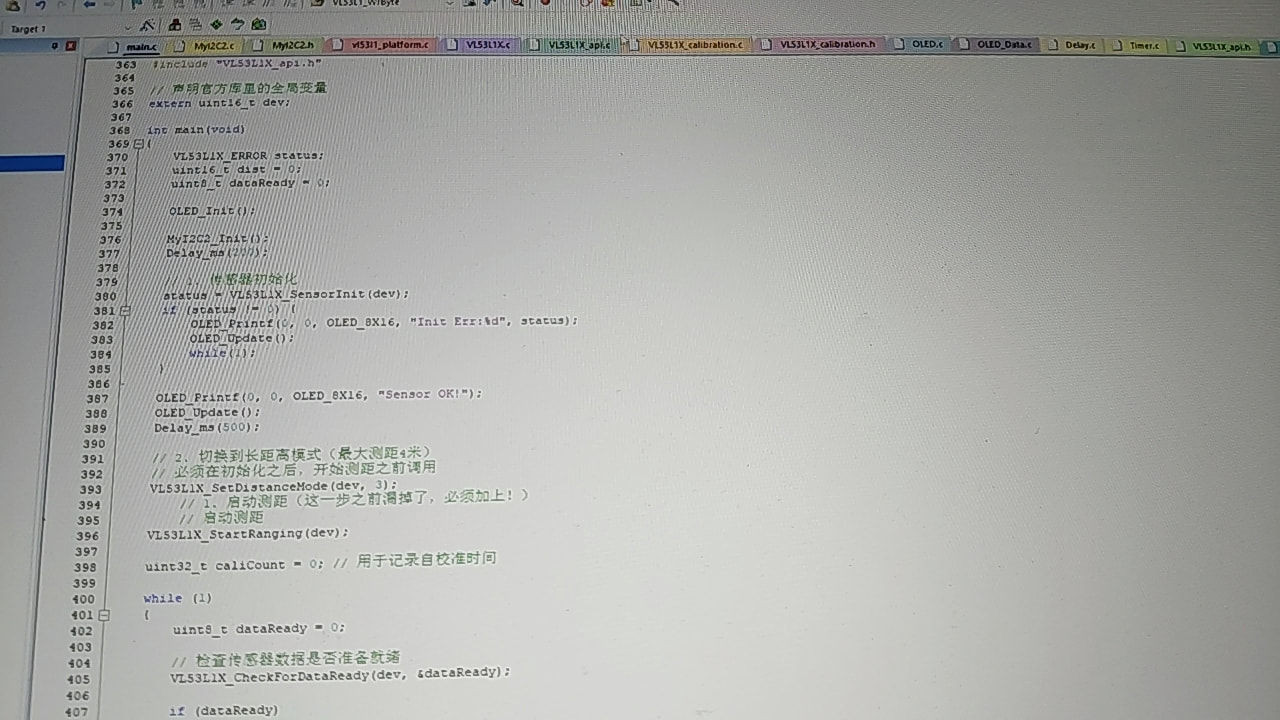
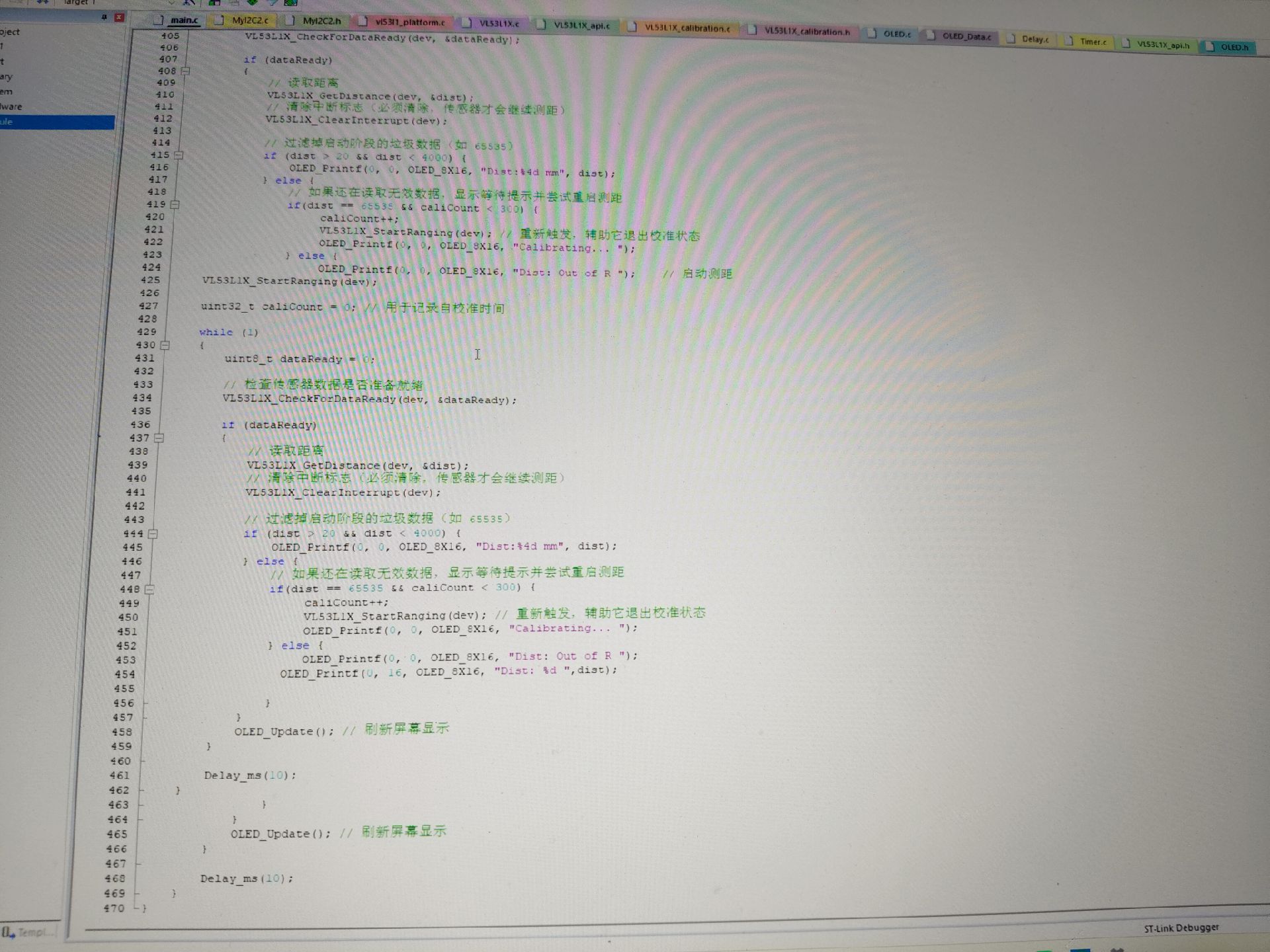
Copy the code in here—the image is way too blurry. It’s a phone photo of a screen, not even a screenshot…
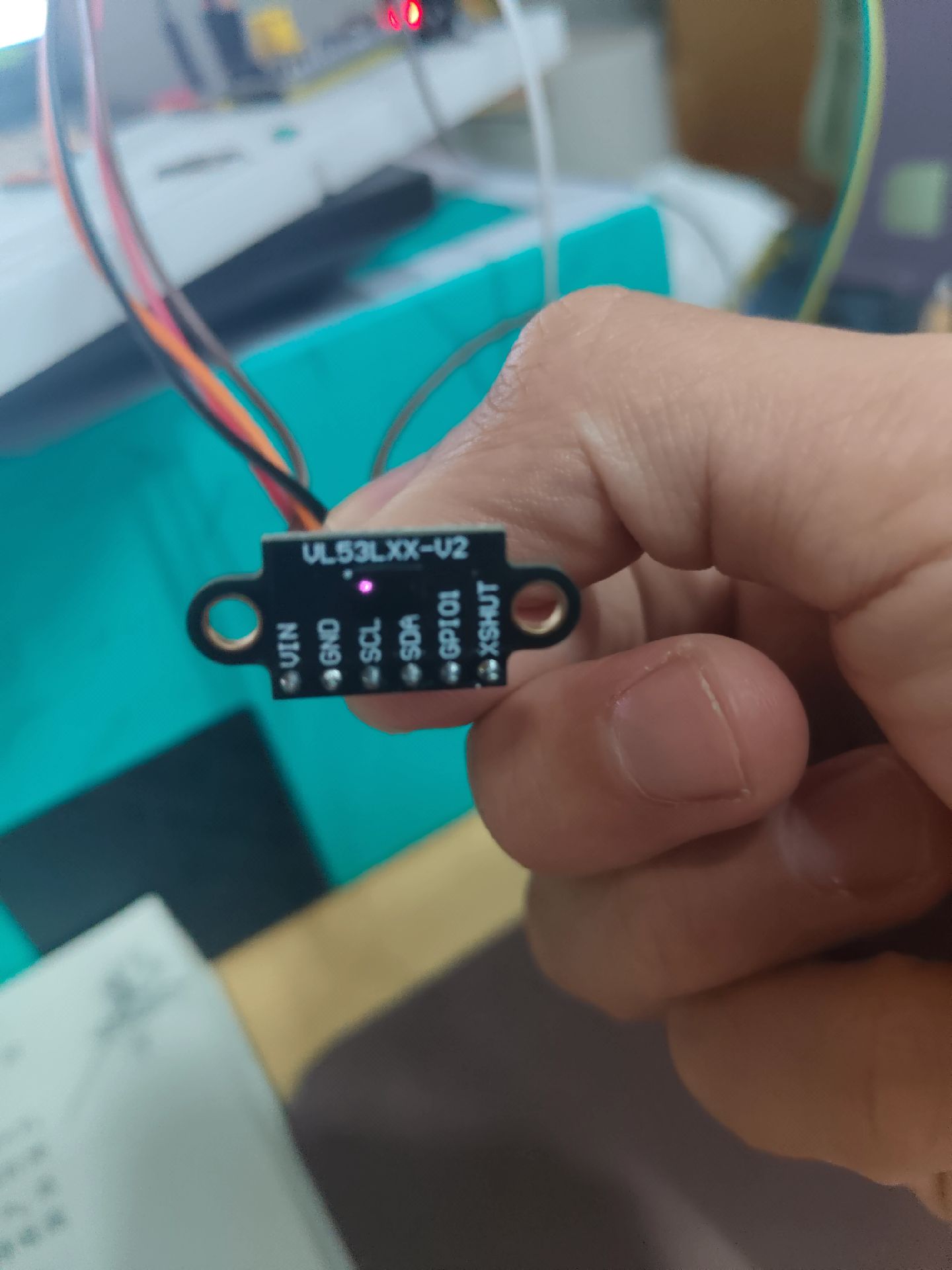
And how did you wire it up? Explain it all clearly.
(post deleted by author)
First, fix one obvious mistake: you’re using the VL53L1X_... ULD API, and VL53L1X_SetDistanceMode() only accepts 1=Short, 2=Long; there is no 3. To set long-distance mode, write:
status = VL53L1X_SetDistanceMode(dev, 2);
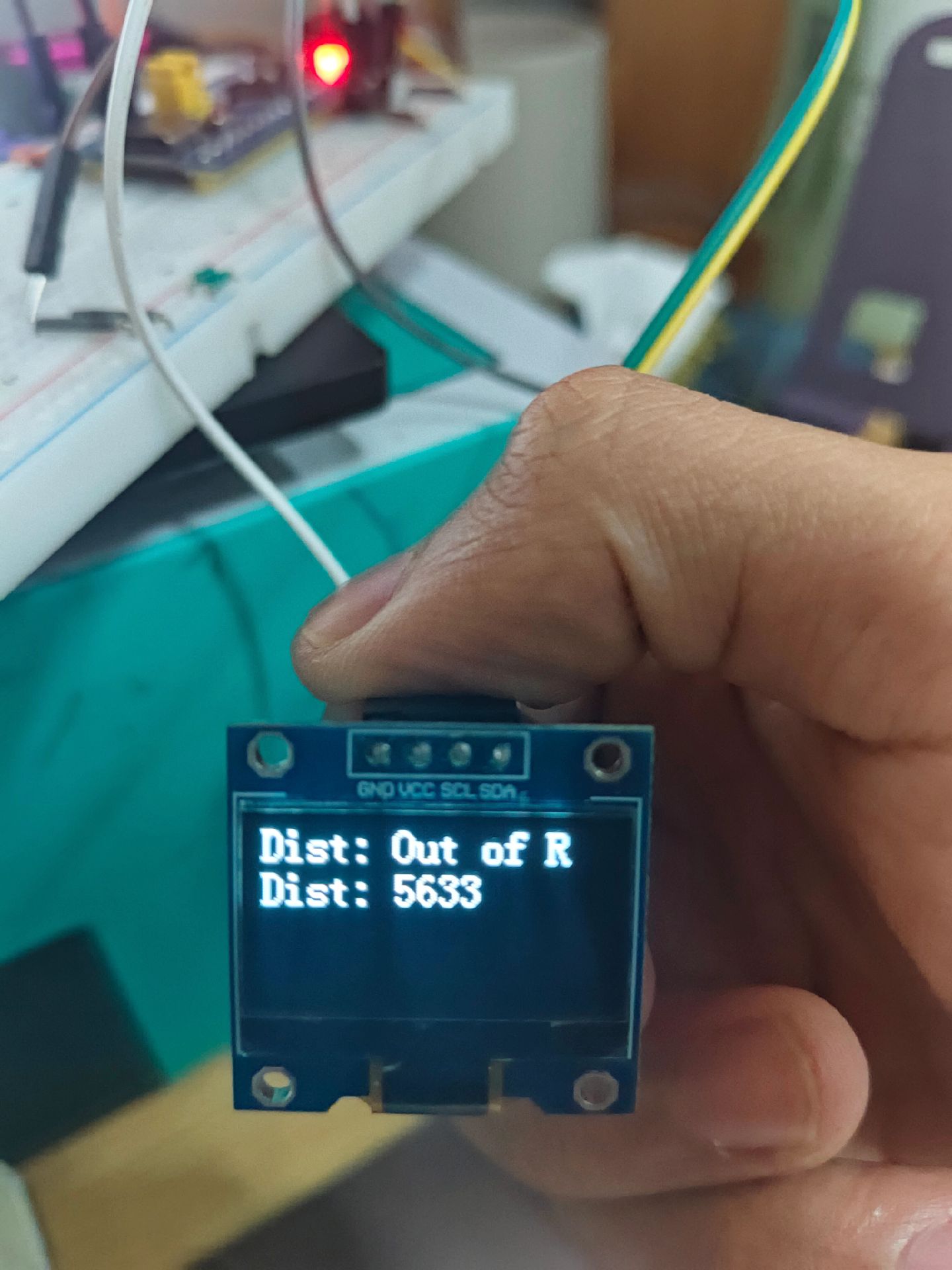
Also, 5633 doesn’t necessarily mean the sensor is “stuck.” Your code only checks whether the distance is less than 4000 but never reads RangeStatus. When there is no target, the reflected signal is too weak, or the measurement is invalid, the distance register can still return a value, and that value can’t be used directly as the actual distance.
I suggest holding off on adding calibration, restart, and other such logic for now, and printing the following on every frame:
-
The return value of
CheckForDataReady()anddataReady -
The return value of
GetDistance() -
The result of
GetRangeStatus() -
The raw
dist
Use the distance only when RangeStatus==0; if it’s nonzero, treat the measurement as invalid. Also, the return values of SetDistanceMode(), StartRanging(), and ClearInterrupt() are all being discarded right now. Print them one by one first; that should basically let you determine whether the issue is with a parameter, I2C communication, or the measurement state.
This code unnecessarily complicates the problem. Once the VL53L1X is started, it performs continuous ranging; you don’t need to call StartRanging() again every time you read an abnormal value, and there is no standard process of “restarting 300 times to help exit calibration.” First, delete caliCount and that whole block of restart logic.
You currently have at least two clear problems:
-
The ULD long-distance mode is
SetDistanceMode(dev, 2), not 3. -
You only look at
distand notRangeStatus, so the code itself doesn’t know whether 5633 is a valid measurement or an invalid result.
One more thing: the OLED only updates when dataReady is 1. If dataReady stays 0 afterward, the screen will of course remain stuck on the old value and look like it’s “dead.” Display dataReady and the return values of each function as well, and you’ll be able to distinguish “no new data” from “continuously getting invalid distances.”
The minimal flow should be: initialize once → start once → wait for ready → read RangeStatus and Distance → ClearInterrupt → continue waiting for the next frame. Get this working first, then talk about filtering and calibration.
Before changing more firmware, I would put the module on a known-good bench setup: short wires, a fixed white target about 300–500 mm away, no bright sunlight, and nothing covering the optics. If there is still protective film on the sensor, remove it.
Then check the hardware in this order:
-
Read the sensor ID. For the VL53L1X ULD API it should be
0xEACC; do not infer the chip from the genericVL53LXX-V2board marking. -
Scope SDA and SCL during a 16-bit register read. Check the register-address byte order, data byte order, ACKs, and repeated-start condition. A successful init does not necessarily prove every multi-byte transaction is correct.
-
Confirm the supply at the module during ranging, not just with the sensor idle.
-
Only then look at XSHUT. Many of these breakout boards already pull it up, and GPIO1 is not required when polling
CheckForDataReady().
And yes, fix SetDistanceMode(dev, 3) as well — in this ULD API, Long mode is 2. Print RangeStatus alongside the distance; otherwise a meaningless 5633 can look exactly like a frozen sensor.