Unboxing Experience: Bambu Lab P1SC (P1S Combo) FDM 3D Printer
My previously purchased A1 was recalled due to a heated bed wiring issue, resulting in a full refund plus a 441 RMB coupon as compensation. So, I decided to upgrade and bought the Bambu Lab P1S with a little extra cost.
Unboxing video: https://www.bilibili.com/video/BV1DC411W79i/
For detailed product information, visit the official website: https://bambulab.cn/zh-cn/p1?product=p1s
Bambu Lab also has a 3D model sharing platform: https://makerworld.com/zh
Purchase on JD: https://u.jd.com/f8TiZkx
Purchase on Taobao: https://s.click.taobao.com/ywqtowt
Recommended filament: Tianrui PETG-ECO: https://s.click.taobao.com/WNwsowt
Unboxing Experience: Bambu Lab A1 Combo 3D Printer: https://blog.zeruns.com/archives/754.html
Unboxing
The box
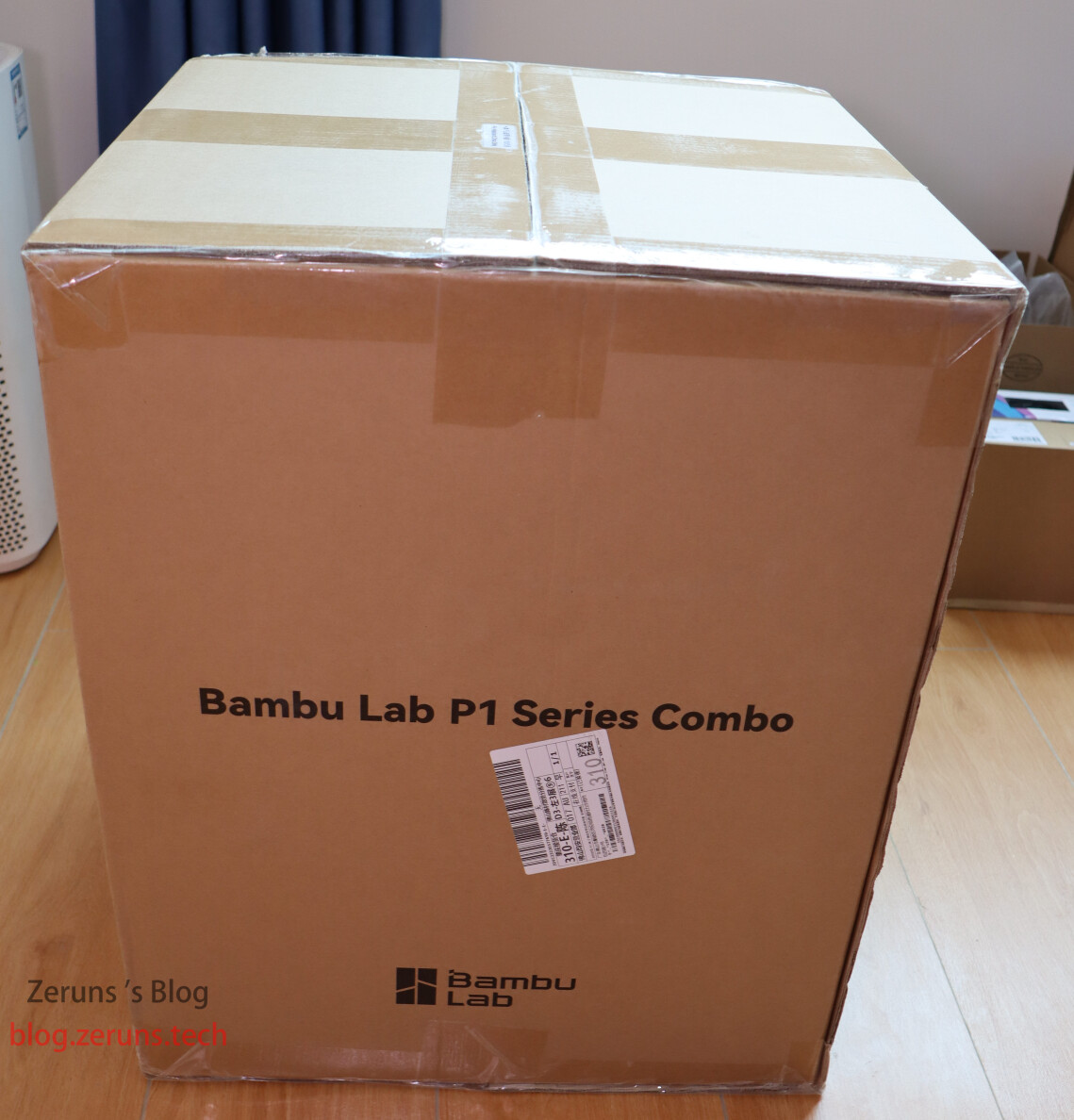
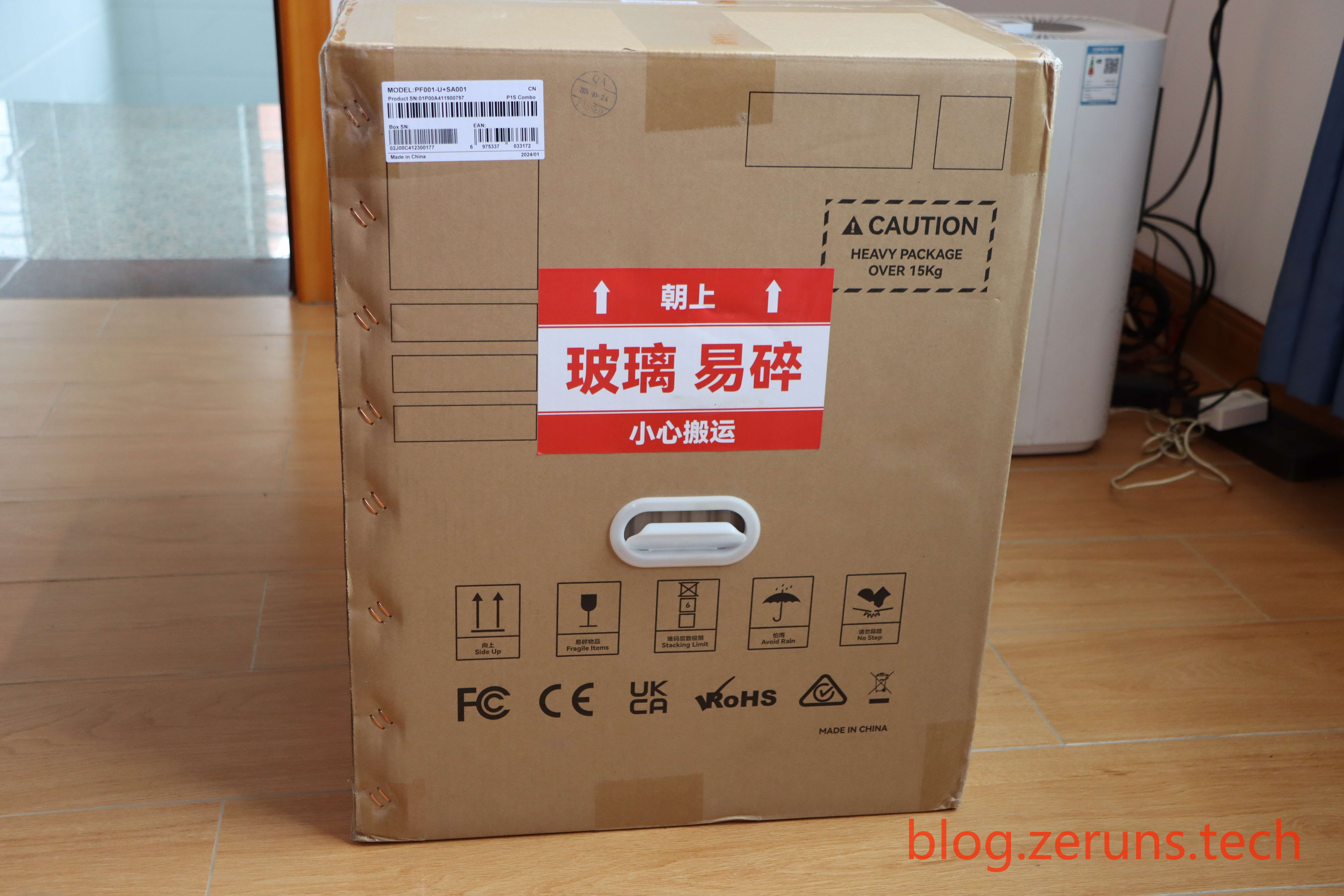
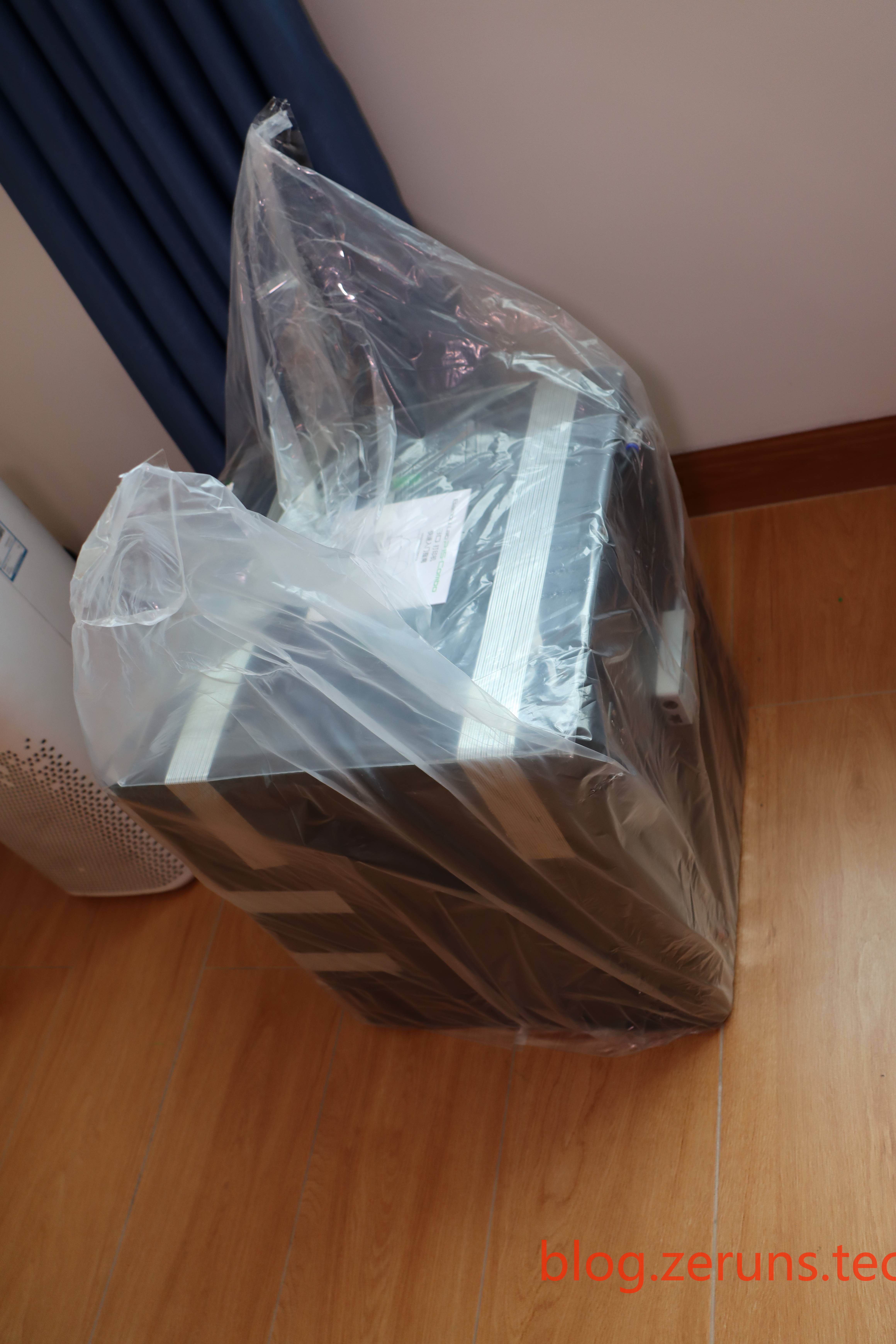
Taking out the printer
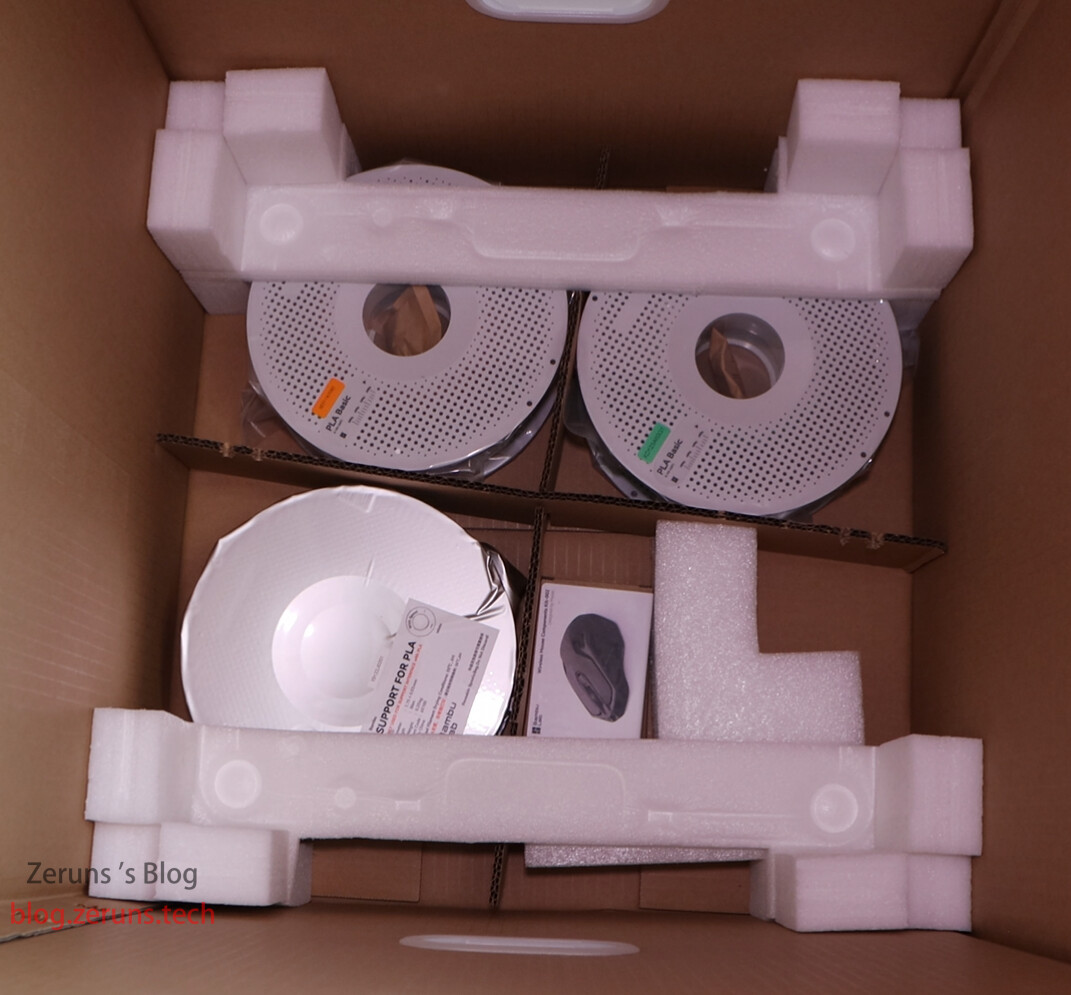
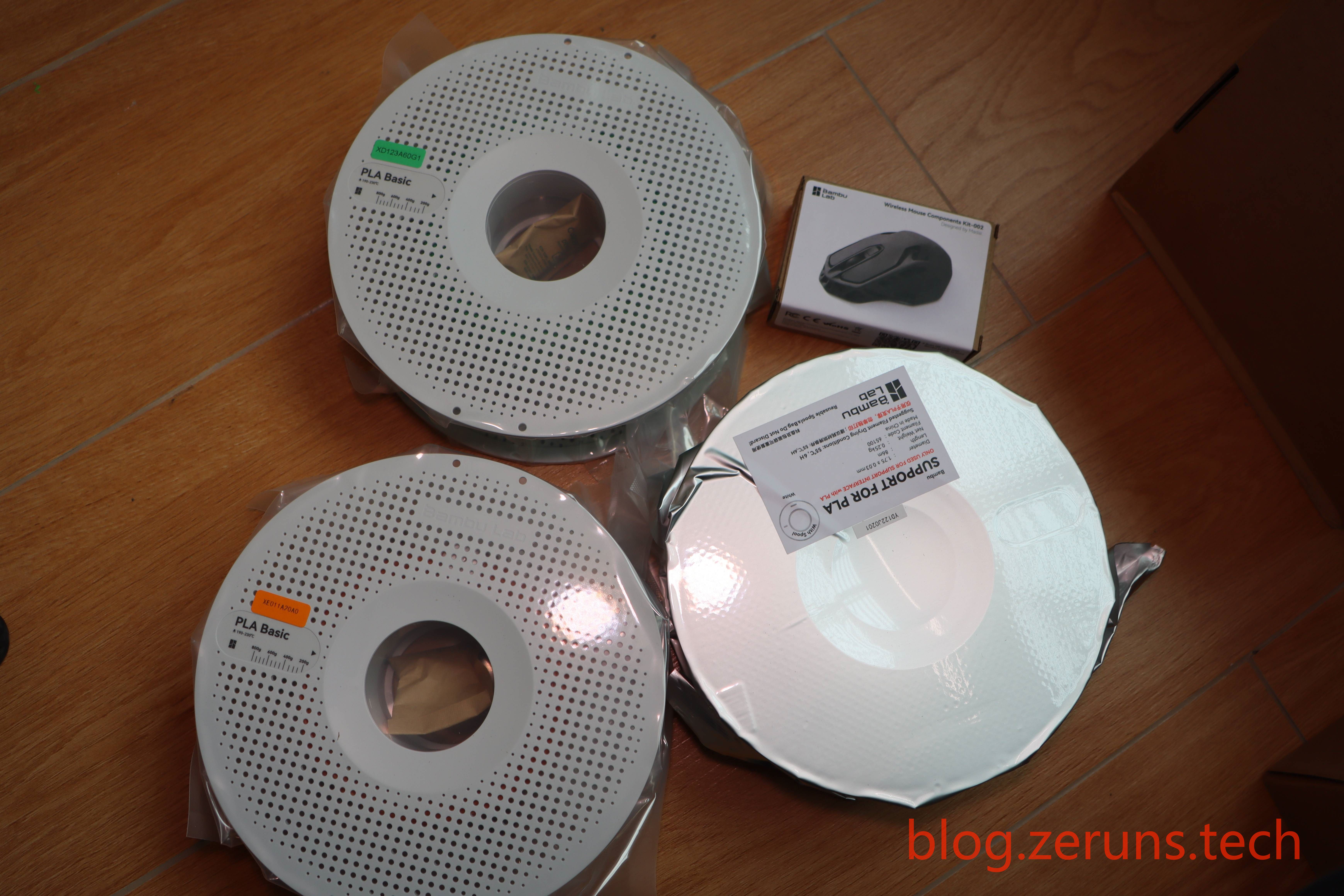
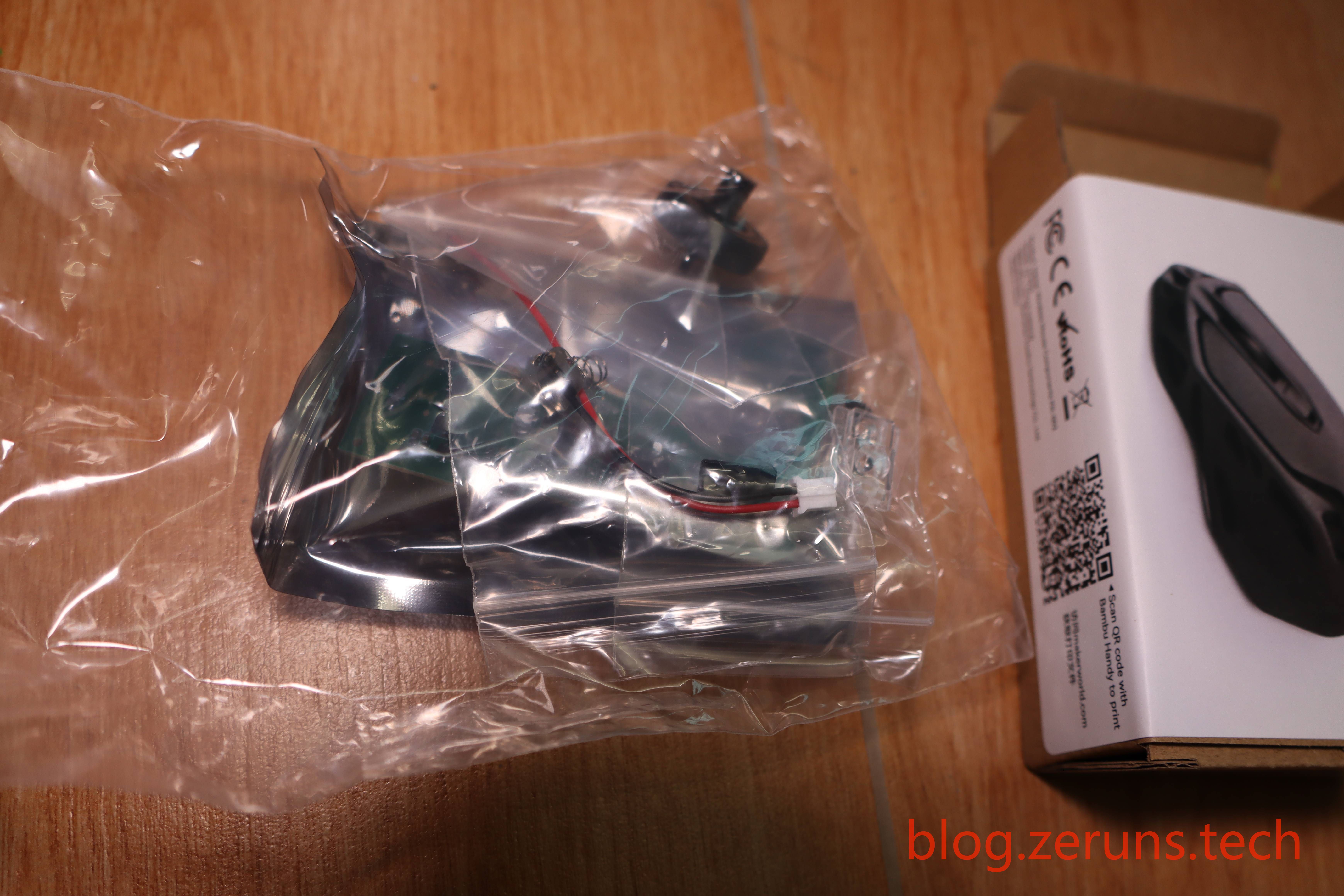
At the bottom of the box are three 250g spools of PLA filament and a wireless mouse model (contains only internal electronics and partial components; the shell needs to be printed separately).
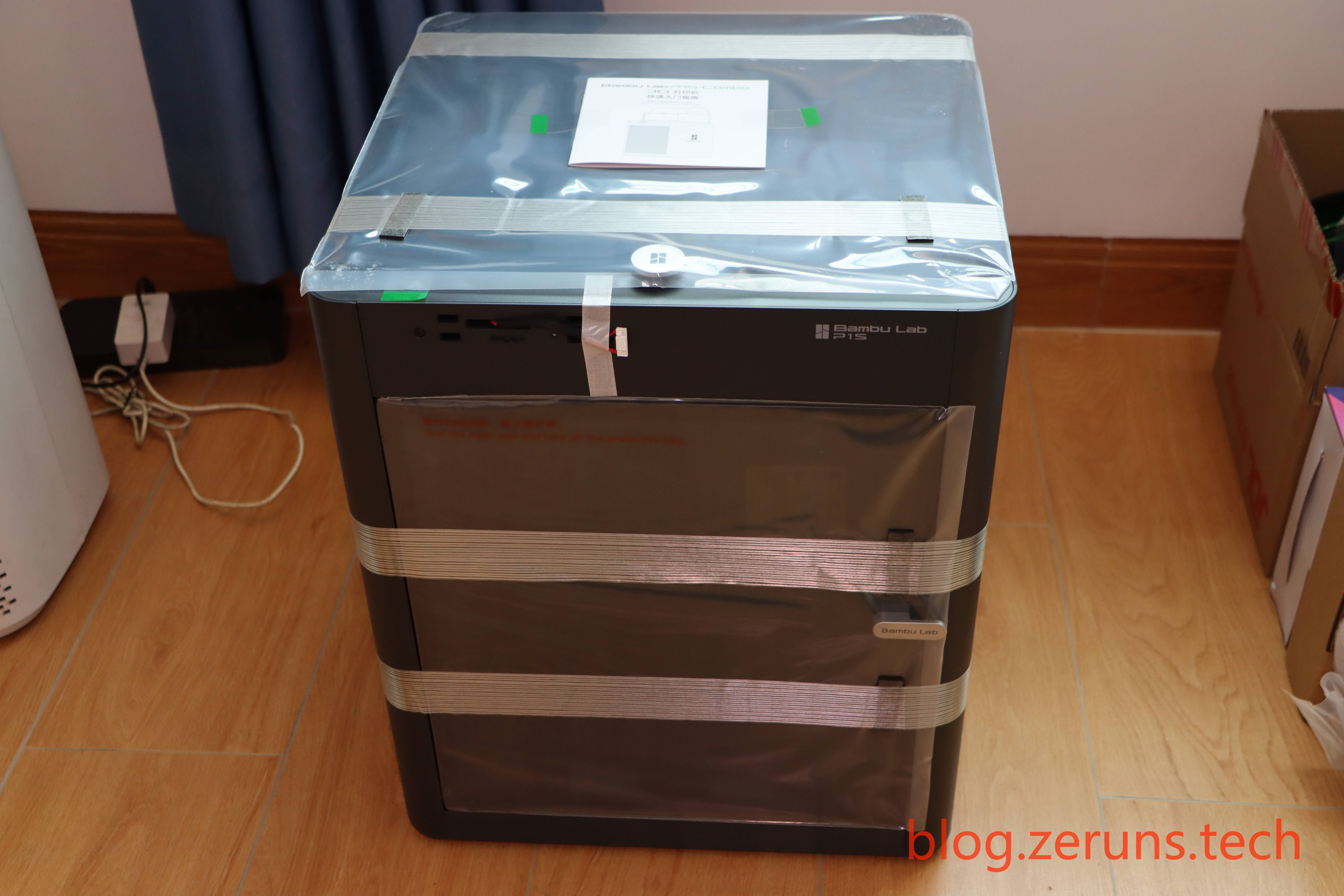
Front view of the printer — the AMS is already placed inside the machine.
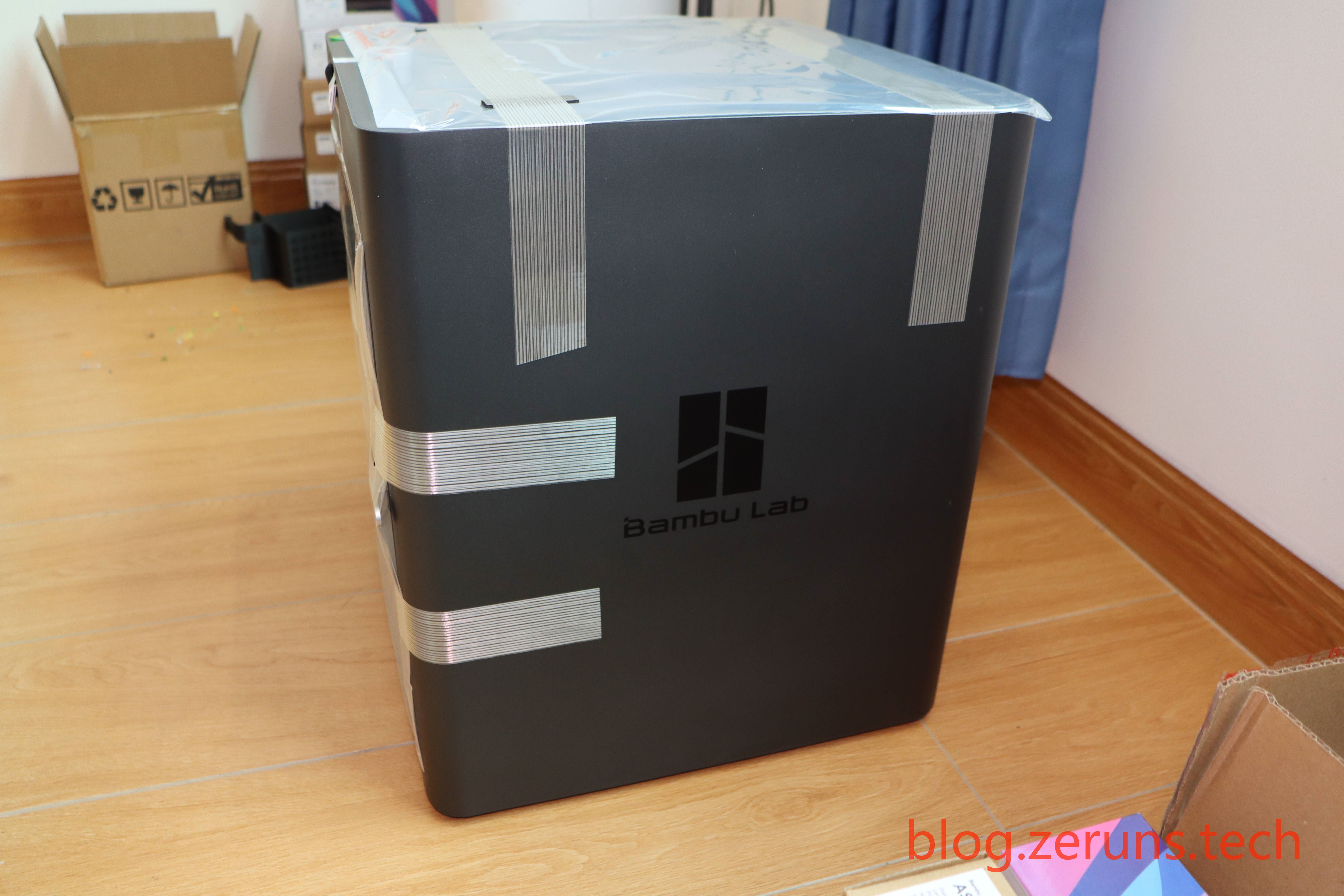
Side view
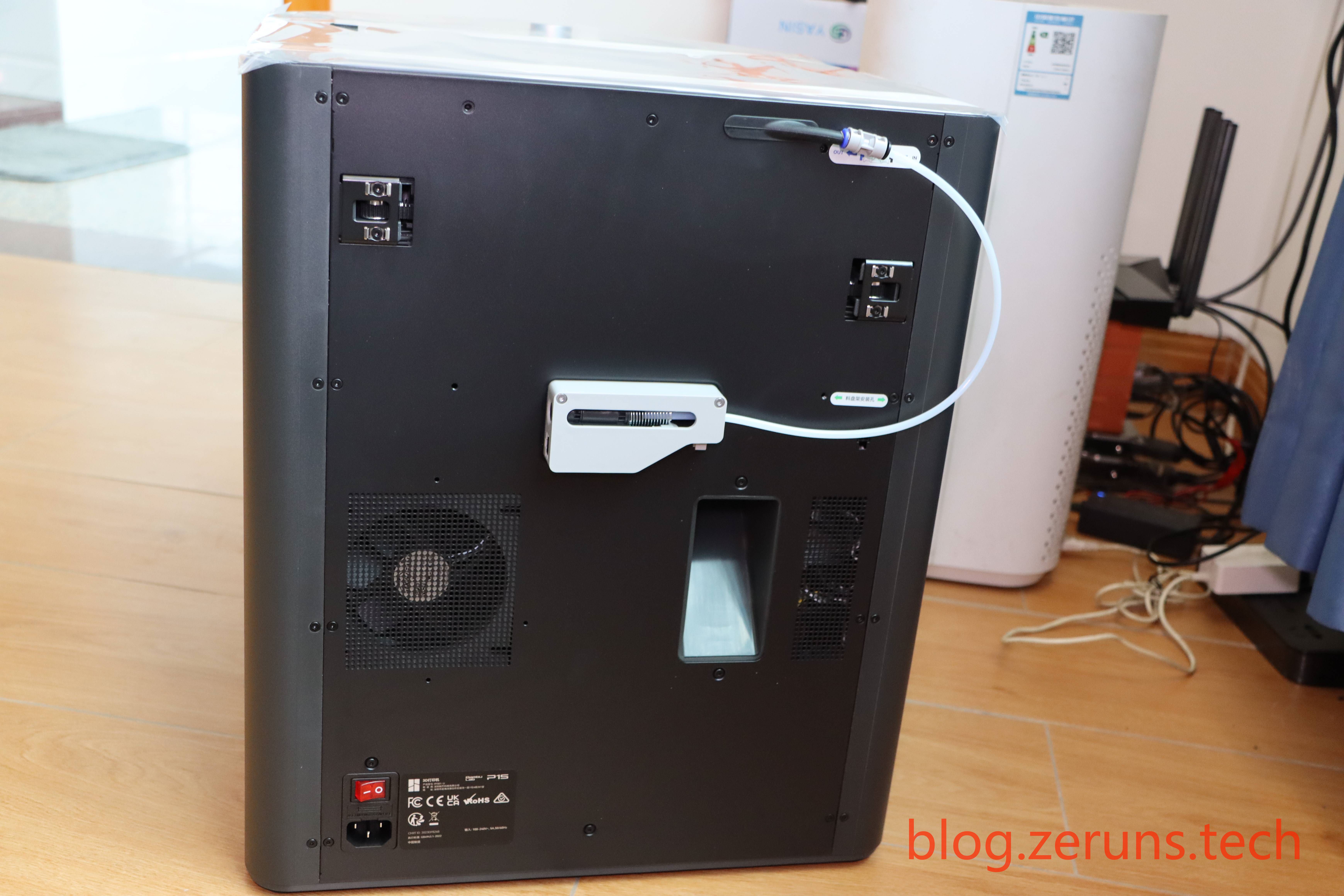
Back view
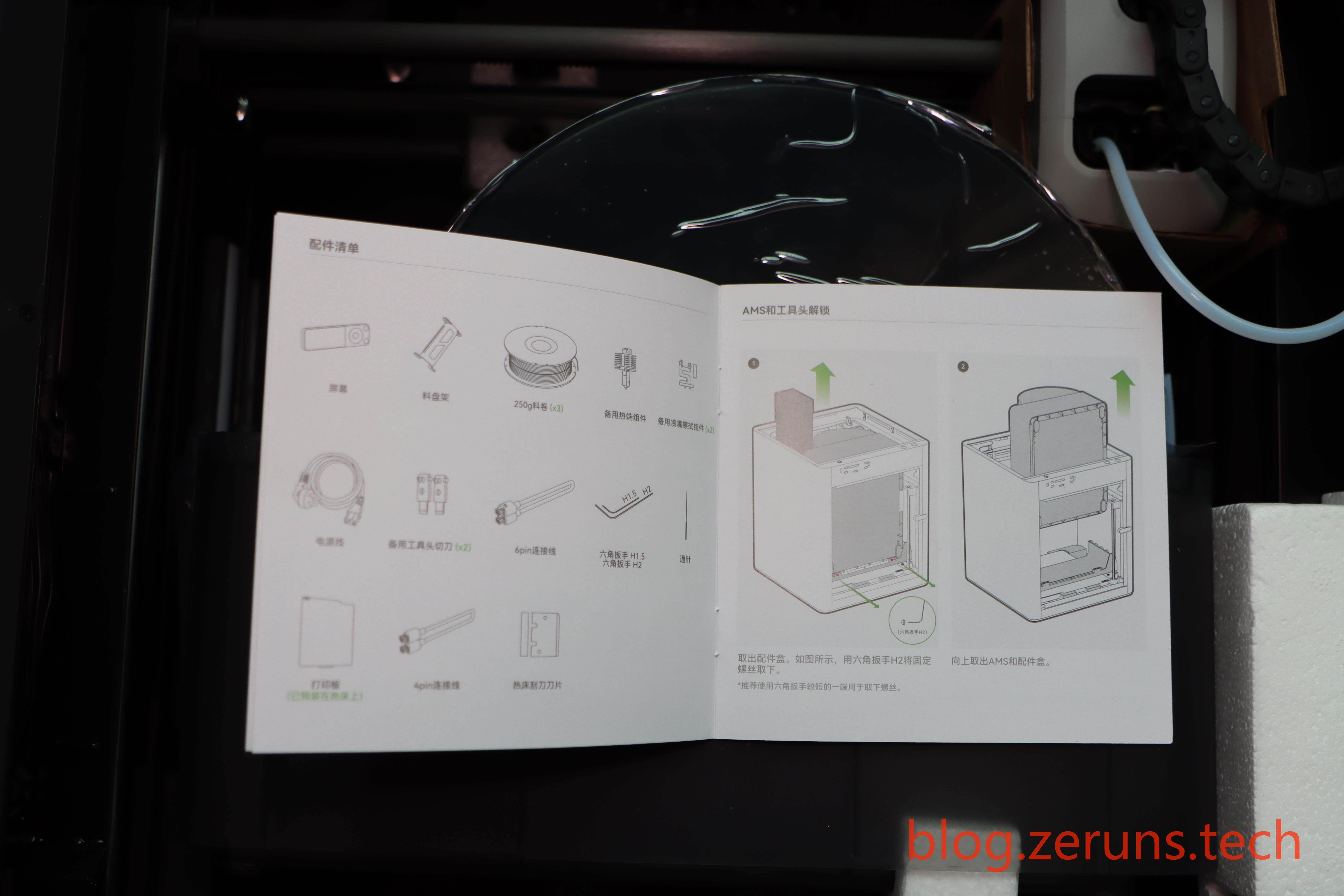
Quick installation guide
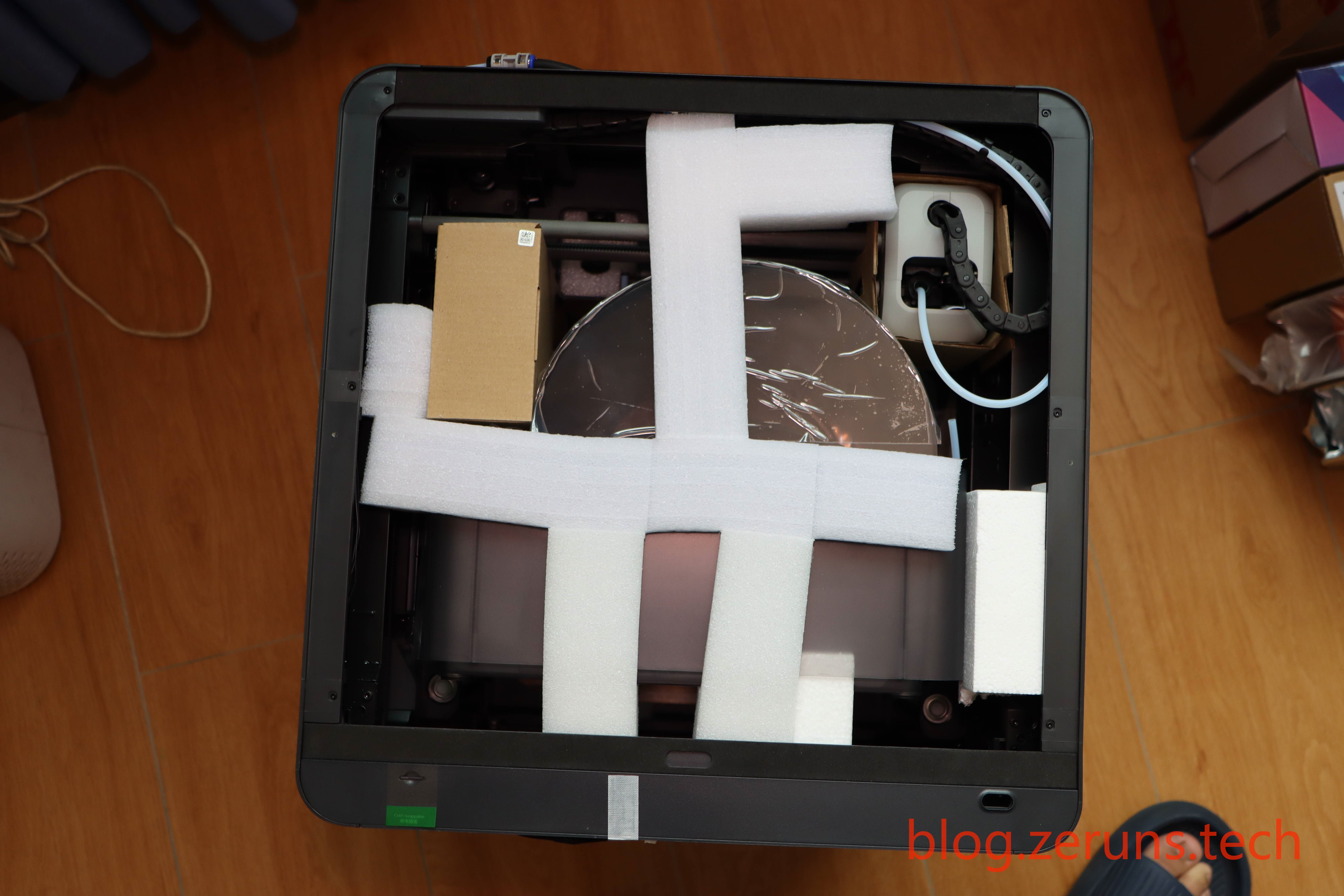
Removing the glass cover
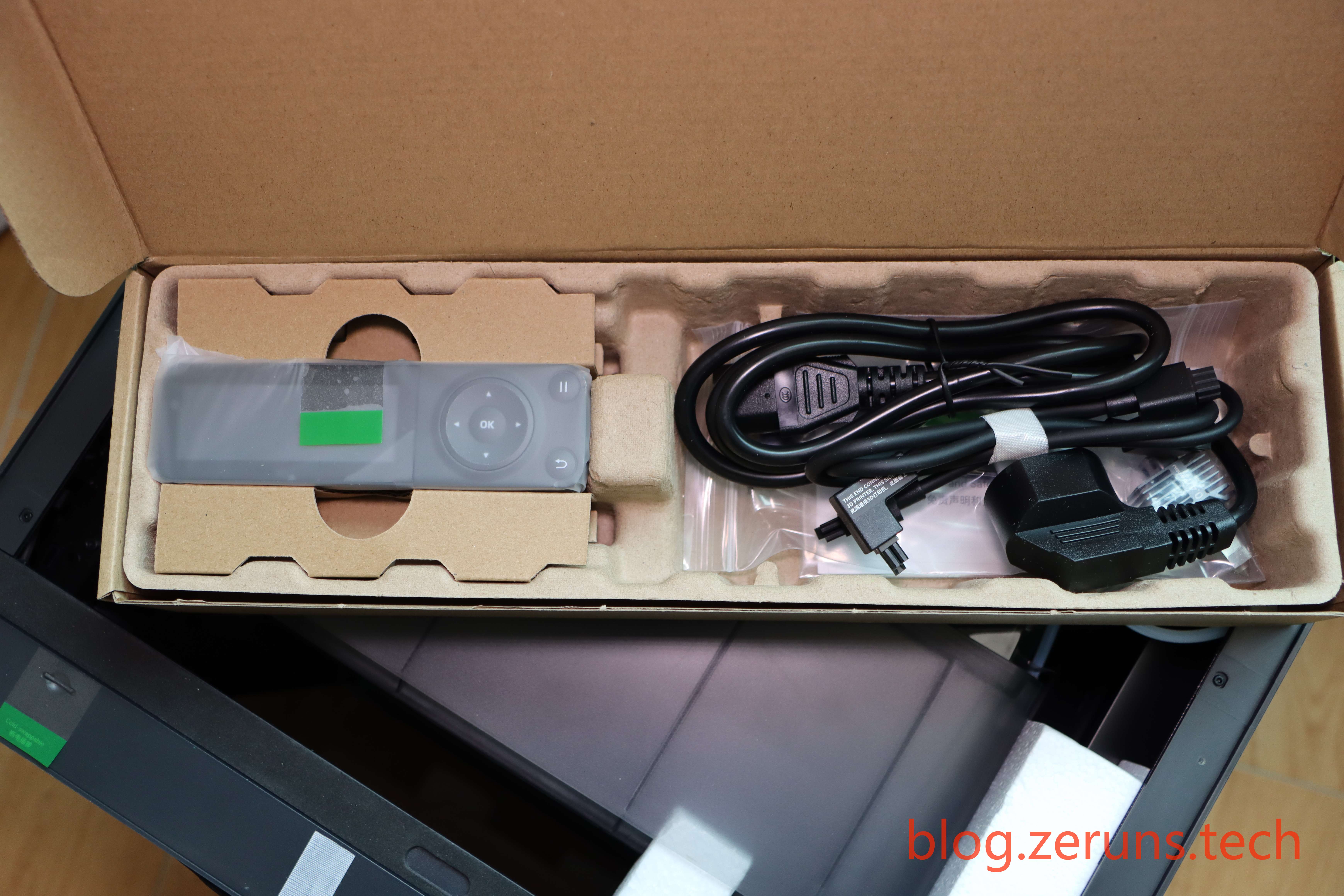
Taking out the accessory box
Removing the AMS
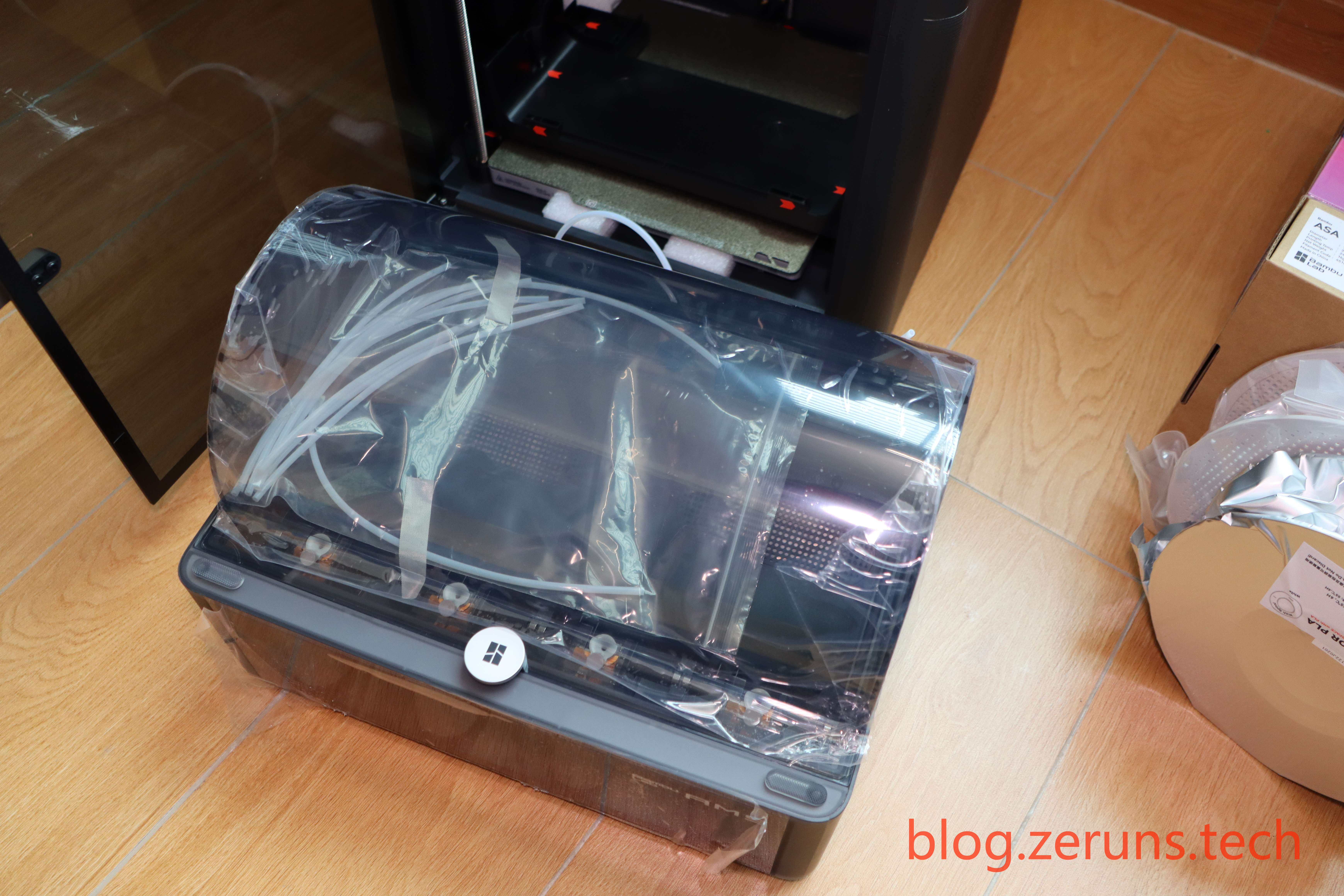
The installation process is omitted here. Please refer to the official Bambu Lab wiki: https://wiki.bambulab.com/zh/p1/manual/unboxing-p1s_combo
The AMS supports up to four different filaments simultaneously, enabling multi-color printing.
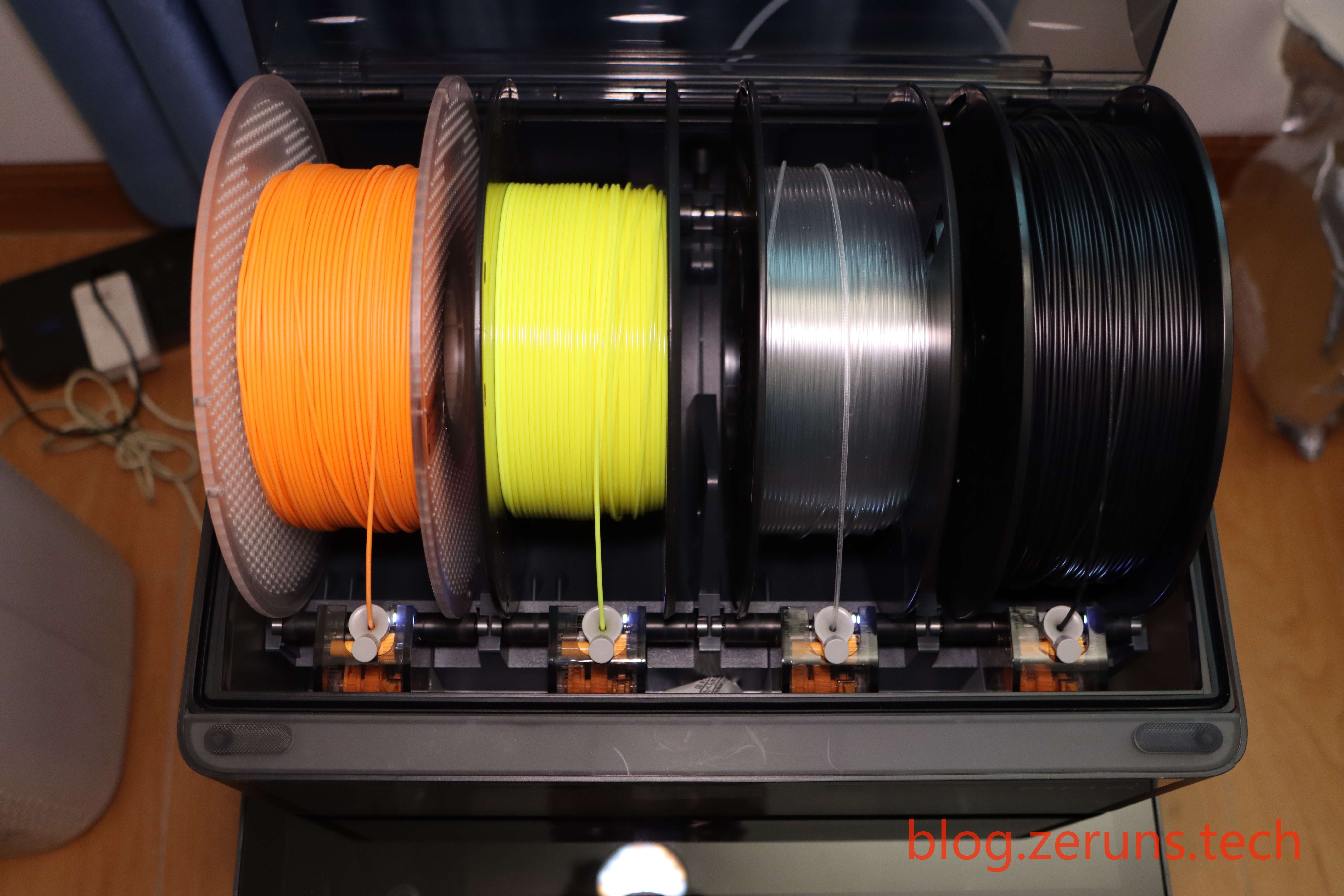
Powering on
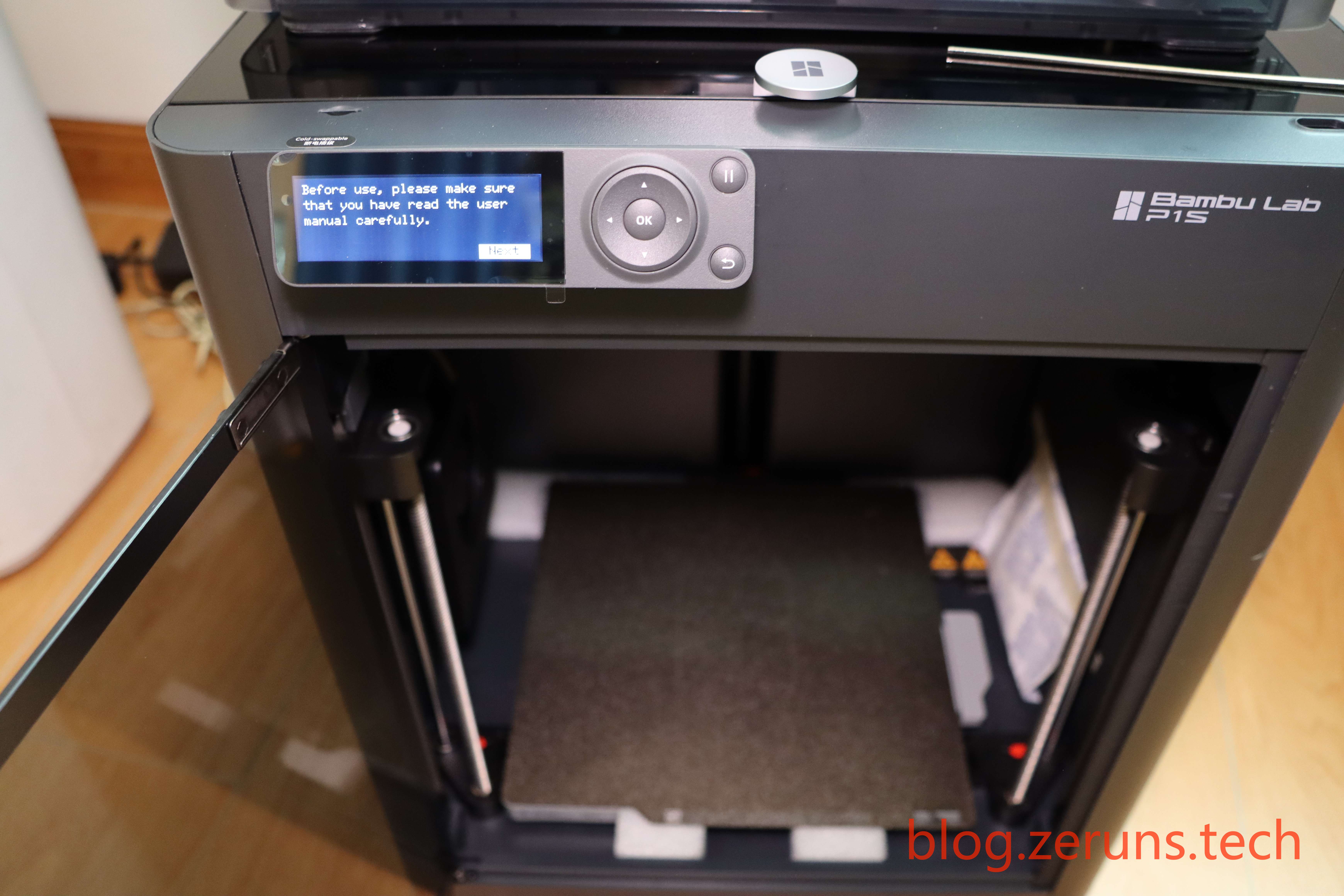
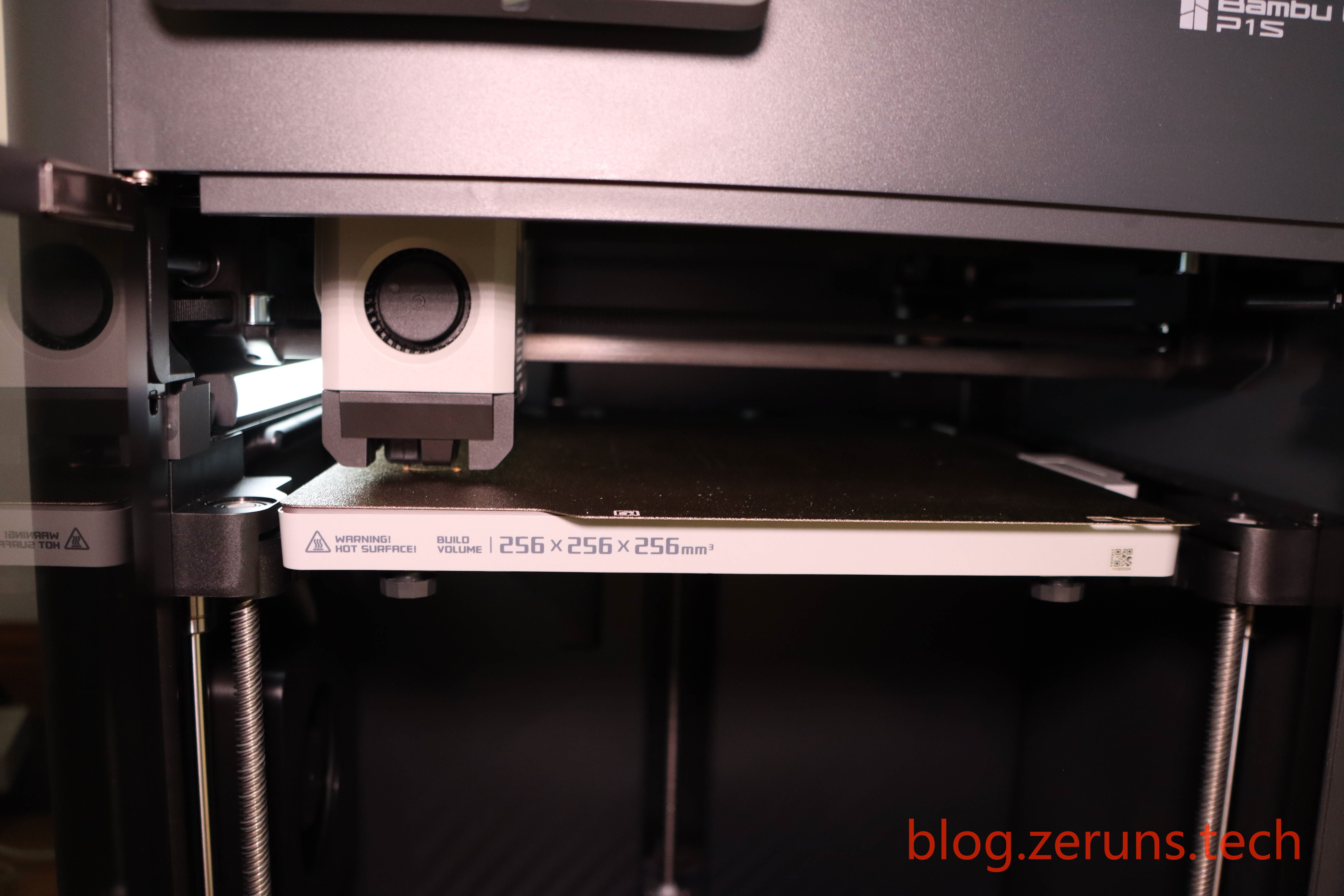
Final assembled look
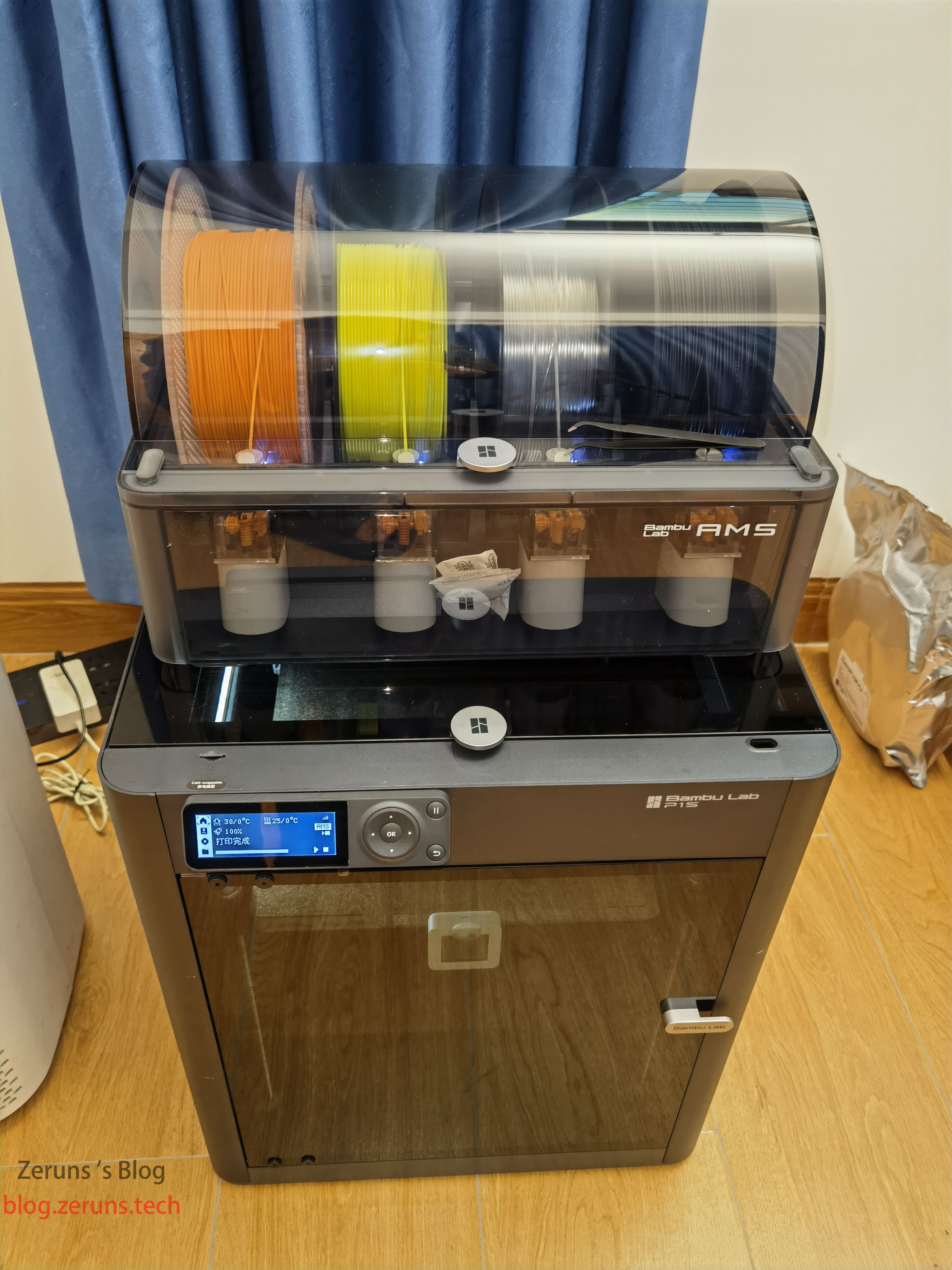
Experience
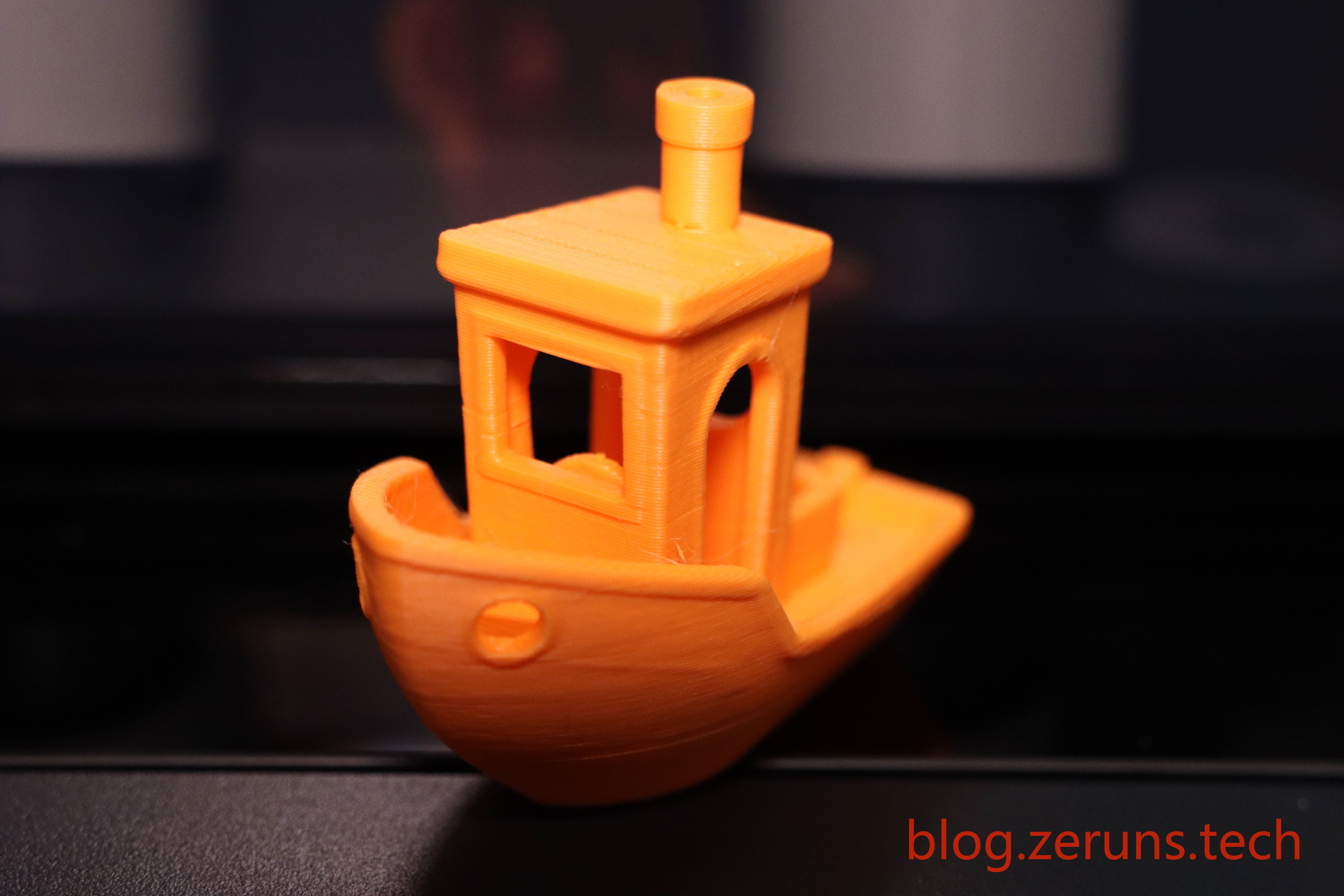
I printed a small boat using the official PLA filament. The print quality was quite good, though this spool had been stored for a while and absorbed some moisture, causing slight stringing.
Model download link: https://www.123pan.com/s/2Y9Djv-WGcvH.html
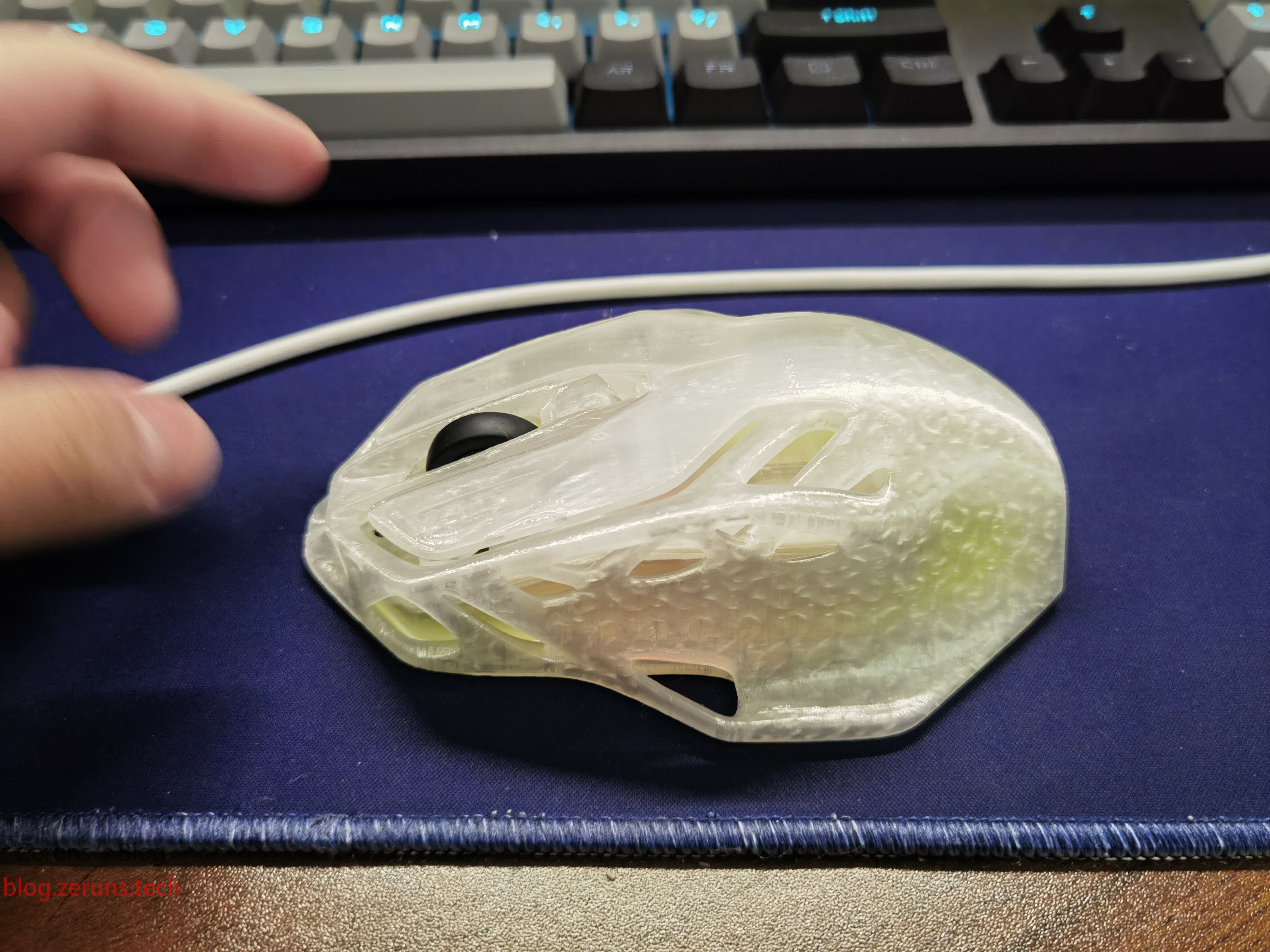
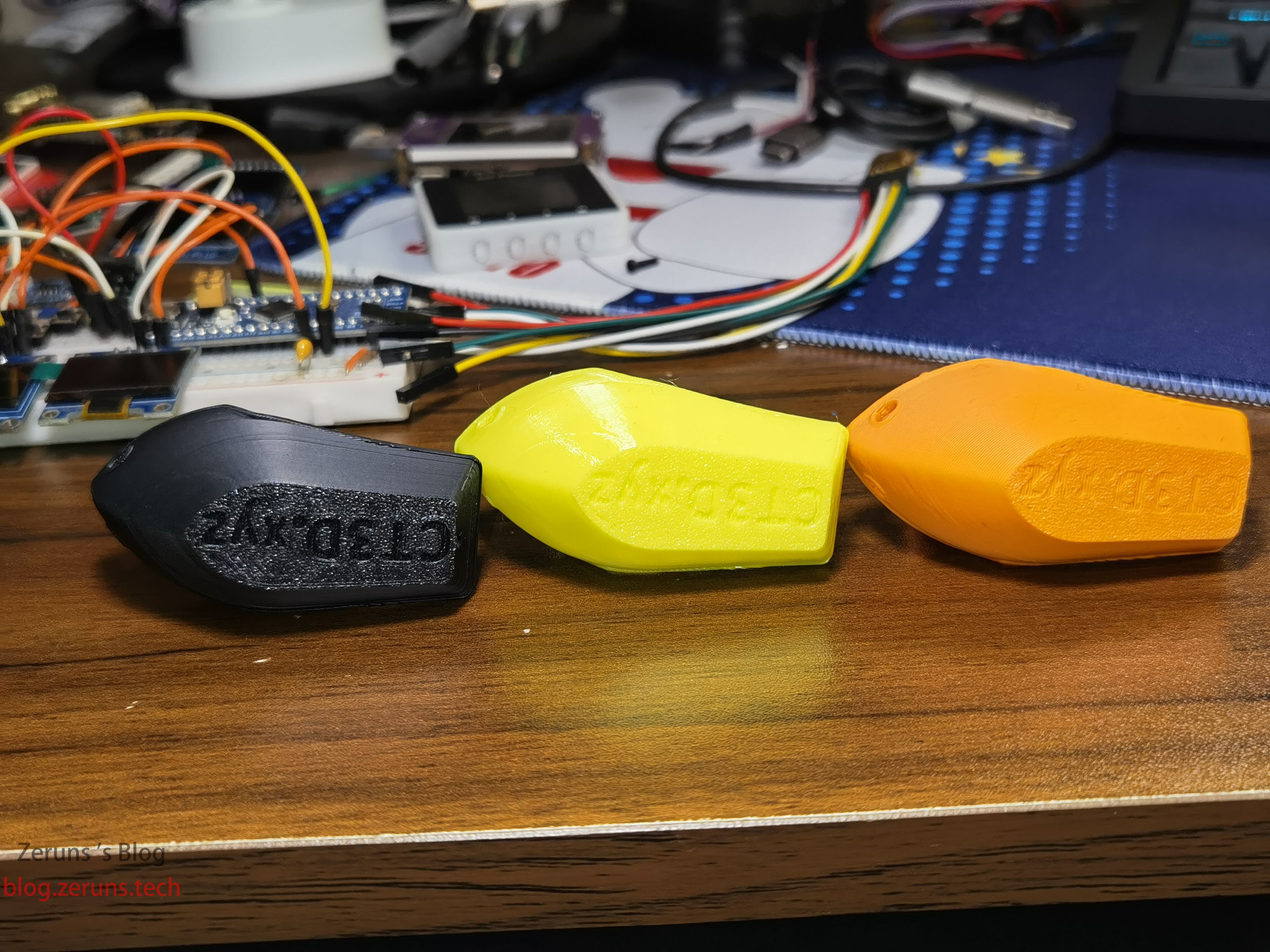
Printed mouse shell using Tianrui transparent PETG-ECO.
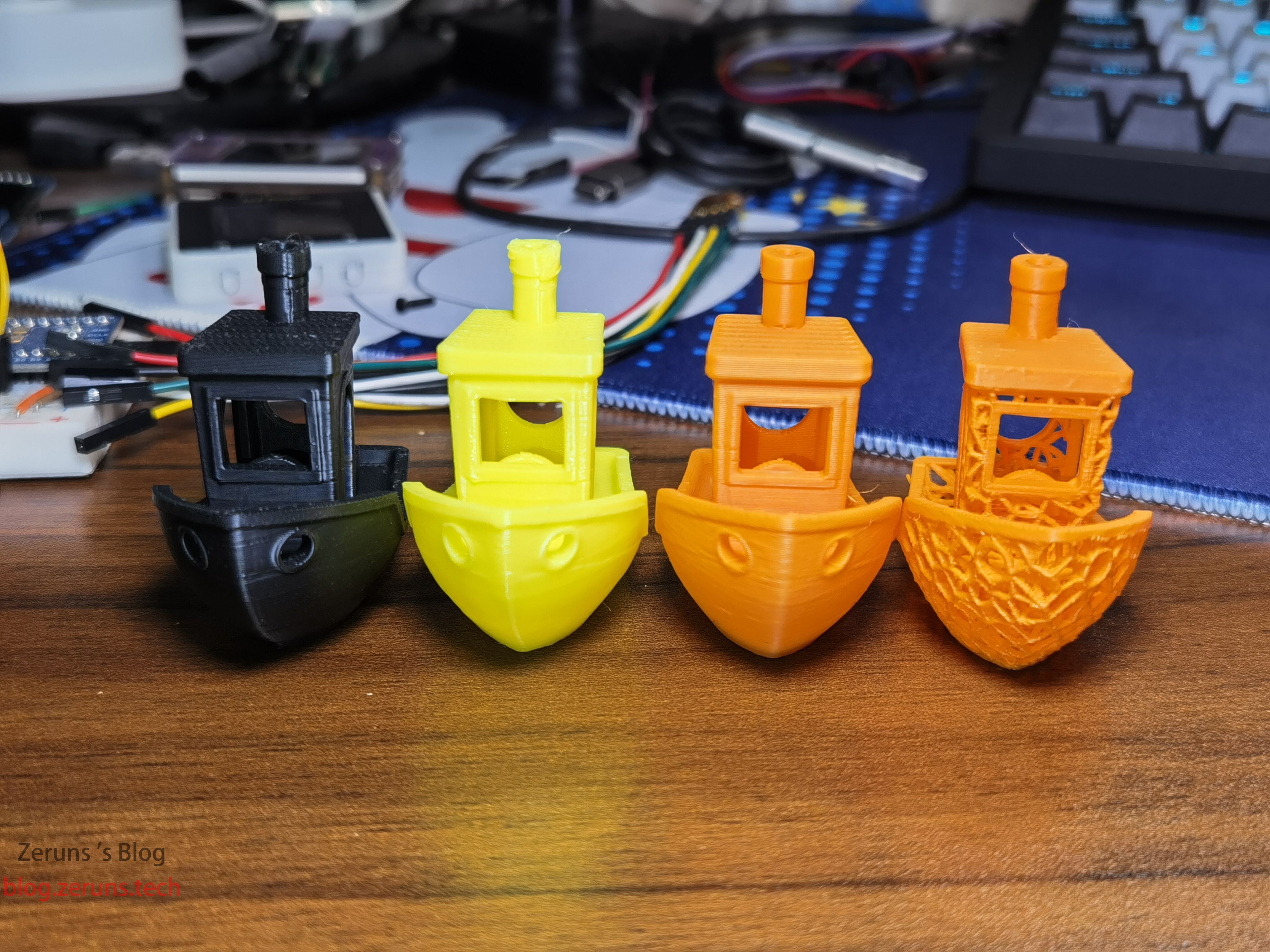
From left to right: Yixiang black ASA, Tianrui yellow PETG-ECO, Bambu orange PLA, and another Bambu orange PLA.
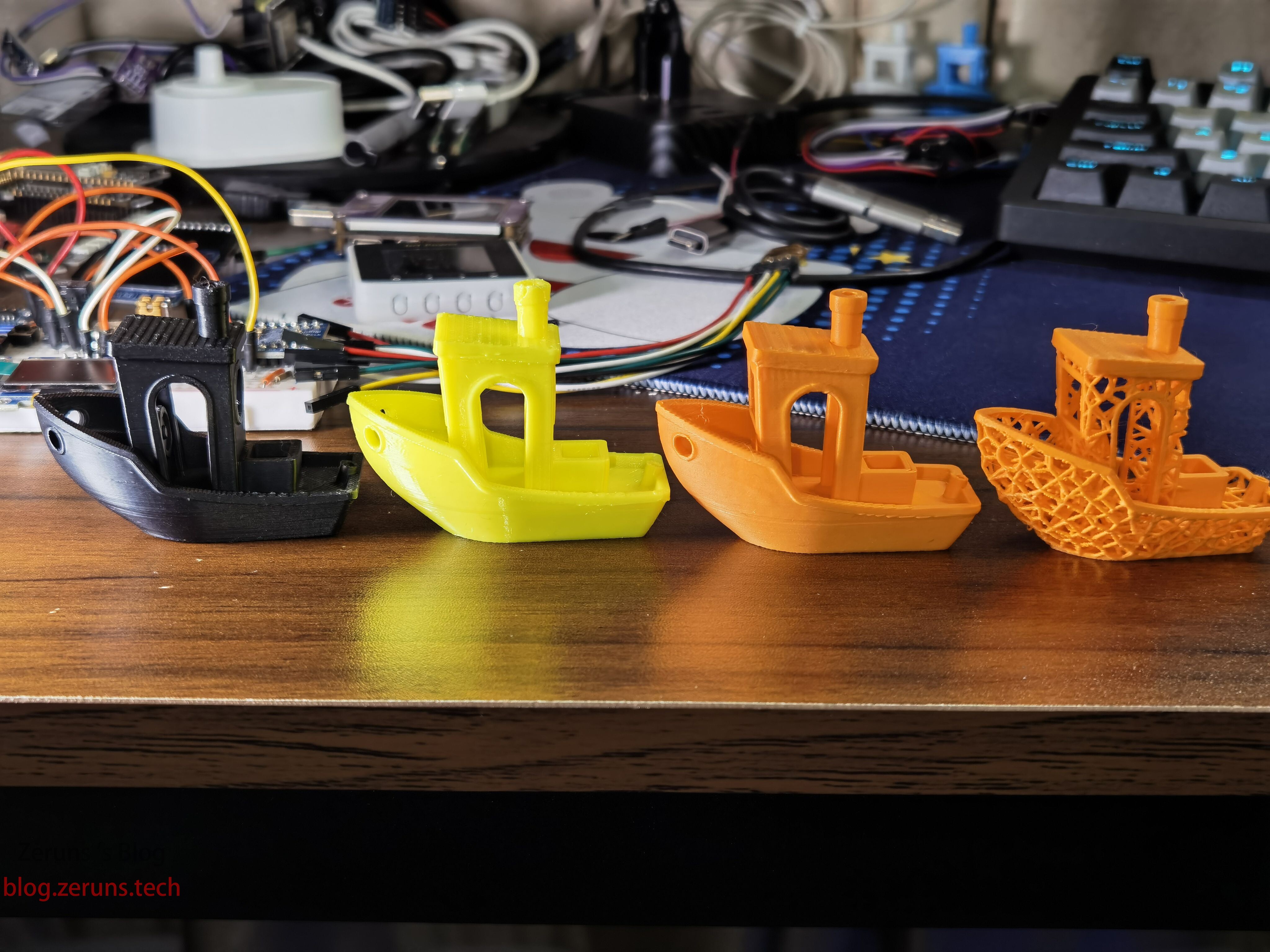
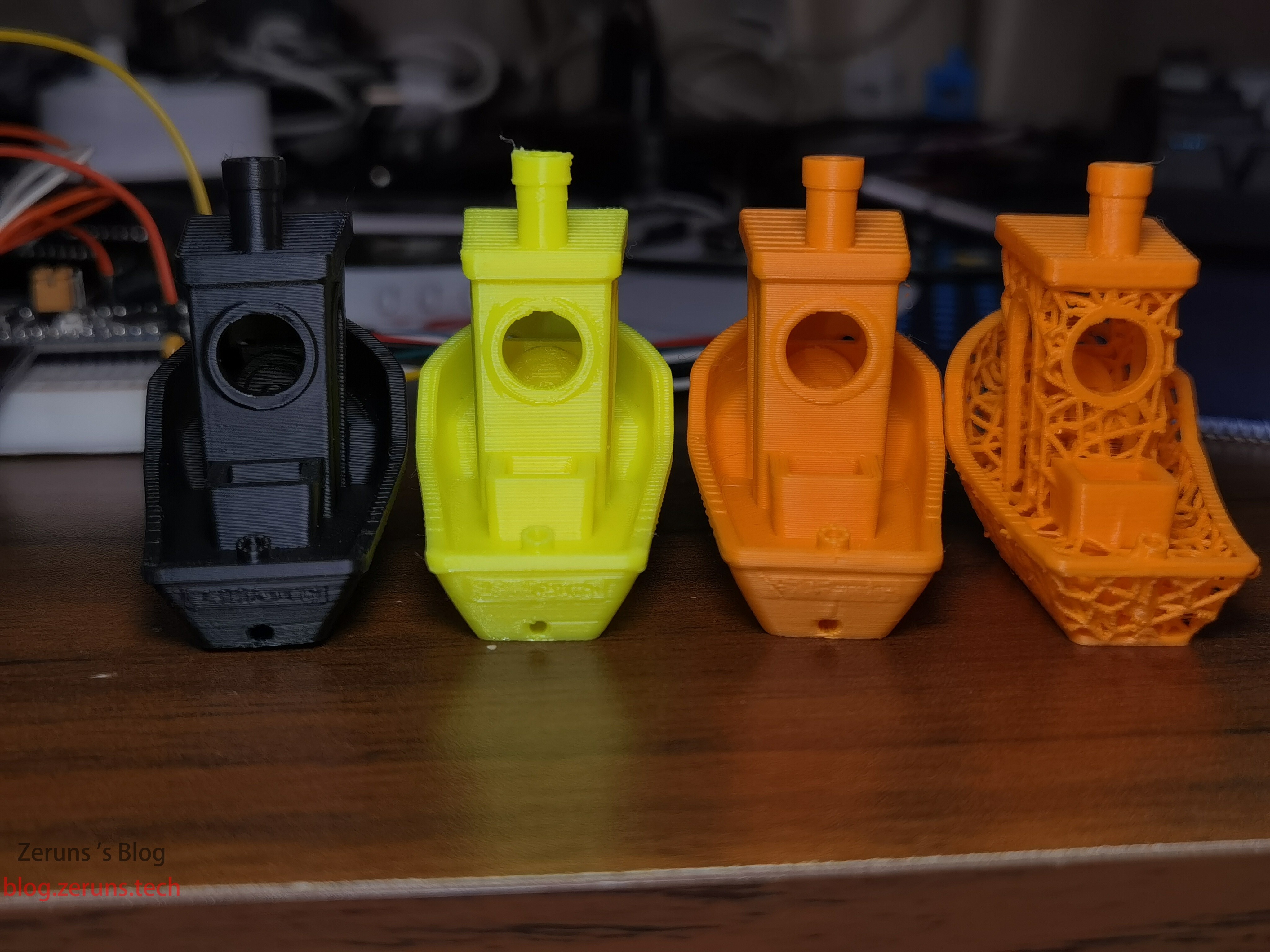
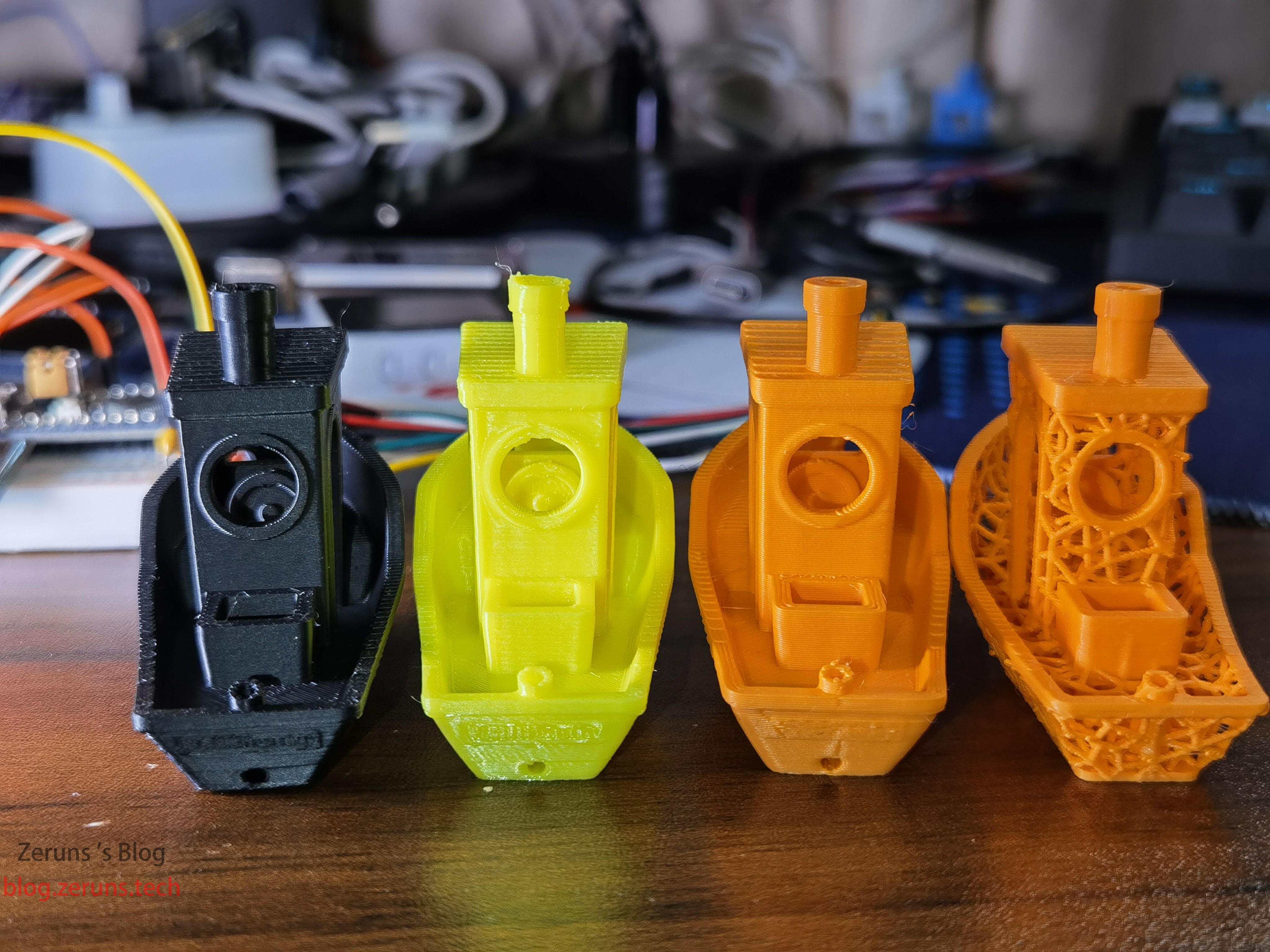
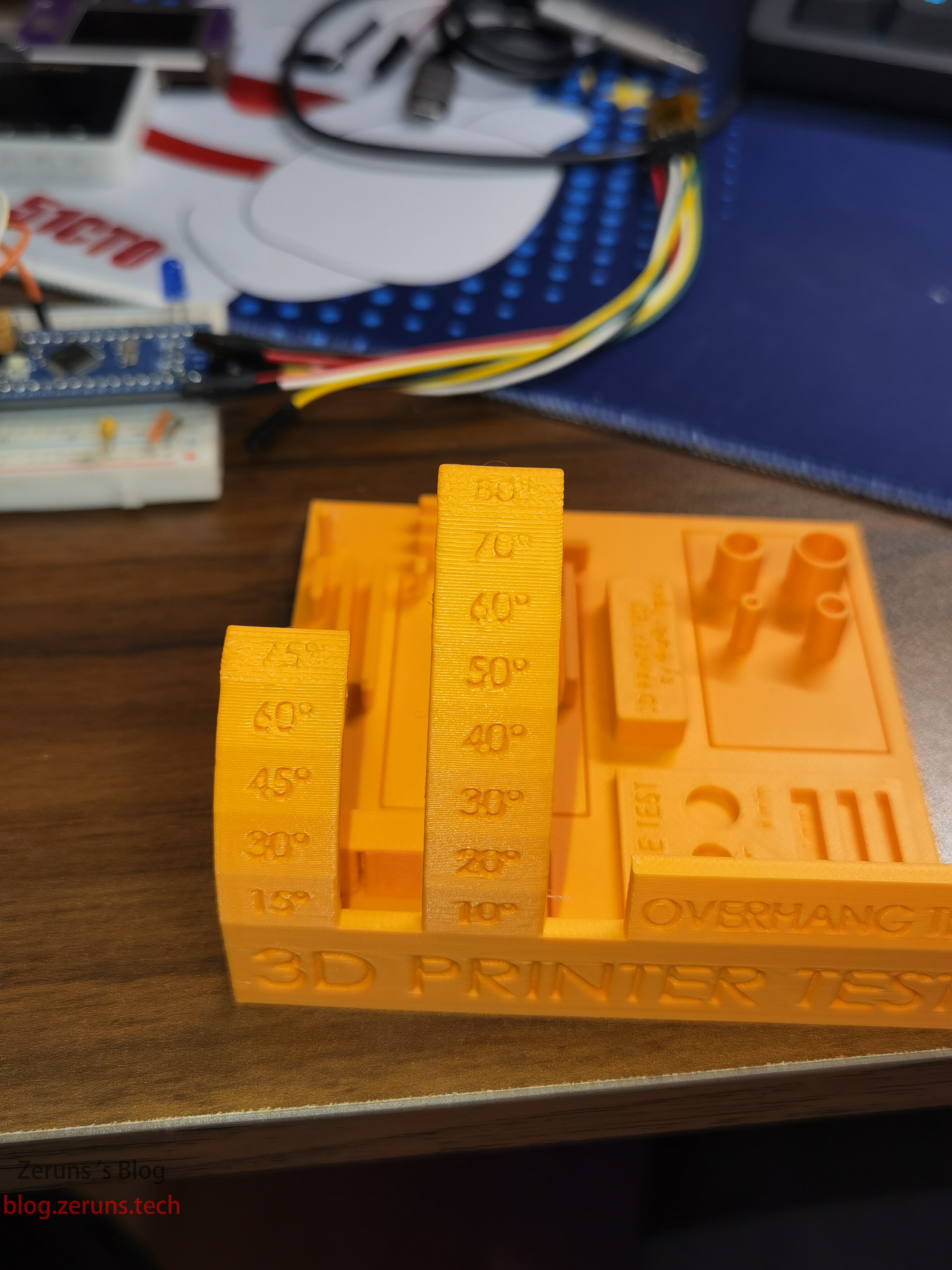
Printed a test model.
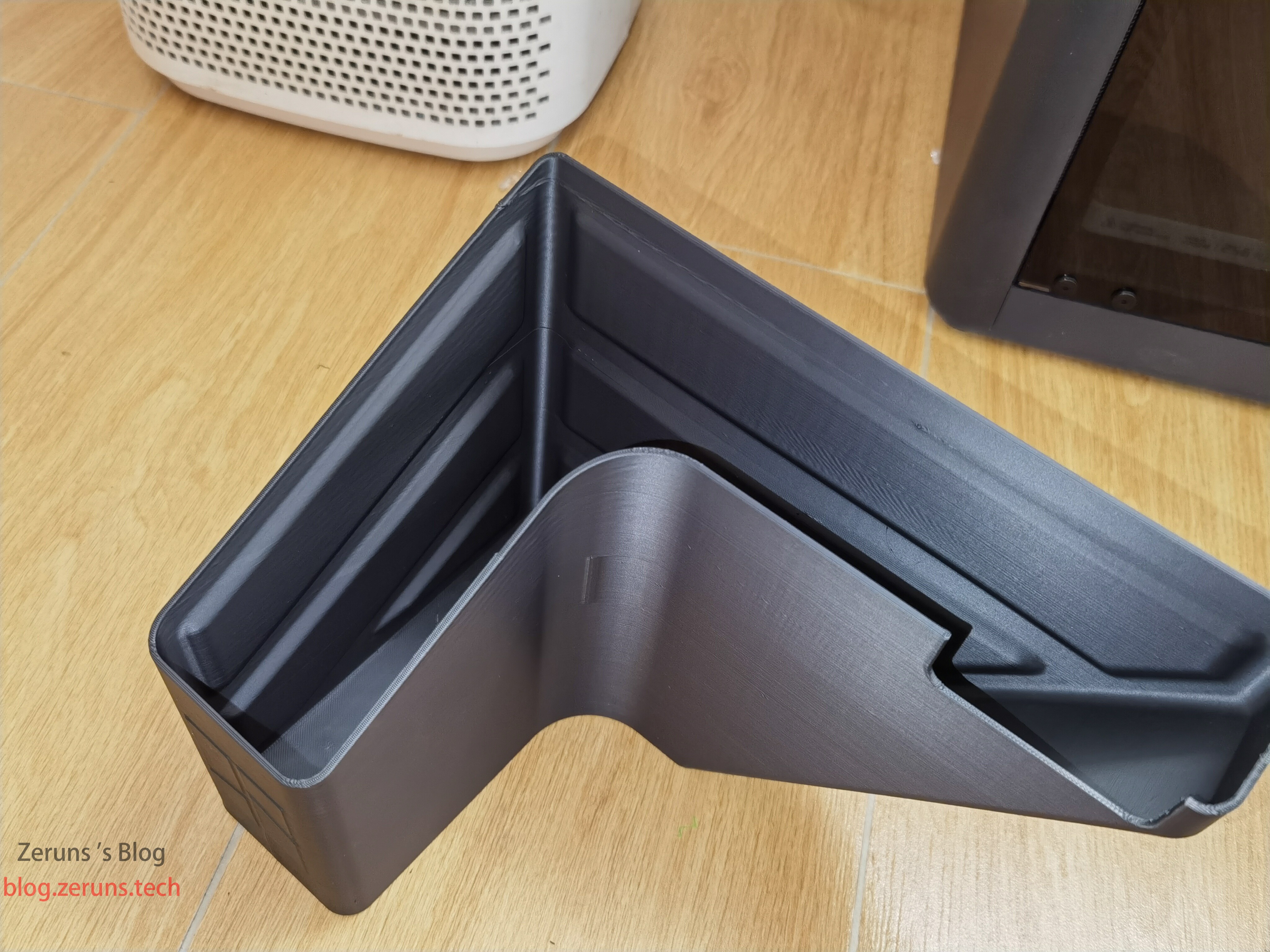
Printed a waste collection box using ASA filament to catch purge material during filament changes. Previously, when printing larger ASA models on the A1 without an enclosed chamber, warping was inevitable.
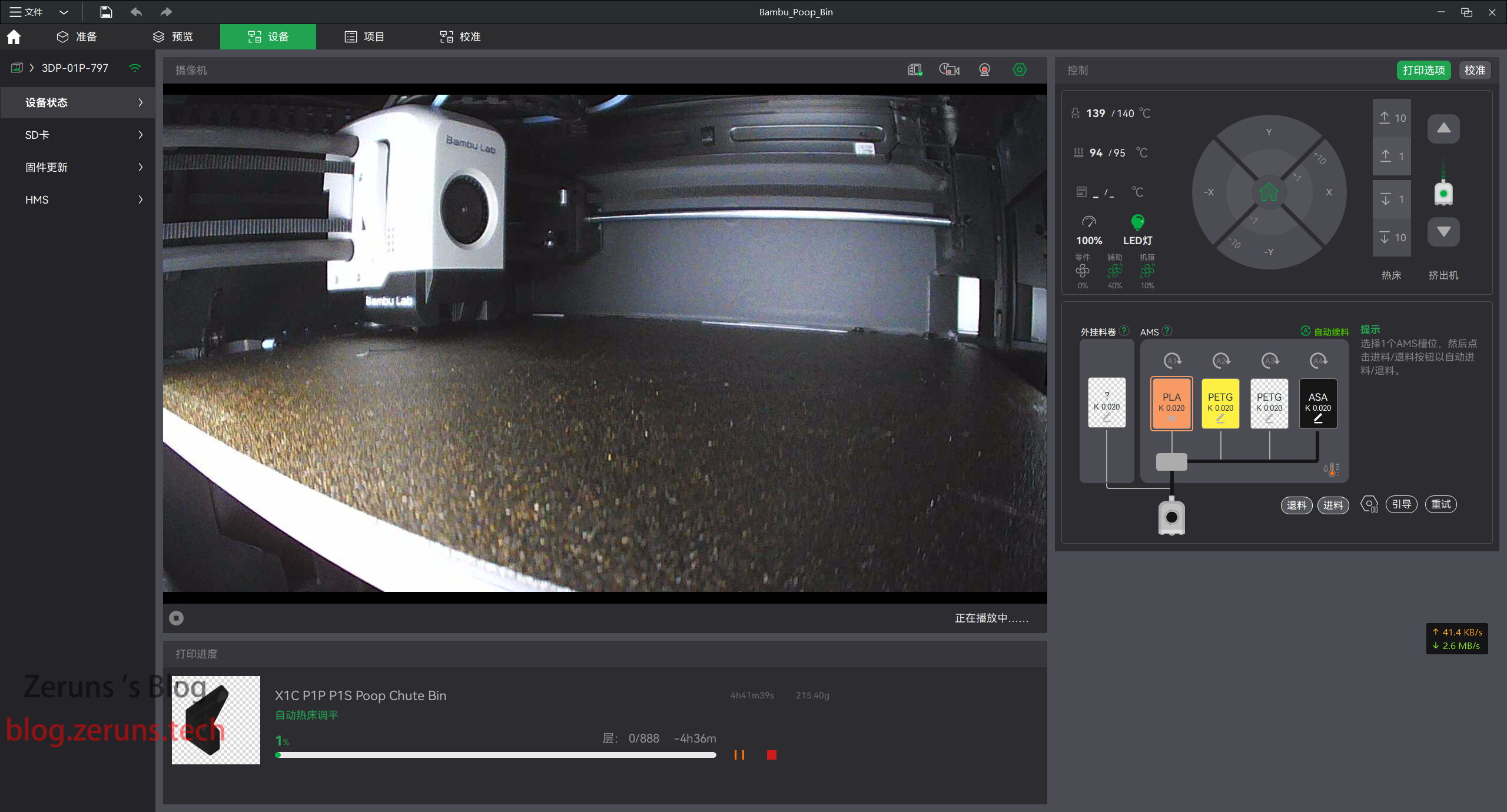
The printer’s slicing software interface.
Recommended Reading
- Affordable and High-Value VPS/Cloud Server Recommendations: https://blog.zeruns.com/archives/383.html
- Step-by-Step Guide: Building a Typecho Personal Blog on a Cloud Server: https://blog.zeruns.com/archives/749.html
- Tutorial: Setting Up a Reverse Tunnel Server with NPS — NPS Setup and Usage Guide: https://blog.zeruns.com/archives/741.html
- Minecraft Server Hosting Guide: https://blog.zeruns.com/tag/mc/
- Review: Ruideng RD6012P CNC Adjustable Power Supply — 60V 12A Digital DC Power Supply: https://blog.zeruns.com/archives/740.html
- Tutorial: Setting Up Stable Diffusion (SD) on Rainyun GPU Cloud Server — Build Your Own AI Art Website: https://blog.zeruns.com/archives/768.html