What platform are you using?
Please provide a more detailed description of the issue! Include the environment, platform, what operations were performed, what phenomena occurred, and what the objective is.
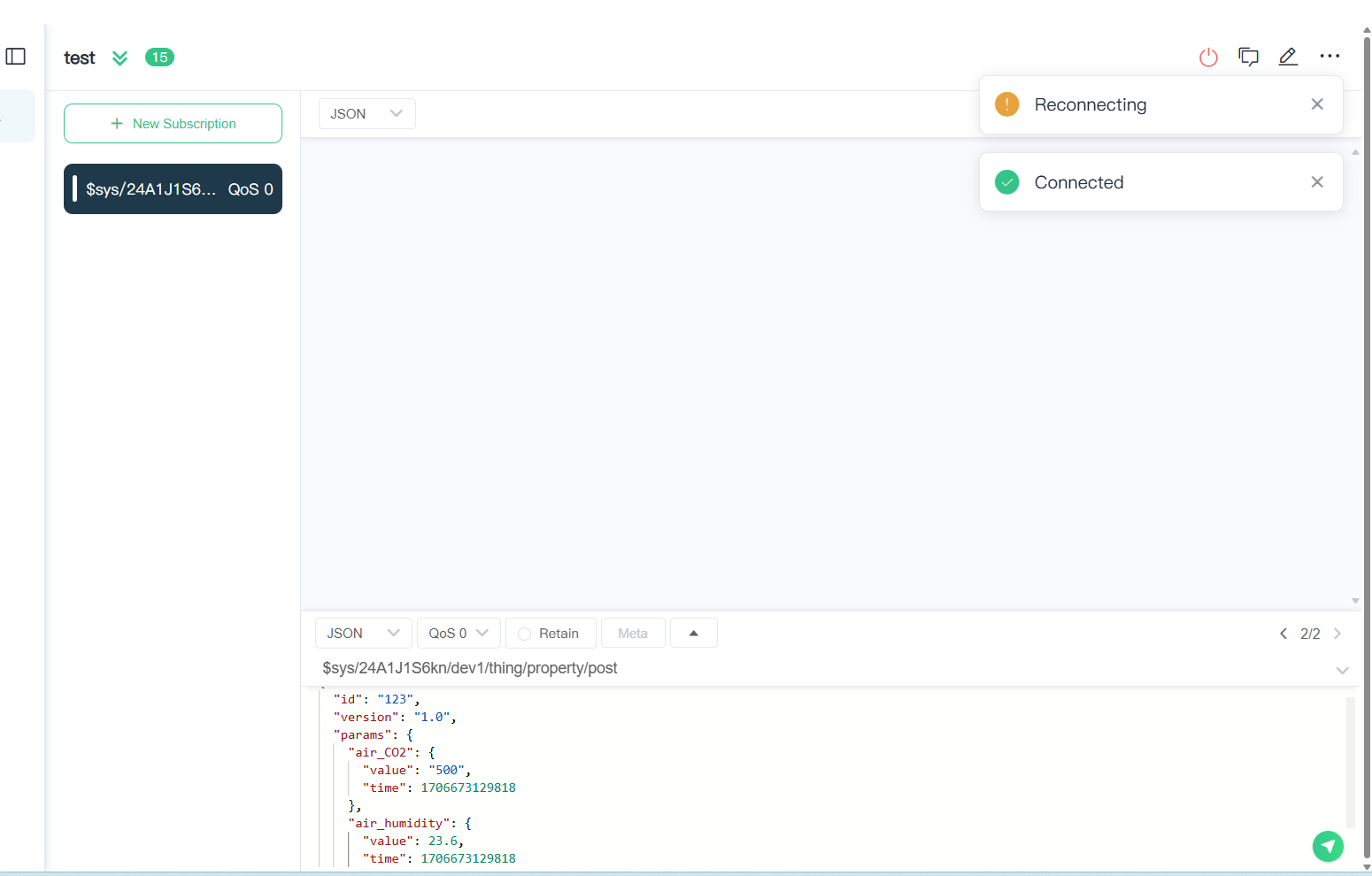
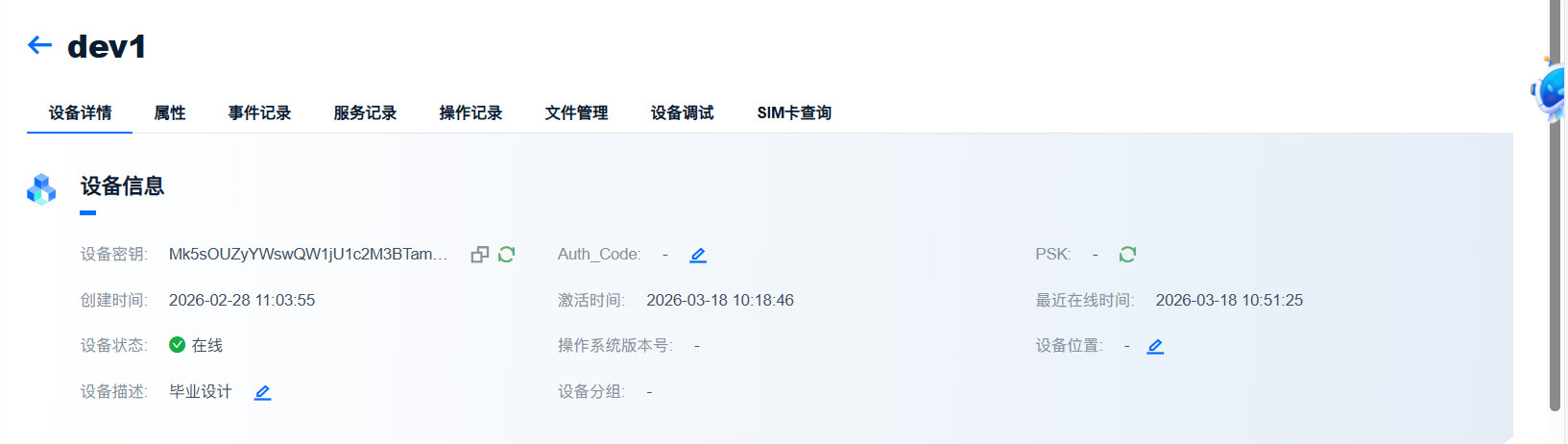
, using the OneNET cloud platform, I now want to achieve data communication between MQTTX and the cloud platform. After normally subscribing to a topic, when I publish a message on this MQTTX, it should reply with success or failure. However, after publishing, it only shows that the device is reconnecting and then connected successfully. The device connection should not be an issue; if there’s no response, could it be that the subscription has a problem? But I’ve followed all the normal procedures.
It looks like you’re encountering a very common issue when using MQTTX to simulate OneNET’s device model communication: “Connection reboots immediately upon publishing, and the cloud records nothing.”
This is usually not due to poor network conditions, but rather because OneNET’s server receives your message and detects that it violates protocol specifications or device model definitions. As a protective measure, the server forcibly disconnects the client.
Let’s troubleshoot this from several key angles:
1. Device Model Identifier Mismatch
OneNET strictly validates the params field in your JSON payload.
- Check: Are you certain the property identifiers defined in the cloud are exactly
air_CO2andair_humidity? - Note: Identifiers are case-sensitive. If the cloud defines
Air_CO2but you publishair_CO2, OneNET will treat it as invalid data and disconnect your device.
2. JSON Format and Data Types
From your screenshot, the JSON structure appears mostly correct—however, there’s one critical detail:
- Value Type: Your
valueis given as the string"500"(with quotes). Ifair_CO2is defined in OneNET as typeintorfloat, you must not use quotes. - Fix Suggestion:
"air_CO2": {
    "value": 500,  // Remove the quotes
    "time": 1706673129818
}
3. Timestamp Too Old
The time value in your message is 1706673129818 (corresponding to January 2024).
- Risk: While some platforms allow historical data uploads, if the timestamp deviates significantly from the current server time (2026), it may trigger security checks or data filtering mechanisms.
- Test: Try removing the
timefield entirely or update it to the current timestamp. OneNET will default to using the server’s arrival time.
4. Not Subscribing to the Reply Topic (post_reply)
You asked whether failure to receive replies indicates a subscription problem. In OneNET’s device model protocol:
- The topic you publish to is:
$sys/{pid}/{device-name}/thing/property/post - The cloud response topic is:
$sys/{pid}/{device-name}/thing/property/post_reply - Solution: You must click “New Subscription” in MQTTX before publishing, and subscribe to this
_replytopic. Only then can you see success messages or error codes in MQTTX after the cloud processes your request.
5. Check OneNET Platform Logs
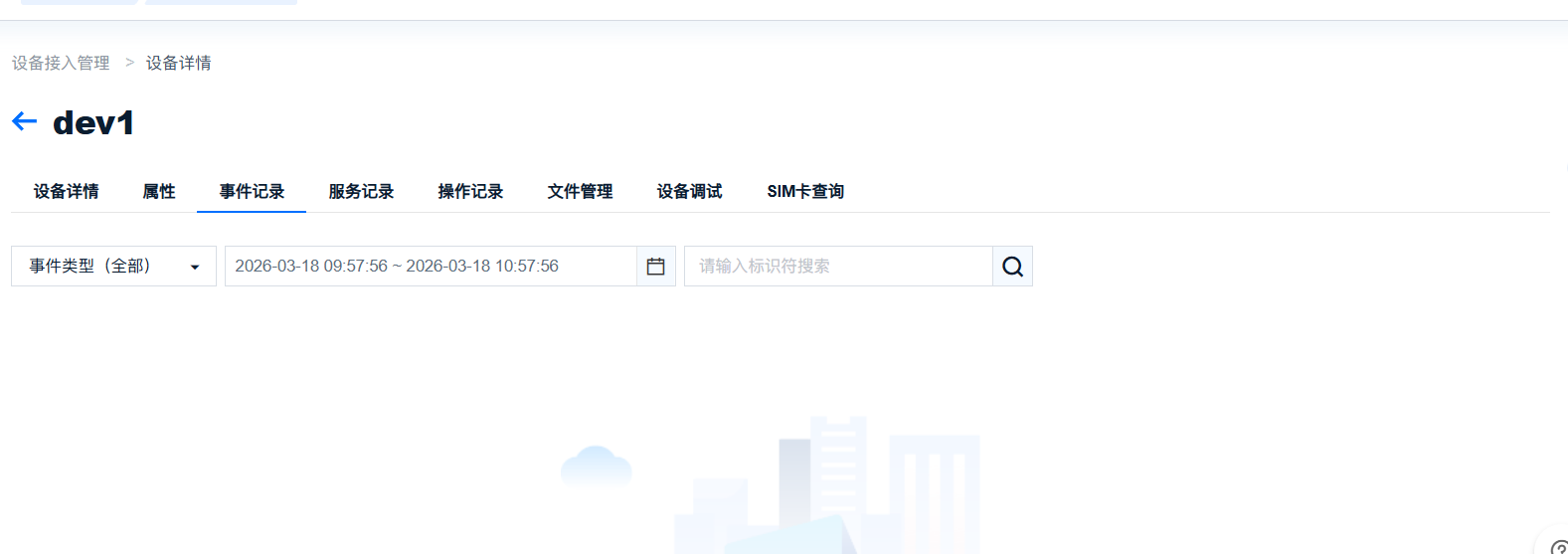
Your second screenshot shows empty “Event Records.” We recommend switching to “Operation Logs” or checking real-time logs under “Device Debugging.”
If connection succeeds but publishing fails, OneNET’s operation logs typically record specific error codes (e.g., “Failed to parse data format”).
 Recommended Test Steps:
- Simplify the Payload: Send only one basic property, remove the timestamp, and ensure no extra quotes.
{ "id": "123", "version": "1.0", "params": { "air_CO2": { "value": 500 } } } - Subscribe to Reply Topic First: Before publishing, make sure you’ve subscribed to
$sys/24A1J1S6kn/dev1/thing/property/post_reply. - Watch for Immediate Disconnect: If the MQTTX connection indicator turns red instantly upon sending, it’s 100% certain that the Payload (message content) doesn’t meet OneNET’s device model requirements.
Okay, thanks. I’ll try again tomorrow. 