Share a switch-mode power supply design tool SMPSKit for quickly calculating transformer parameters

Share a Switch-Mode Power Supply Design Tool - SMPSKit for Rapid Transformer Parameter Calculation

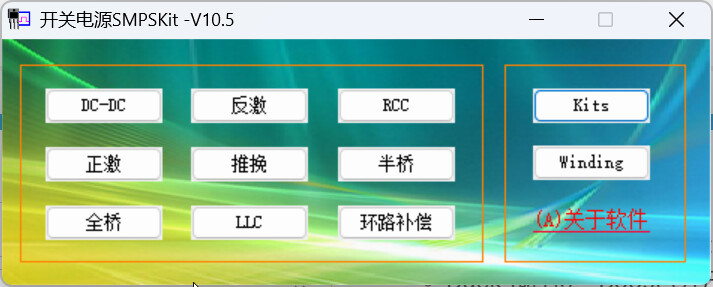
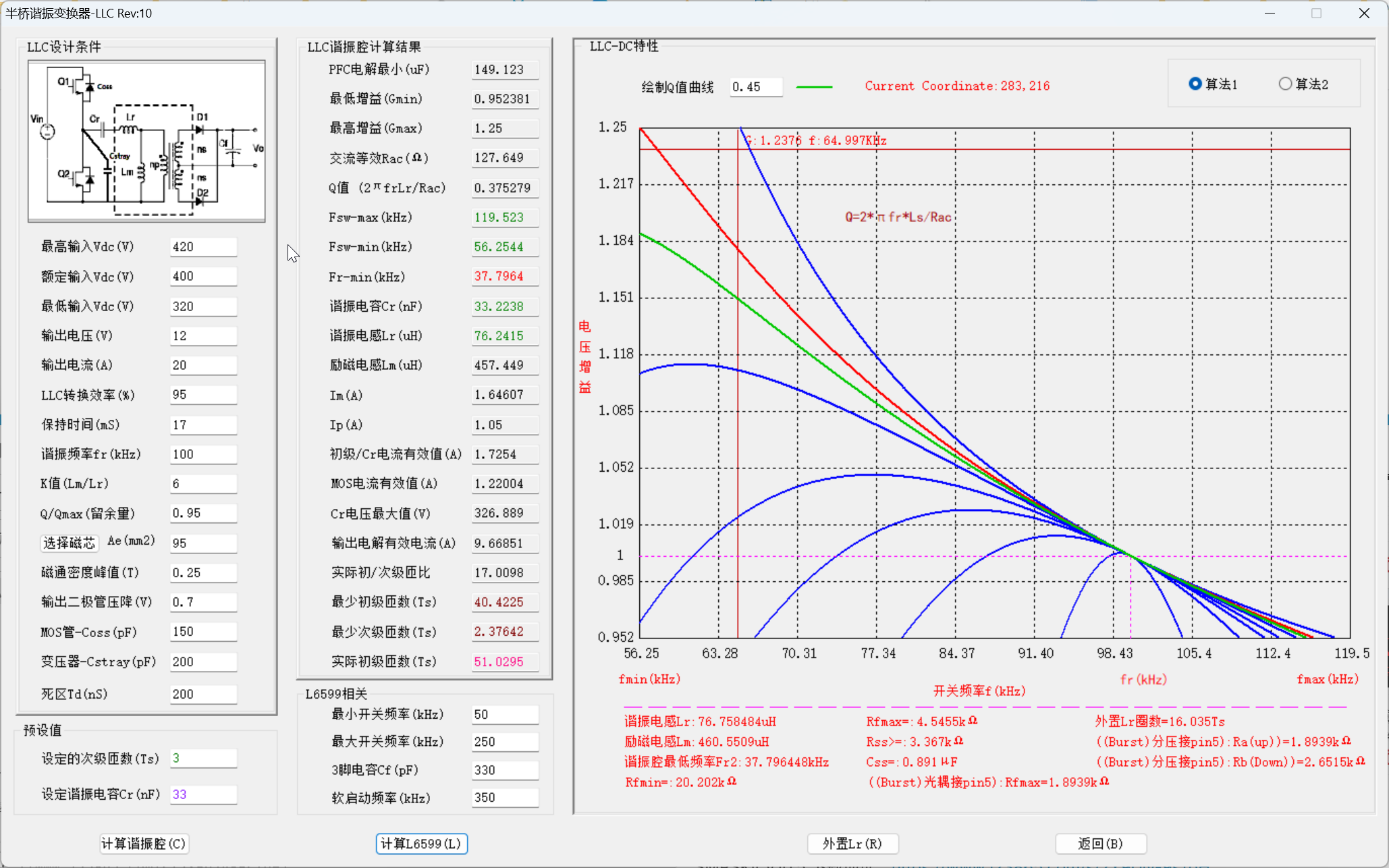
SMPSKit Software Overview

Core Positioning

SMPSKit is a professional calculation software specifically developed for switch-mode power supply design, focusing on automating complex parameter calculations to significantly improve design efficiency and accuracy for power engineers.

Key Features

1. Inductor and Transformer Calculations

  • Supports calculations for multiple DC-DC and AC-DC topology structures
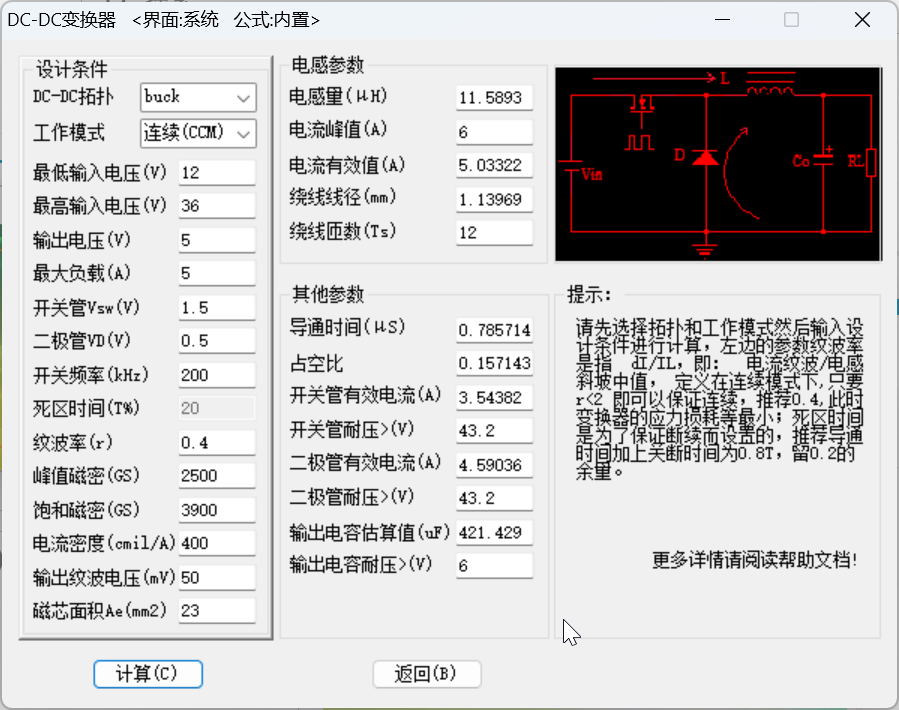
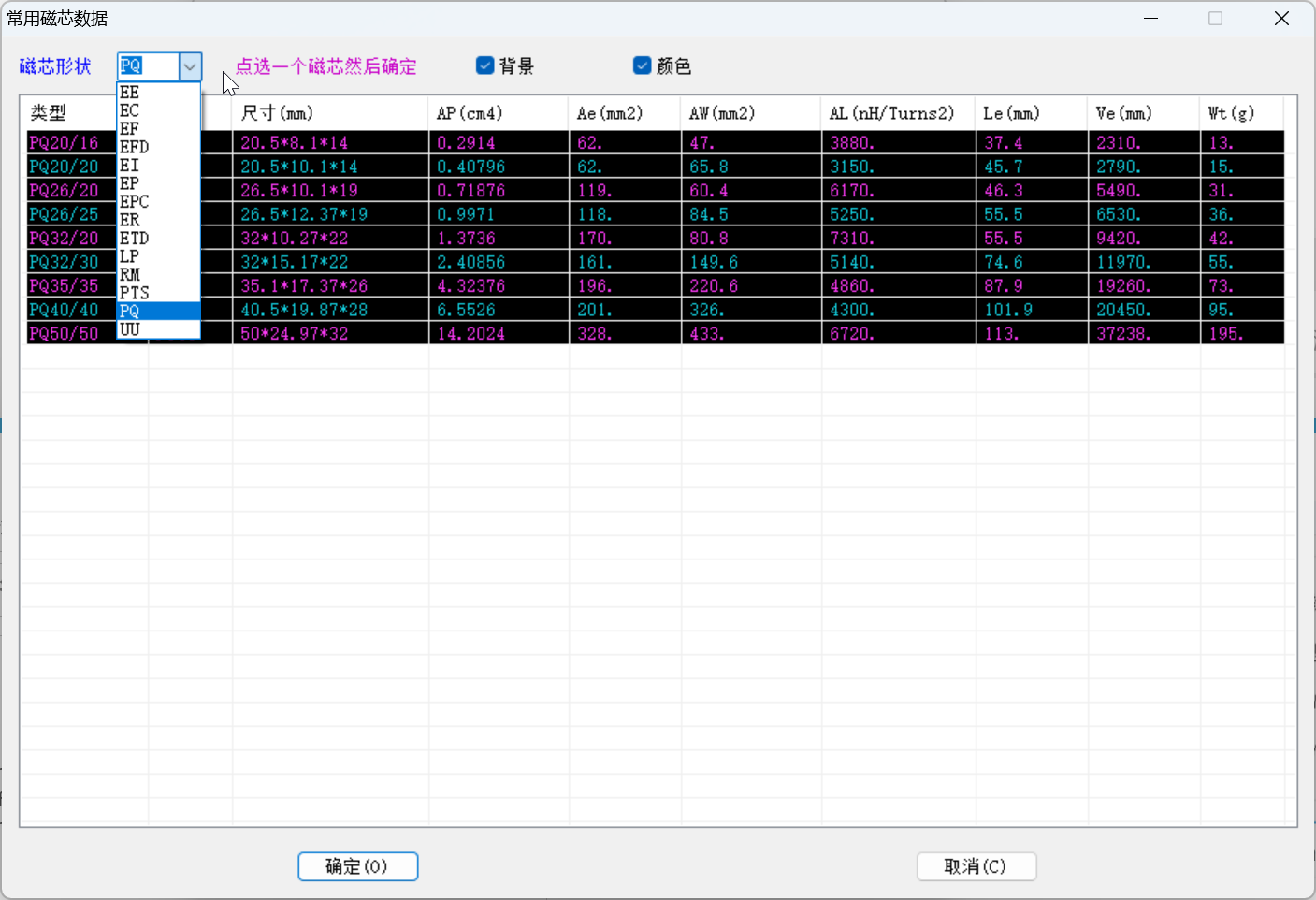
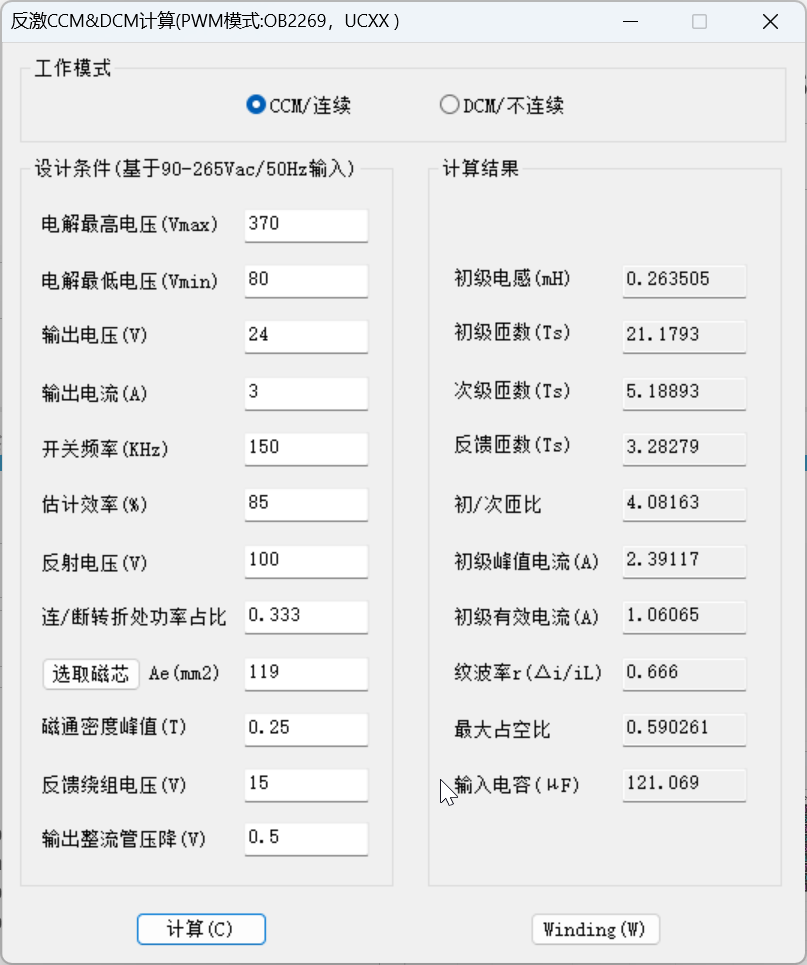
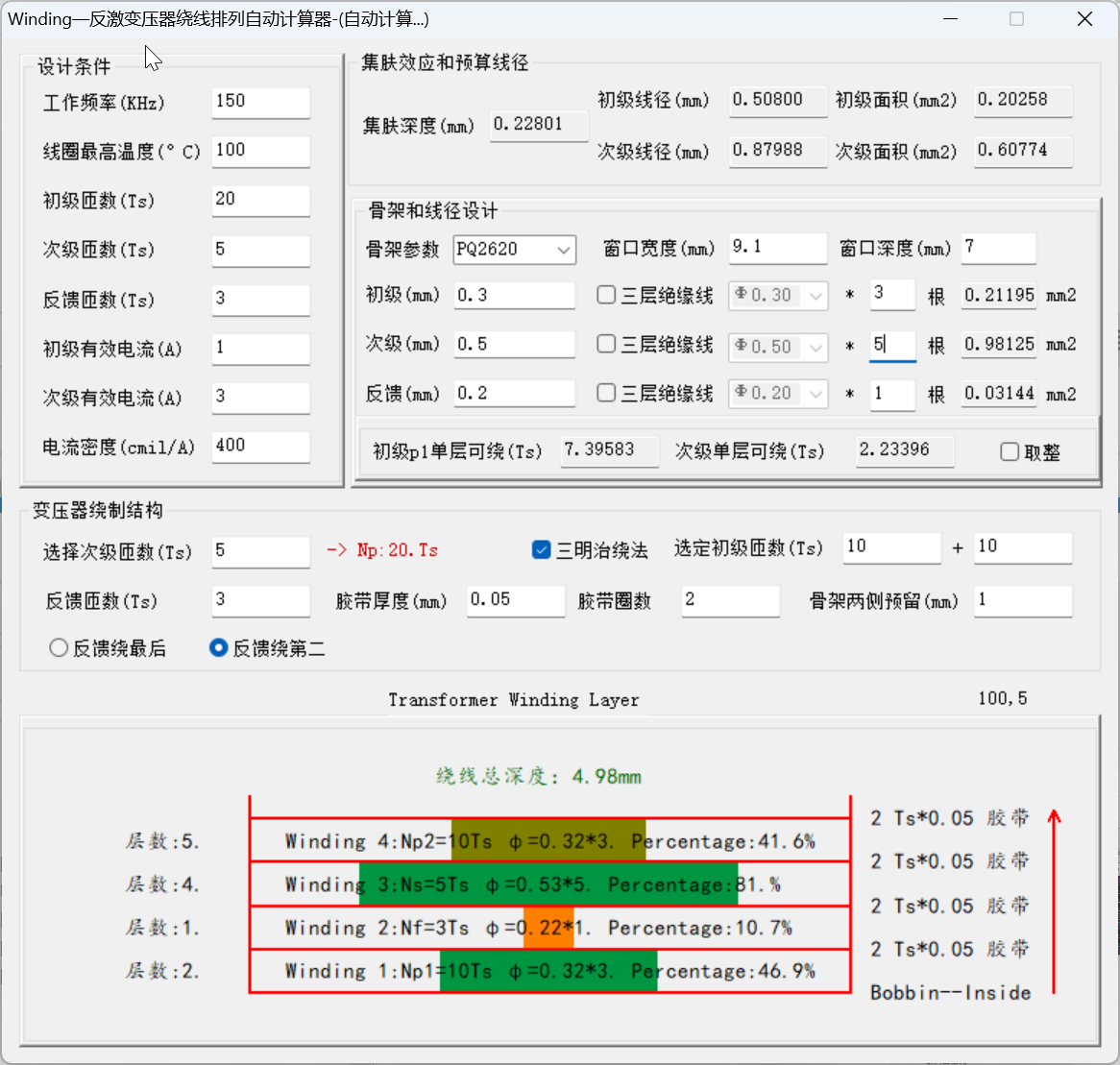
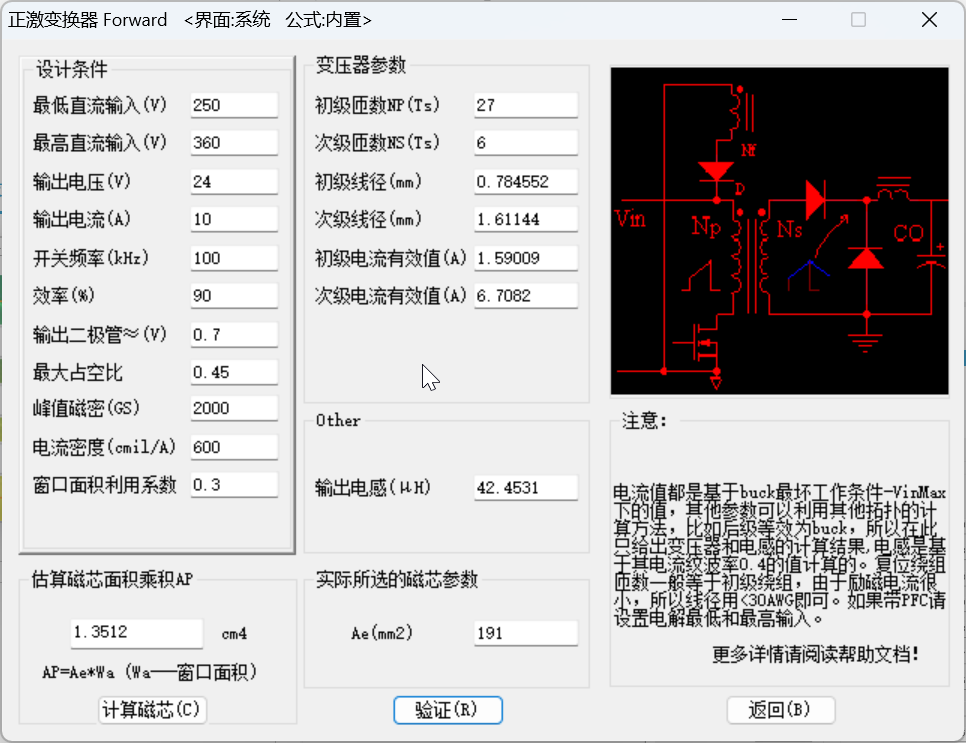
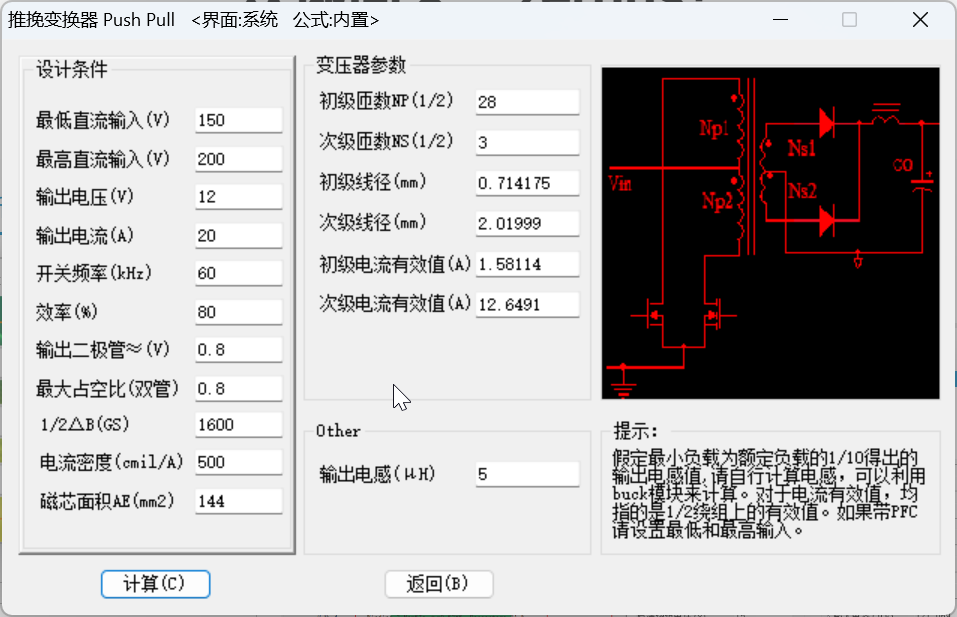
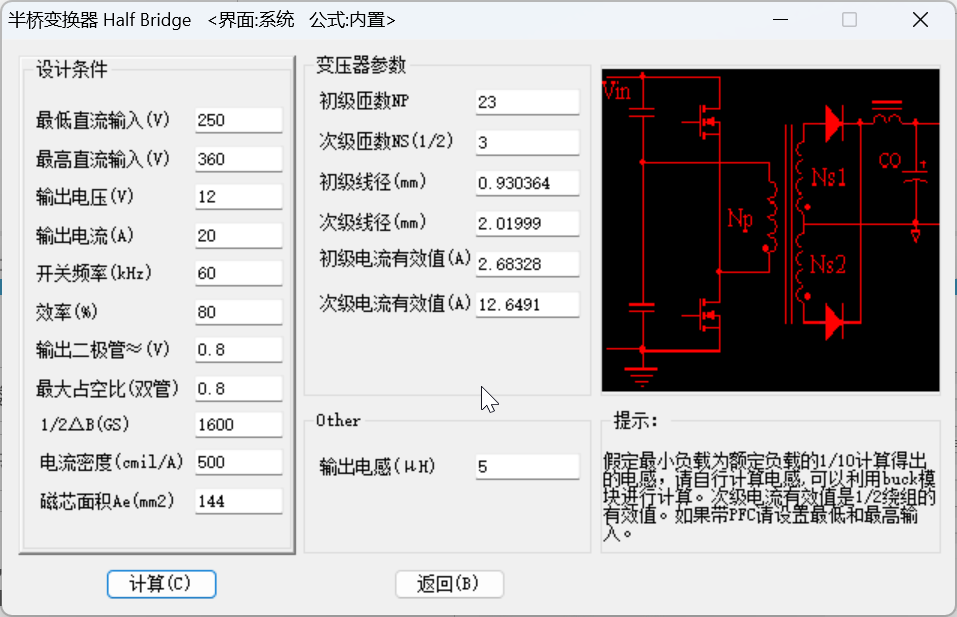
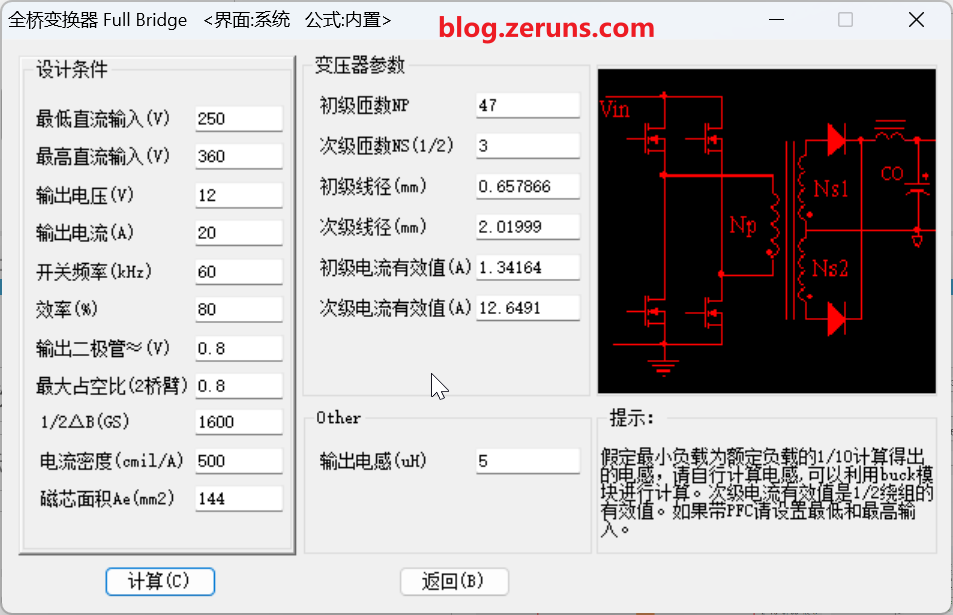
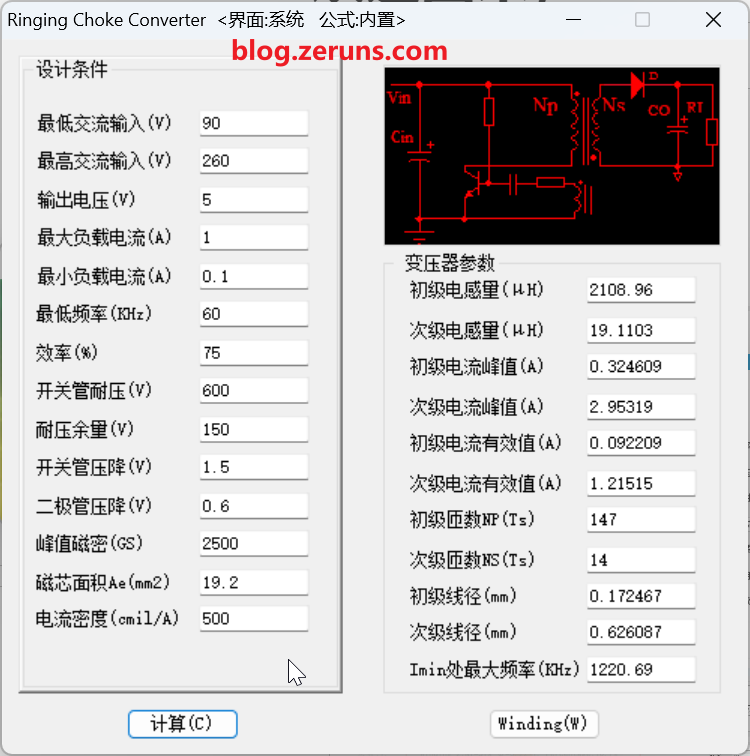
  • Automatically generates detailed parameters (inductance values, turn counts, wire diameter, core specifications, etc.) with basic inputs (input/output voltages, currents, frequencies)

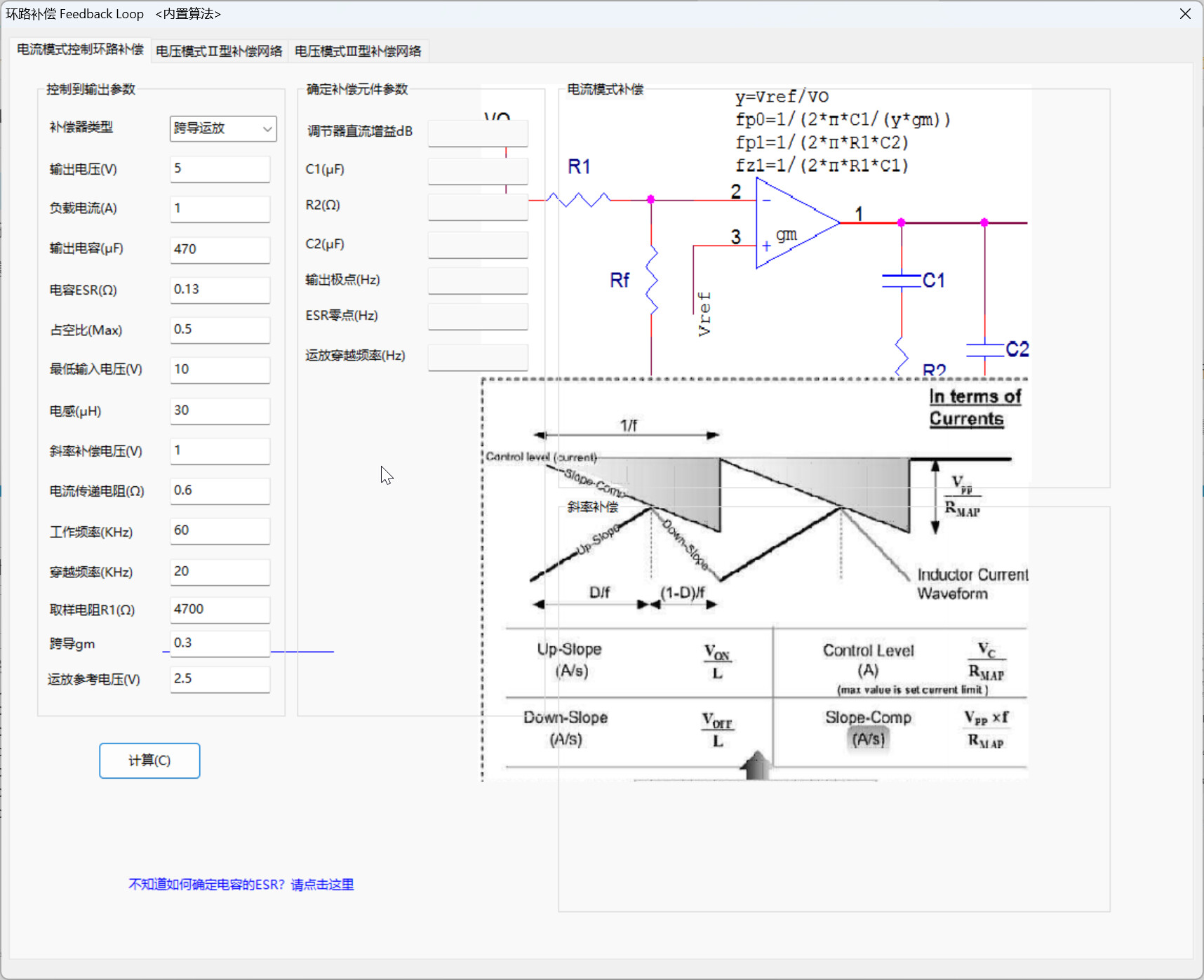
2. Loop Compensation Design

  • Provides compensation network parameter calculations for closed-loop control systems
  • Optimizes power supply dynamic response and stability to prevent oscillations

3. Topology Support

  • Comprehensive coverage of mainstream switch-mode power supply topologies:
    • Buck (step-down), Boost (step-up), Buck-Boost (step-up/step-down)
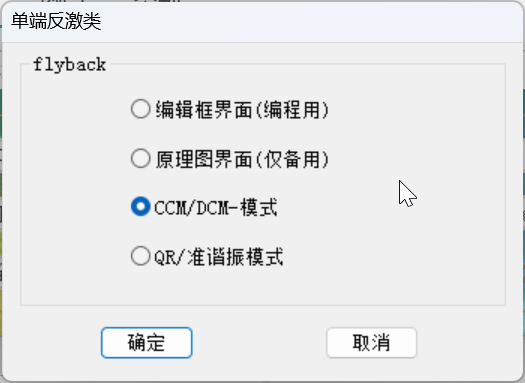
    • Flyback, Forward, Push-Pull
    • Full-bridge, half-bridge, and other configurations

4. Advanced Features

  • Formula Editing Function: Allows user-defined calculation methods for special design requirements
  • Multiple Interface Modes: Offers interface options for different operating preferences
  • Flexible Parameter Configuration: Adjustable calculation accuracy and conditions based on design needs
  • Continuous Algorithm Optimization: Regular updates to refine internal calculation models for improved accuracy

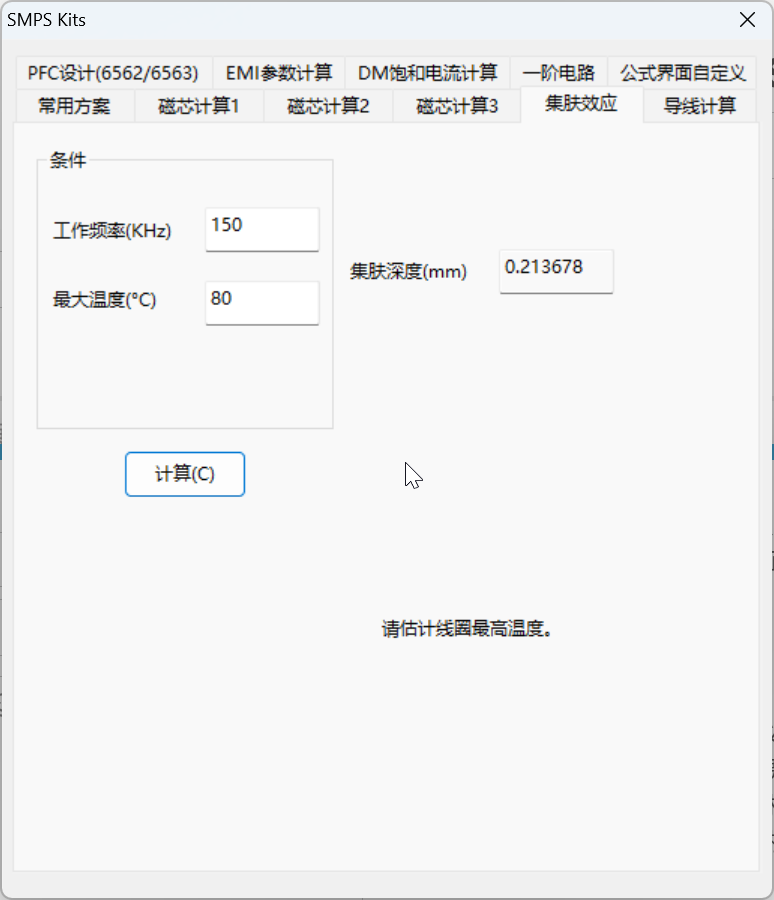
Software Screenshots

Download Link

Download SMPSKit V10.5: https://www.123865.com/s/2Y9Djv-9sTdH

A PDF to Text Converter makes it easy to pull written content from a PDF without having to type everything manually. It can be especially useful when working with reports, scanned documents, notes, or research files. Simply upload the PDF, let the tool process the document, and you can copy or edit the extracted text as needed. For scanned PDFs, OCR technology helps recognize the text inside images and turns it into editable content. This saves time and makes information from PDFs much easier to reuse and organize.

https://ocrnest.com/