BenQ RD280U Monitor Review: Professional Programming Monitor with 3:2 Aspect Ratio and 28-inch 4K Resolution

BenQ RD280U Professional Programming Monitor Review: A Programmer’s Dream Display with 3:2 Aspect Ratio, 28-inch 4K Resolution, and Multi-Device KVM

Review Video: https://www.bilibili.com/video/BV1EcszzpEck/


Preface

I recently received the BenQ RD280U monitor and decided to write a detailed review — I’ve already made it my primary display, and my experience has been excellent.

This monitor is marketed as the world’s first professional programming monitor designed specifically for developers, directly addressing core pain points in daily coding: limited code lines on traditional 16:9 screens, frequent cable swapping when switching between devices, and eye strain from prolonged screen exposure. Its key advantages are clear: a 28.2-inch 4K ultra-clear panel with a 3:2 productivity-oriented aspect ratio, offering approximately 20% more code lines than standard monitors — eliminating constant scrolling. The dedicated programming mode (light/dark dual themes) optimizes color contrast for clearer syntax highlighting, making complex code easier to parse. It supports KVM multi-host switching and MST daisy-chaining, allowing one monitor to connect to both a desktop and laptop — switching devices requires no movement of keyboard or mouse. It also features the MoonHalo smart ambient light ring, hardware-level Low Blue Light Plus filtering, and five TÜV Rheinland eye-care certifications — ensuring eye comfort even during late-night coding sessions. Paired with the Display Pilot 2 customization software, you can one-click adjust color modes, split desktop zones, and set keyboard shortcuts for rapid function switching — significantly boosting both efficiency and comfort whether coding or debugging multitasks.


RD280U Monitor Specifications

  • Panel Type: IPS Wide Viewing Angle
  • Screen Size: 28.2 inches
  • Native Resolution: 3840x2560 @ 60Hz (4K UHD)
  • Aspect Ratio: 3:2
  • Contrast Ratio: 1200:1 (typical)
  • Brightness: 350 cd/m² (typical); HDR peak brightness 400 cd/m² (HDR10 supported, VESA DisplayHDR 400)
  • Viewing Angles: 178°/178°
  • Response Time: 5ms
  • Surface Coating: Nano Matte Panel (BenQ’s proprietary anti-glare eye-care technology)
  • Color Gamut: 95% DCI-P3
  • Color Depth: 1.07 billion colors (10-bit)
  • PPI: 164
  • HDCP: 2.2
  • Key Features: Coding themes; KVM multi-host switching; MST multi-monitor daisy-chaining; MoonHalo Smart Halo; 6 TÜV Rheinland certifications (including EyeSafe 2.0, hardware-level blue light reduction, flicker-free); Second-gen Adaptive Brightness; Color Blind Mode; Display Pilot 2 software (supports Flow scenarios, desktop分区)
  • Input Voltage: 100–240V
  • Power Consumption: Standard 34W, Max 205W

Ports:

  • HDMI (v2.0) x1
  • DisplayPort (v1.4) x1
  • USB-C (Power Delivery 90W, DisplayPort Alt Mode, Data) x1
  • USB Type-B Upstream (USB 3.2 Gen 1, 5 Gbps, data only) x1
  • USB Type-A Downstream (USB 3.2 Gen 1, 5 Gbps, 4.5W charging) x3
  • USB Type-C Downstream (USB 3.2 Gen 1, 5 Gbps, 7.5W charging) x1
  • 3.5mm headphone jack x1

Built-in 2W x 2 speakers meet daily alert and basic video conferencing needs.

Purchase Links:


Unboxing

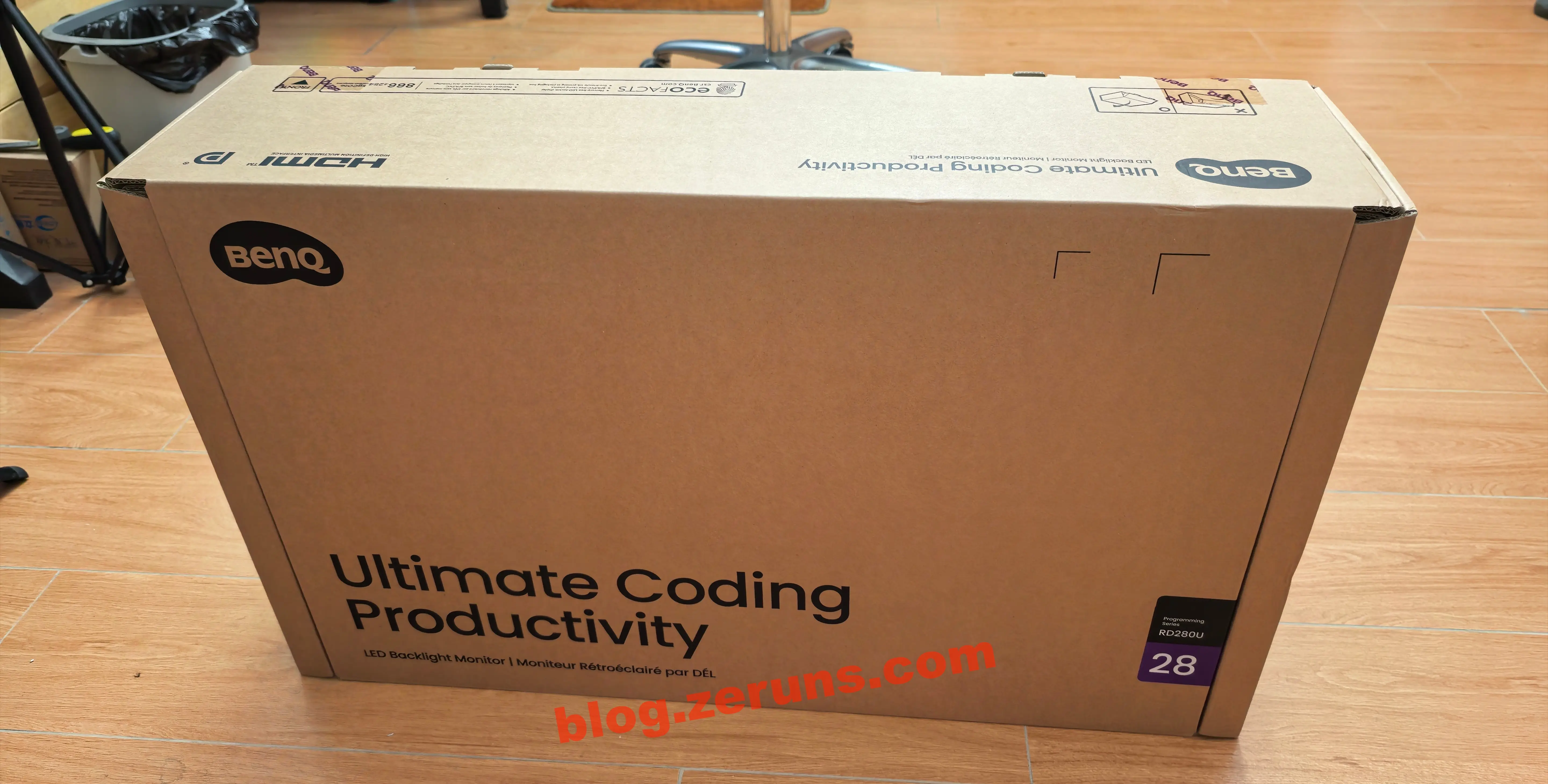
The box is quite heavy — over 10 kg.

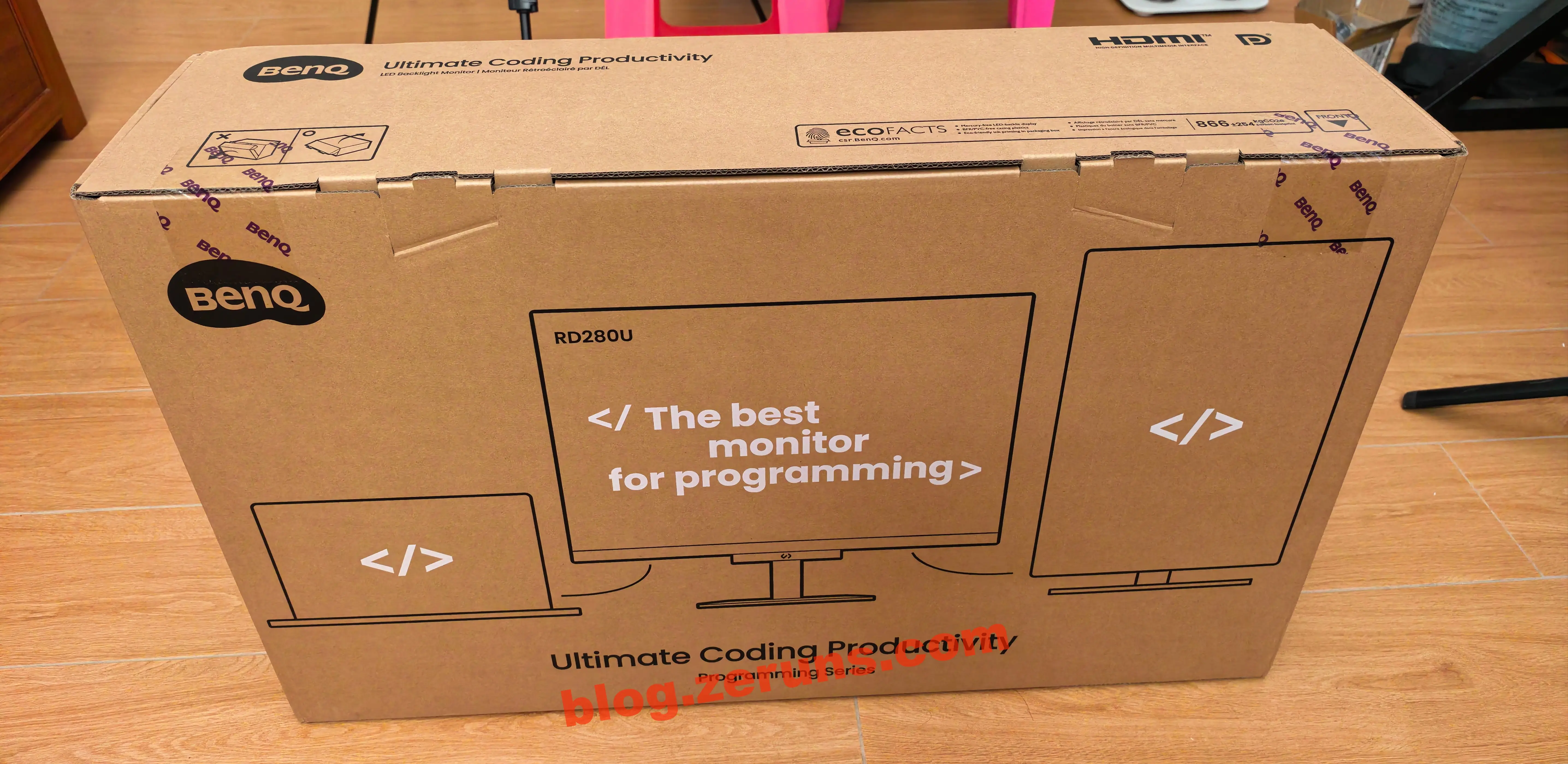
Back of the box:

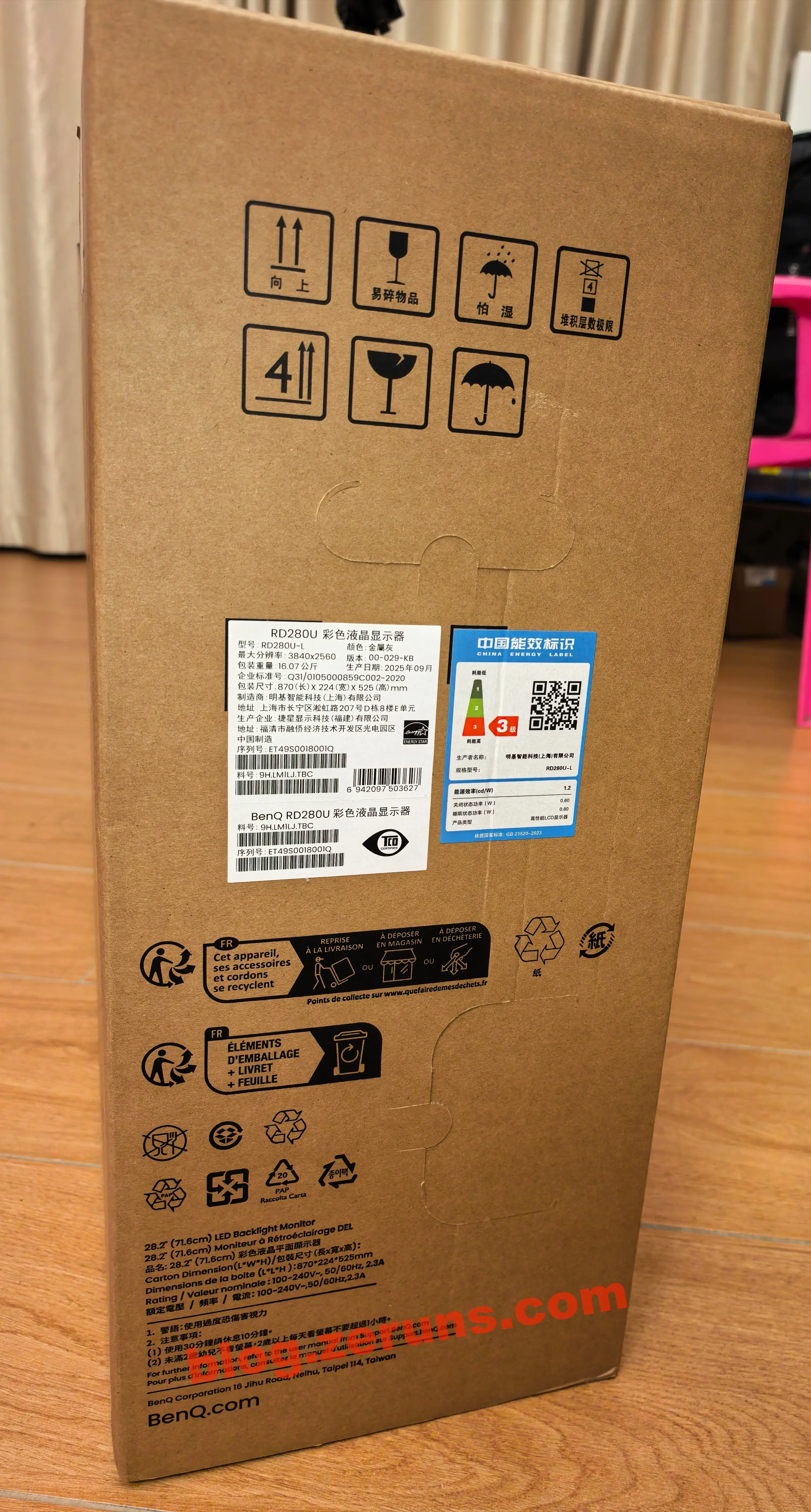
Side label details:

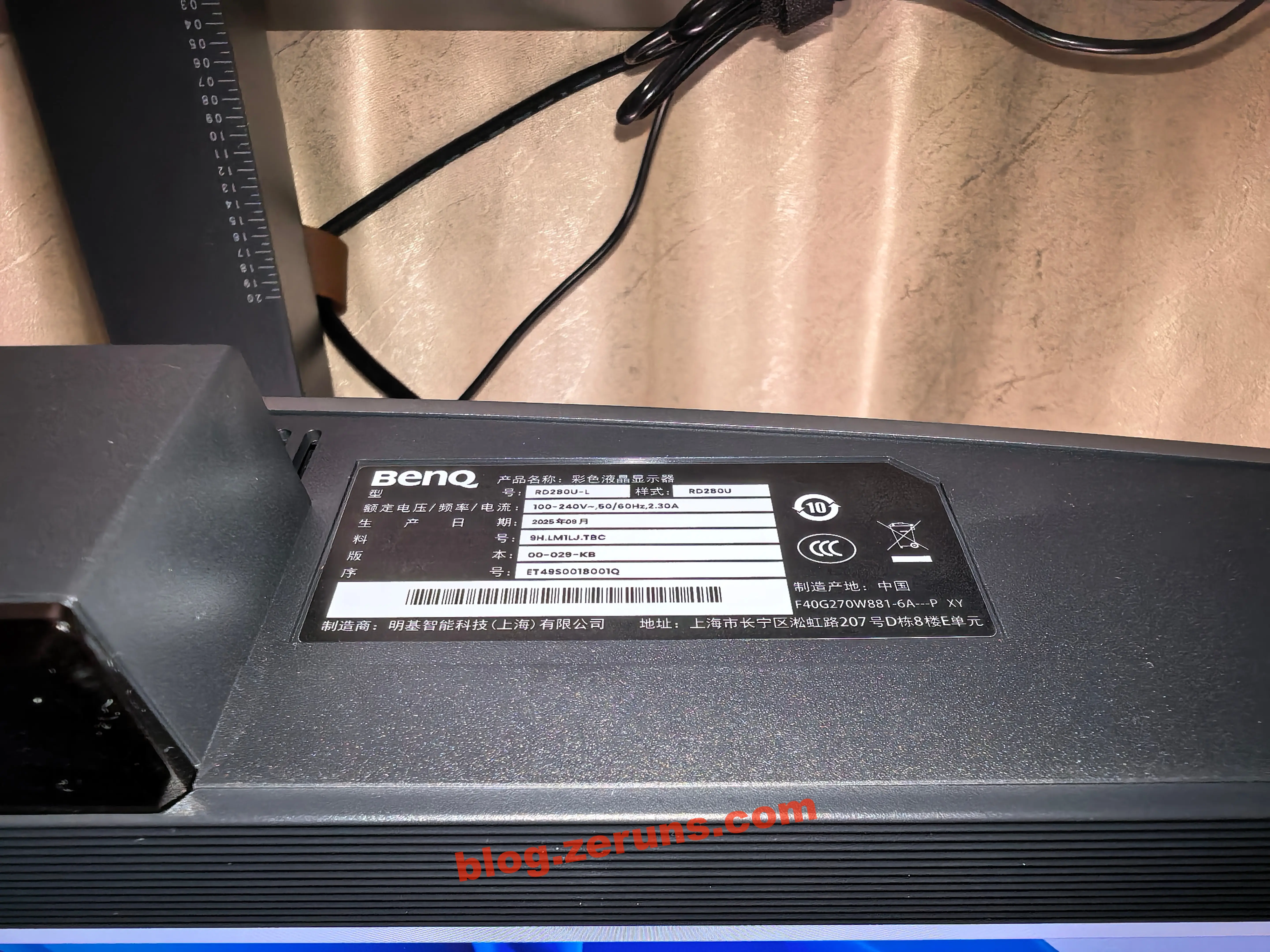
  • Model: RD280U-L
  • Color: Metallic Gray
  • Max Resolution: 3840x2560
  • Version: 00-029-KB
  • Package Weight: 16.07 kg
  • Production Date: September 2025
  • Package Dimensions: 870 (L) x 224 (W) x 525 (H) mm
  • Manufacturer: BenQ Intelligent Technology (Shanghai) Co., Ltd.

Nearby is an energy efficiency label: Class 3.

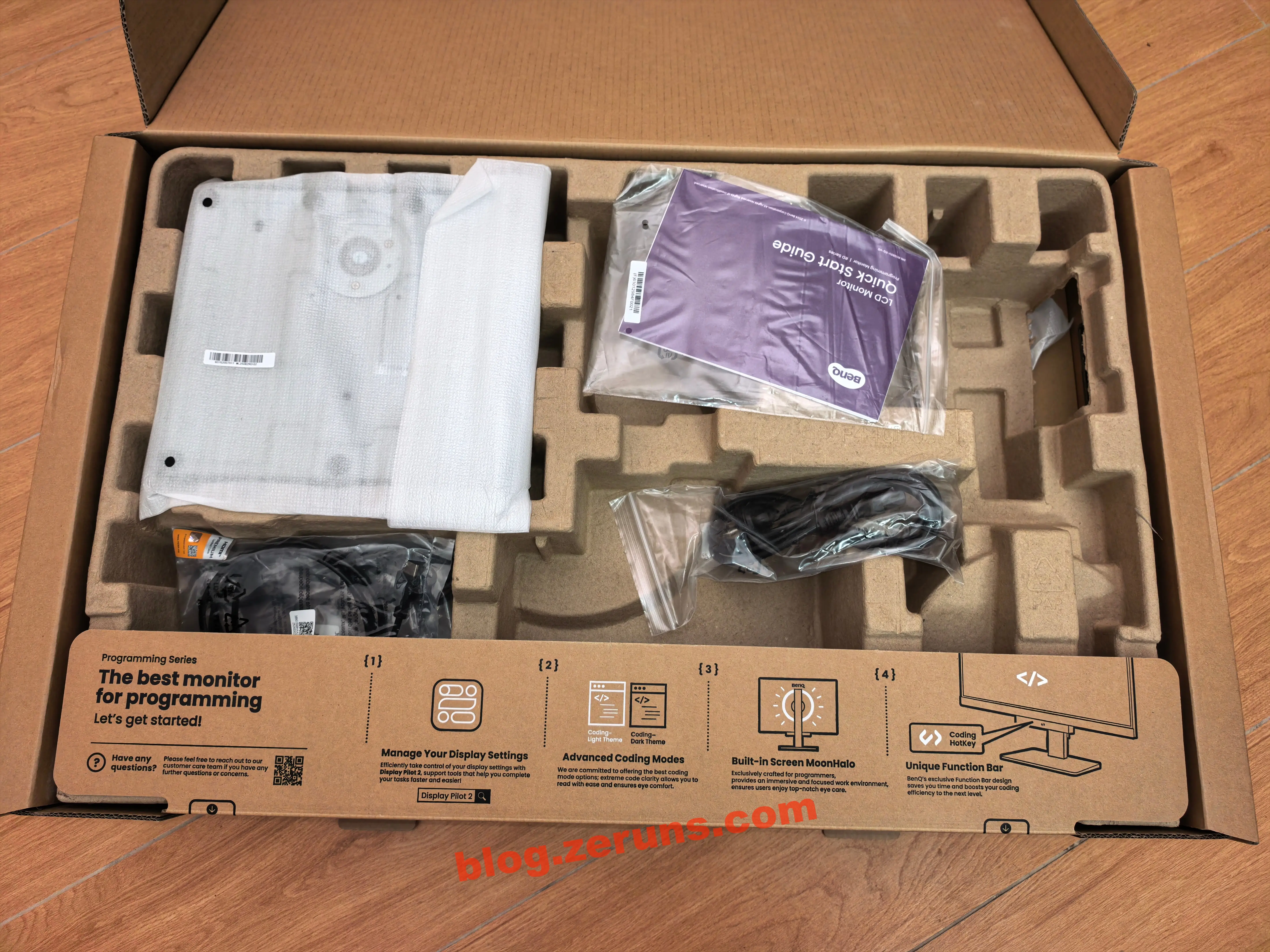
Unboxing reveals two layers. Top layer: stand and accessories.

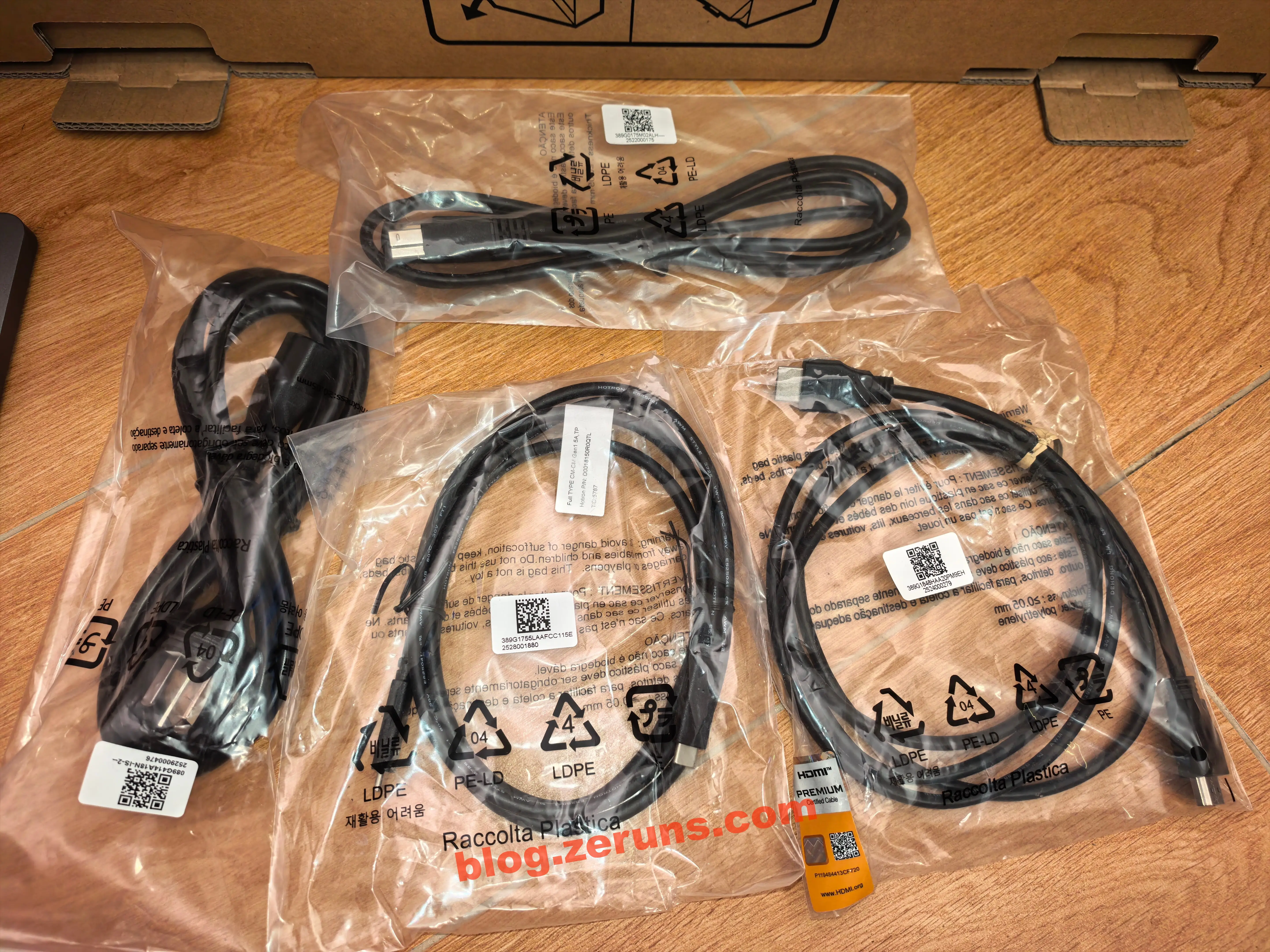
Included cables: three-prong power cable, HDMI, USB-A to USB-B, dual male USB-C cable.

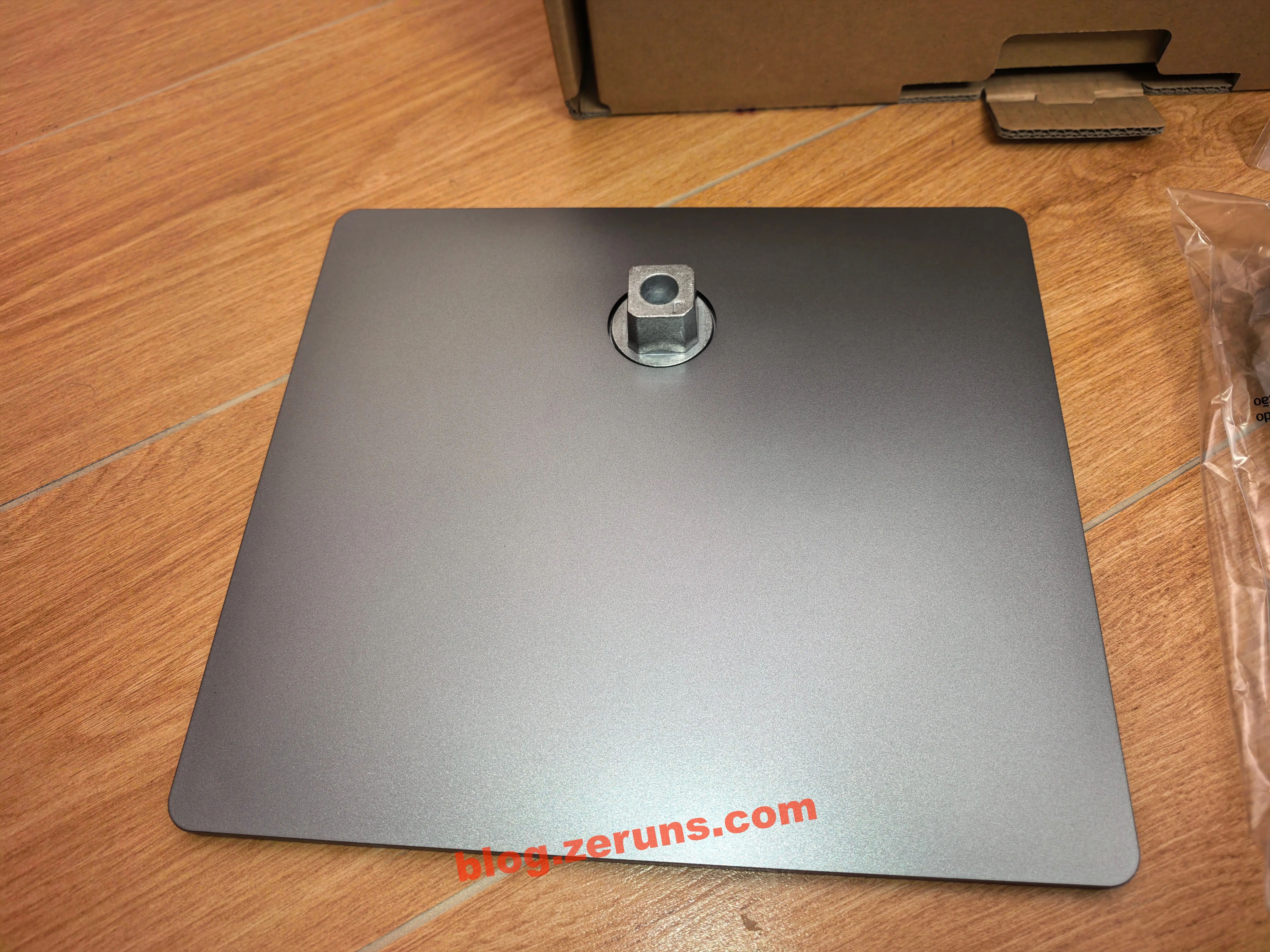
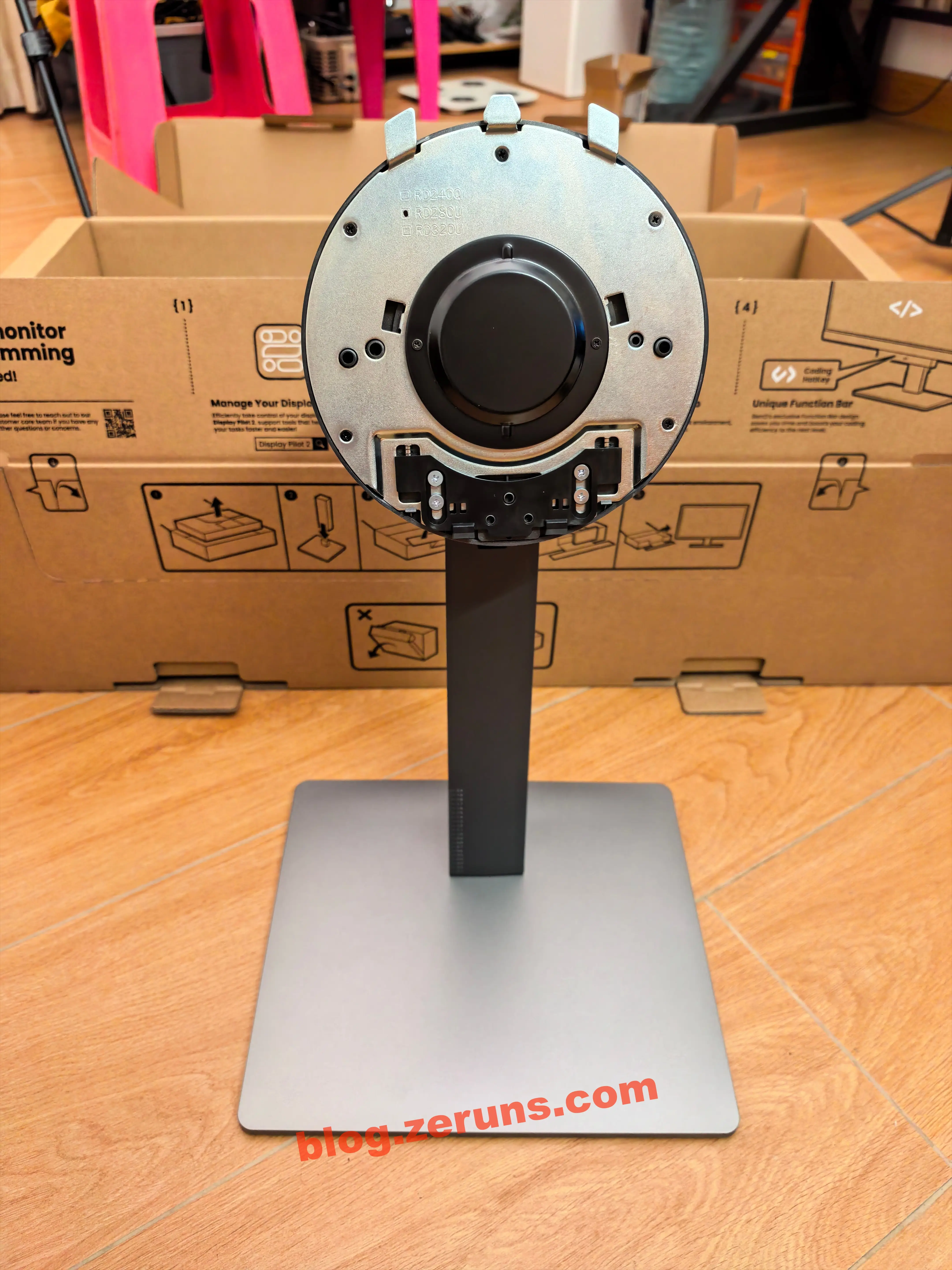
Stand:

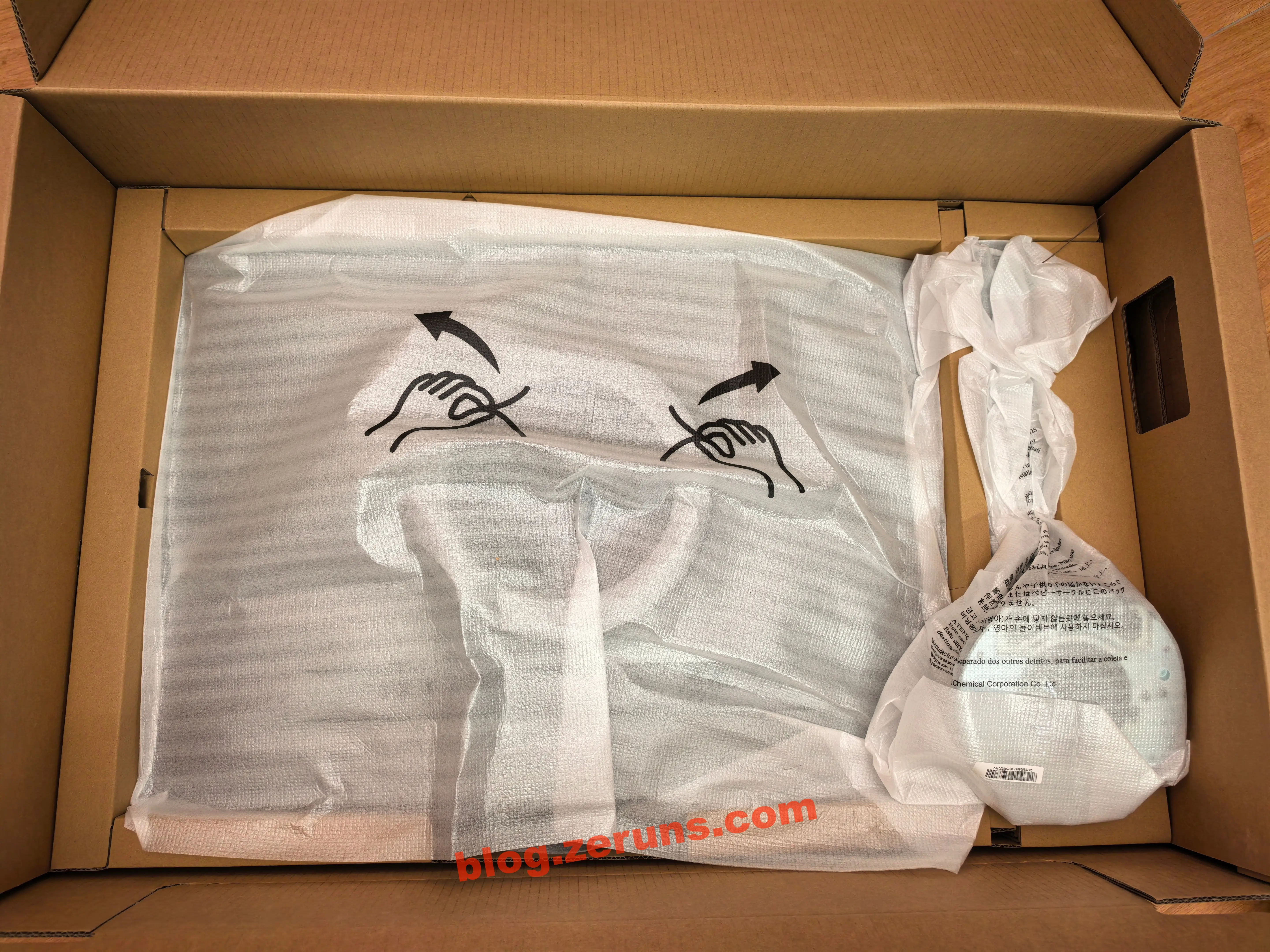
Bottom layer: screen and bracket.

Assemble stand and bracket:

Mount the screen — it’s heavy, around 10 kg, with substantial weight.

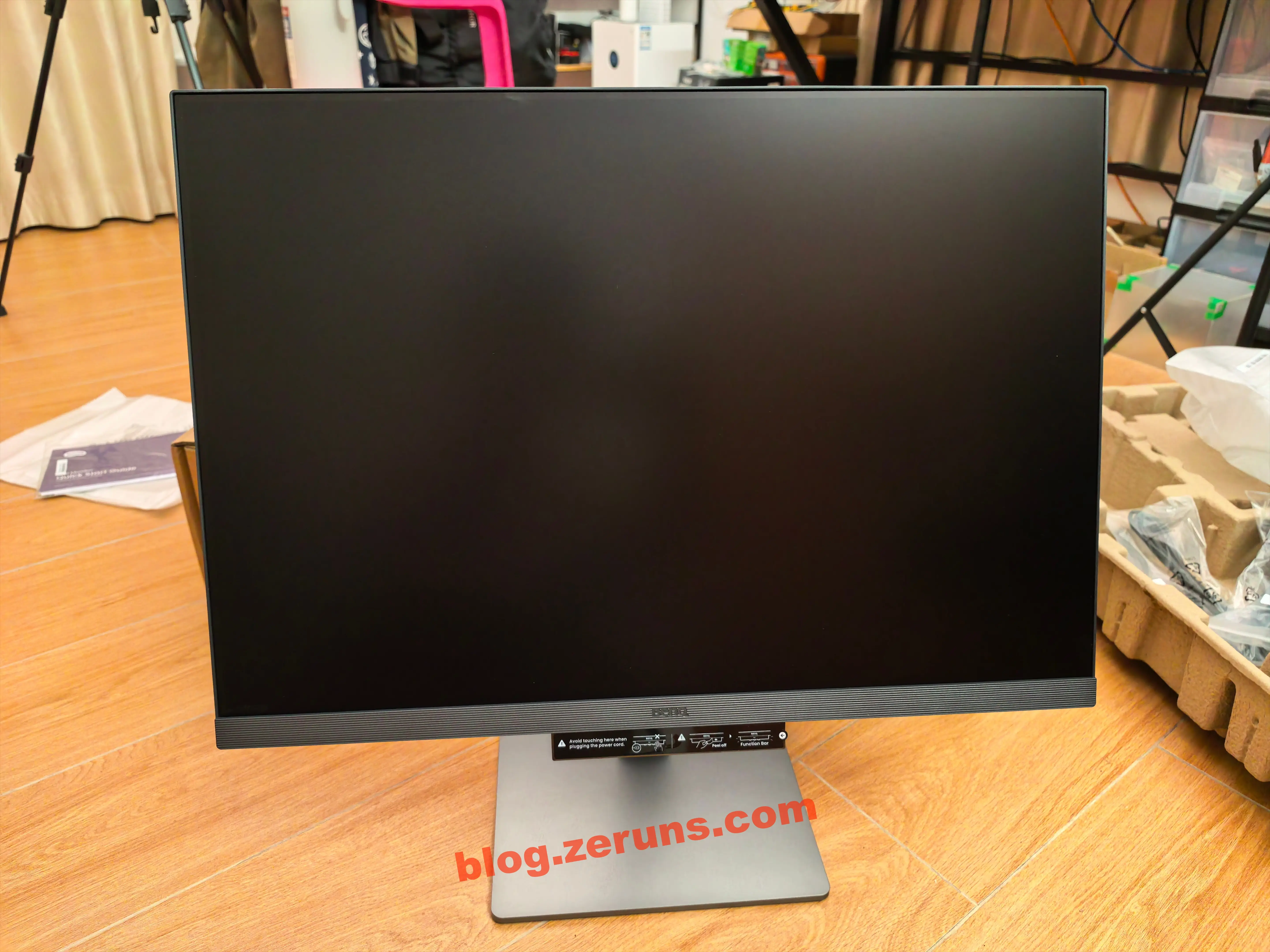
Front of screen:

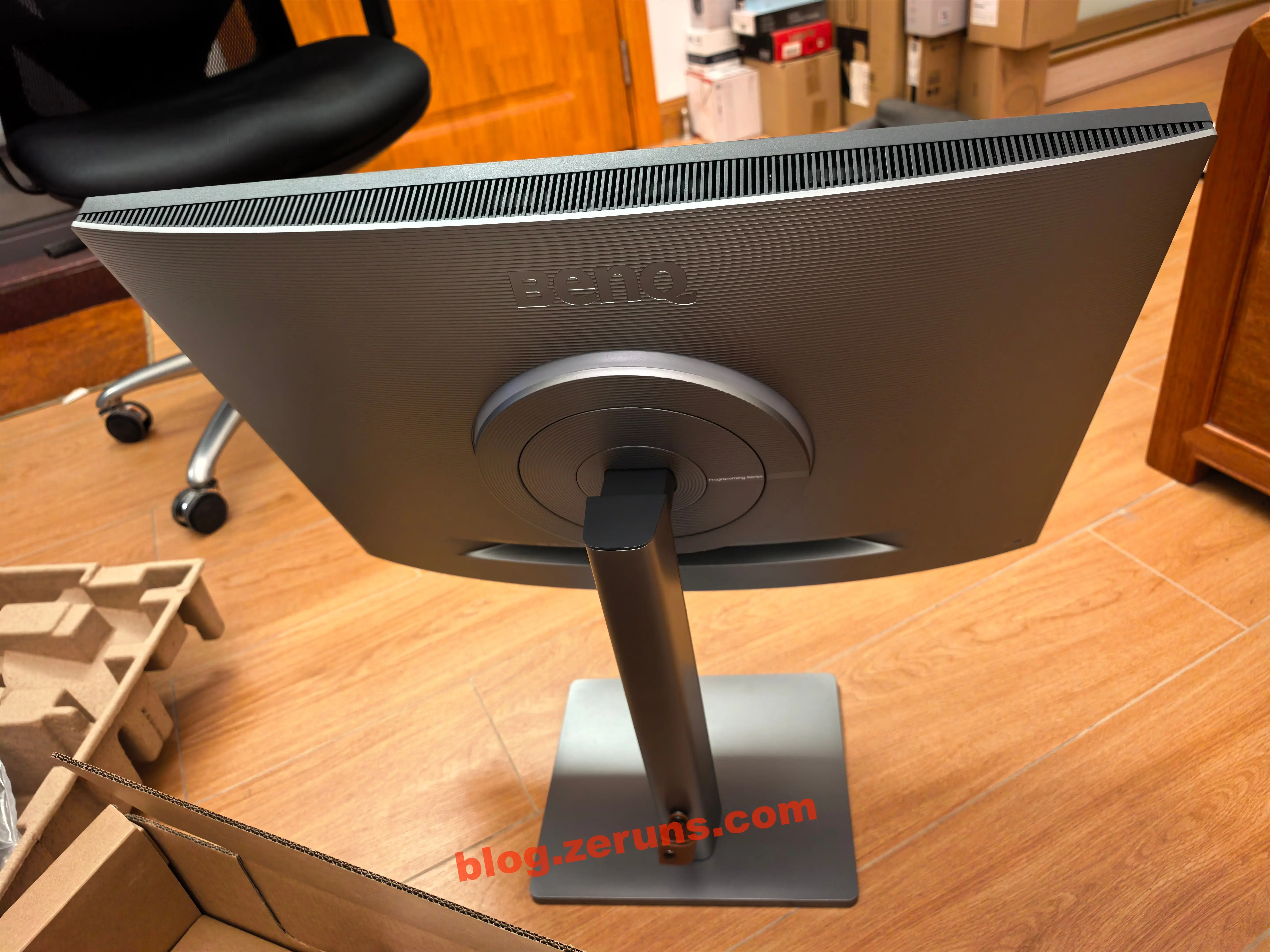
Back of screen: a ring of ambient lighting around the bracket — BenQ calls this the MoonHalo Smart Halo.

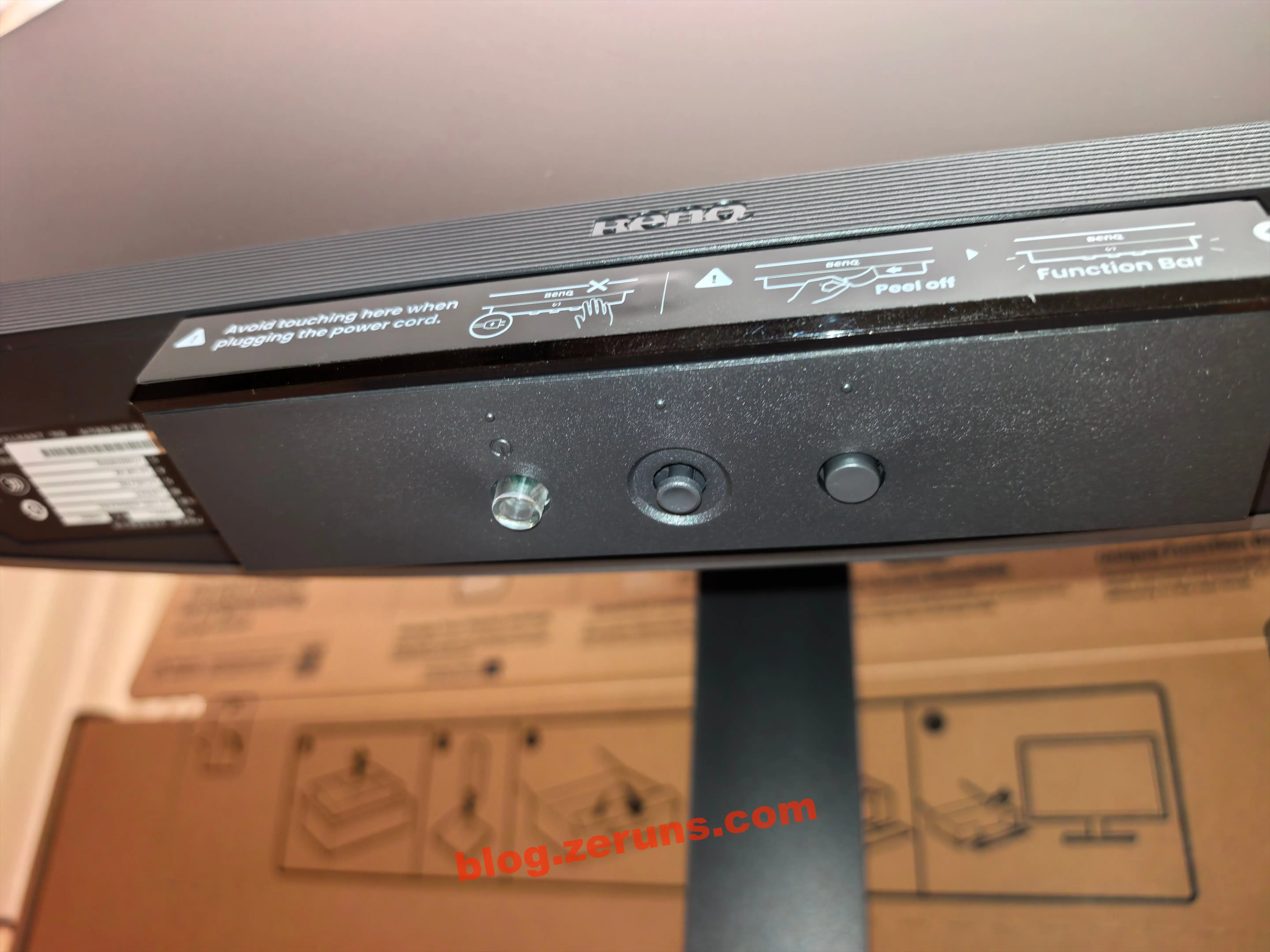
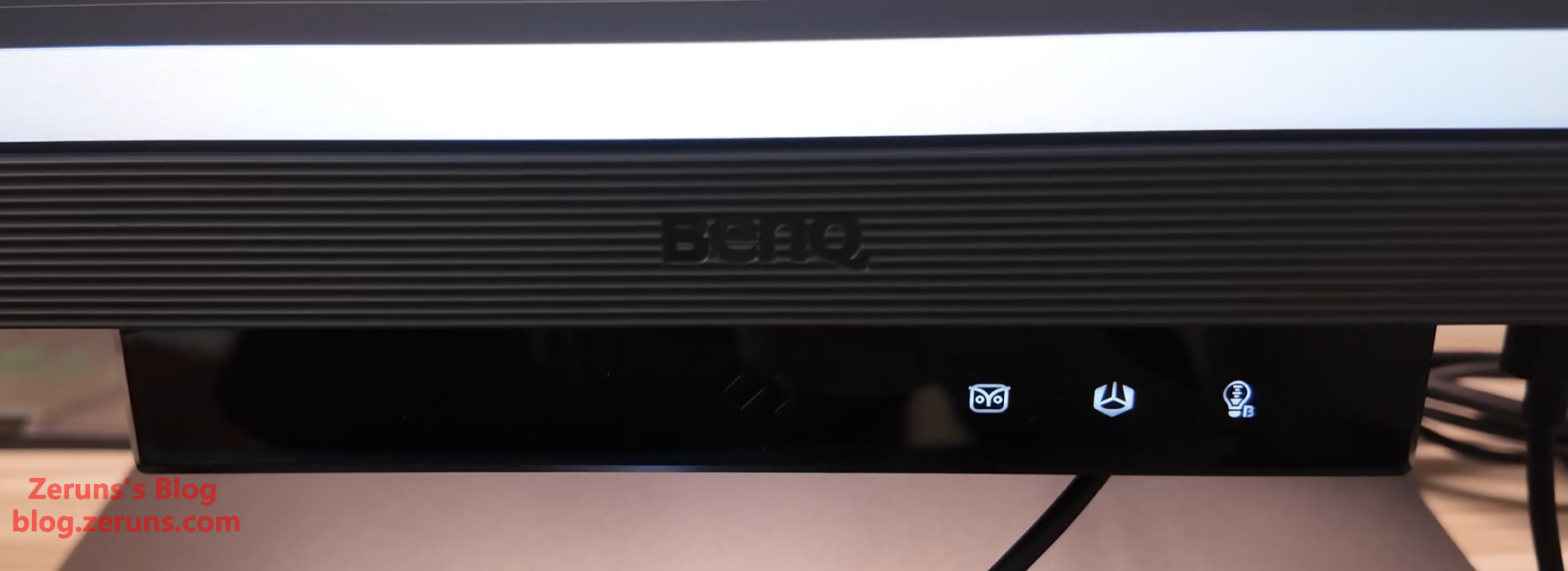
At the bottom center of the screen, left to right: power button, menu button (5-way joystick), custom button (default: source switch).

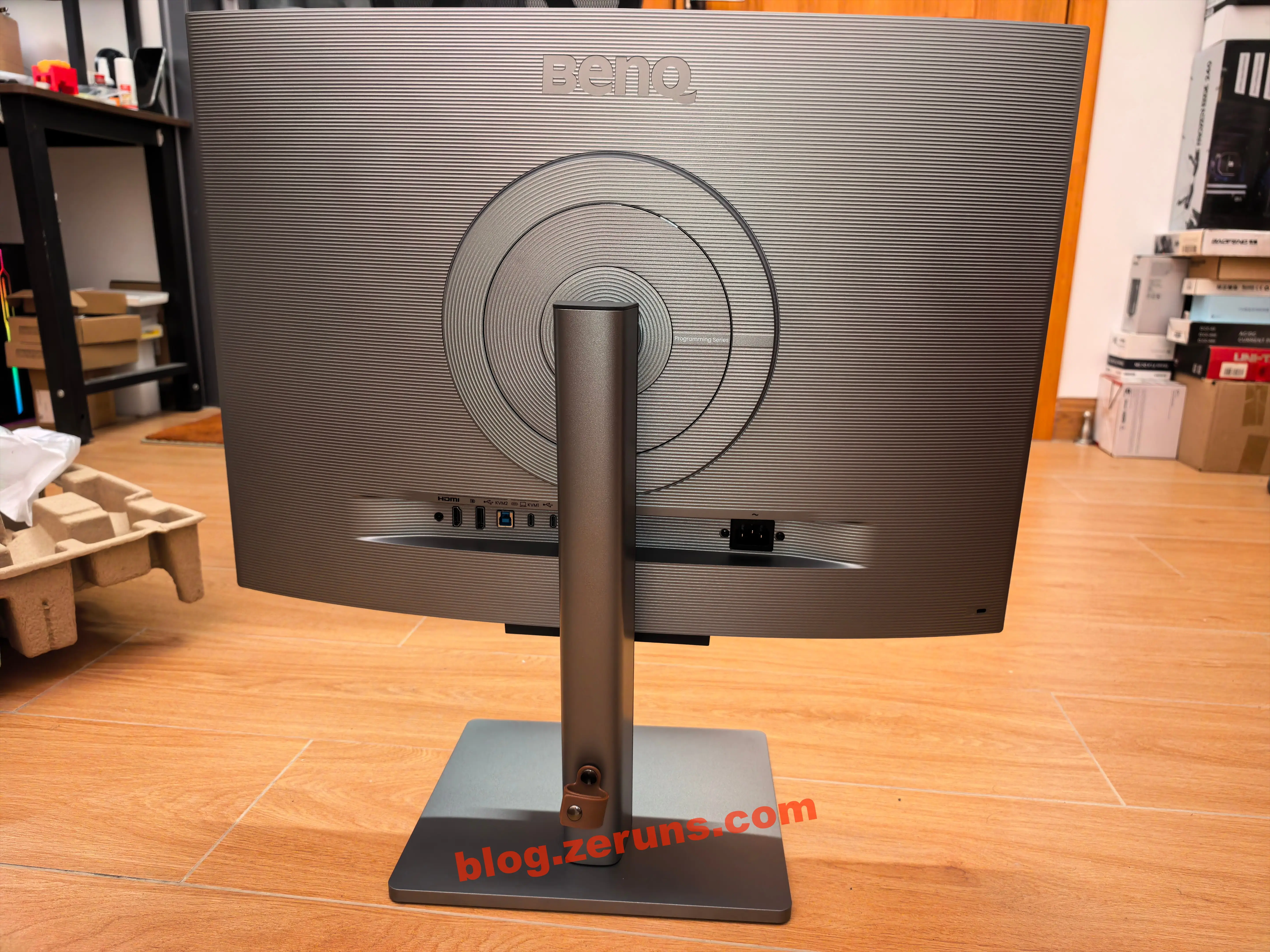
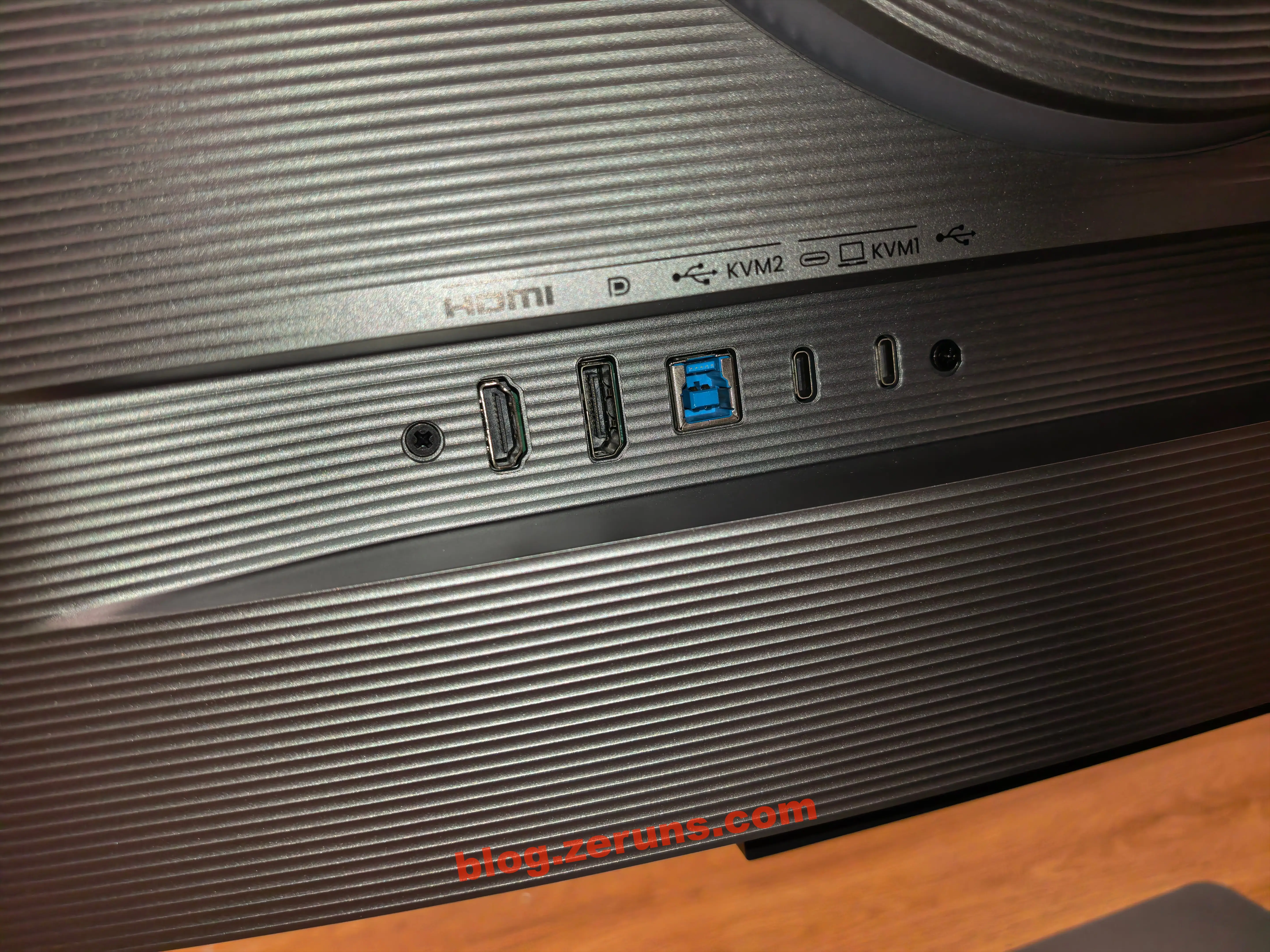
Left-side ports on the back (left to right): HDMI, DP, USB Type-B, two full-featured USB-C ports. One USB-C supports 90W PD charging, video input, and USB data (single-cable connectivity). In KVM mode, HDMI, DP, and USB Type-B form one input group; USB-C forms the other.

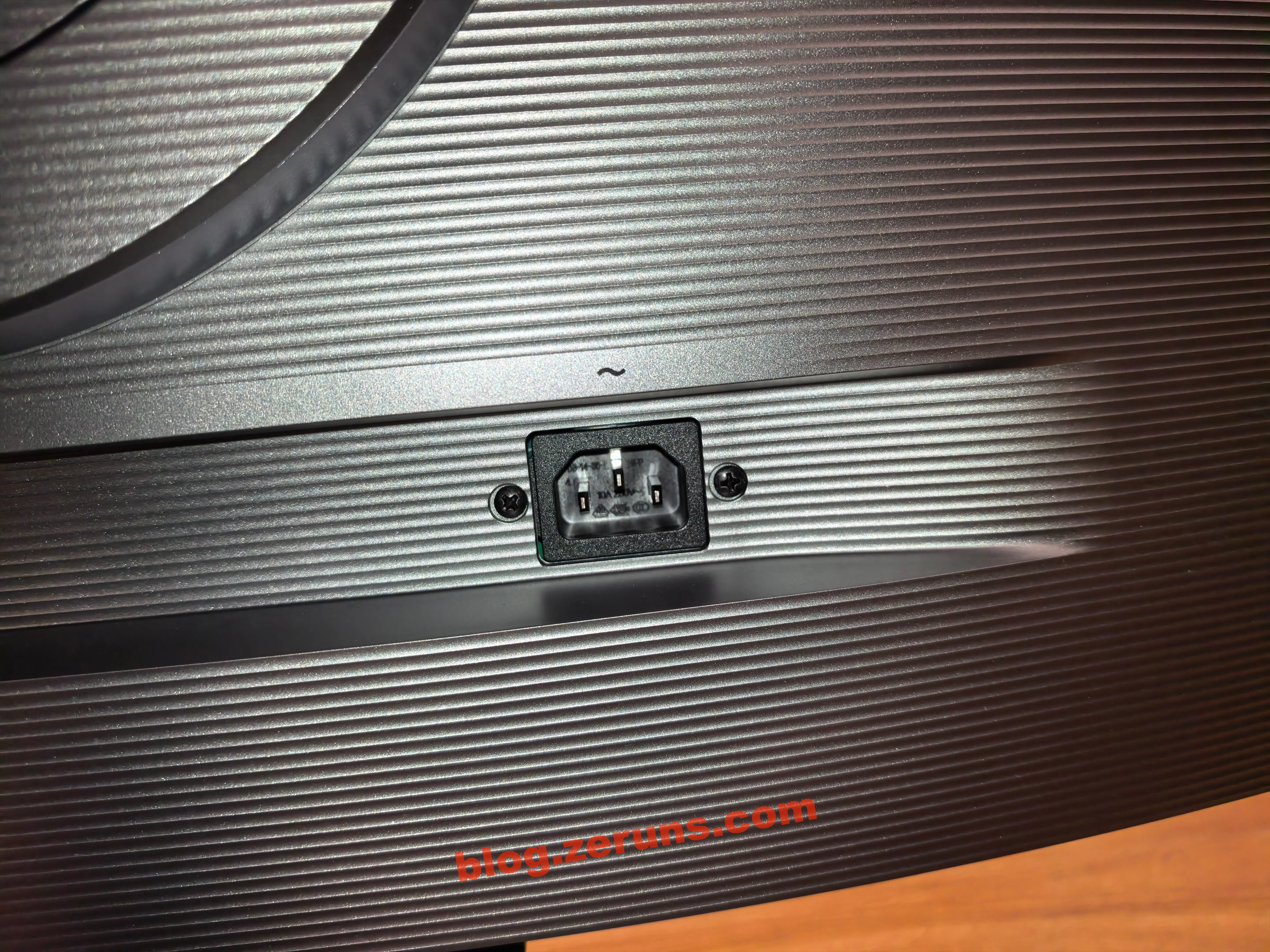
Right-side rear port: three-prong power inlet (internal power supply).

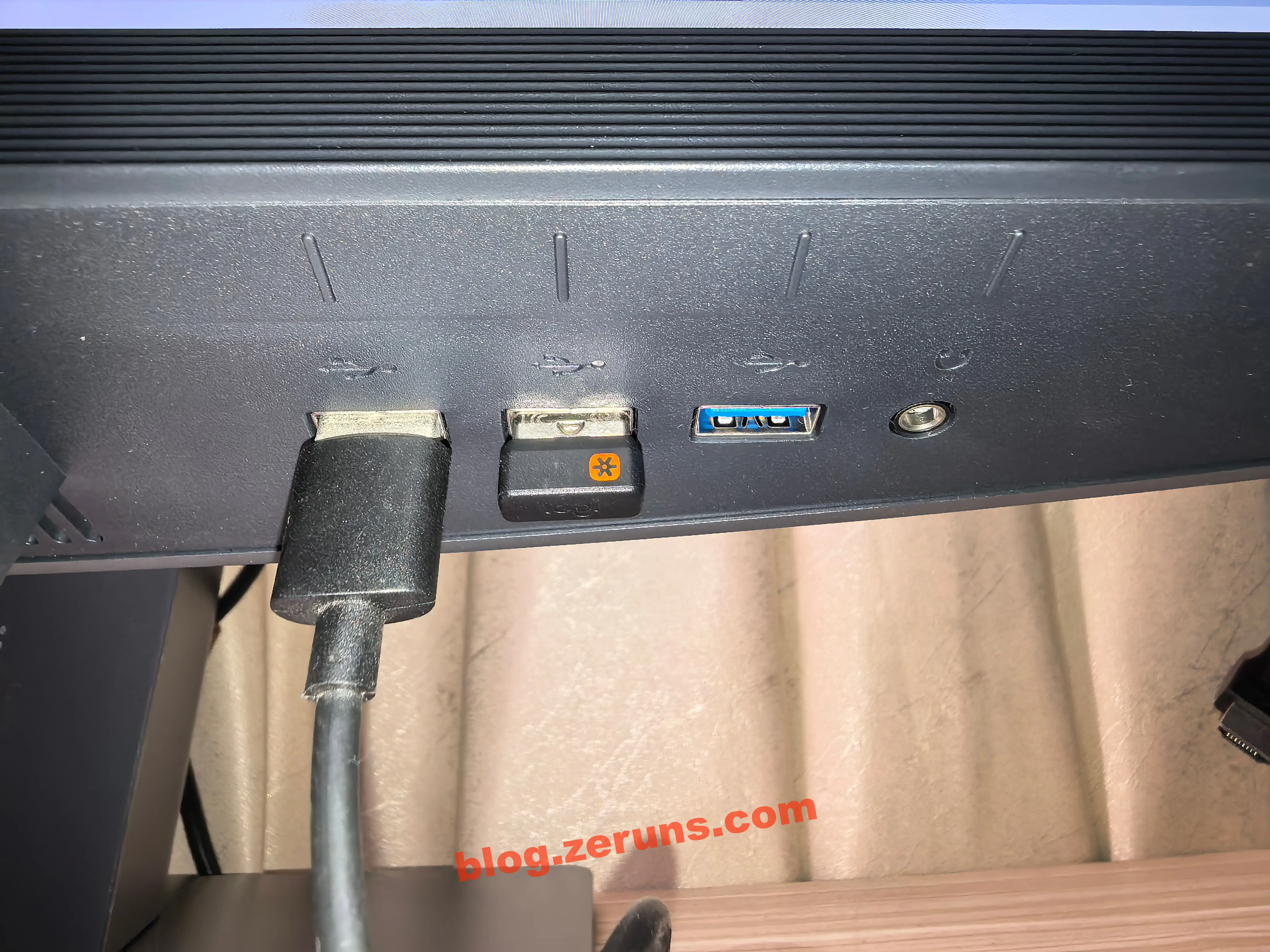
Bottom-right: three USB-A ports and one 3.5mm headphone jack. All three USB-A ports are 5 Gbps (expanded from upstream Type-B or Type-C input via source switching — enabling KVM; plug in mouse/keyboard here to control two computers with one set).

Bottom-left label:


Review

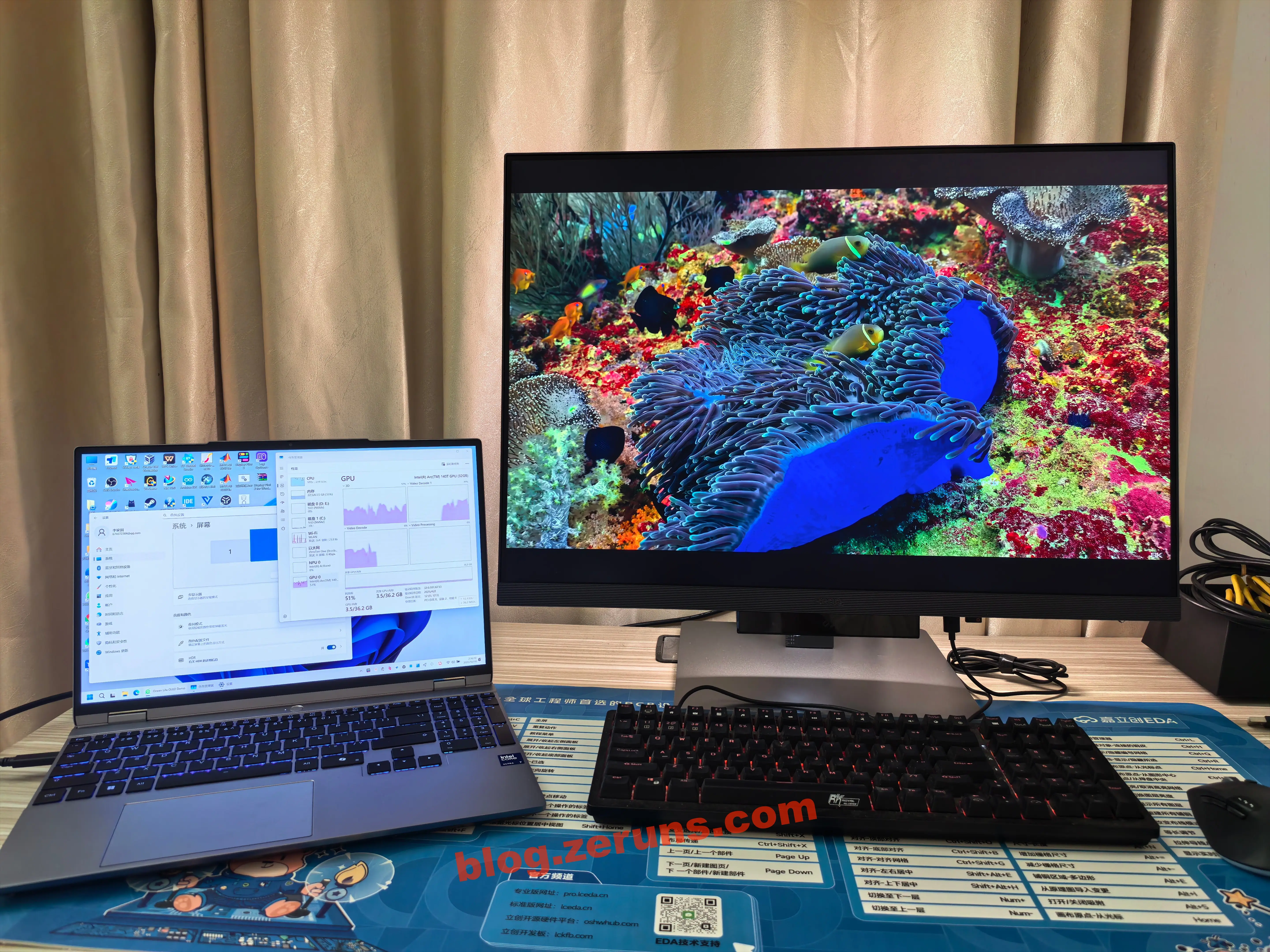
Plugged in, connected to laptop via USB-C, played HDR video — overall experience is excellent.

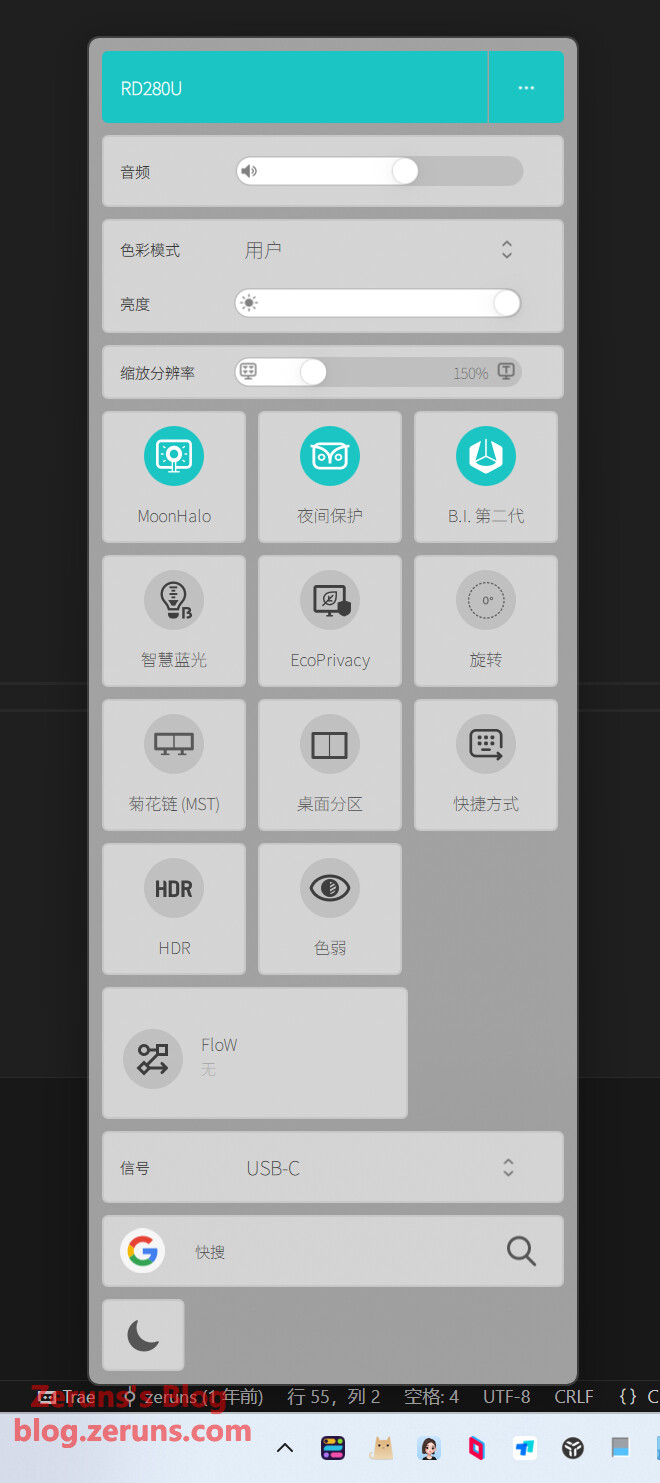
The included Display Pilot 2 software allows quick configuration directly from the OS.

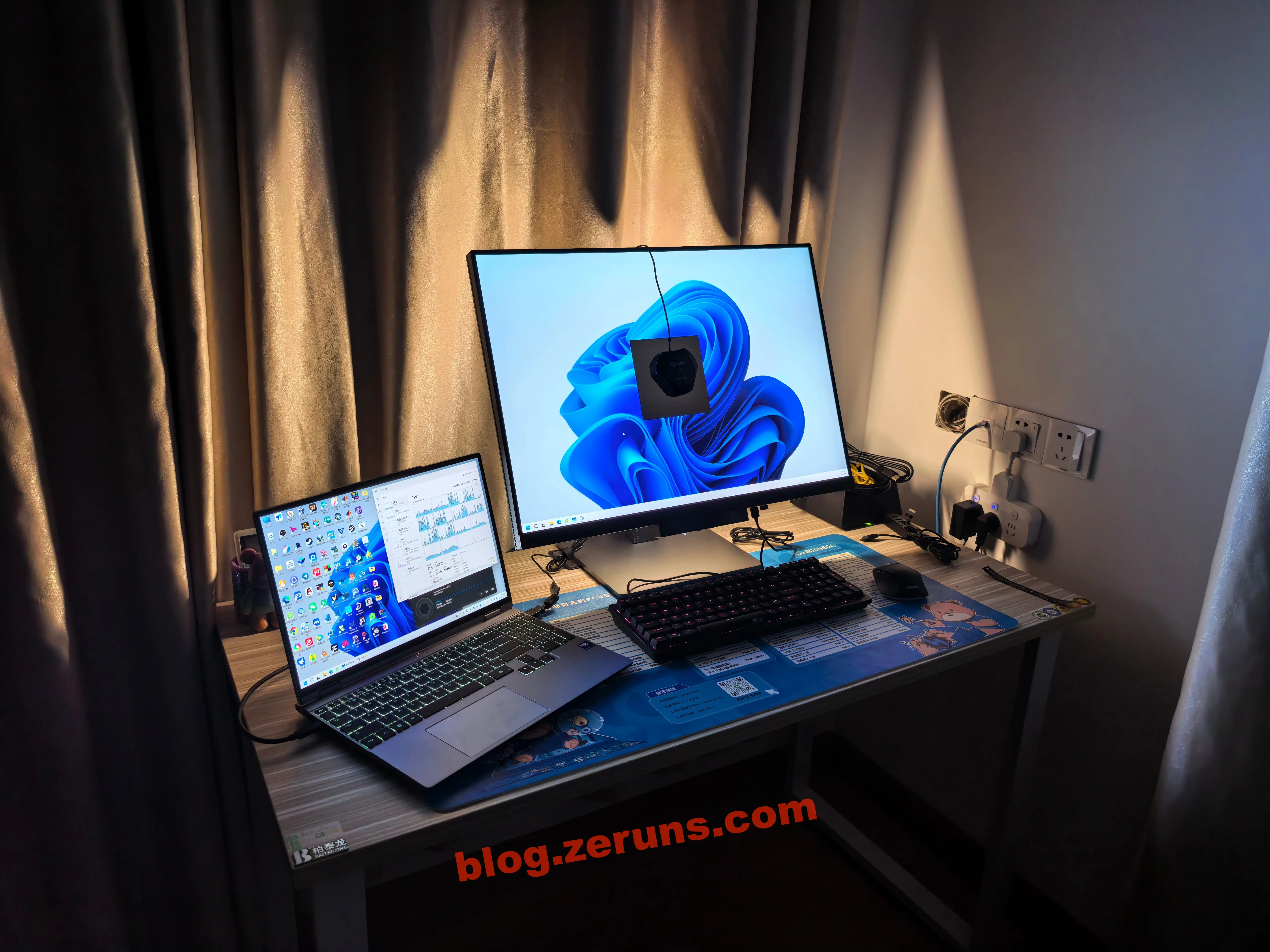
At night with lights off, the “MoonHalo Smart Halo” looks great — brightness and halo intensity automatically adjust to ambient light. The halo reduces glare from ambient lighting contrast, helping programmers maintain focus during late-night work and delivering optimal coding and eye-care experiences.

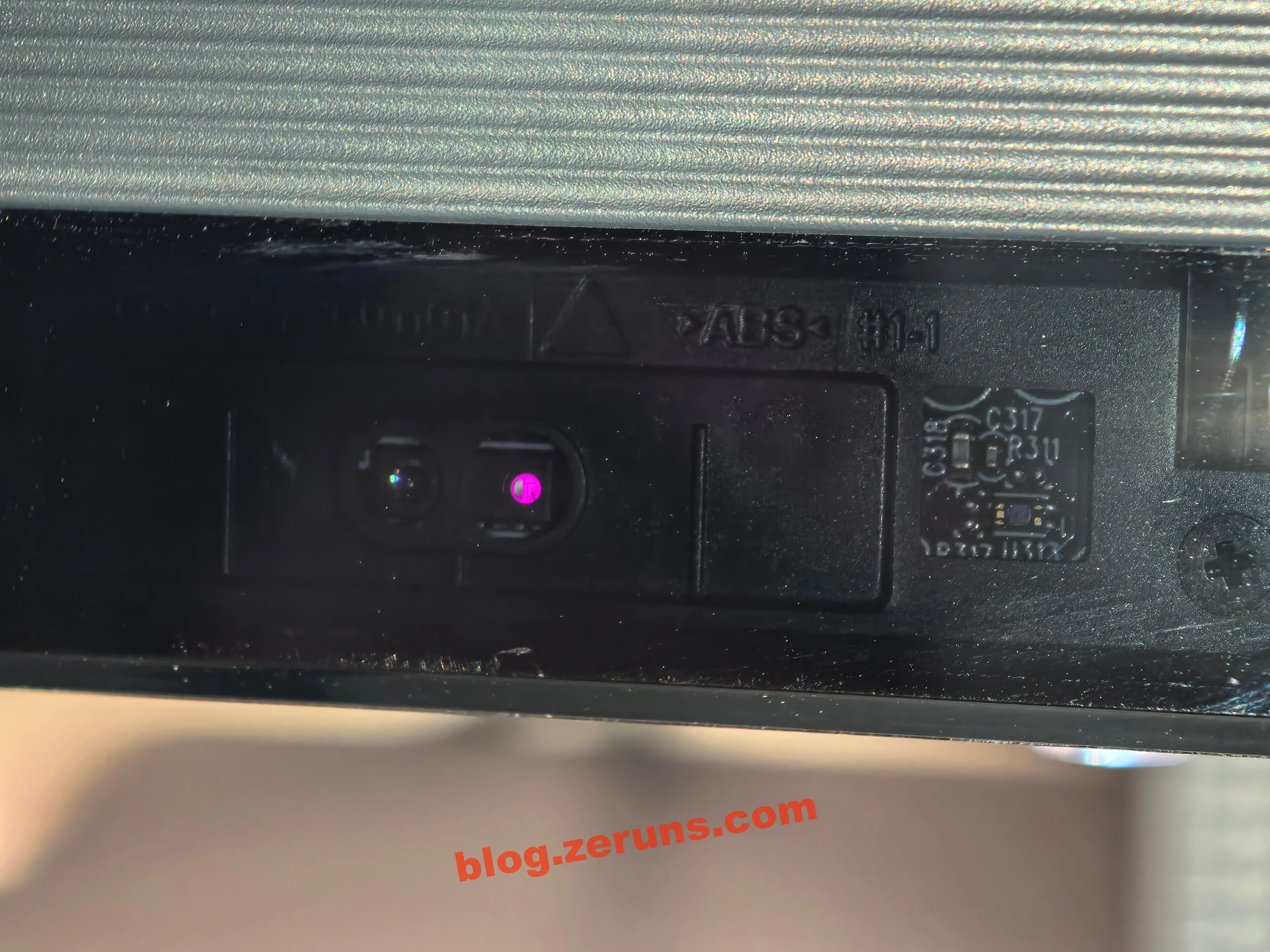
The “chin” at the bottom of the screen houses an infrared distance sensor and ambient light sensor. The center is a touch button to quickly switch color modes.

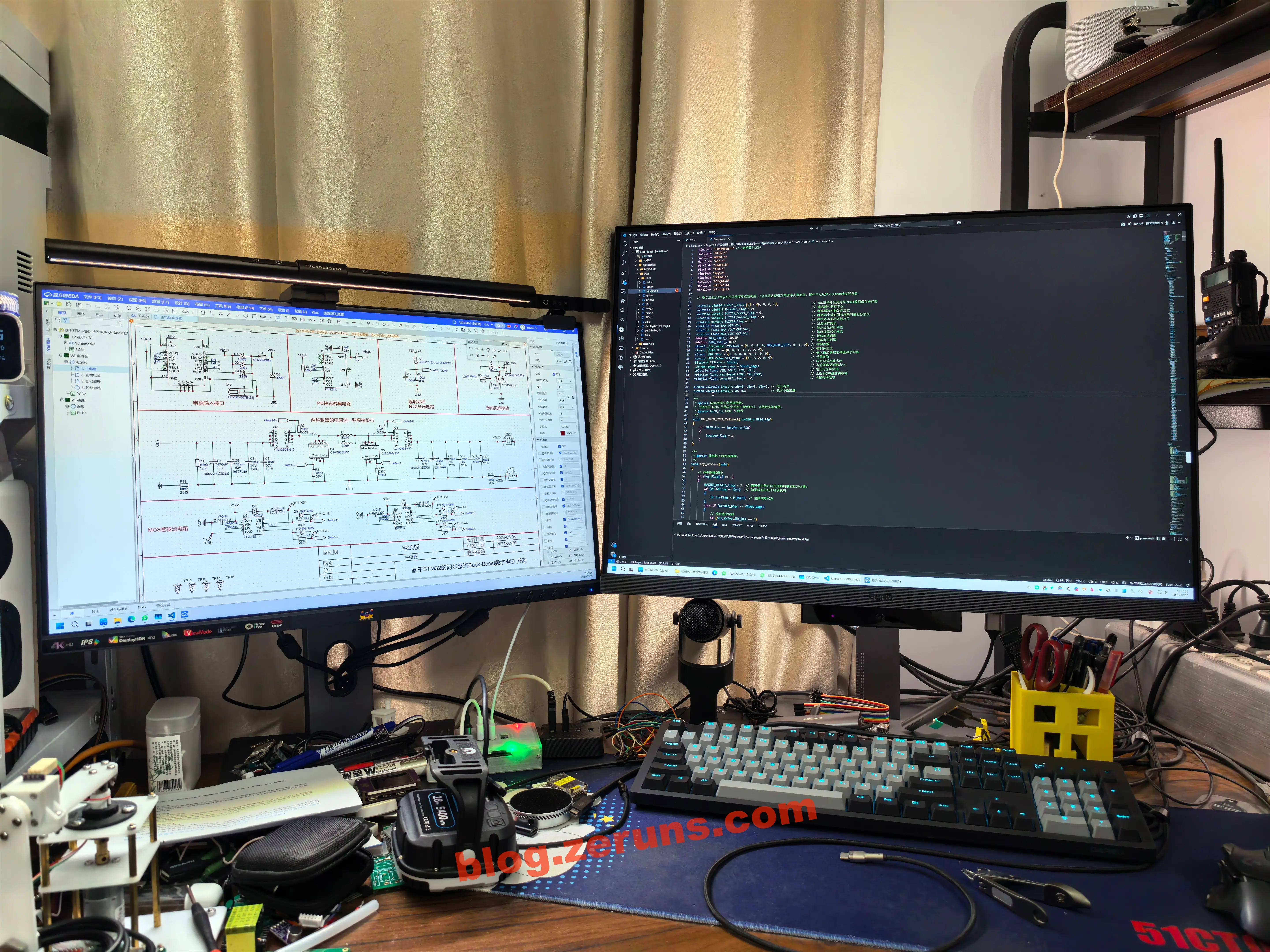
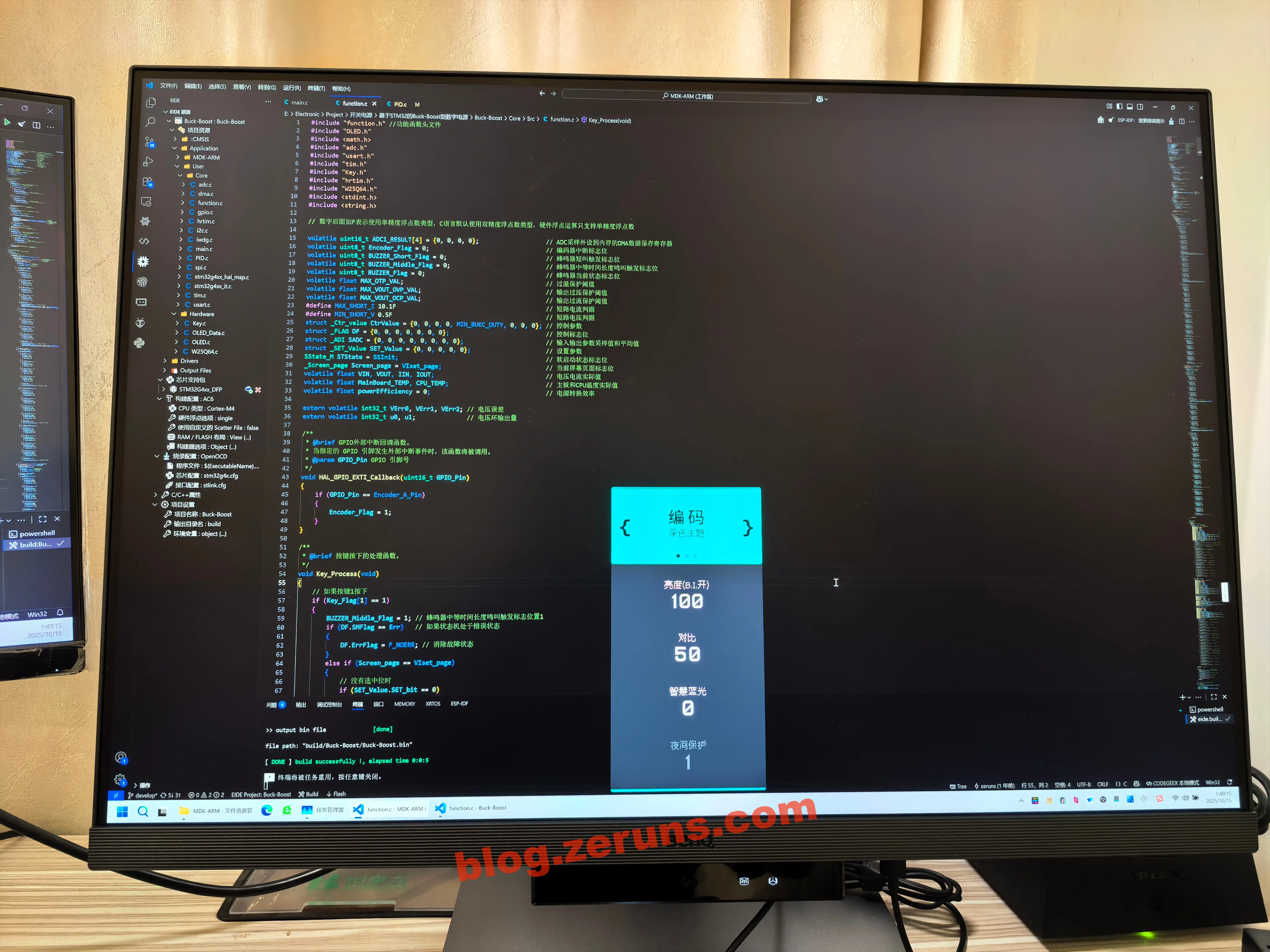
Below is the effect after enabling “Coding - Dark Theme.” This isn’t a simple software filter — BenQ has hardware-tuned the display’s color output. When switching via OSD or touch button, the panel directly adjusts colors, color temperature, and contrast for common code elements (keywords, strings, comments). By enhancing specific color saturation and precisely controlling brightness, it intelligently strengthens visual hierarchy between code and dark backgrounds. Combined with my usual VSCode dark theme, the result is “comfortable”: the black background appears deeper and purer, while code-text contrast is enhanced, making syntax highlighting more prominent and less harsh.

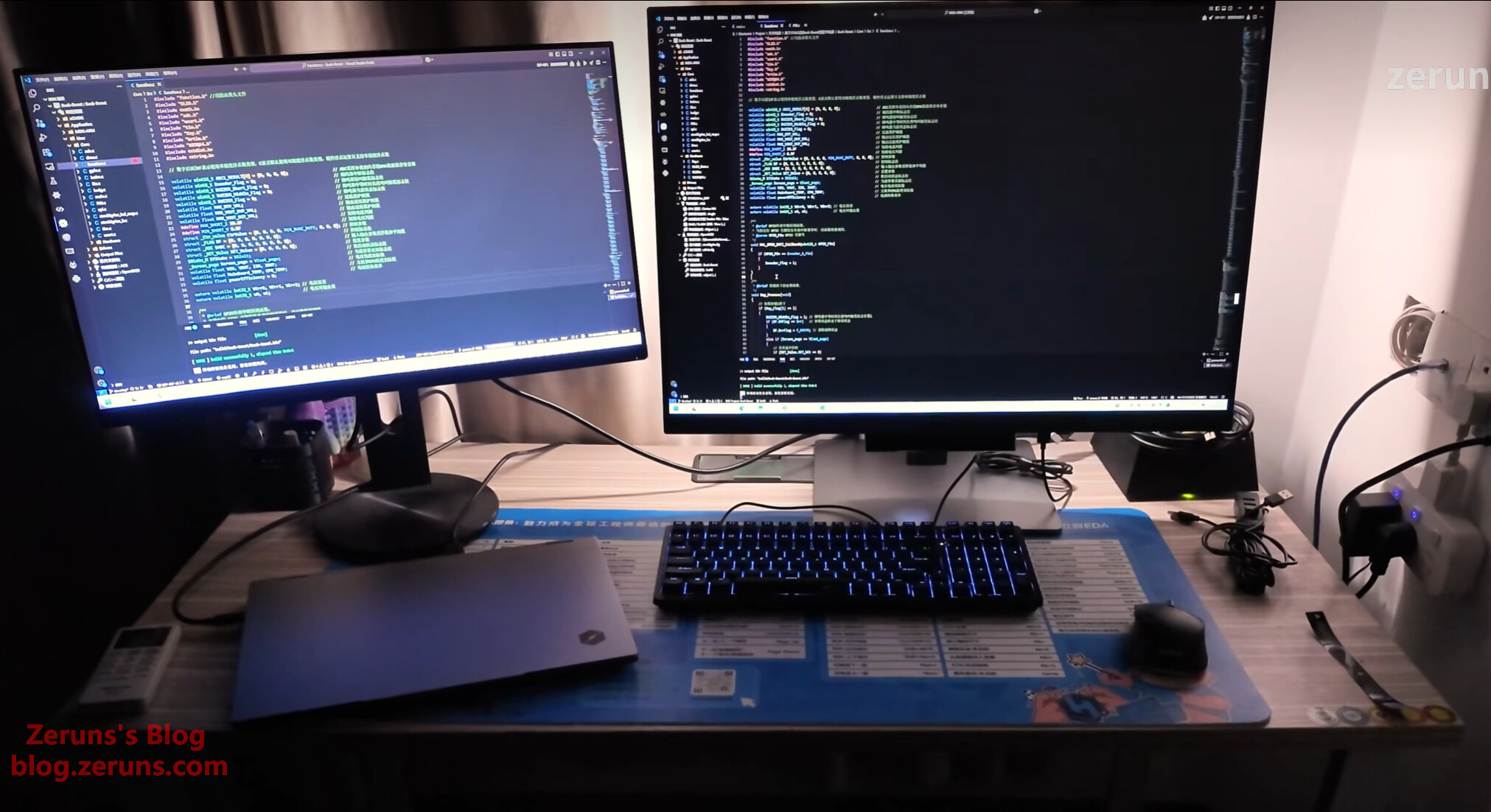
Comparison with other monitors:

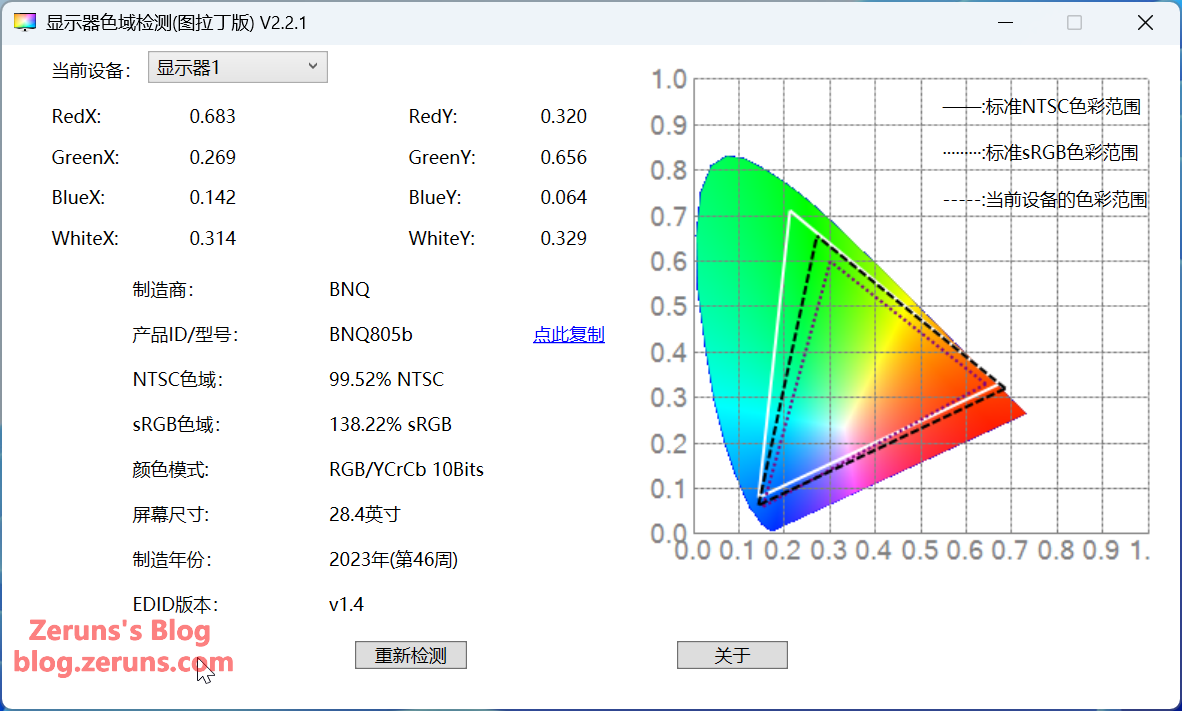
EDID info: screen size 28.4 inches, model BNQ805b, manufactured in week 46 of 2023, sRGB gamut 138.22%.

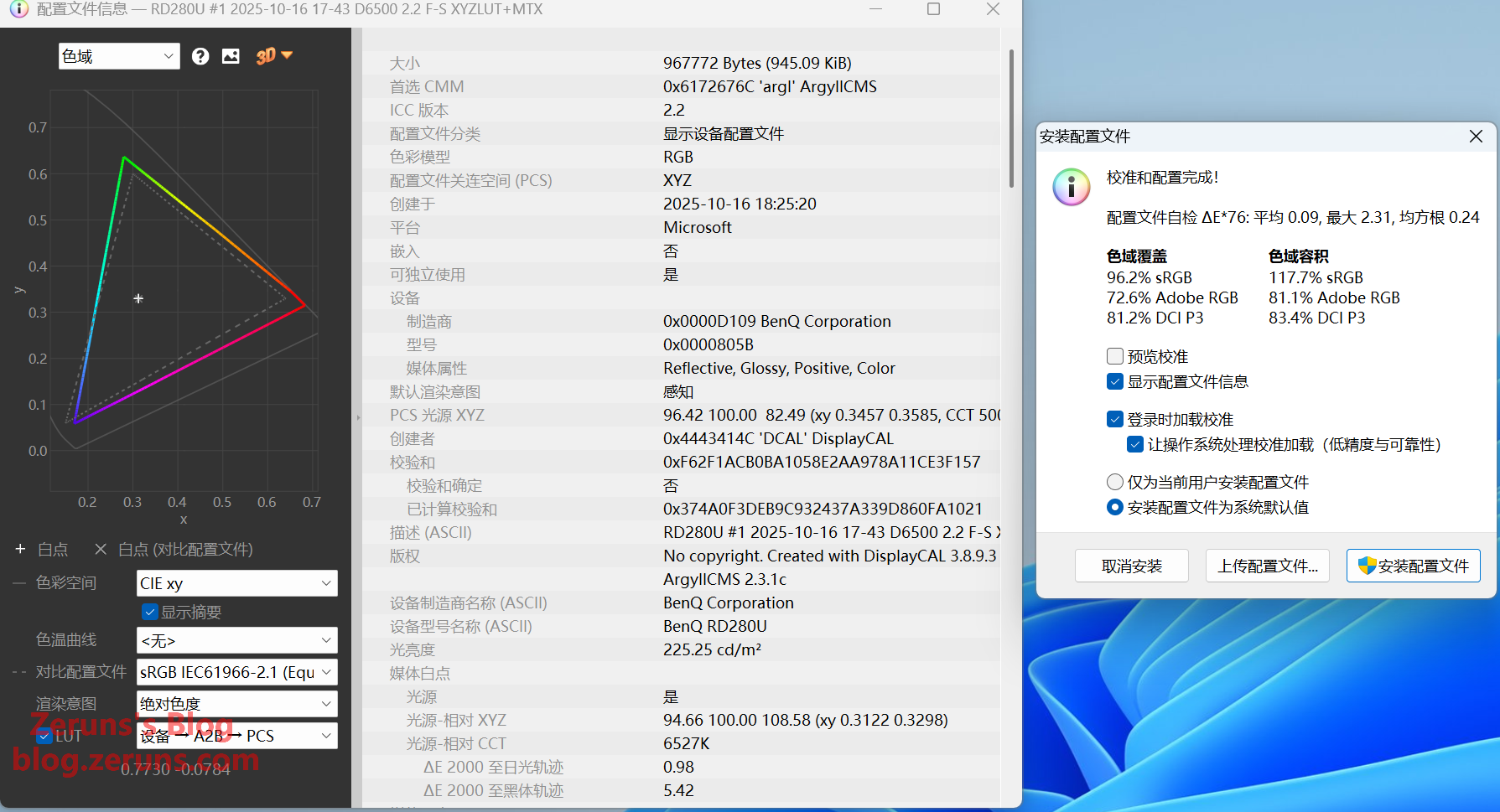
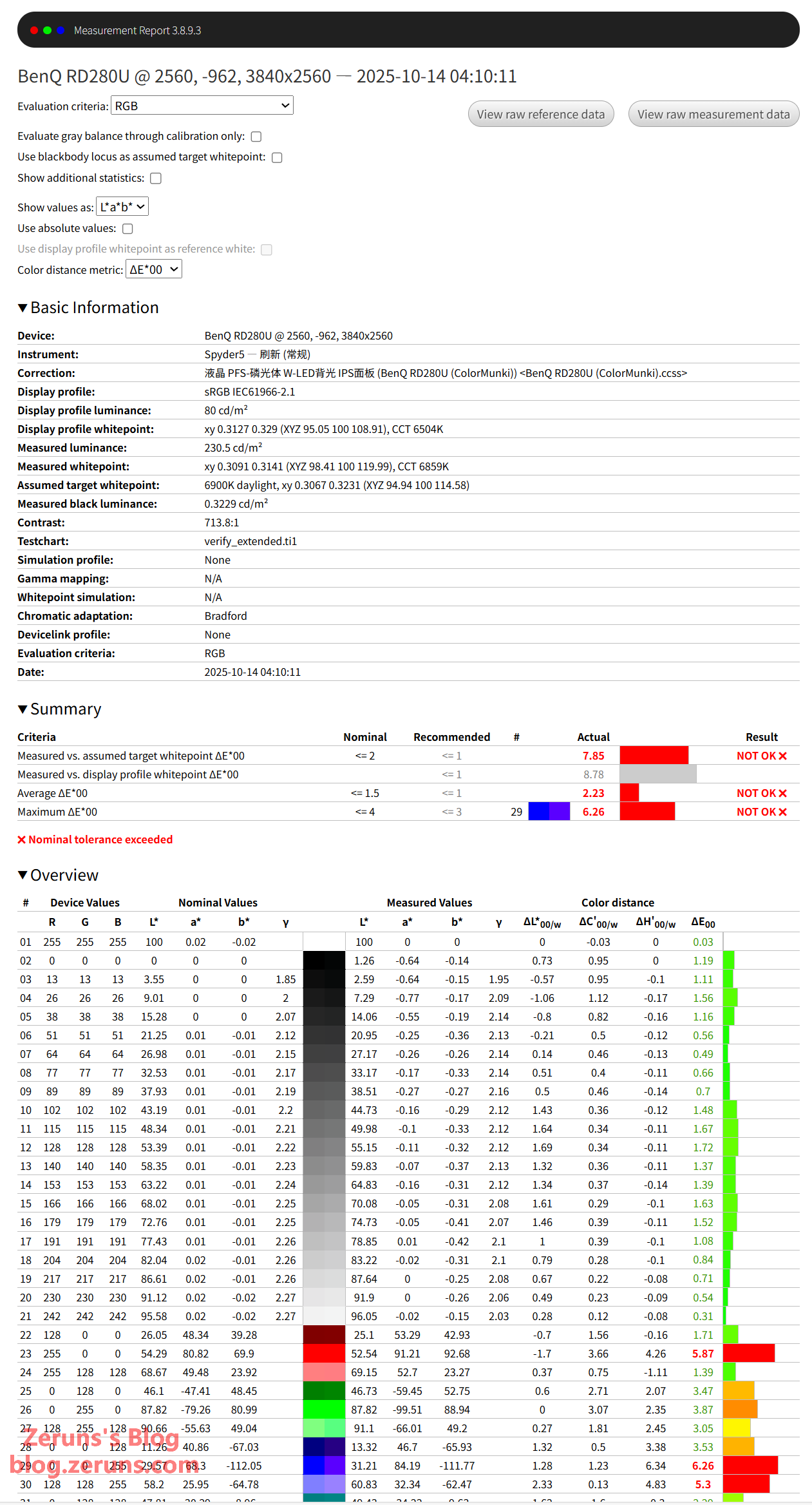
Measured color gamut and accuracy using a Spyder5 colorimeter:
sRGB coverage: 96.2%, gamut volume: 117.7%, average ΔE*00: 2.23 (acceptable), maximum ΔE*00: 6.26 (largest deviation in blue — likely due to hardware blue-light filtering).

Full report: https://url.zeruns.com/RD280U

The graph below shows the actual color gamut (colored line) vs. sRGB (dashed line). Notice the blue region isn’t fully covered — visually, blue depth is indeed less saturated compared to other monitors.

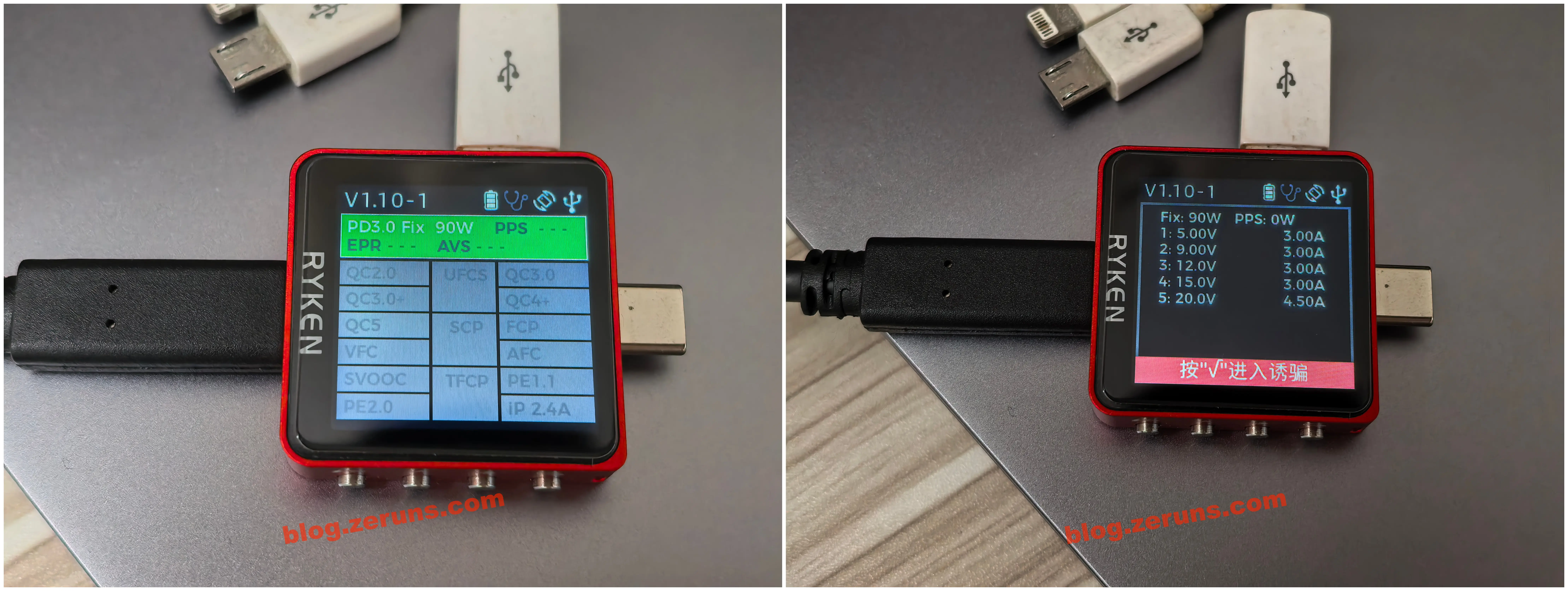
The USB-C port supports the following charging protocols: max output 20V/4.5A (90W), PD-only.

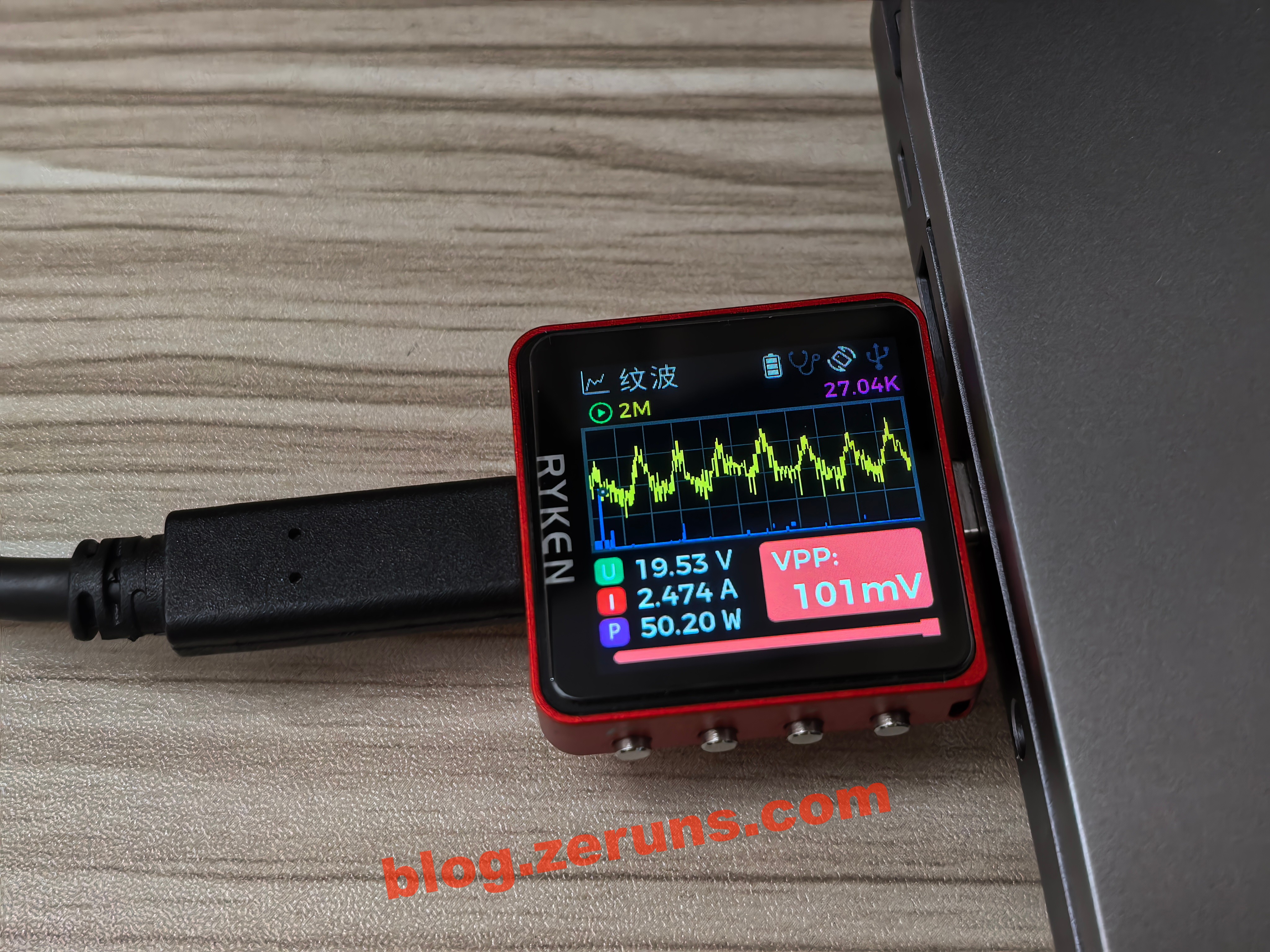
Voltage, current, and power when connected to my laptop (fully charged):

Mechanical Revolution Code10AI (Ultra7-255H) — Unboxing & teardown: https://blog.zeruns.com/archives/895.html
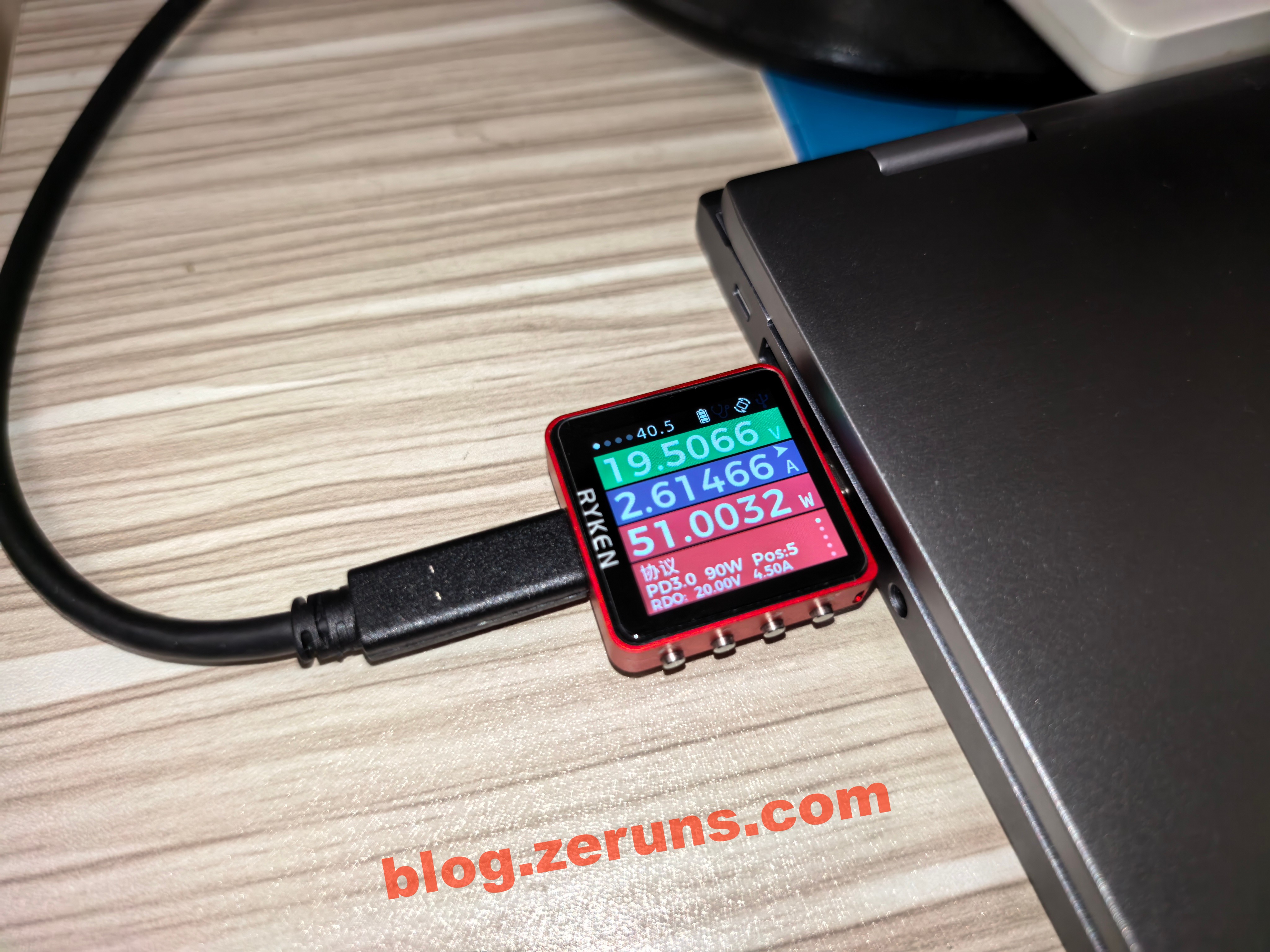
When outputting 20V/2.4A, the ripple peak-to-peak voltage is around 100mV — acceptable. (Note: Ideally measured with resistive load; I measured directly via laptop, so results may be approximate.)

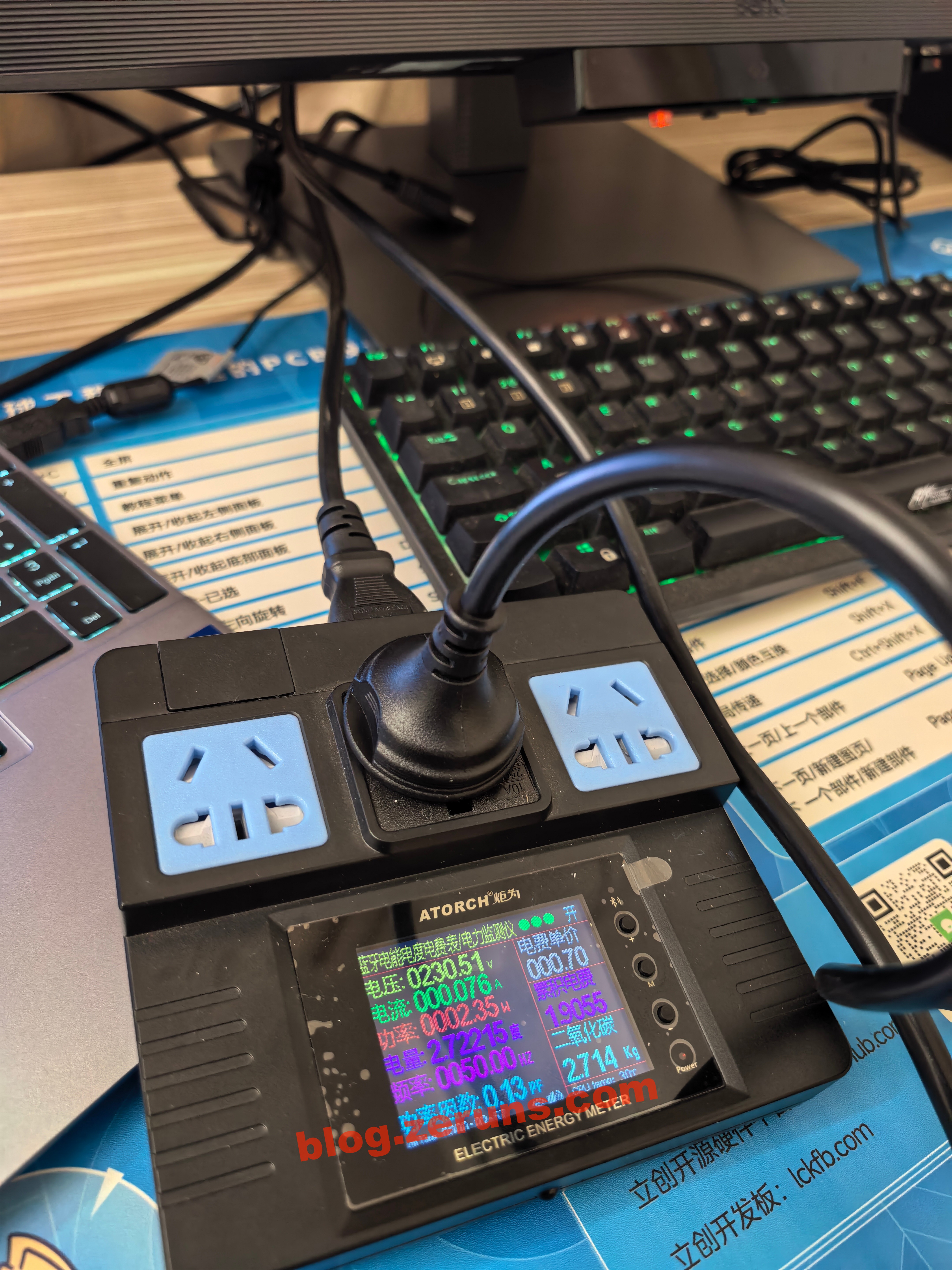
Standby power consumption: ~2.3W.

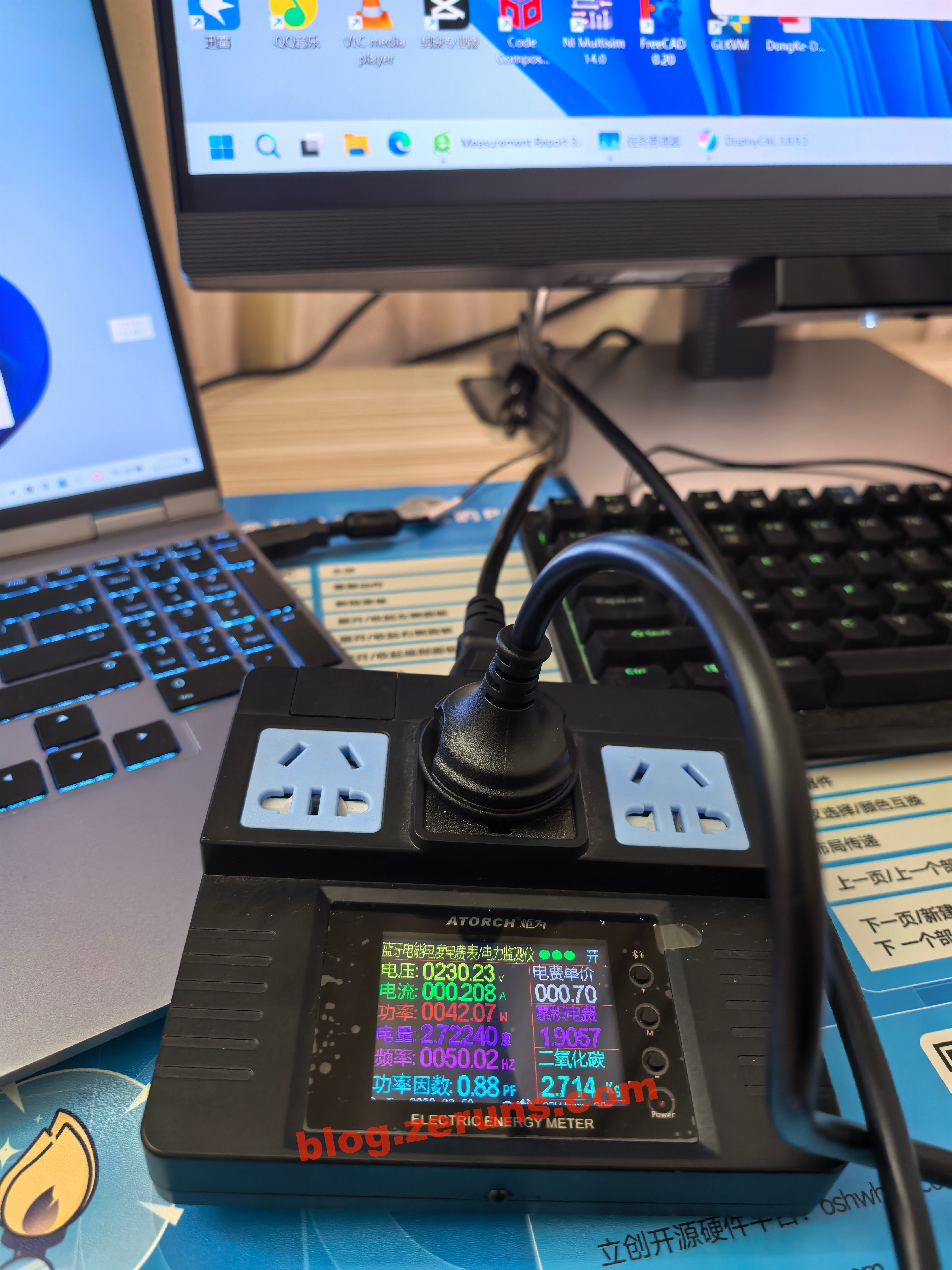
Power consumption via HDMI, brightness at 100%, MoonHalo on: ~42W.

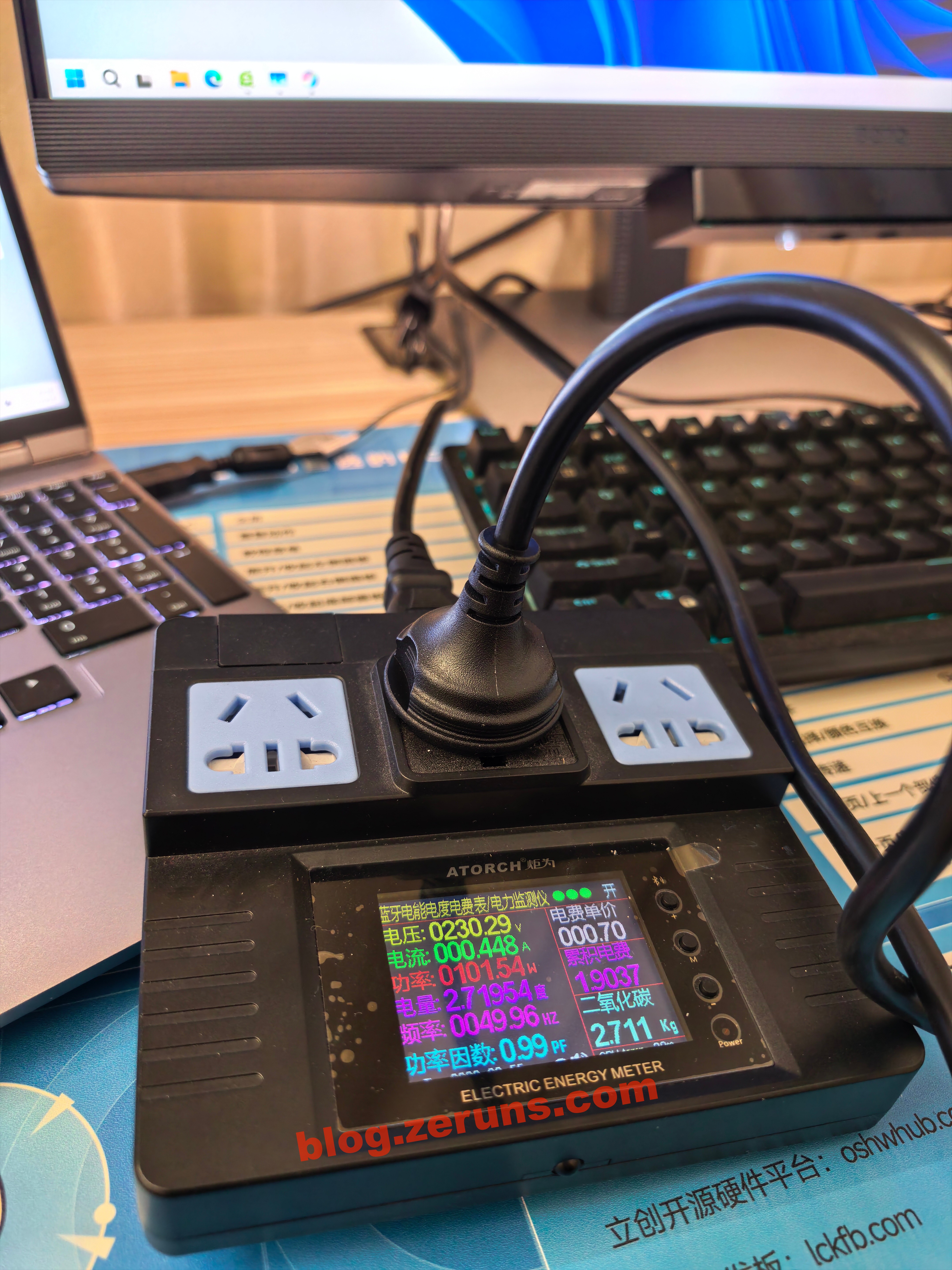
Power consumption via USB-C to laptop: ~101W (laptop consumes ~50W). Power factor: 0.99 — likely features active PFC circuitry.

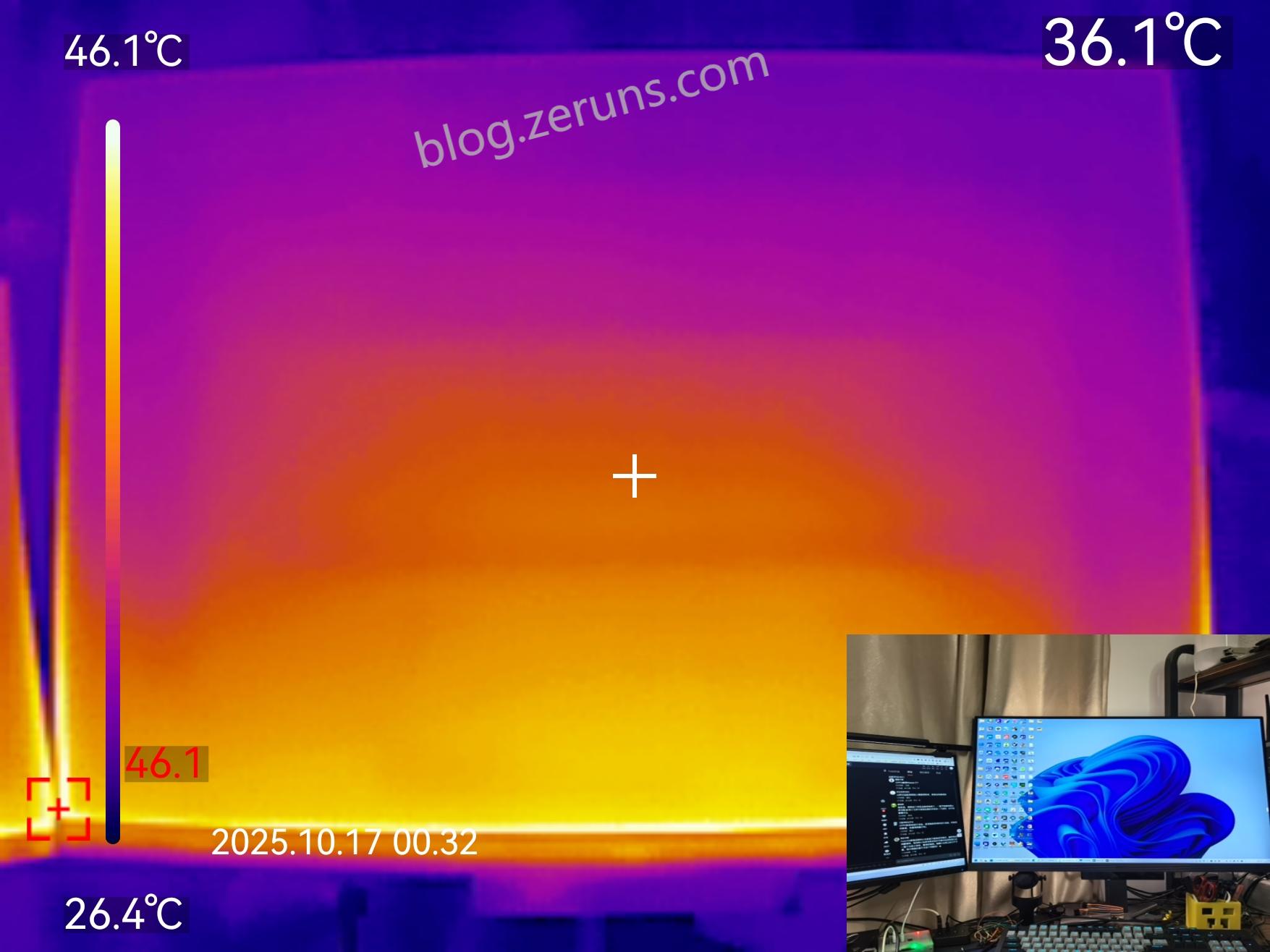
Thermal imaging of screen heat distribution: heat concentrated at bottom — likely where backlight LEDs are located. Maximum temperature: 46.1°C (ambient ~26°C).

Unboxing review of UTRITE UTi261M thermal imager: https://blog.zeruns.com/archives/798.html

Recommended Reading

English Version of this Article: https://blog.zeruns.top/archives/76.html

1 Like