Apple Mac Mini M4 Mini Desktop Review and Teardown: The Compact Desktop with the Strongest Single-Core Performance
I’ve never used a Mac before, but seeing that this model offers decent value for money, I decided to give it a try. I purchased the 16GB + 256GB version—originally priced at ¥4,499, but I got it for ¥3,749 with the education discount. At the time of purchase, Guangdong’s home appliance subsidy program had already ended; otherwise, I could have bought it for just ¥3,599 with the subsidy.
Unboxing, review, and teardown video: https://www.bilibili.com/video/BV1vmF6eAEyg/
I placed my order on Apple’s official website on December 18, 2024. It was shipped on December 30 and arrived on the 31st (via SF Express’ fastest delivery, enabling next-day arrival even across provinces). However, shipping from Apple’s official site is quite slow!
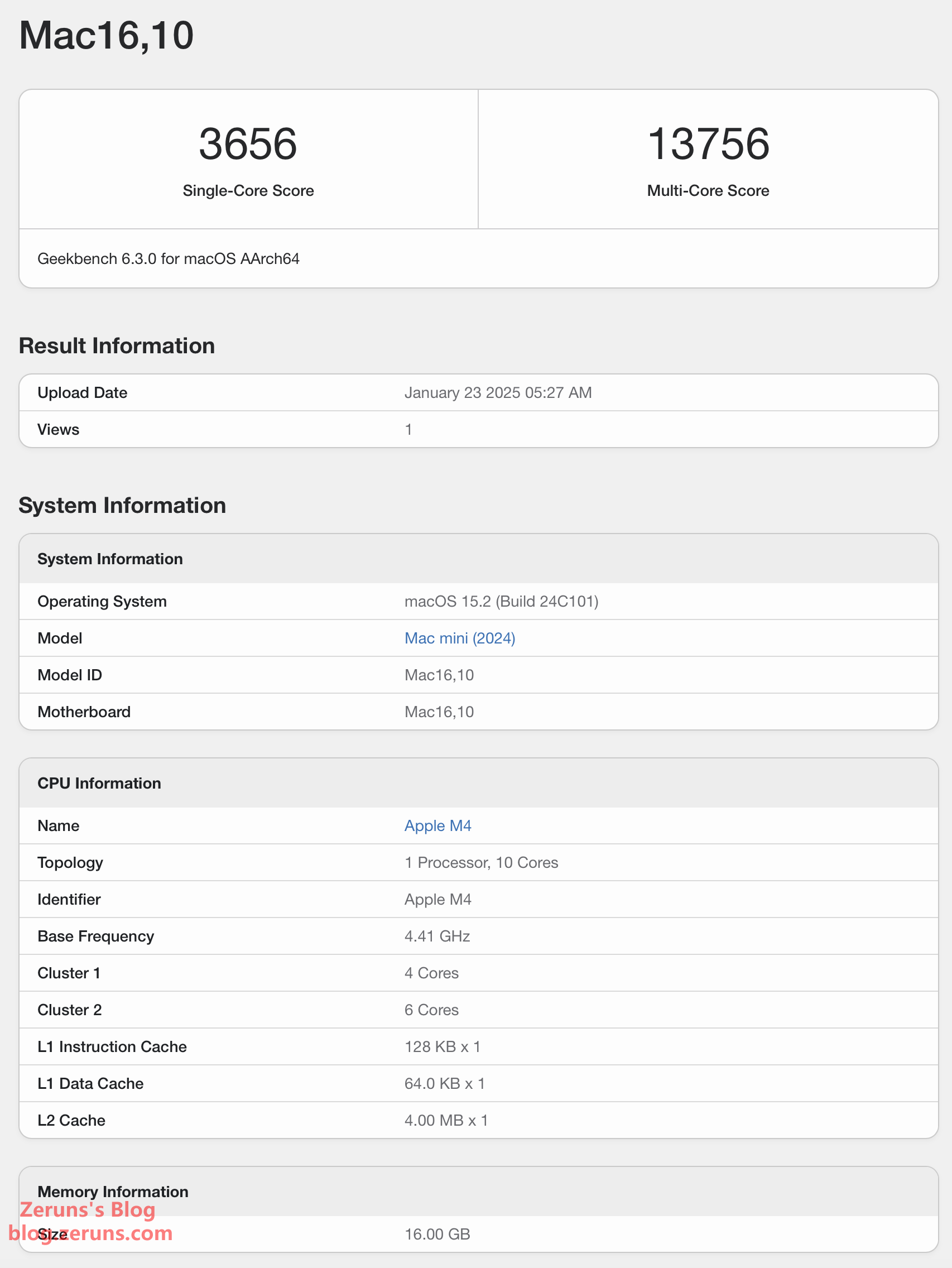
The Apple M4 chip appears to deliver the best single-core performance currently available, outperforming even the Intel Core i9-14900 in single-core benchmarks. This makes it ideal for running Minecraft Java servers.
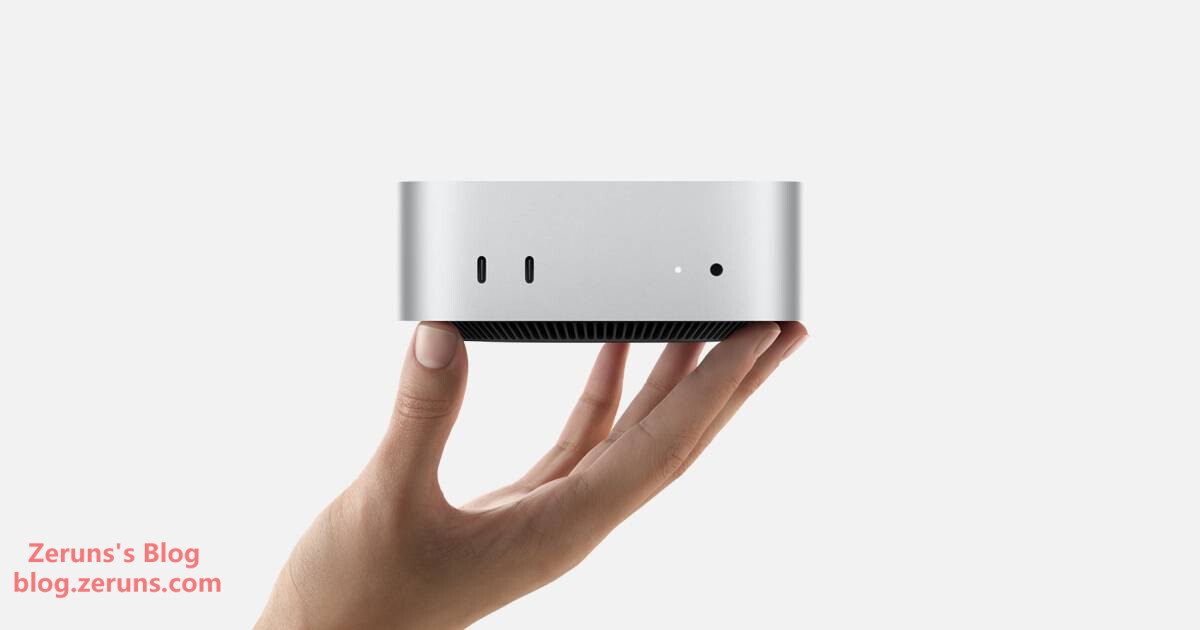
Besides its excellent cost-performance ratio, the M4 Mac mini breaks away from the design used for the past 14 years, shrinking down to a size small enough to be held in one hand, sparking widespread discussion.
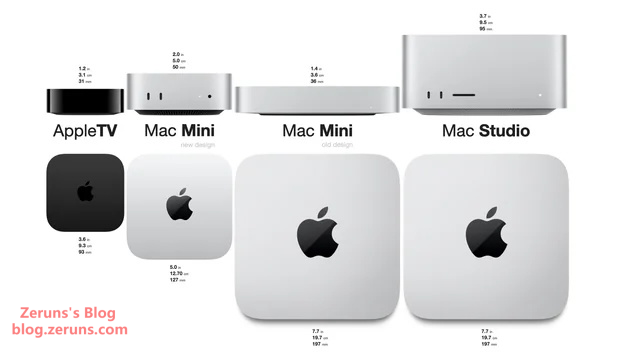
Placing the old and new models side by side, the 2024 Mac mini retains the rounded corners but features a much more compact footprint of 12.7 x 12.7 cm, compared to the previous generation’s 20 x 20 cm. The new Mac mini is only slightly larger than an Apple TV.
Due to the compact chassis, the new Mac mini no longer has as much internal space for passive cooling as its predecessor. Apple has introduced a completely new thermal solution: the fan is positioned near the front of the unit, while exhaust vents are located toward the back. Air is drawn in from the bottom, circulated internally, and then expelled.
Thermal airflow animation demonstration from Apple’s official website:
It would have been even better if it supported PD (Power Delivery) charging. With a 100W PD power bank, plus a portable monitor and wireless keyboard/mouse setup, this could essentially function as a MacBook! Unfortunately, it does not support PD power input…
- RIHAO USB4 Enclosure + HP FX900Pro 2TB SSD Unboxing & Review: https://blog.zeruns.com/archives/842.html
- ViewSonic VG2481-4K Monitor Review – 24-inch 4K HDR400 10-bit Wide Color Gamut Display: https://blog.zeruns.com/archives/831.html
- Mechanical Revolution imini Pro820 Mini PC Review and Teardown: https://blog.zeruns.com/archives/813.html
Specifications
2024 Mac mini
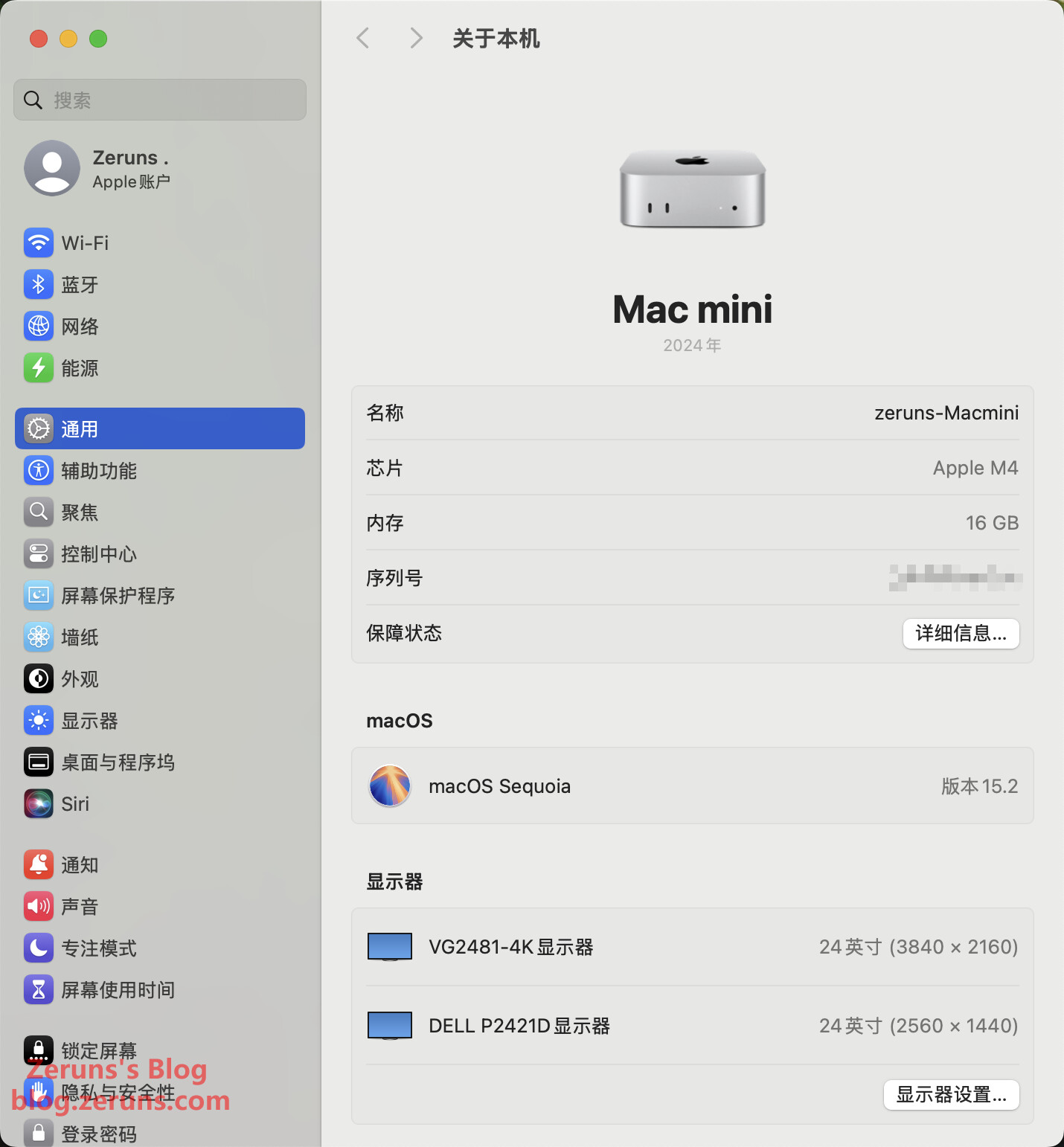
- SoC: Apple M4 chip, 10-core CPU (4 performance cores + 6 efficiency cores), 10-core GPU, 16-core NPU
- Memory: 16GB (configurable up to 24GB or 32GB; 120GB/s memory bandwidth; up to 64GB on M4 Pro models)
- Storage: 256GB SSD (configurable up to 512GB, 1TB, or 2TB; upgrading to 2TB costs an additional ¥5,550…)
- Wireless: Wi-Fi 6E (802.11ax)
- Ports: 2x 10Gbps USB-C + 3x 40Gbps USB-C (Thunderbolt 4 / USB4 / DisplayPort) + HDMI + Gigabit Ethernet (optional 10GbE) + 3.5mm headphone jack
- Dimensions: 12.7 x 12.7 x 4.97 cm
- Weight (M4 model): 0.67 kg
- Power Input: 100–240V AC
- Maximum Sustained Power: 155W
- Operating System: macOS
Supports Up to Three Displays Simultaneously:
-
Up to three displays: Connect two displays with up to 6K resolution (60Hz) via Thunderbolt ports, and simultaneously connect a third display with up to 5K resolution (60Hz) via Thunderbolt or up to 4K resolution (60Hz) via HDMI
-
Up to two displays: Connect one display with up to 5K resolution (60Hz) via Thunderbolt, and simultaneously connect another display with up to 8K resolution (60Hz) or 4K at 240Hz via Thunderbolt or HDMI
-
Native DisplayPort 1.4 output supported over USB-C
Video Playback Support:
- Supported formats include HEVC, H.264, AV1, and ProRes
- HDR support includes Dolby Vision, HDR10+/HDR10, and HLG
Apple Official Mac mini Product Page: https://url.zeruns.com/mac-mini
Where to Buy Mac mini:
- JD.com: https://u.jd.com/zDn0cyX
- Taobao: https://s.click.taobao.com/Wy2vXts
- Pinduoduo: https://p.pinduoduo.com/SX5VWglK
- National Subsidy Program Link: https://u.jd.com/zrG94rU
- Expansion SSD Board for Mac mini M4: https://s.click.taobao.com/TUMZKss
Unboxing
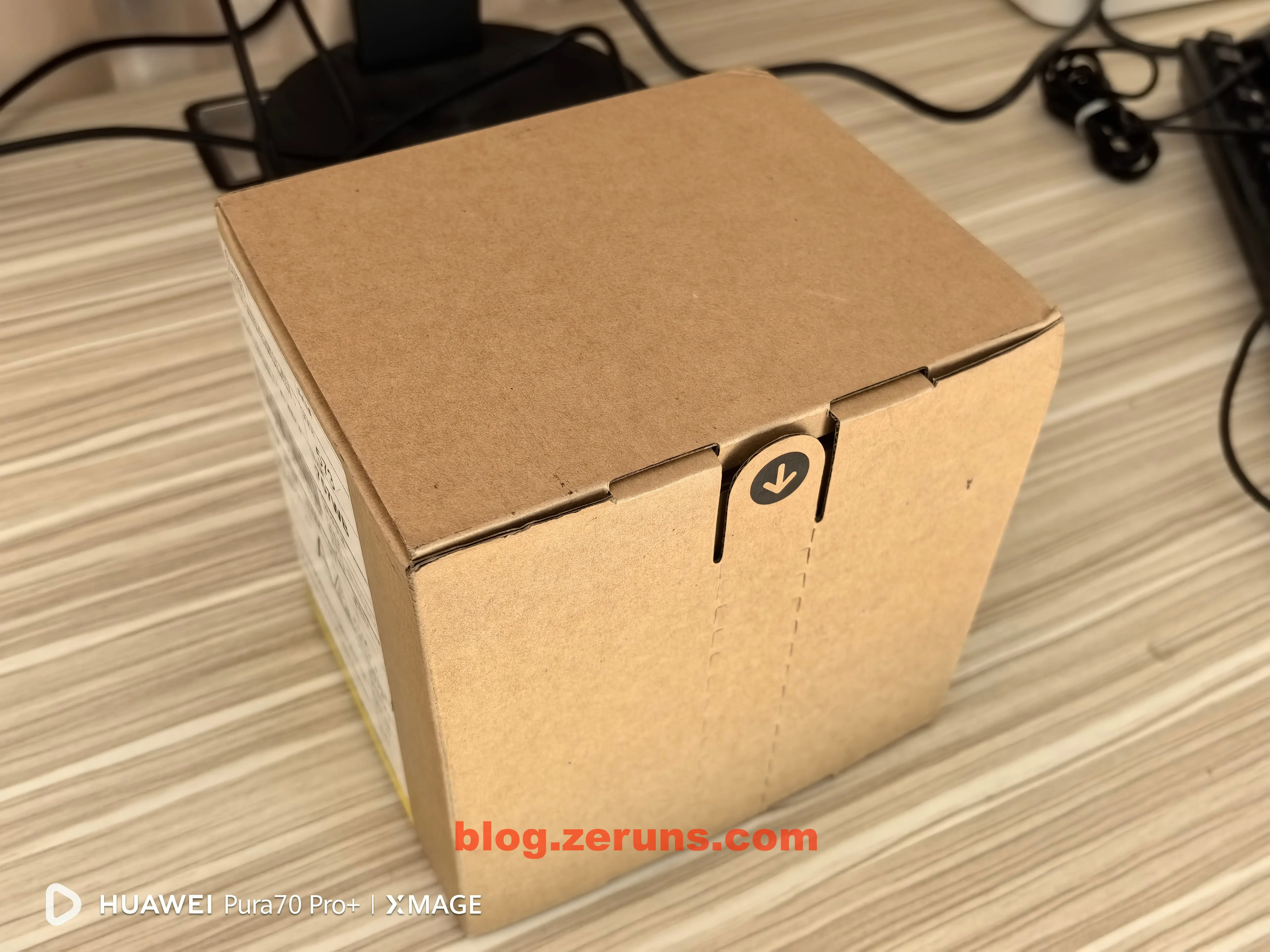
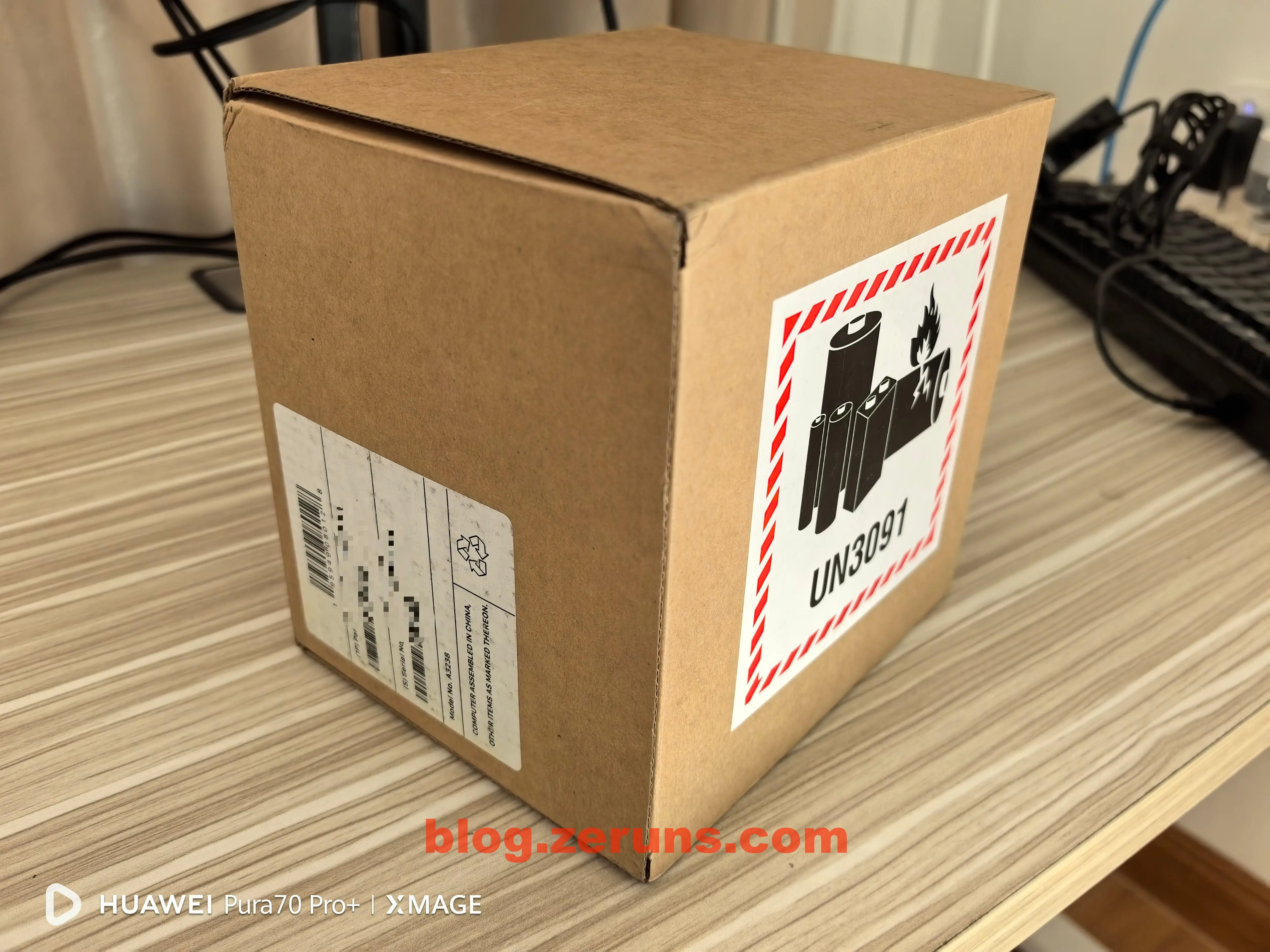
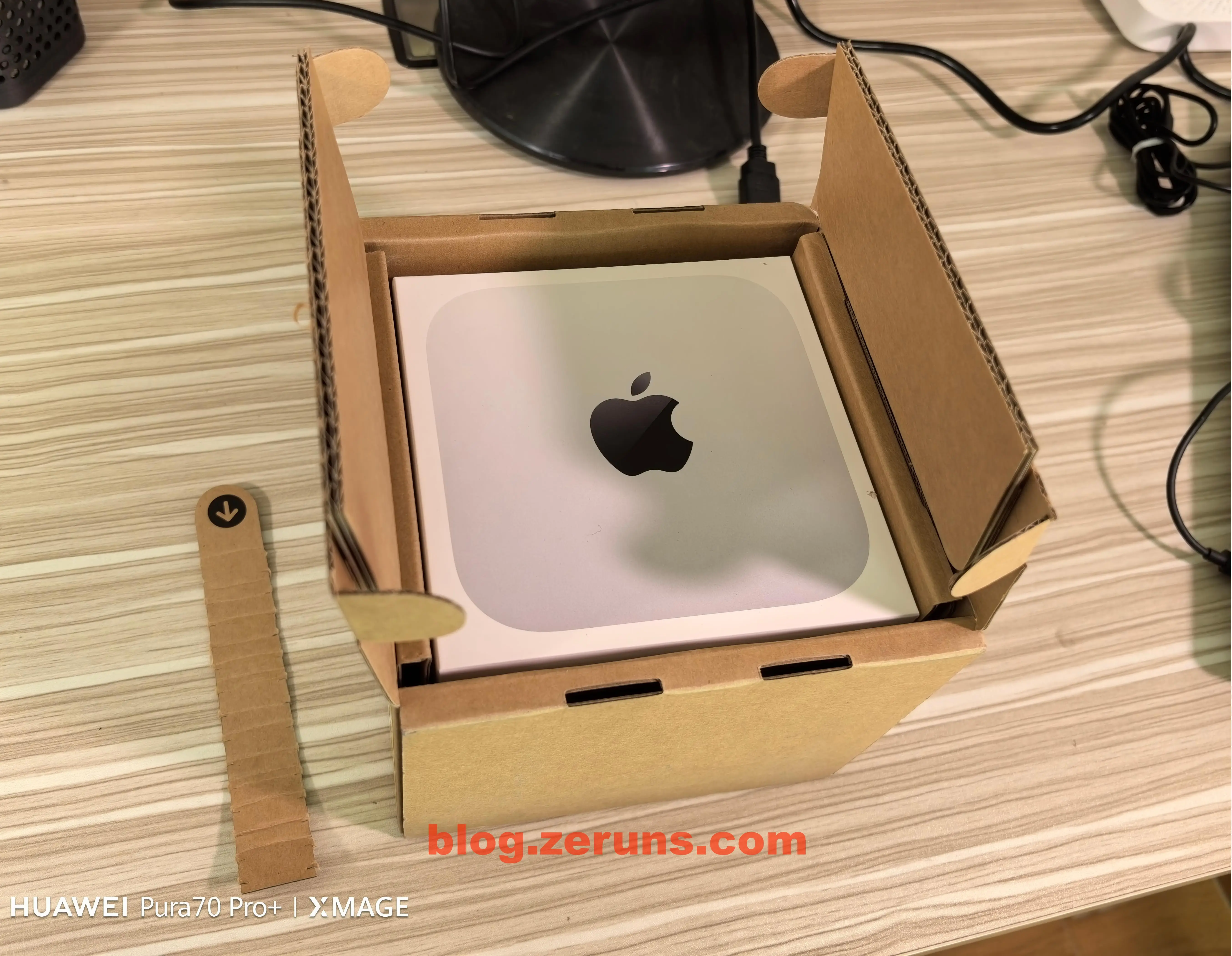
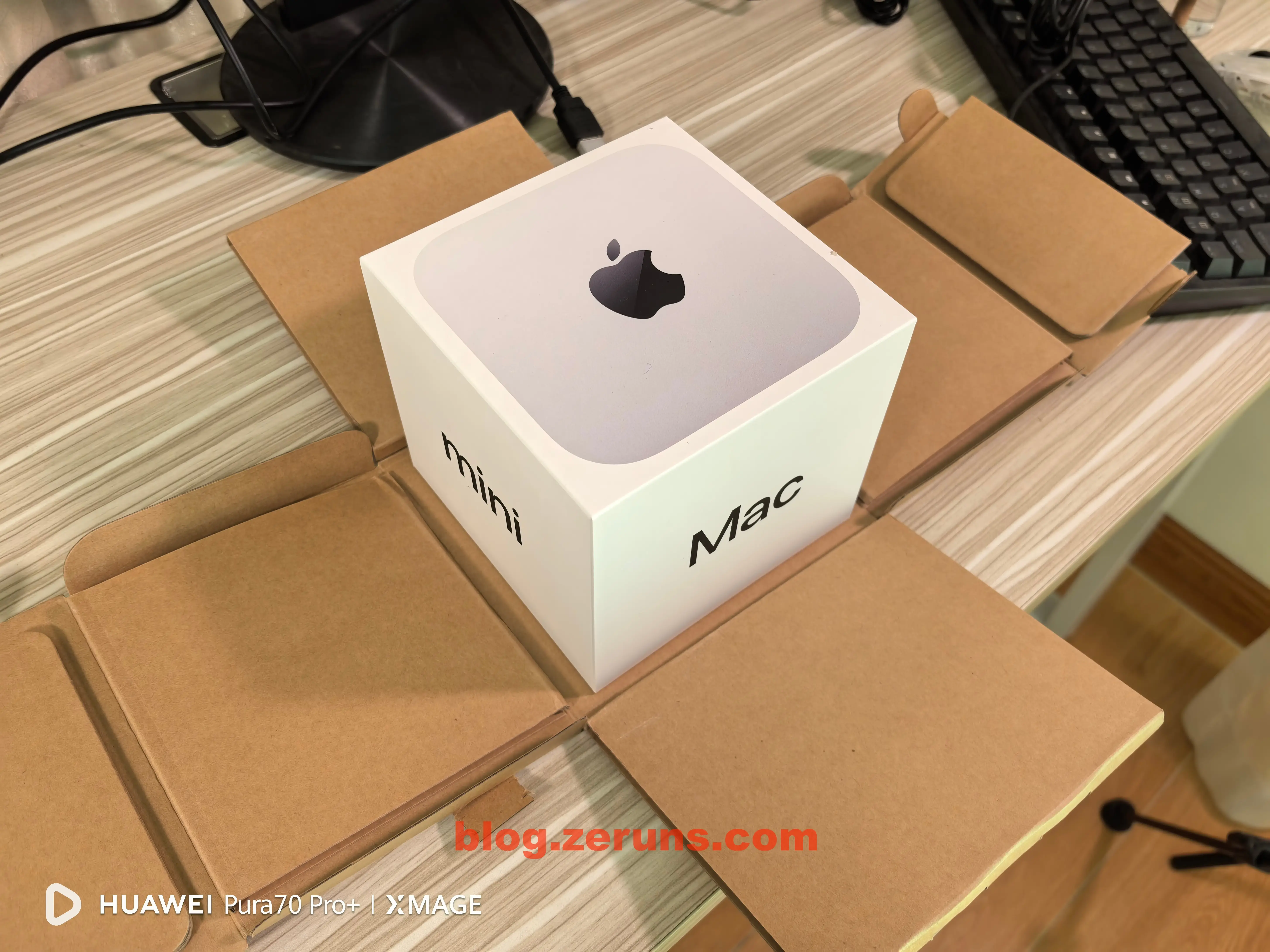
The outer packaging is simple cardboard—the same box delivered by courier. The design is clever: just pull the tab marked with an arrow to open it.
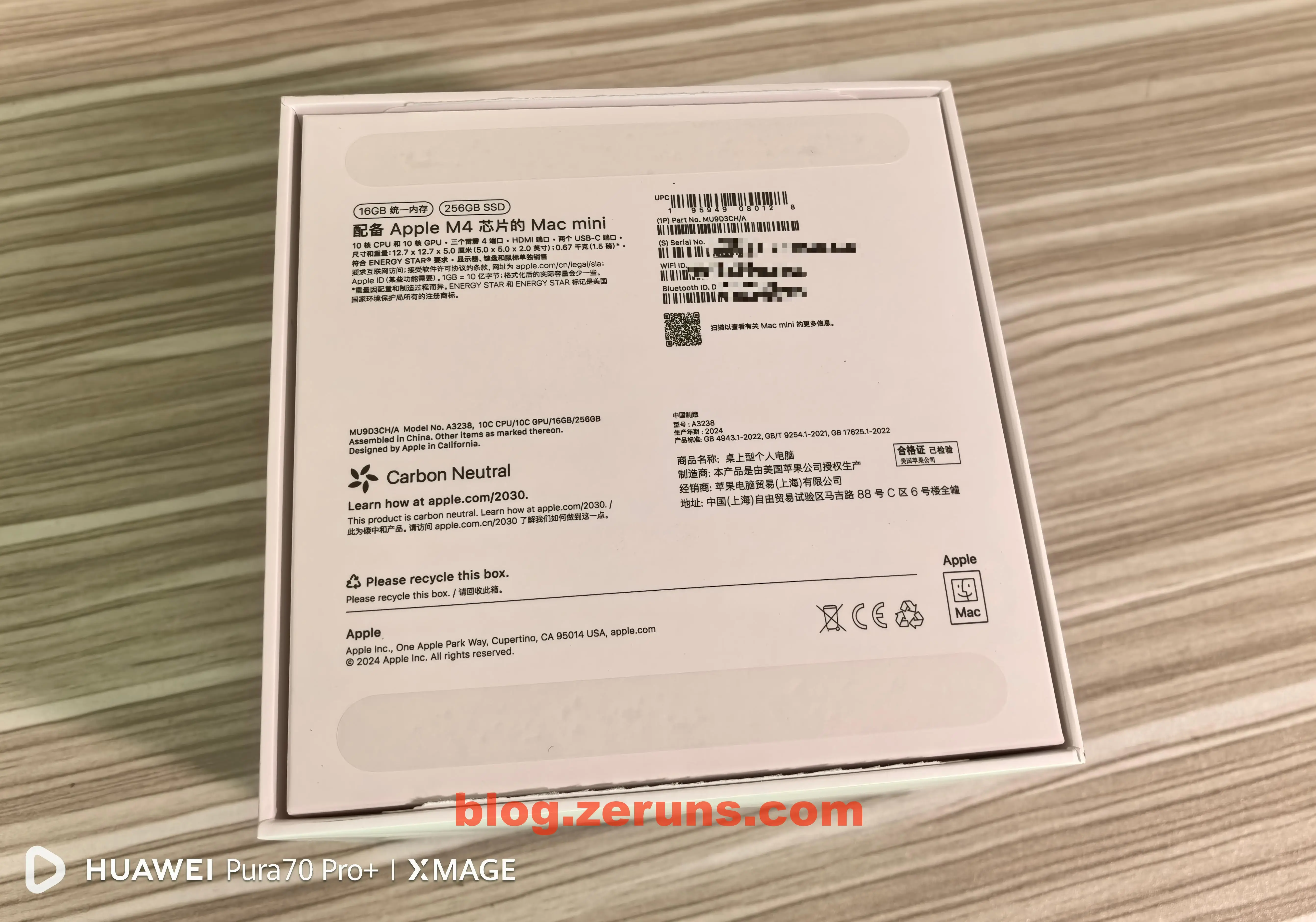
Inside, there’s a colorful retail box.
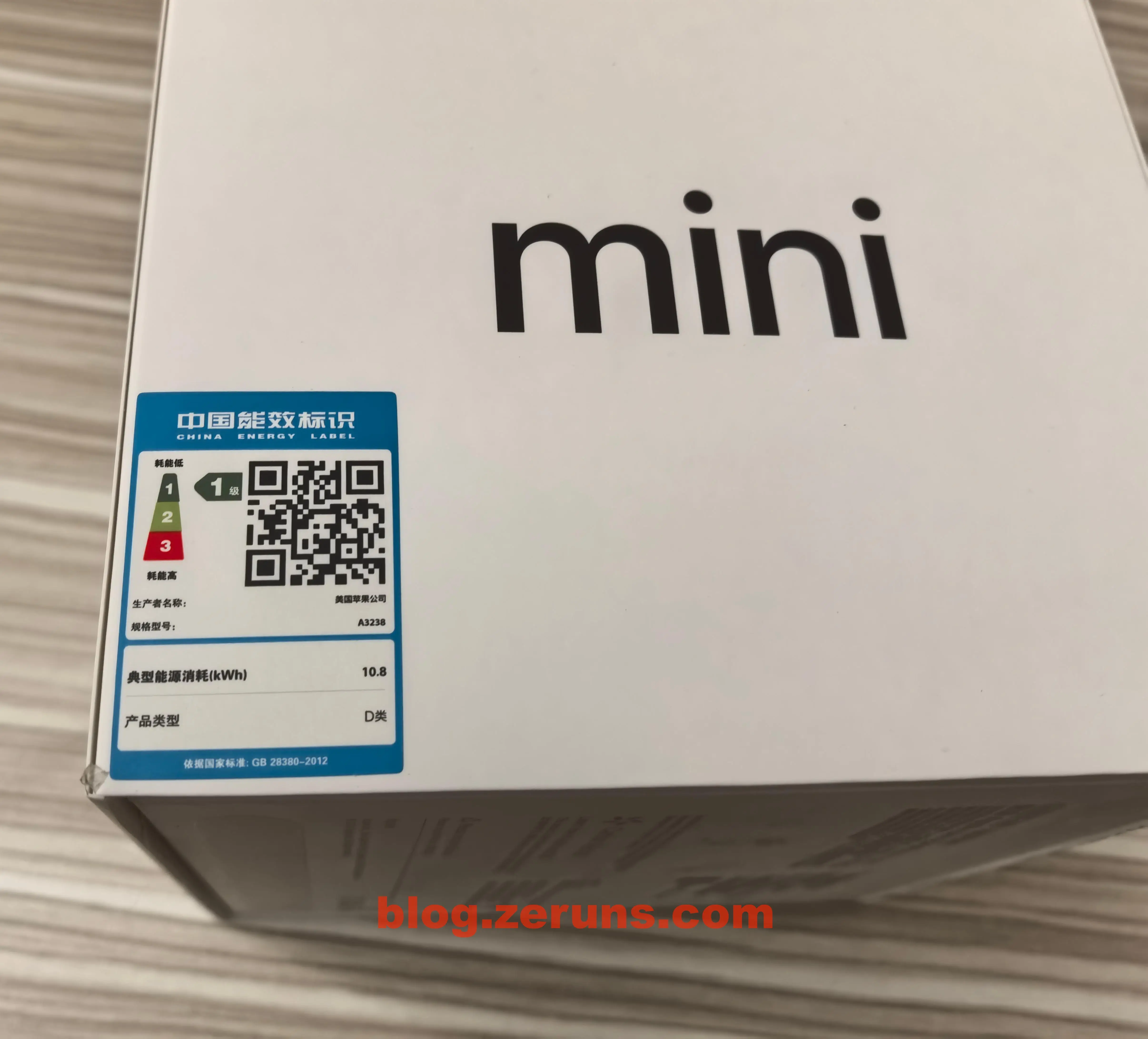
On the side of the retail box is the energy efficiency label: Level 1 energy rating, typical annual energy consumption of 10.8 kWh, product category Class D.
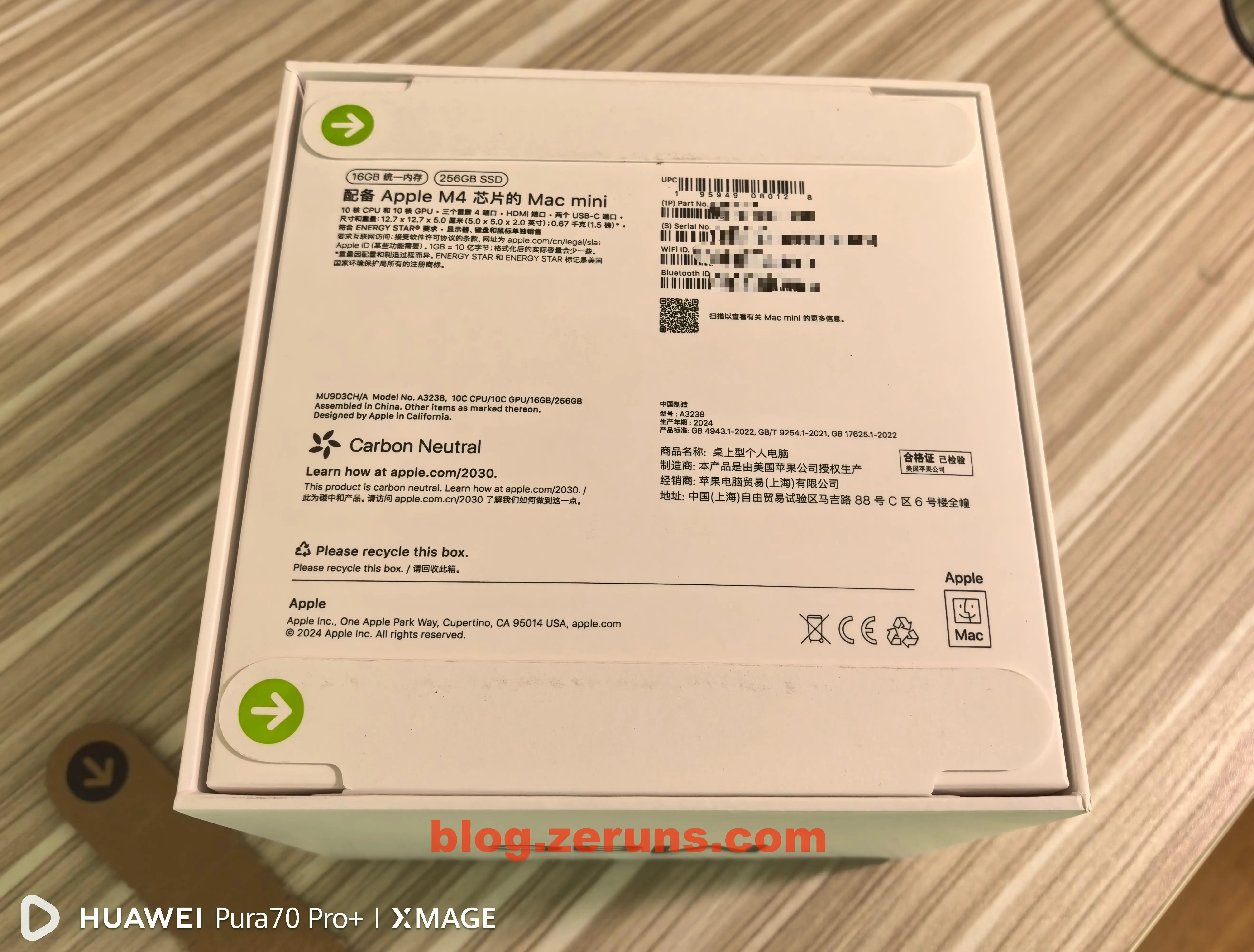
The bottom of the box also features a pull-tab with an arrow—same design as iPhone boxes.
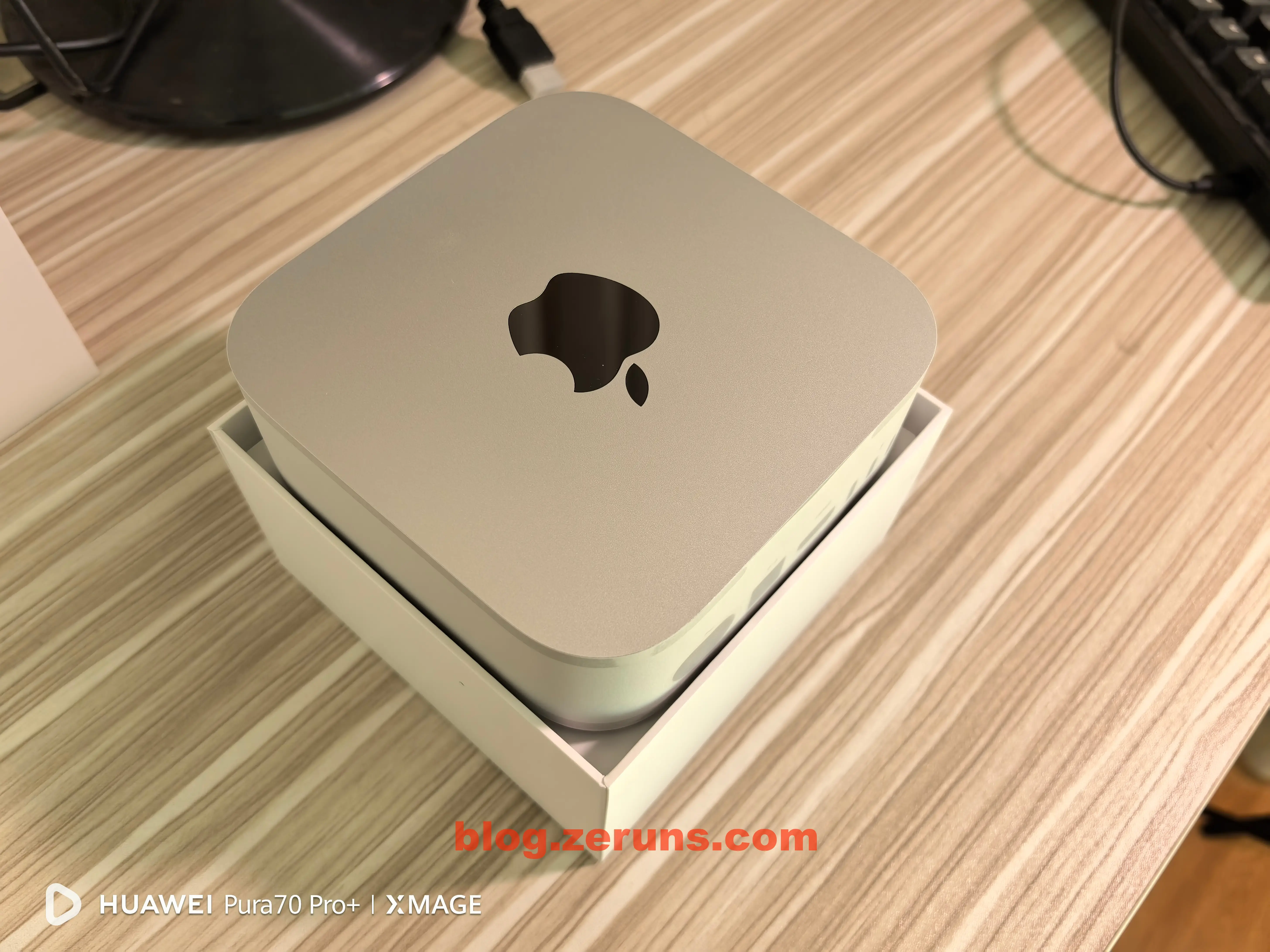
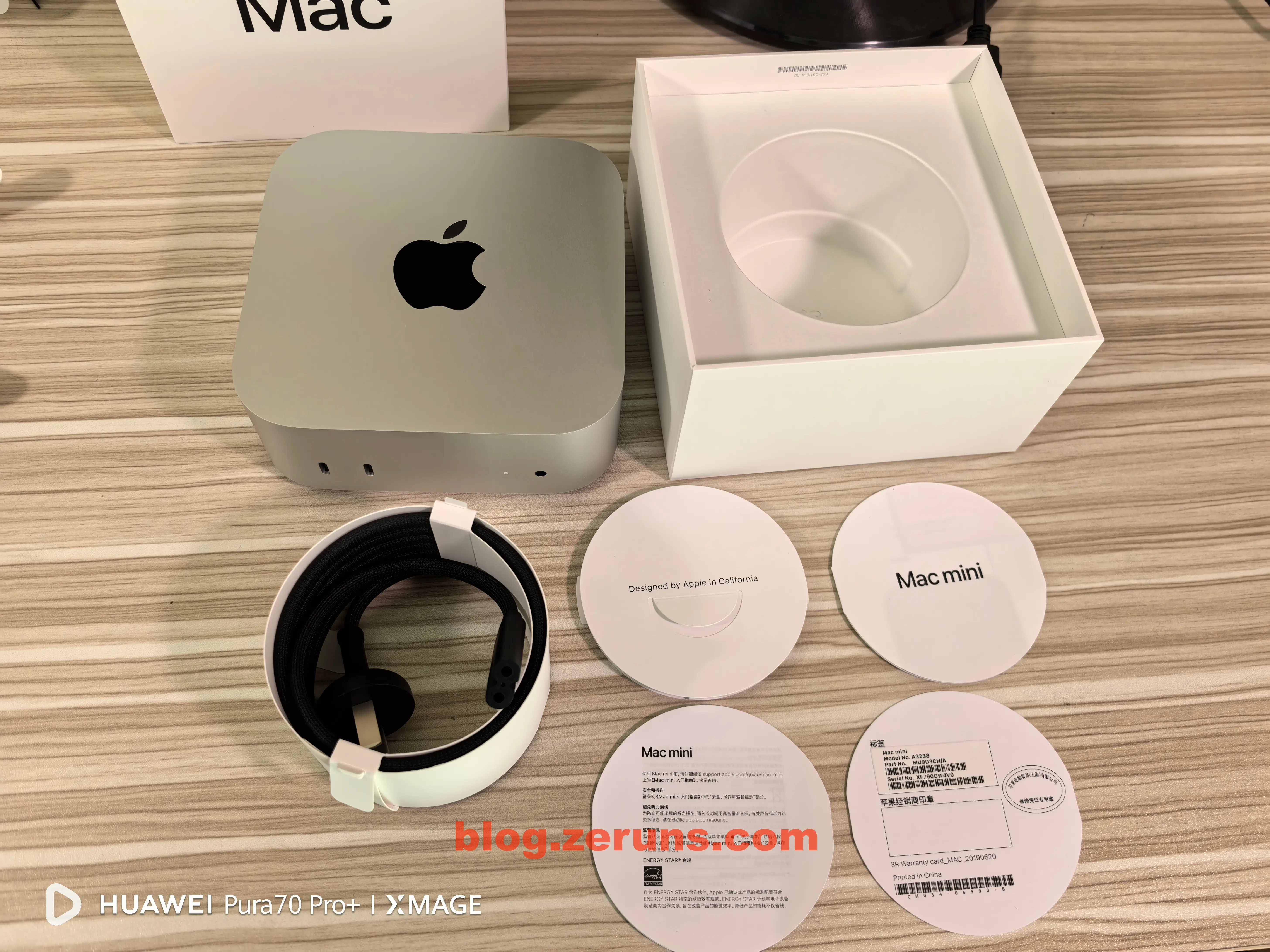
Opening the box reveals the Mac mini itself.
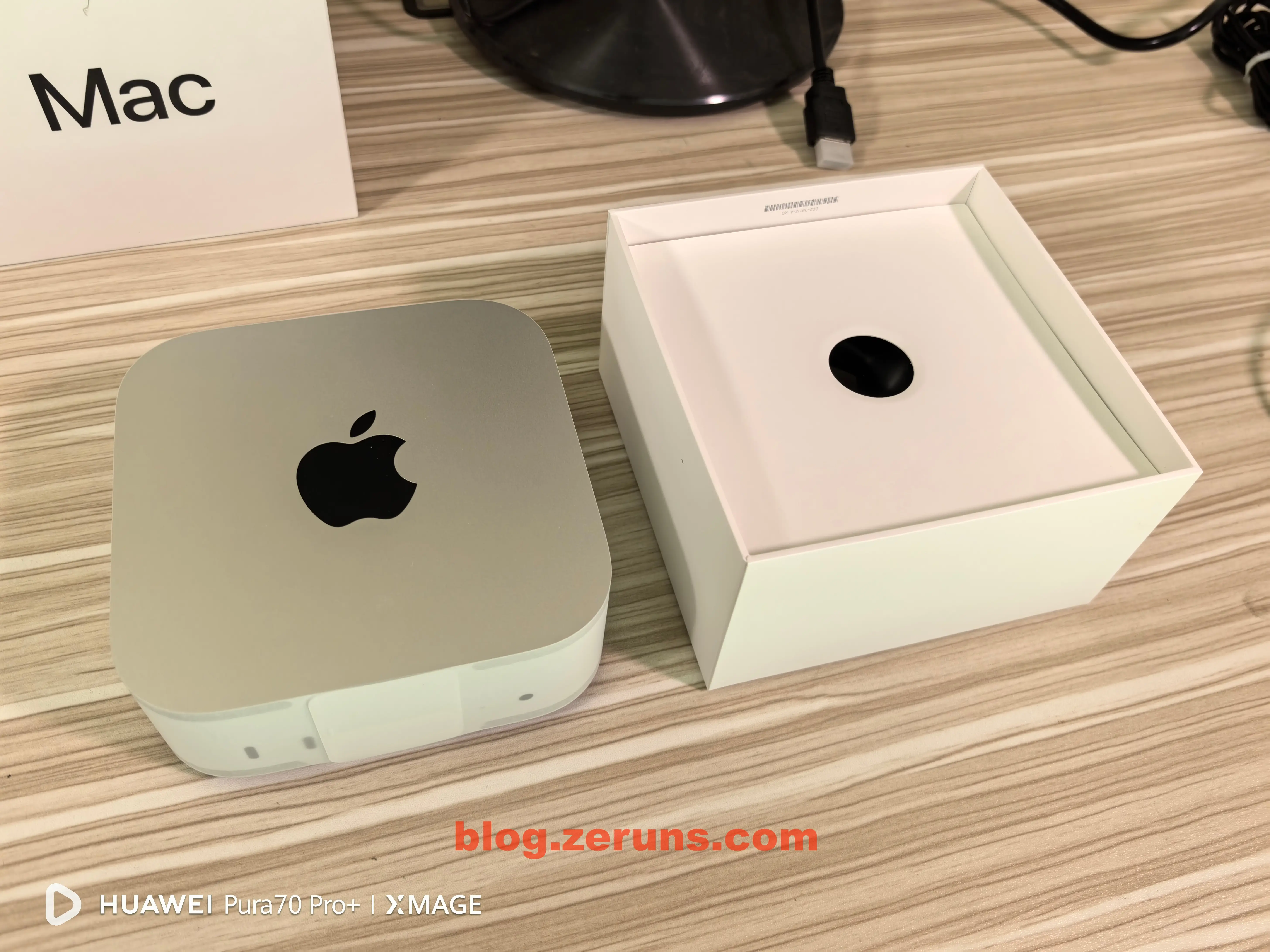
After removing the Mac mini, you’ll find accessories at the bottom of the box.
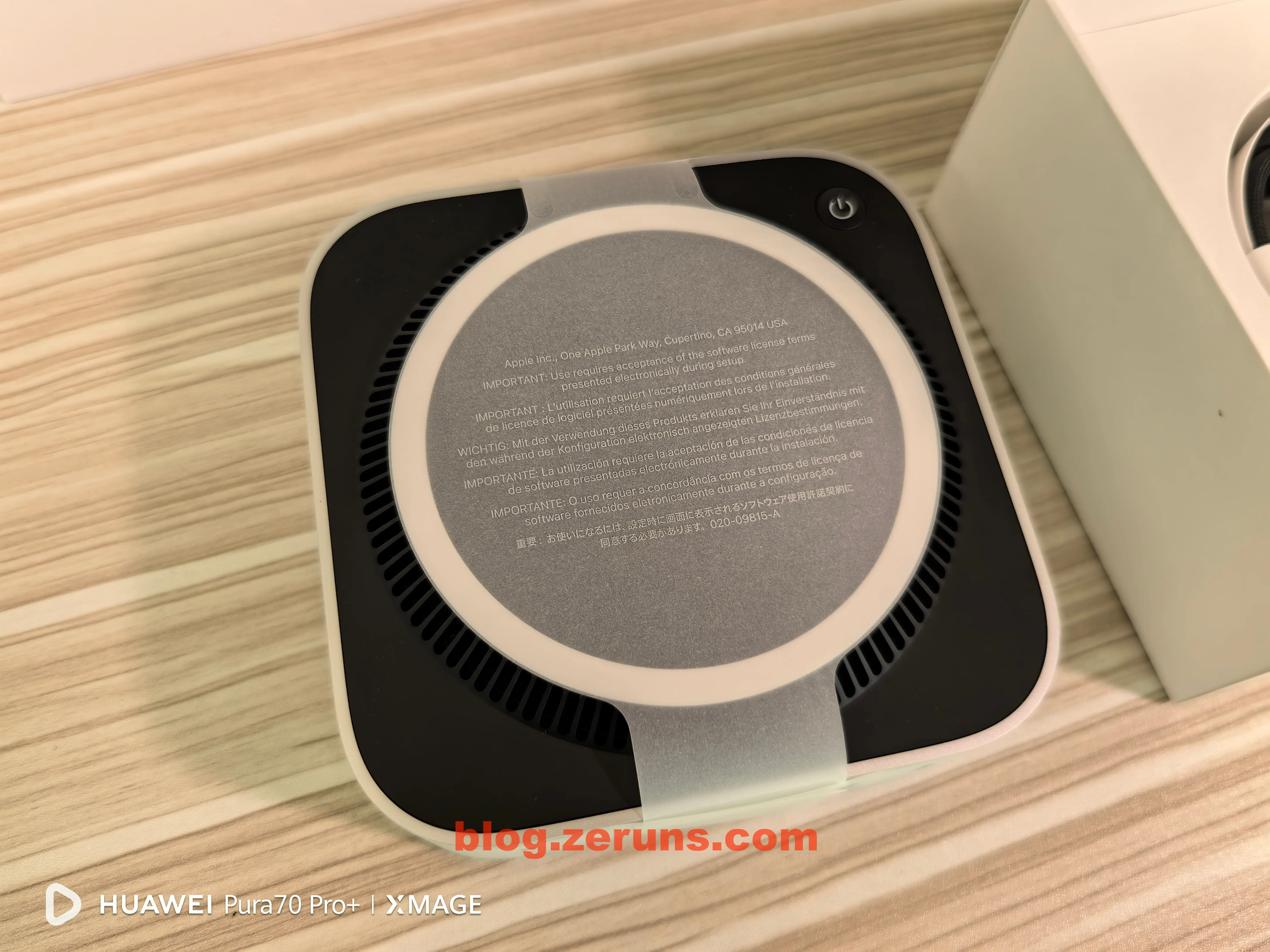
The Mac mini is wrapped in protective paper—just peel it off.
Only a power cable and some manuals are included.
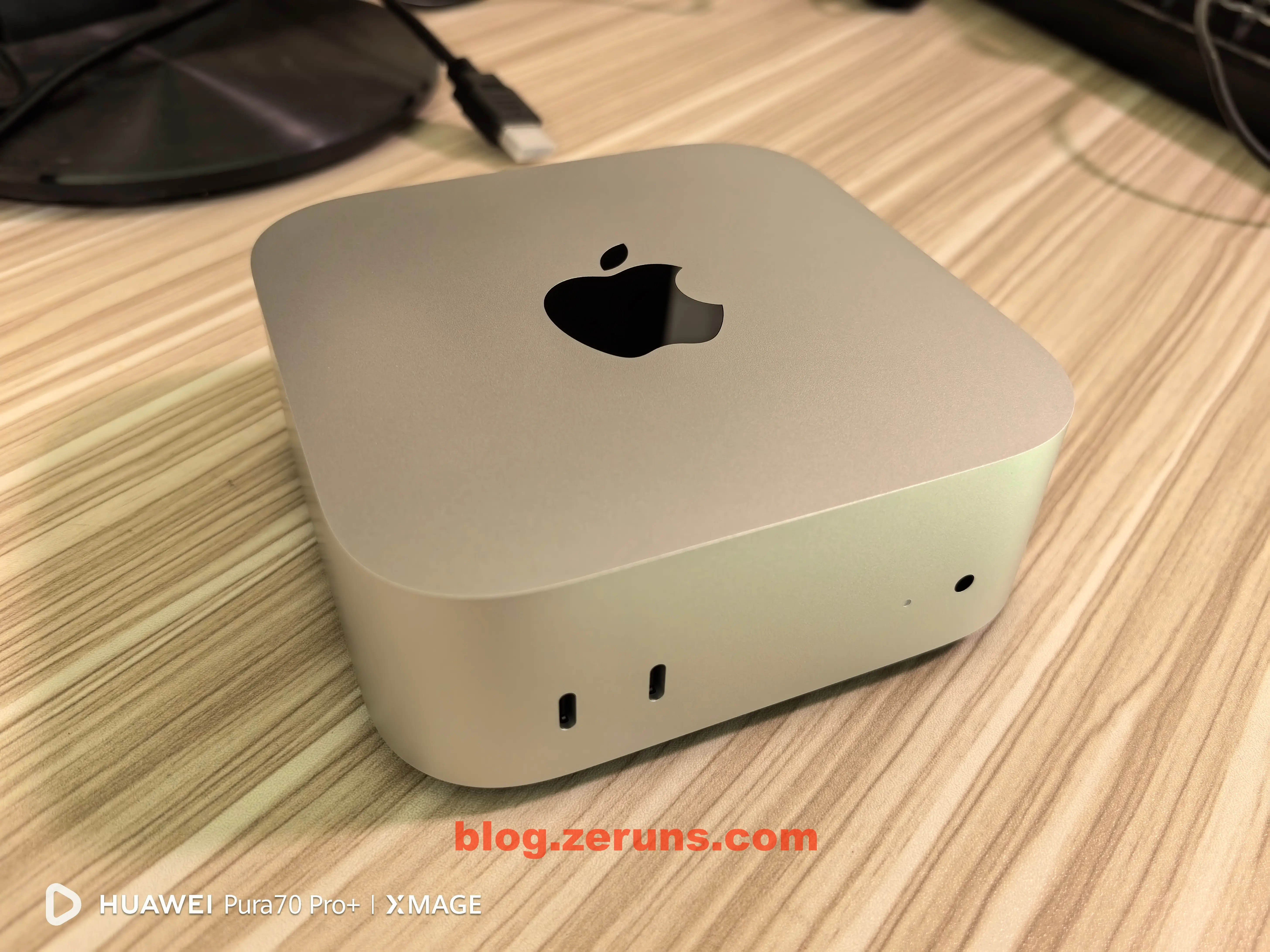
Front view of the Mac mini: two 10Gbps USB-C ports on the left, power indicator and 3.5mm headphone jack on the right, and the Apple logo on top.
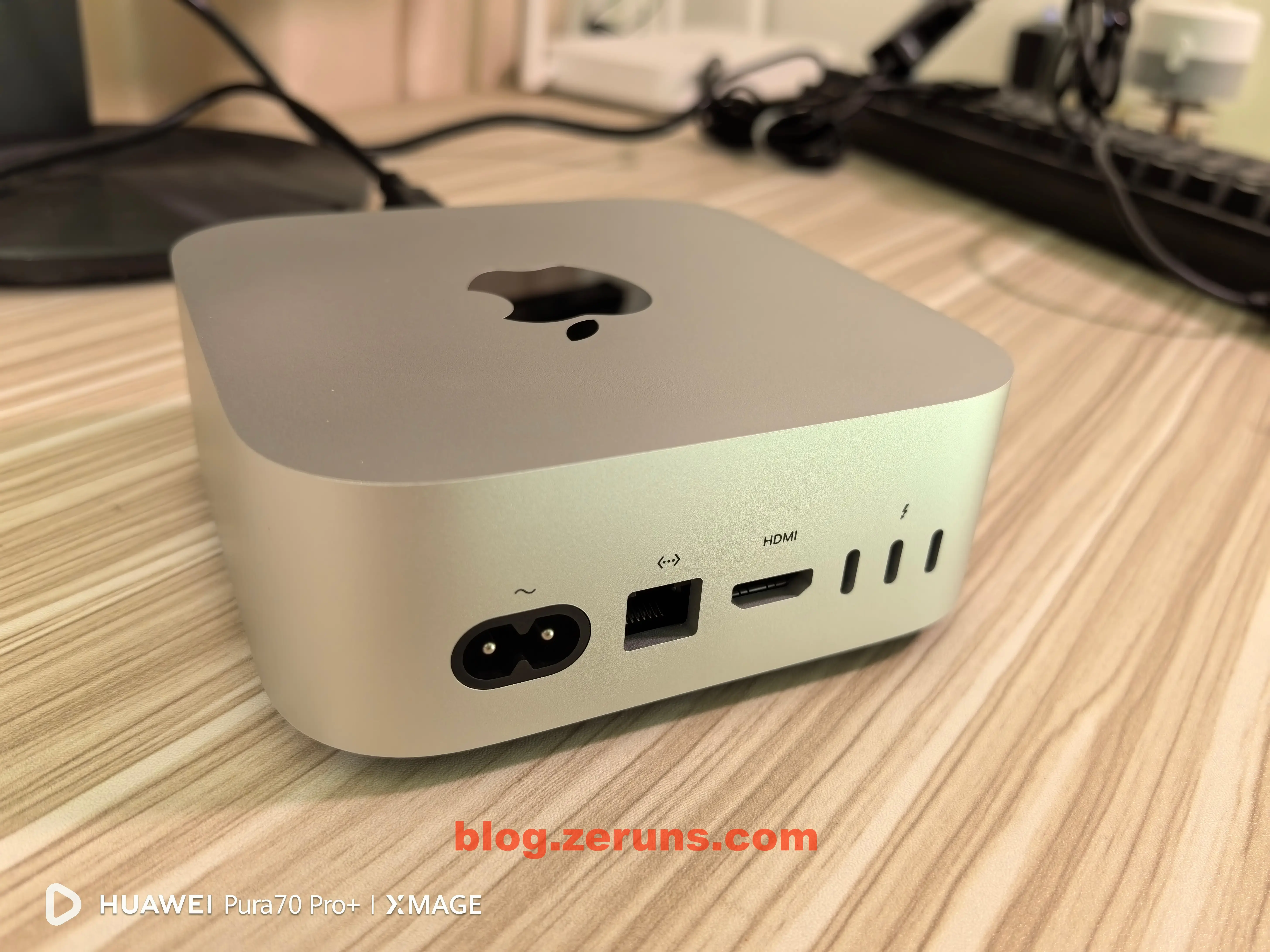
Back view: from left to right—figure-eight AC power connector, Gigabit Ethernet port, HDMI, and three 40Gbps USB-C ports.
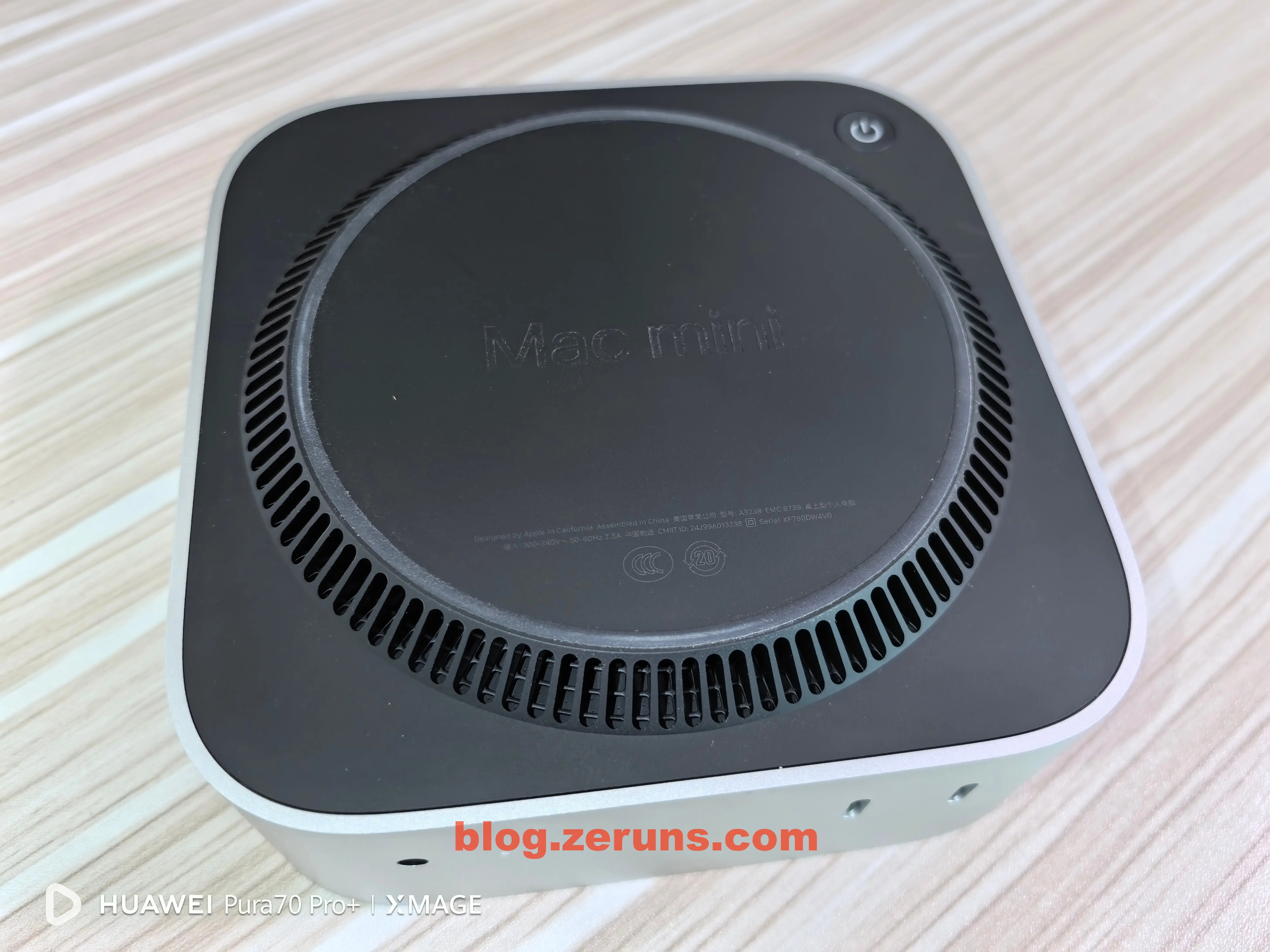
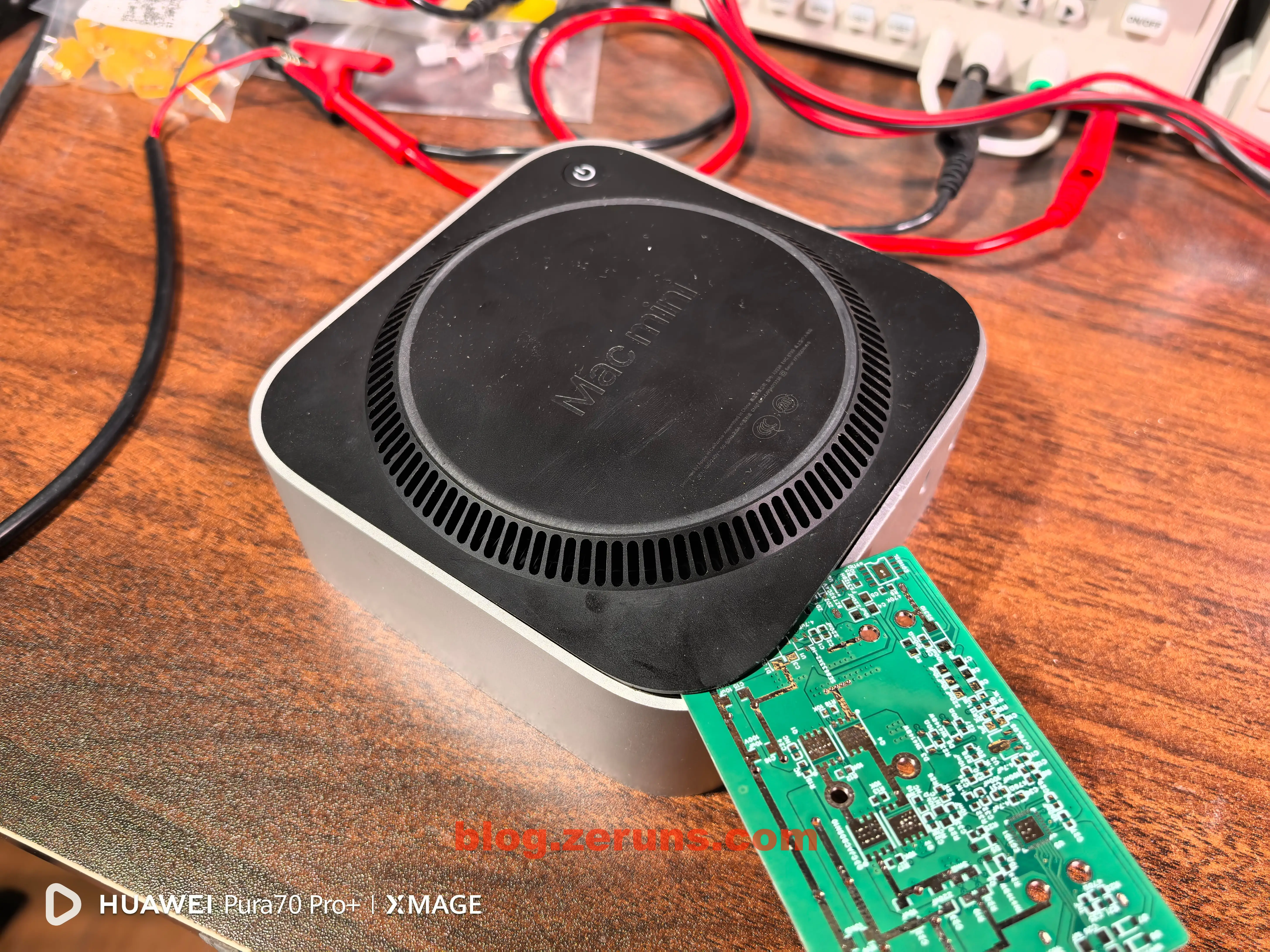
Bottom view: a ring of ventilation holes serves both intake and exhaust. There’s also a power button here (though realistically, reboots are rare—but this placement is really inconvenient…).
Review
Power On and Setup
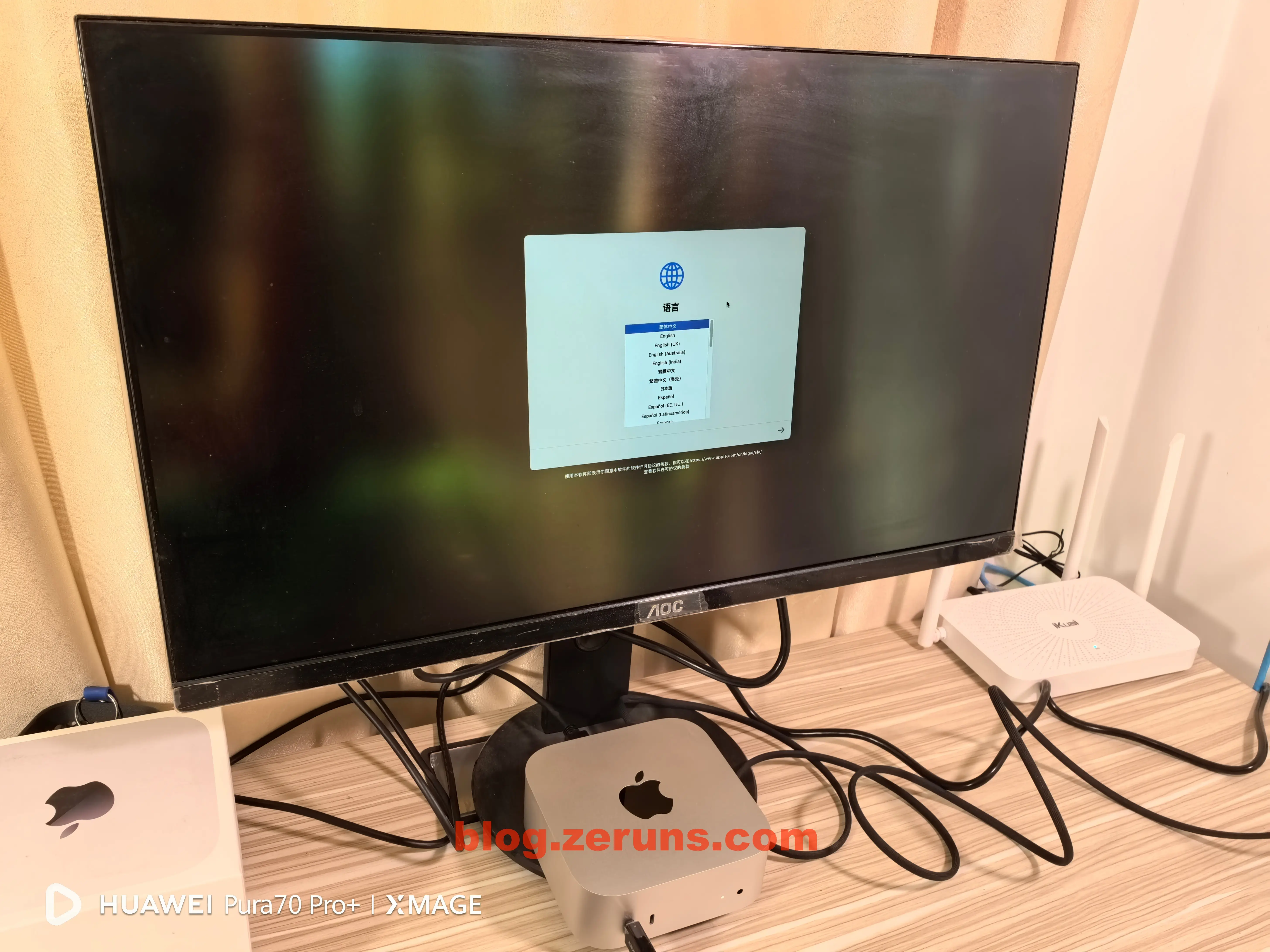
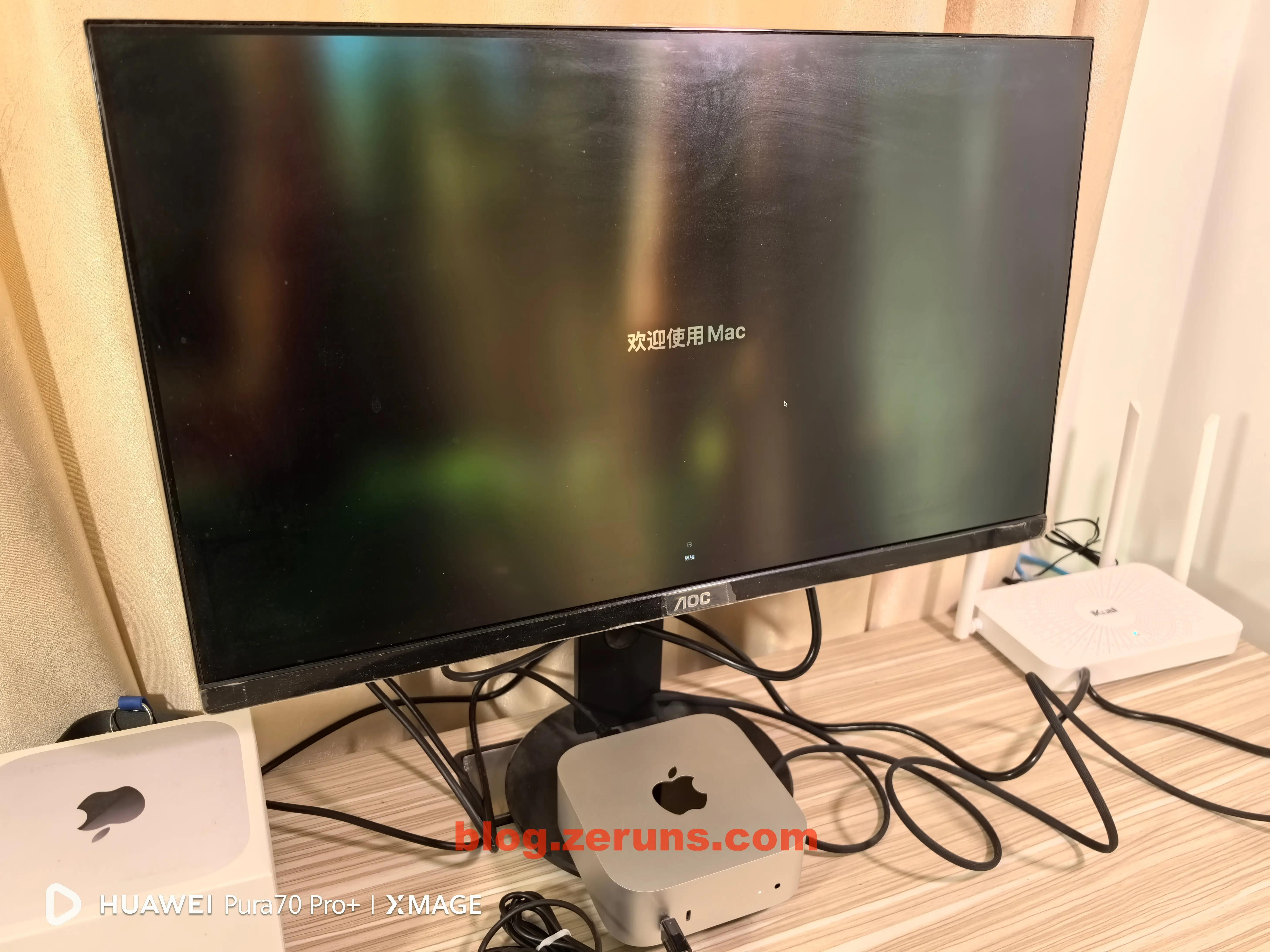
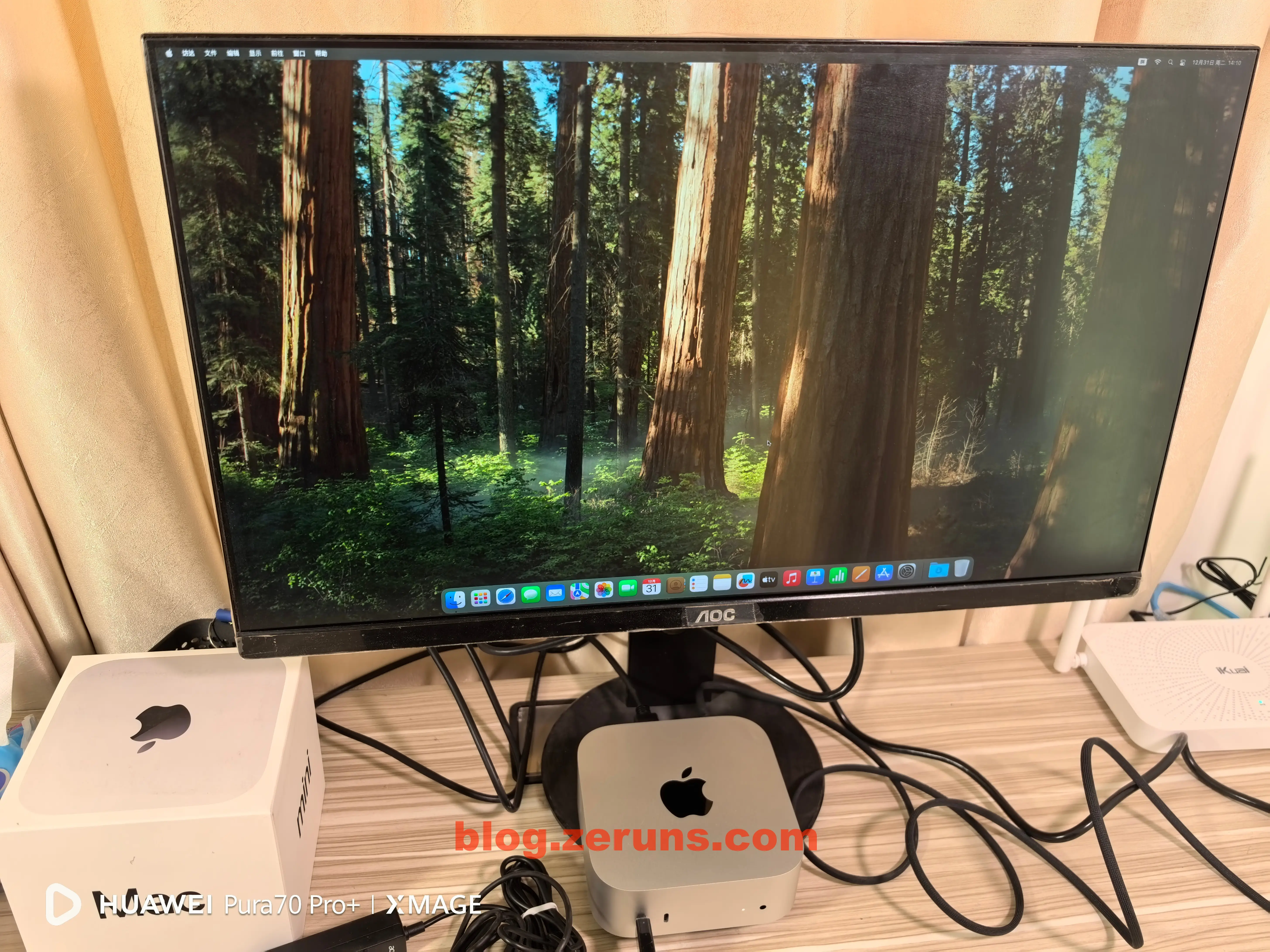
Connect the power cable, display, mouse, and keyboard, press the power button, and follow the on-screen setup instructions.
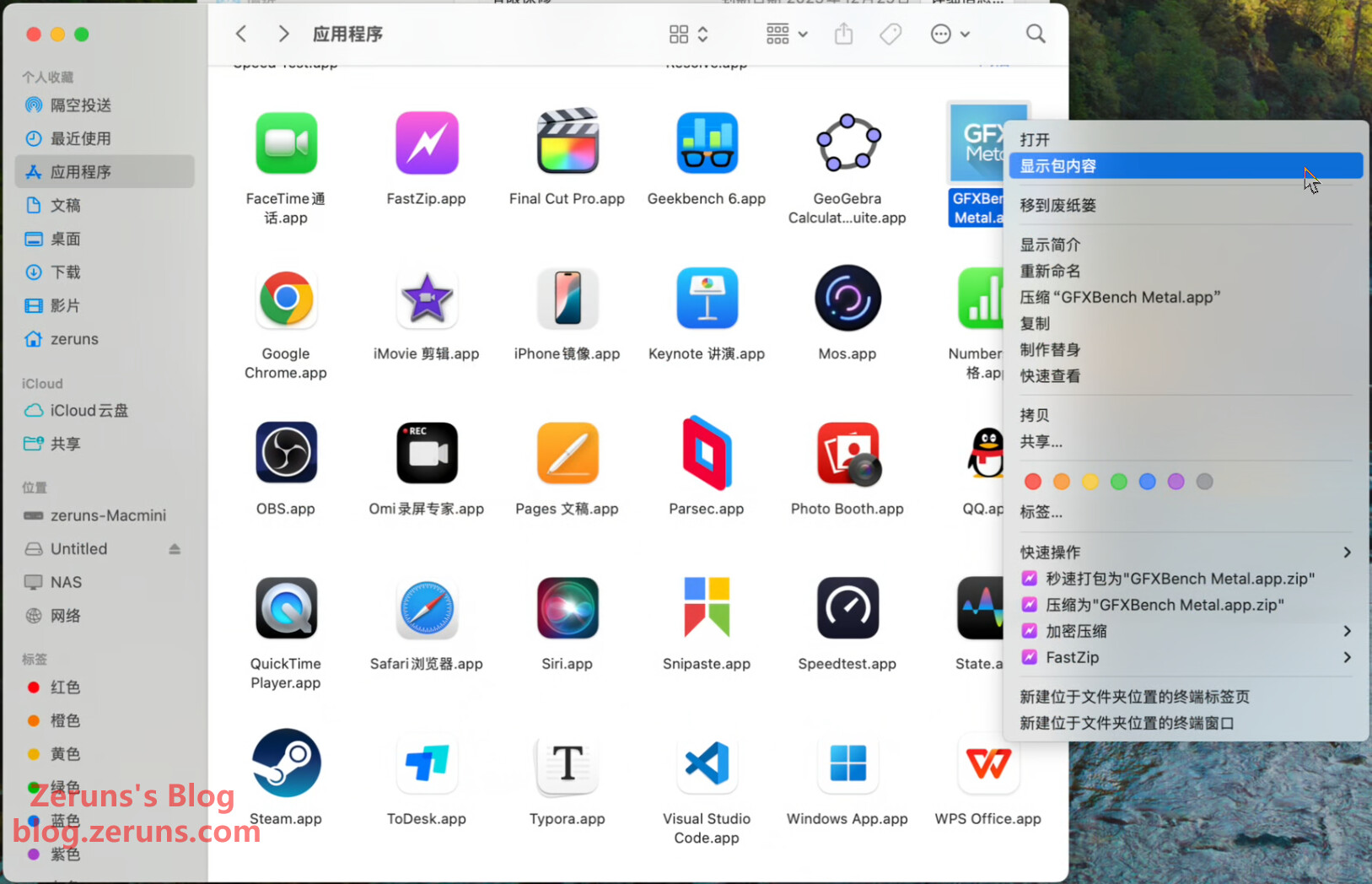
Open Finder—installed apps are stored under the Applications folder. These aren’t just shortcuts; they contain the full application data.
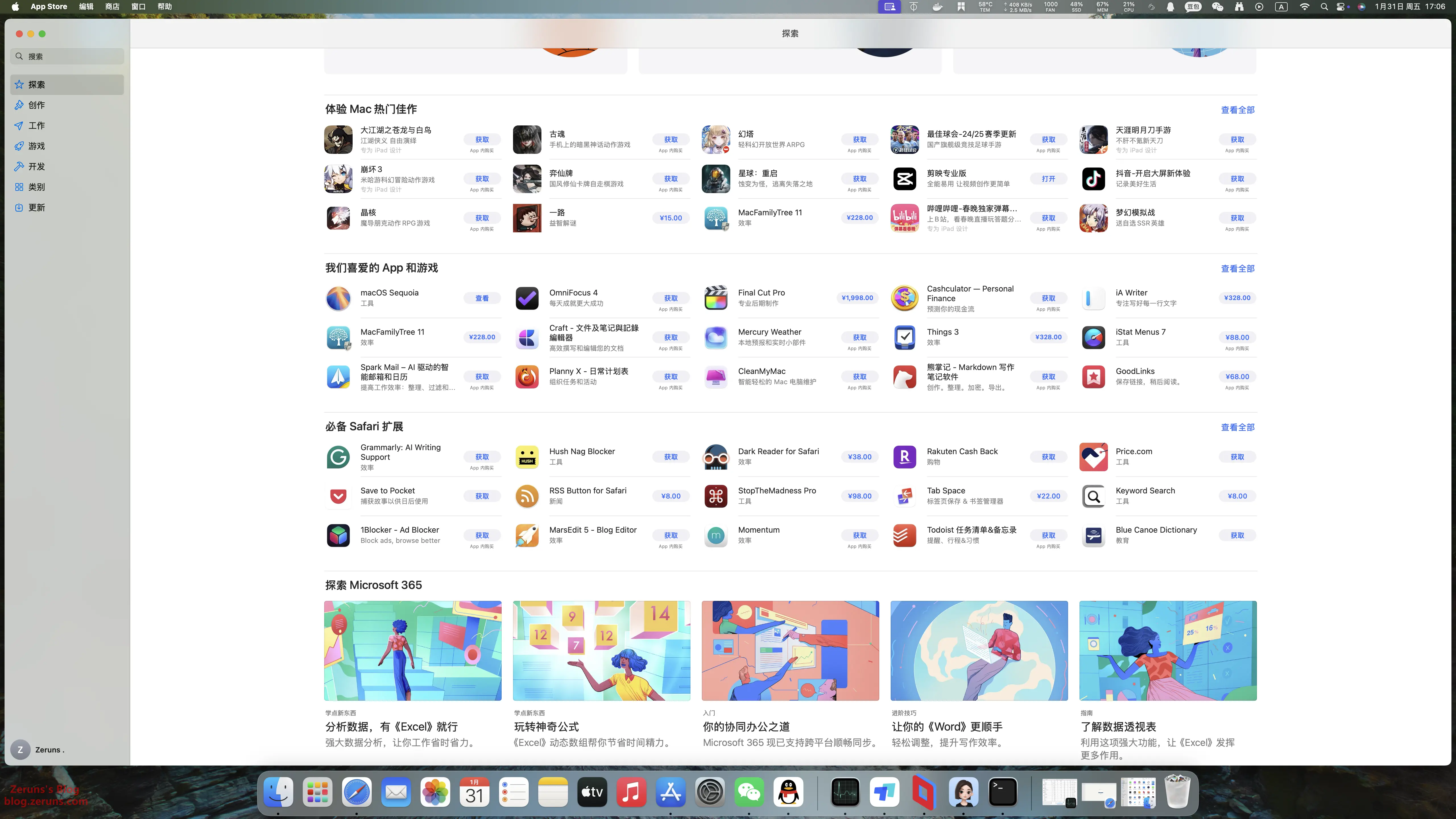
The App Store includes not only Mac apps but also many iPad and iPhone apps that can run natively on the Mac mini.
Internal SSD Speed Test
Test conducted with over half of storage capacity used.
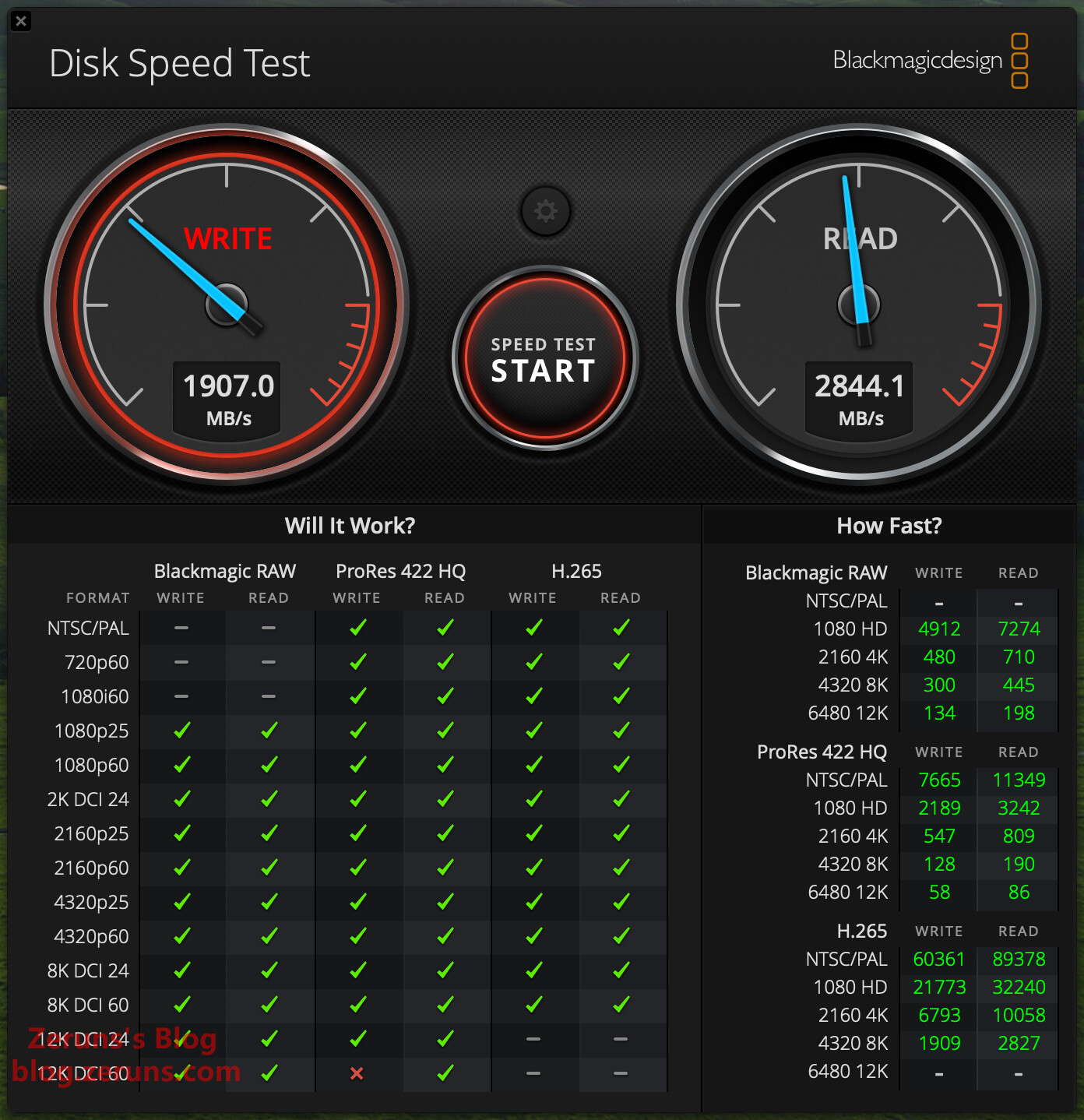
Using Disk Speed Test by Blackmagicdesign, read speed reached 2844.1 MB/s, write speed 1907 MB/s.
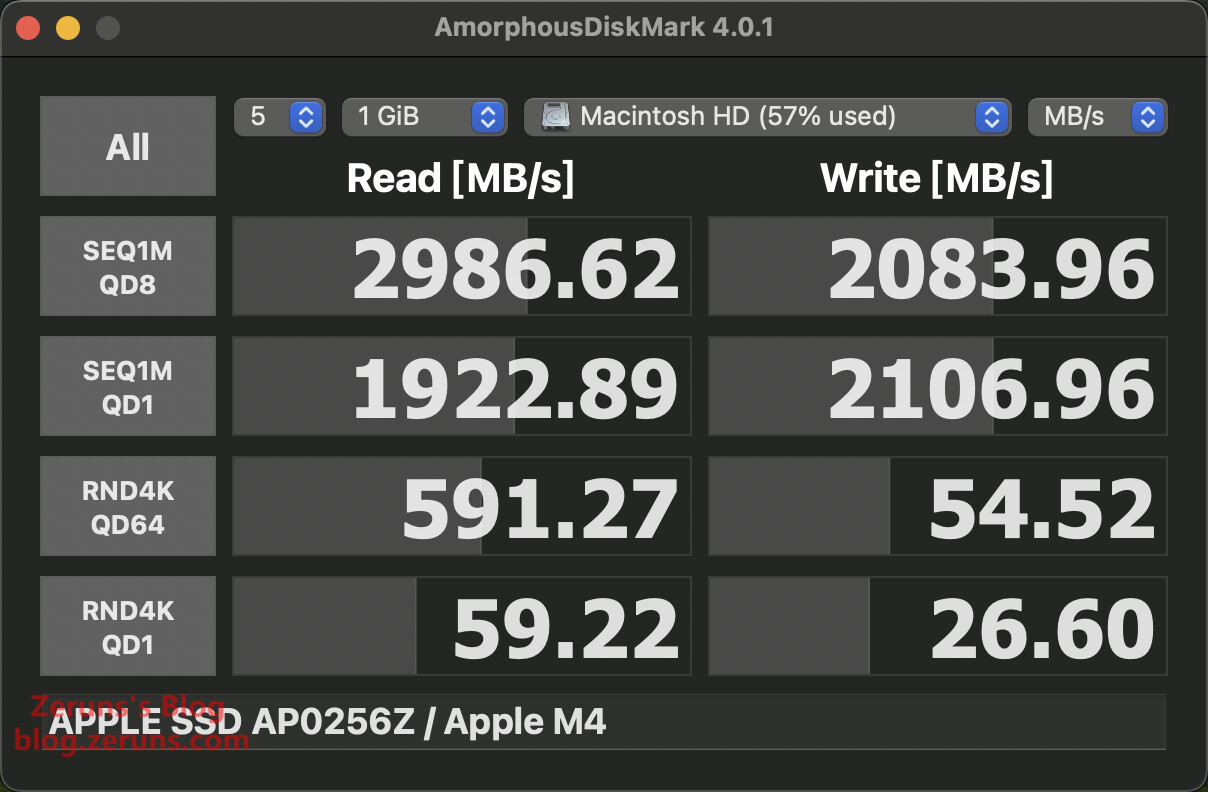
Using AmorphousDiskMark, sequential read speed was 2986.62 MB/s, sequential write 2083.96 MB/s. 4K random read: 59.22 MB/s, 4K random write: 26.6 MB/s (single thread).
Thermal Imaging (Heat Distribution)
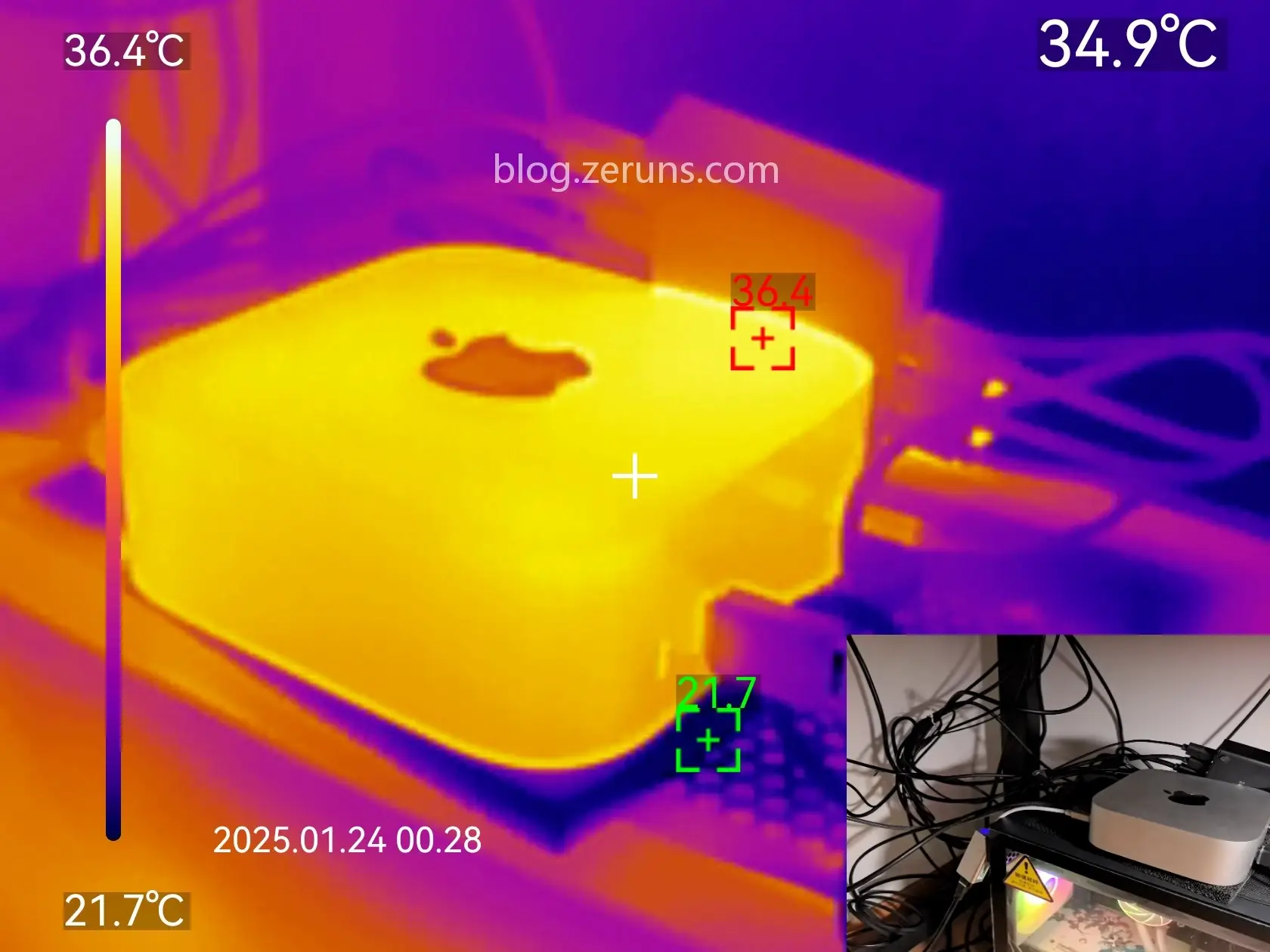
Front-side thermal image after 30 minutes of full CPU load (XMR mining), ambient temperature 21°C. Maximum surface temperature: 36.4°C. The case feels warm but not hot—excellent thermal performance.
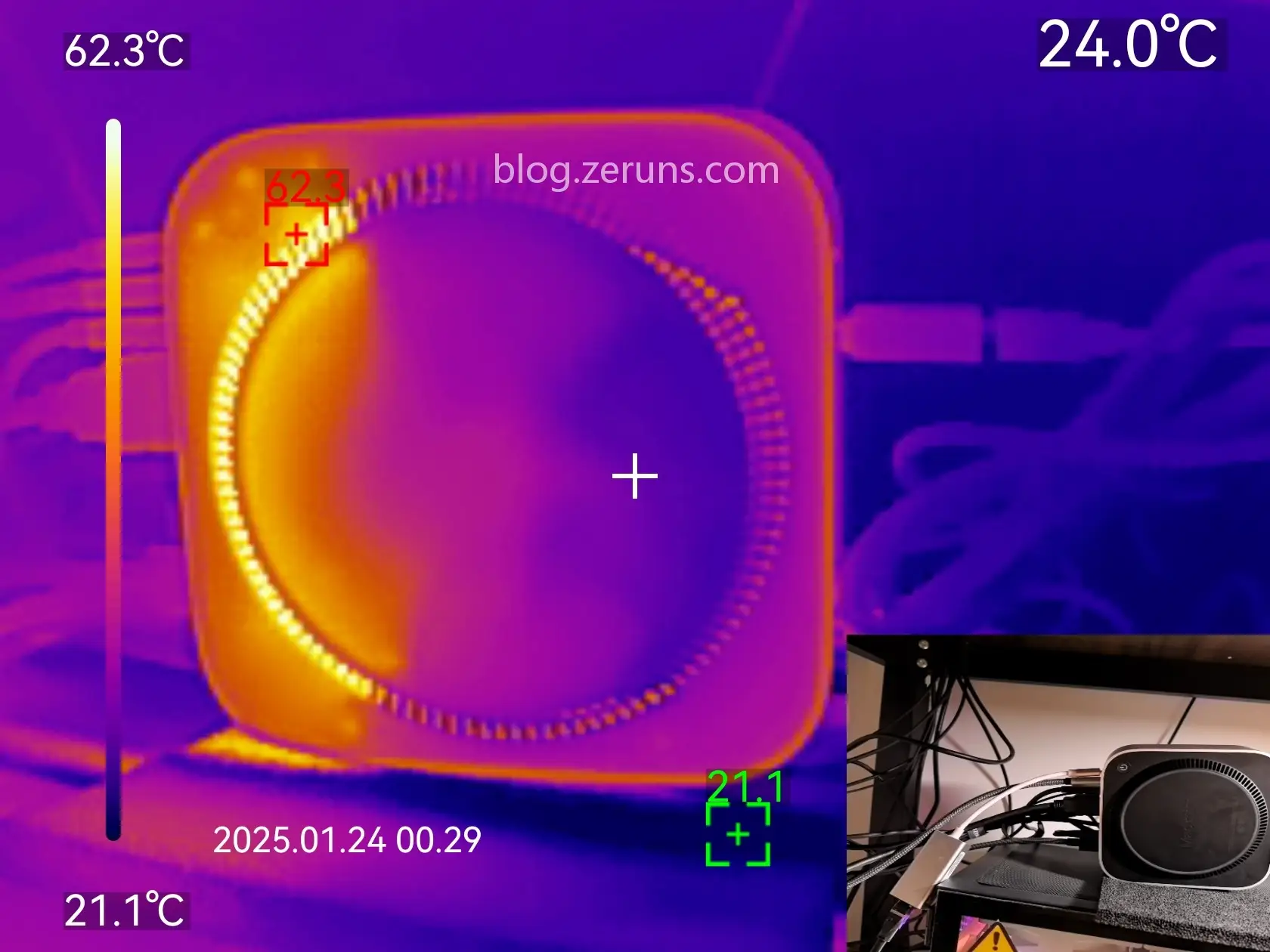
Bottom-side thermal image under same conditions. Exhaust area reaches 62.3°C. The thermal image clearly shows air being drawn in from three sides and expelled from one.
Power Consumption Testing
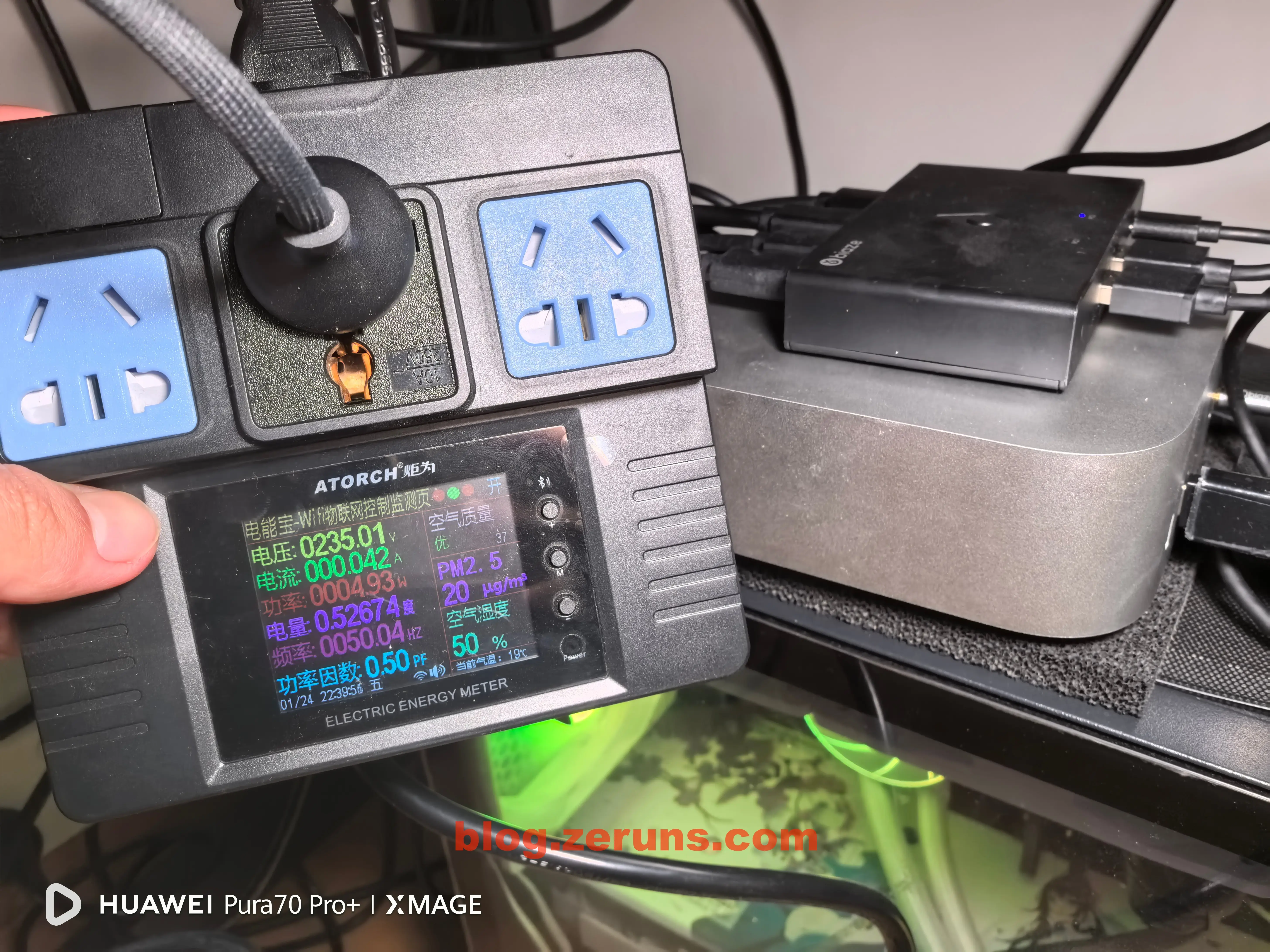
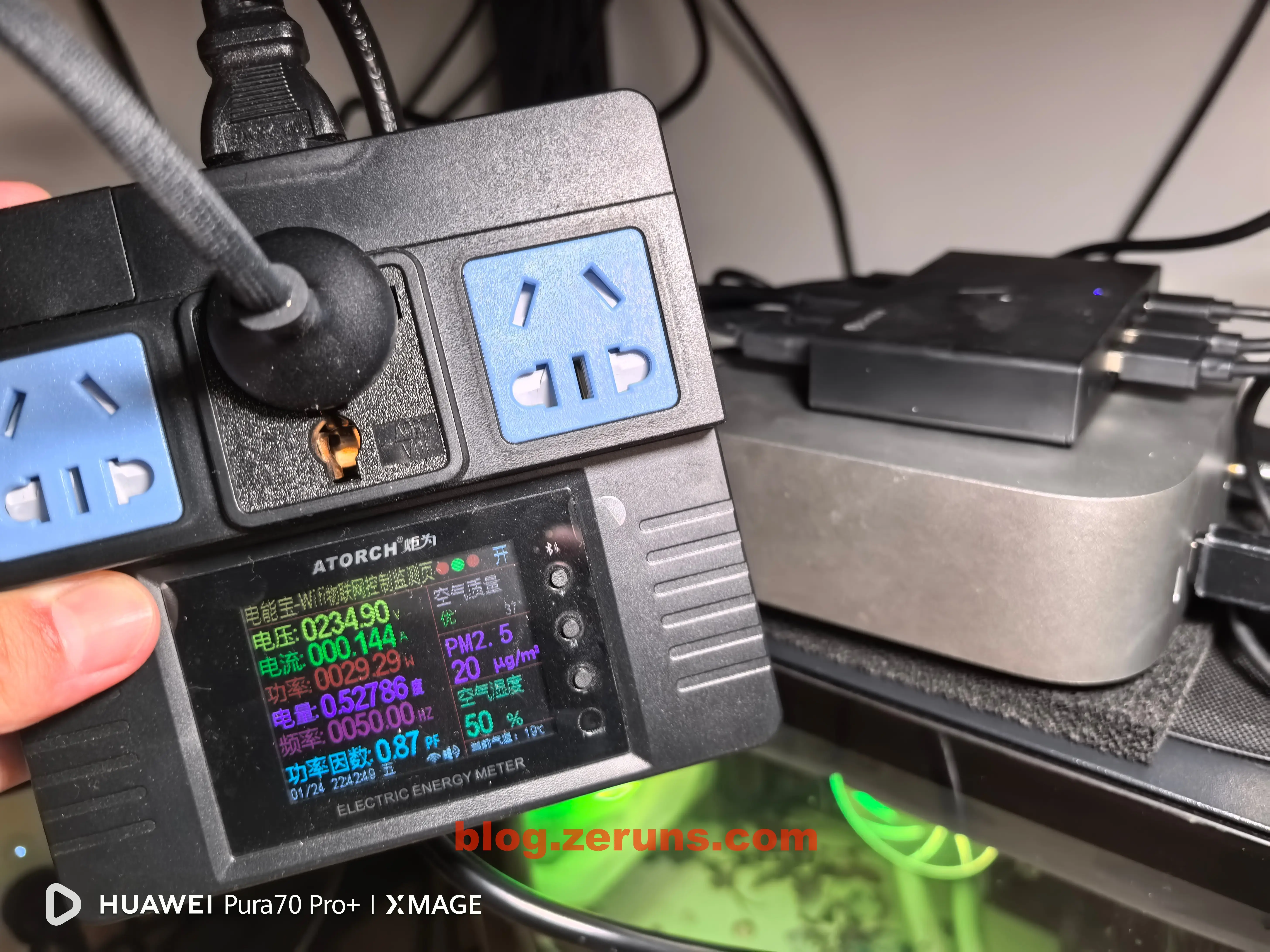
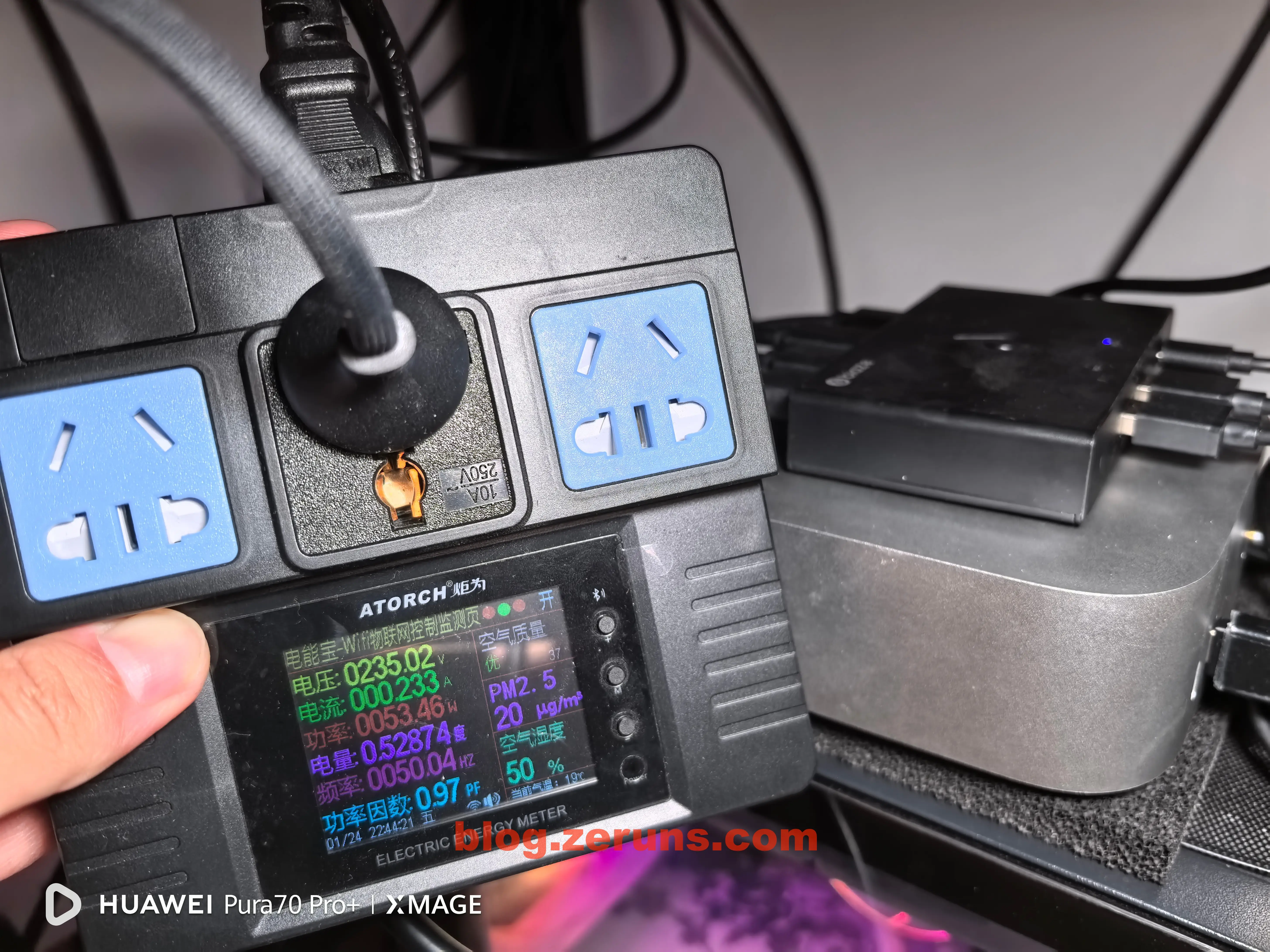
Test equipment: Juwei Power Meter: https://s.click.taobao.com/4gHJGts
Idle power consumption after booting into the desktop (no extra apps running, CPU usage <5%, with a 2.5G USB network adapter connected): under 5 watts. Excellent idle efficiency.
Under full CPU load (XMR mining): ~30W. Very efficient.
Under combined full CPU (mining) and full GPU load (running GFXBench benchmark): ~53W.
Performance Benchmark
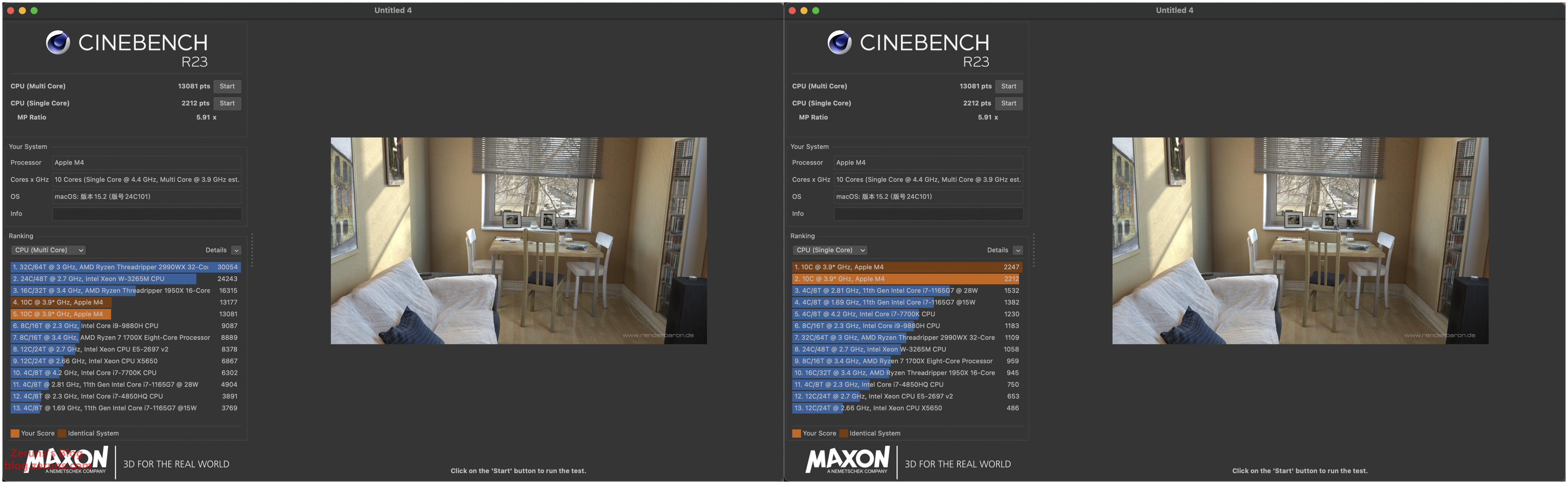
CINEBENCH R23 CPU Score: Single-core: 2247 points, Multi-core: 13177 points
(For comparison: My desktop i5-14600K scores 1896 single-core, 21480 multi-core)
Full test report: https://url.zeruns.com/M4_Geekbench6
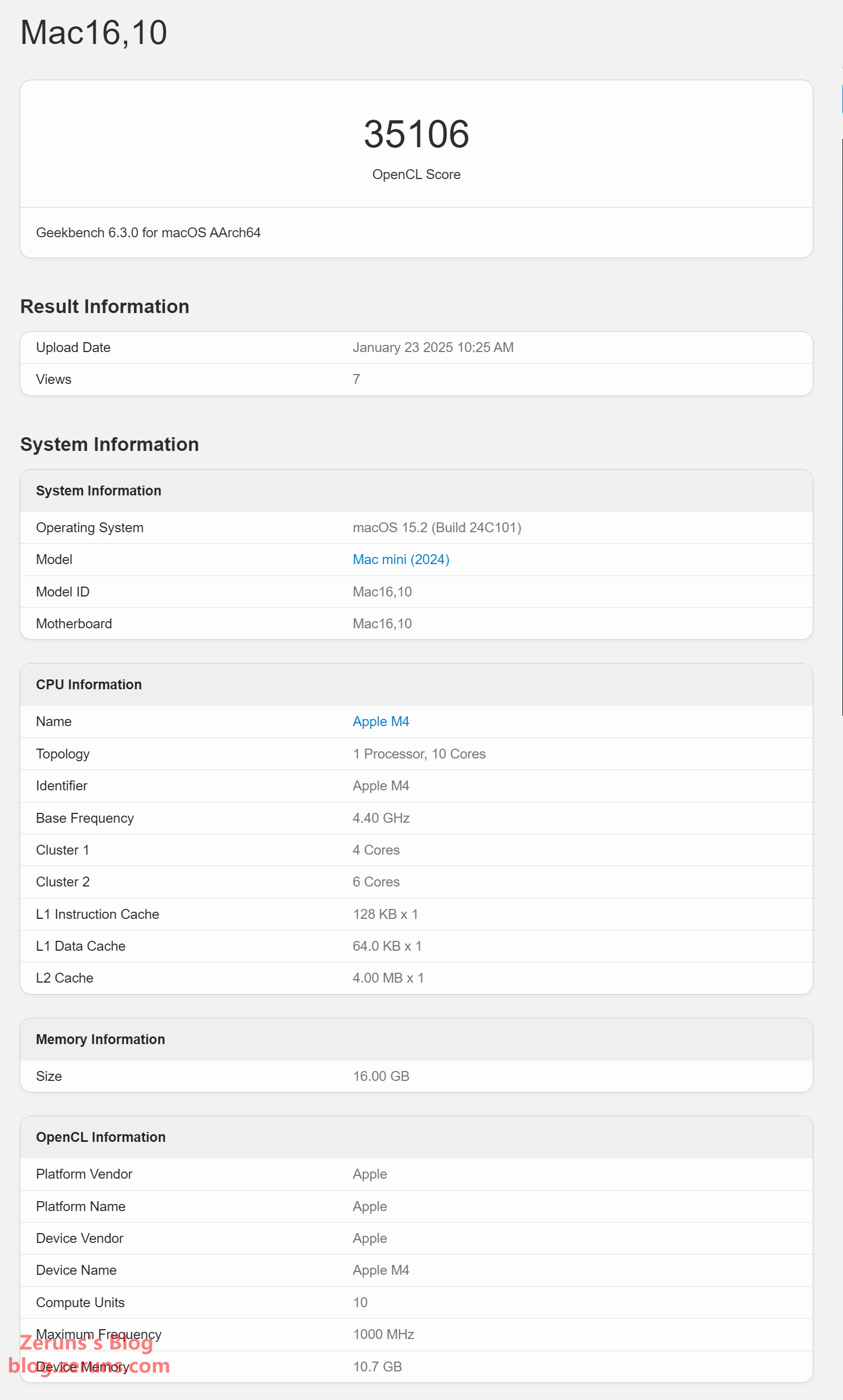
Geekbench 6 GPU Benchmark: Score of 35106 (My desktop RTX 3070 scores 94068)
Full test report: https://url.zeruns.com/M4_Geekbench6GPU
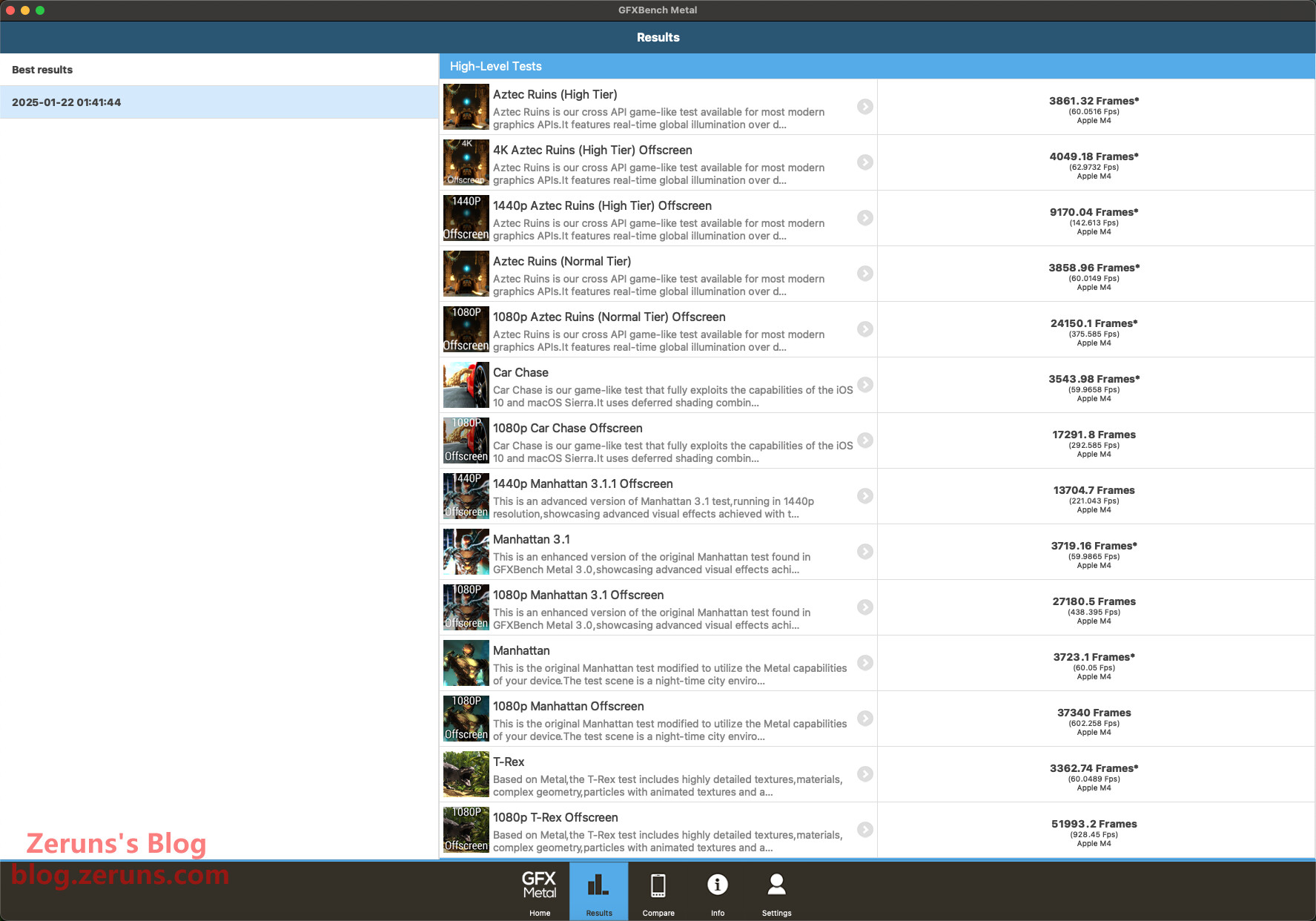
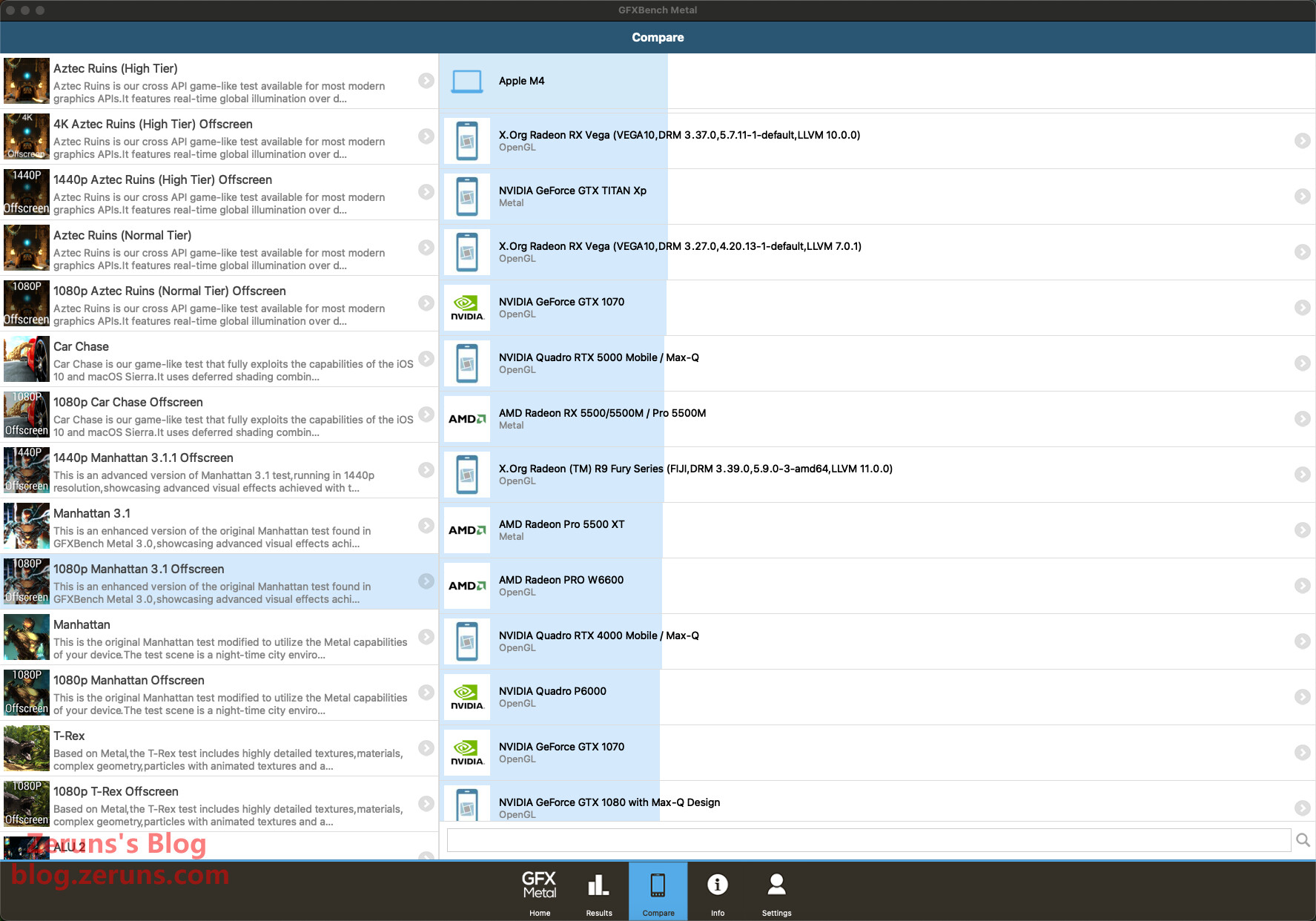
GFXBench GPU Benchmark: 1440p Manhattan 3.1 Off-Screen test result: 17291.8 Frames / 221.043 FPS (My desktop RTX 3070 scores 30784.6 Frames / 496.525 FPS)
The GPU performance of the Apple M4 SoC is roughly equivalent to a GTX 1070—pretty decent.
Network Speed Test
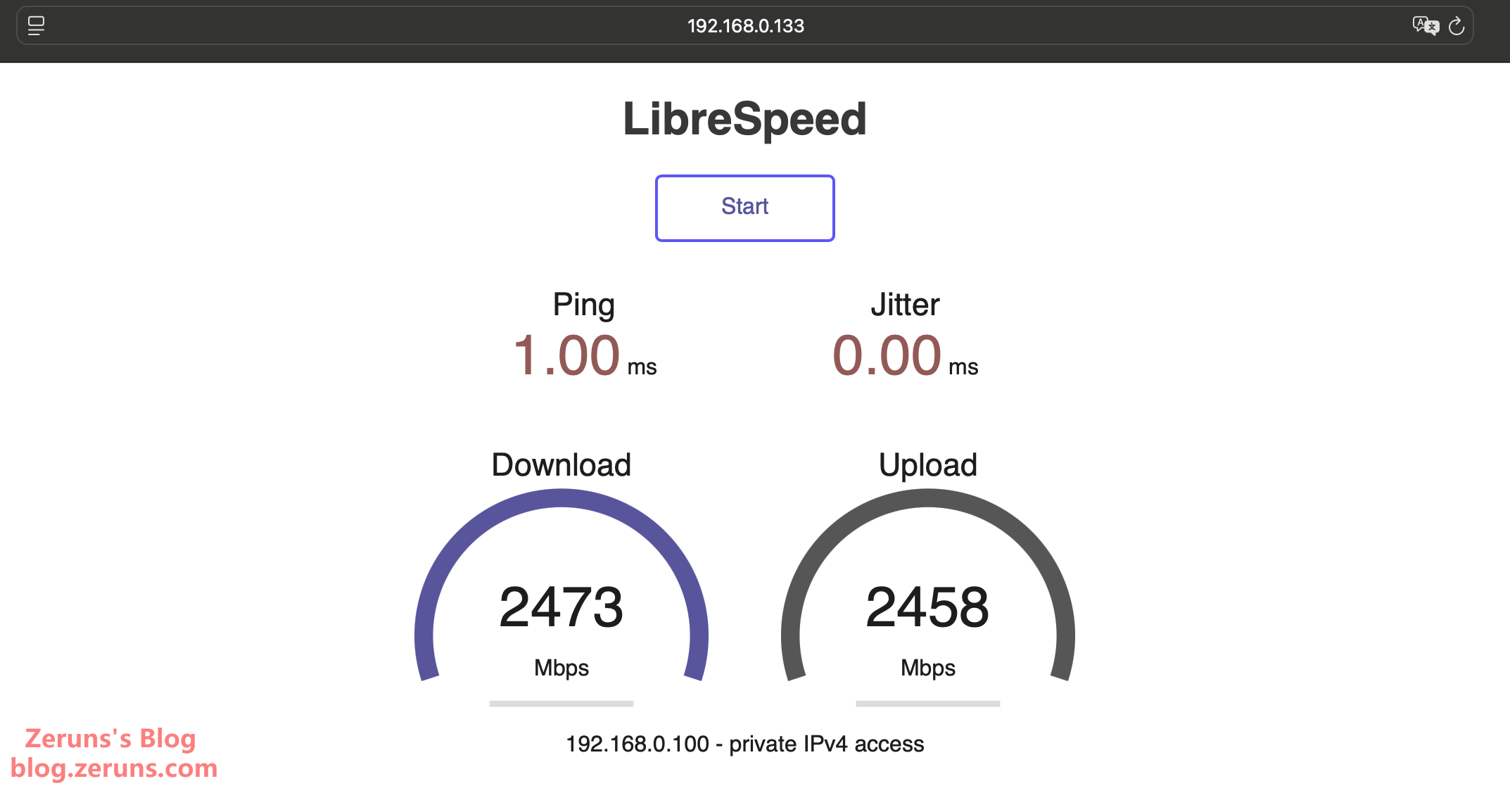
Using a 2.5G USB network adapter (RTL8156), internal network speed test results: Download 2473 Mbps, Upload 2458 Mbps.
Wi-Fi speed test: The AP used is an iKuai IK-X9: https://blog.zeruns.com/archives/846.html
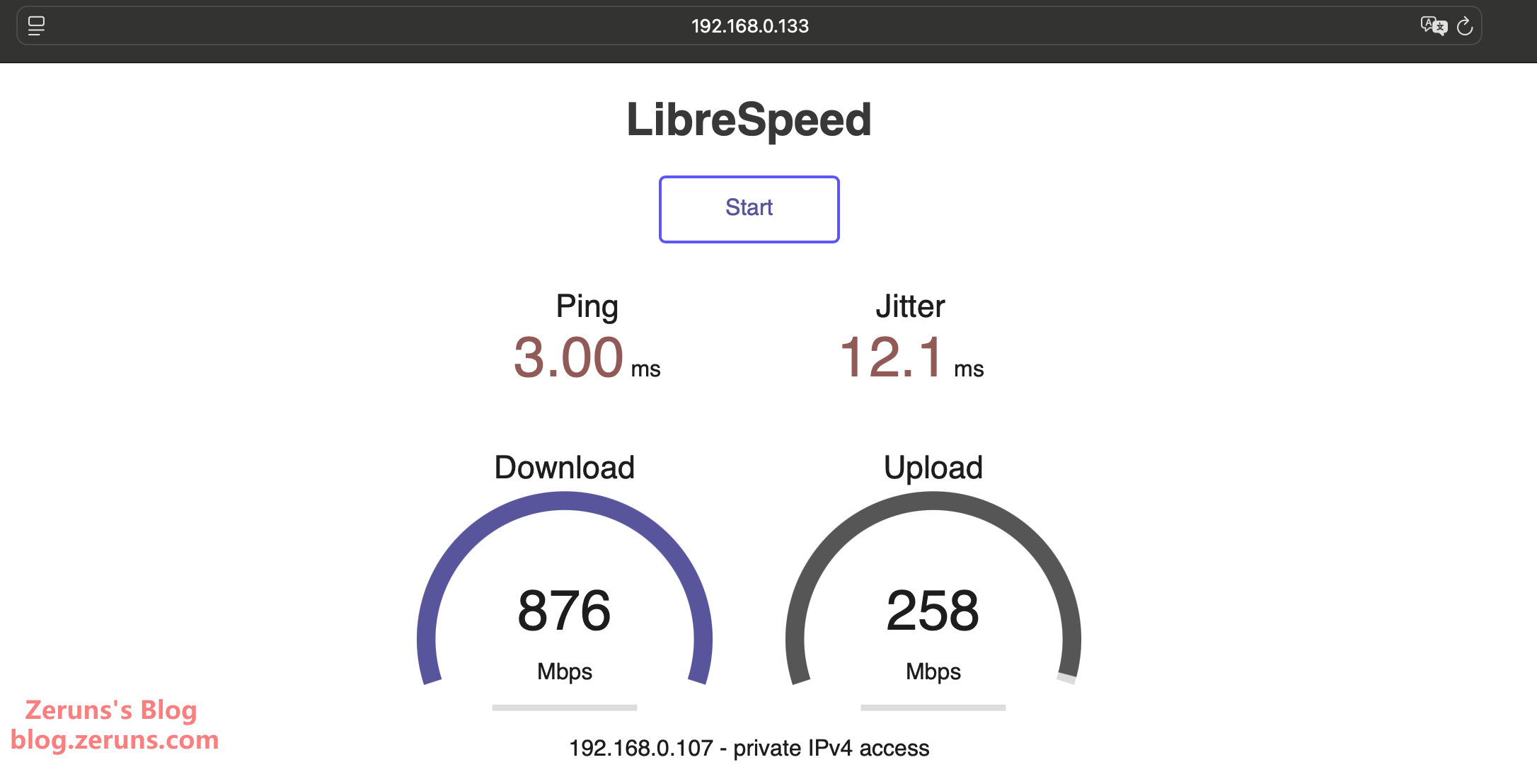
The Mac Mini is placed 3 meters away from the AP, with a table and some equipment in between (Mac Mini under the desk). Internal network speed test results: Download 876 Mbps, Upload 258 Mbps.
Disassembly
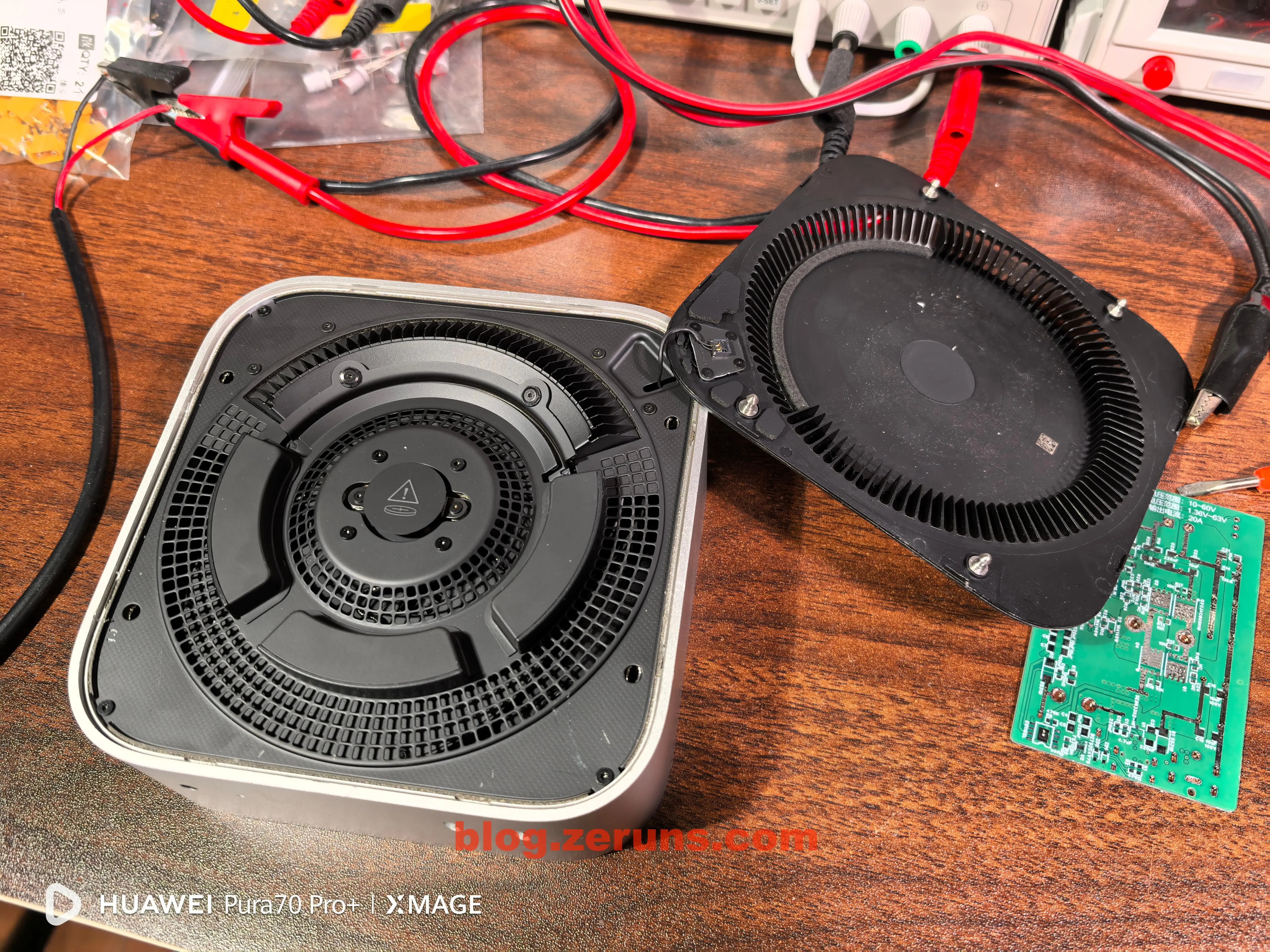
Use a suction cup to lift the bottom cover (I didn’t have one, so I used a screwdriver inserted into the cooling holes to pry up the cover), then slowly release the clips along the seam (be careful to avoid the power button)—this allows removal of the bottom cover.
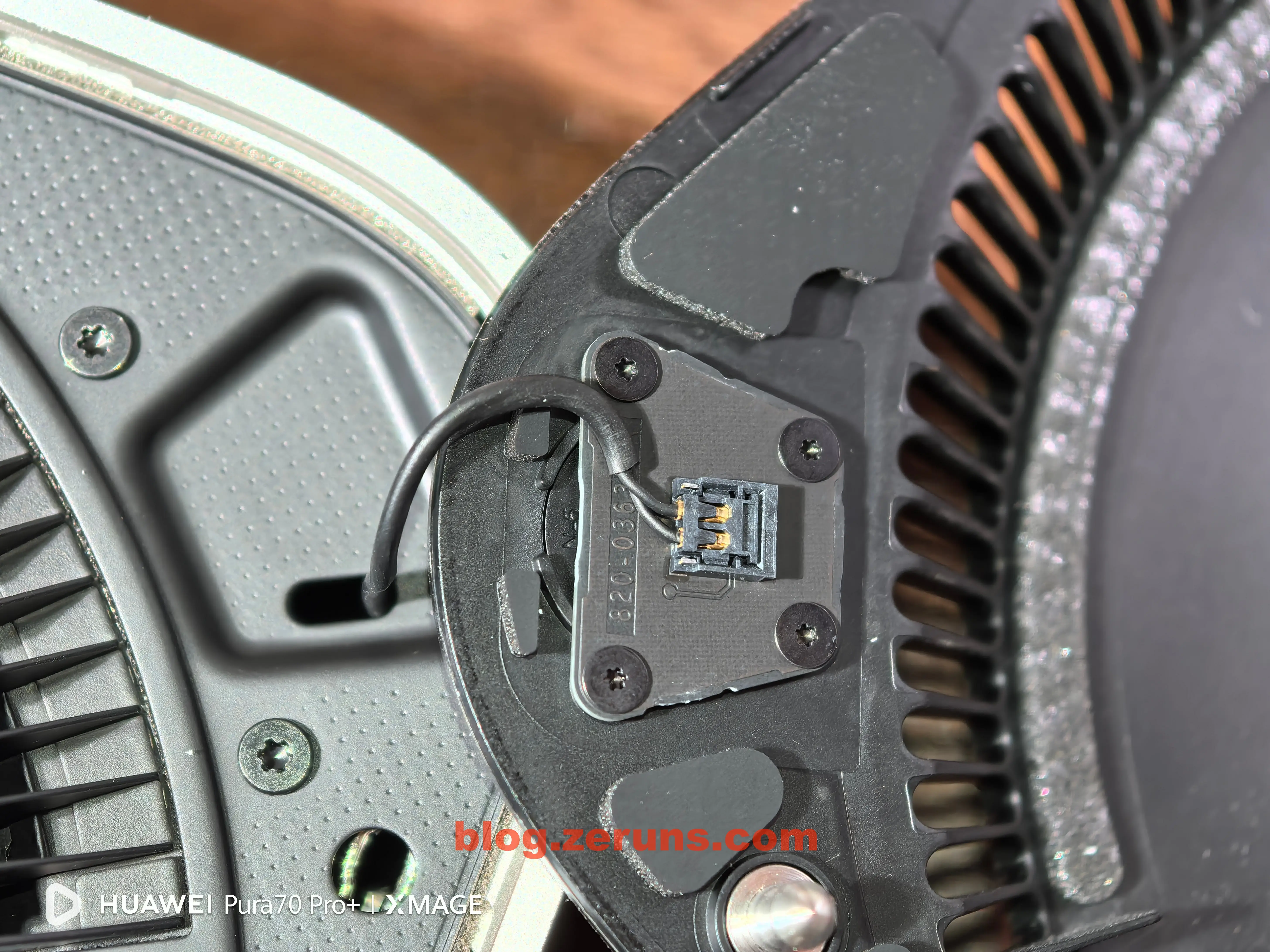
After removing the bottom cover, carefully disconnect the power button connector.
Power button:
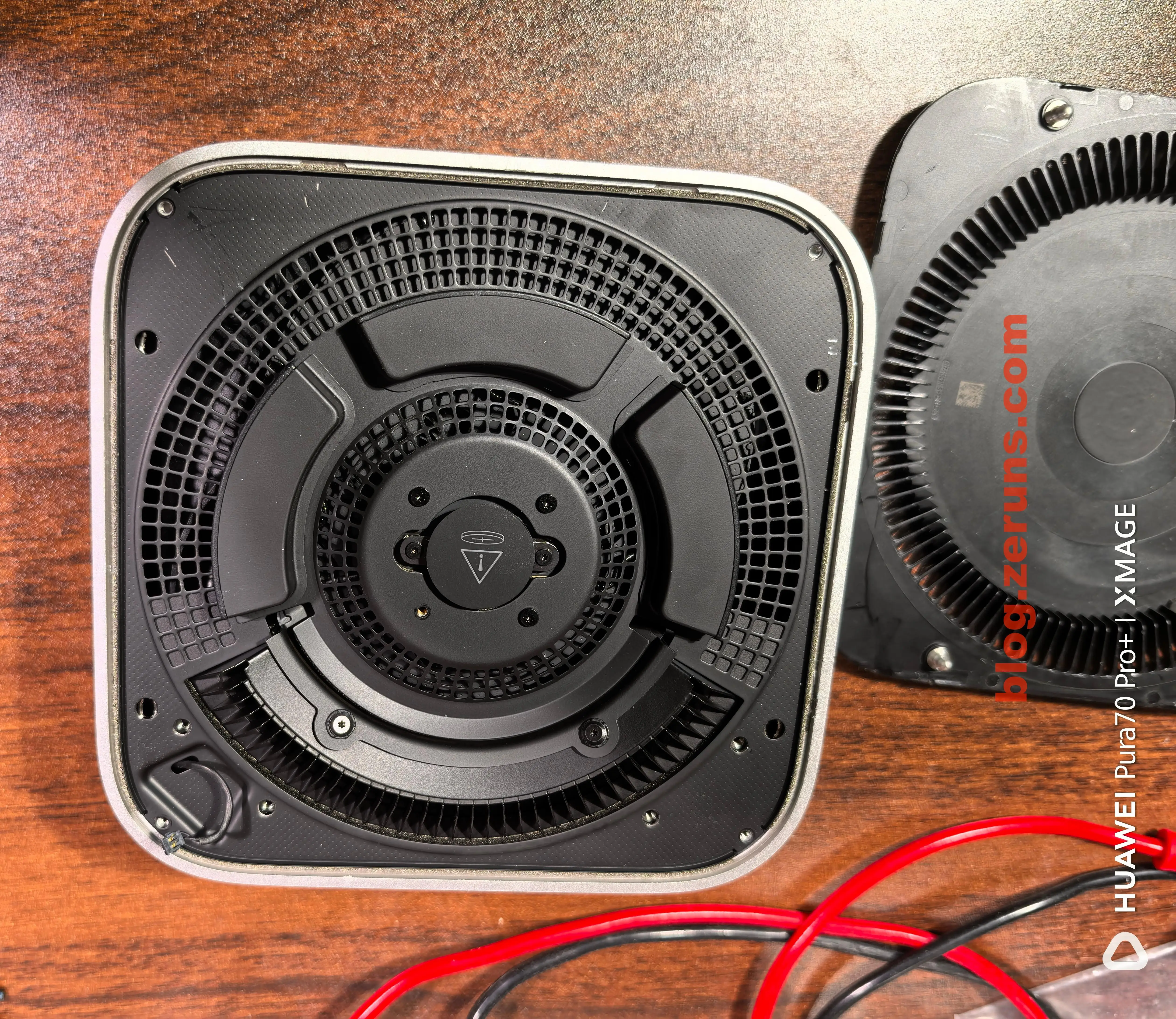
There’s another layer beneath the bottom cover. In the center is the BIOS battery; three protrusions around it are for Wi-Fi and Bluetooth antennas.
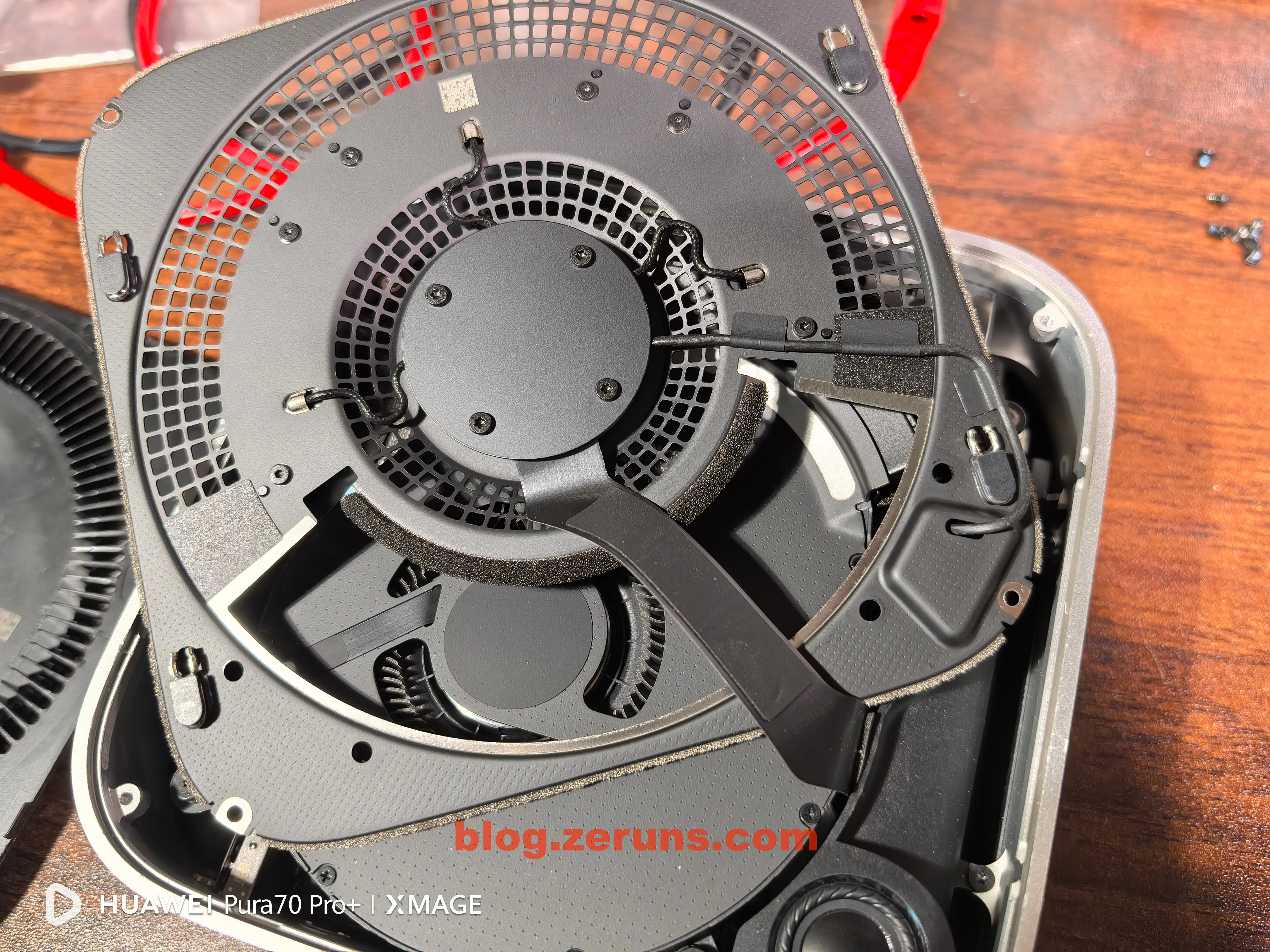
Remove the screws securing this inner cover, then carefully take it out. A ribbon cable connects this cover to the motherboard. The wireless card is integrated onto this board, located in the middle. Remove the four central screws to disconnect the ribbon cable.
Wireless card module from the Mac Mini:
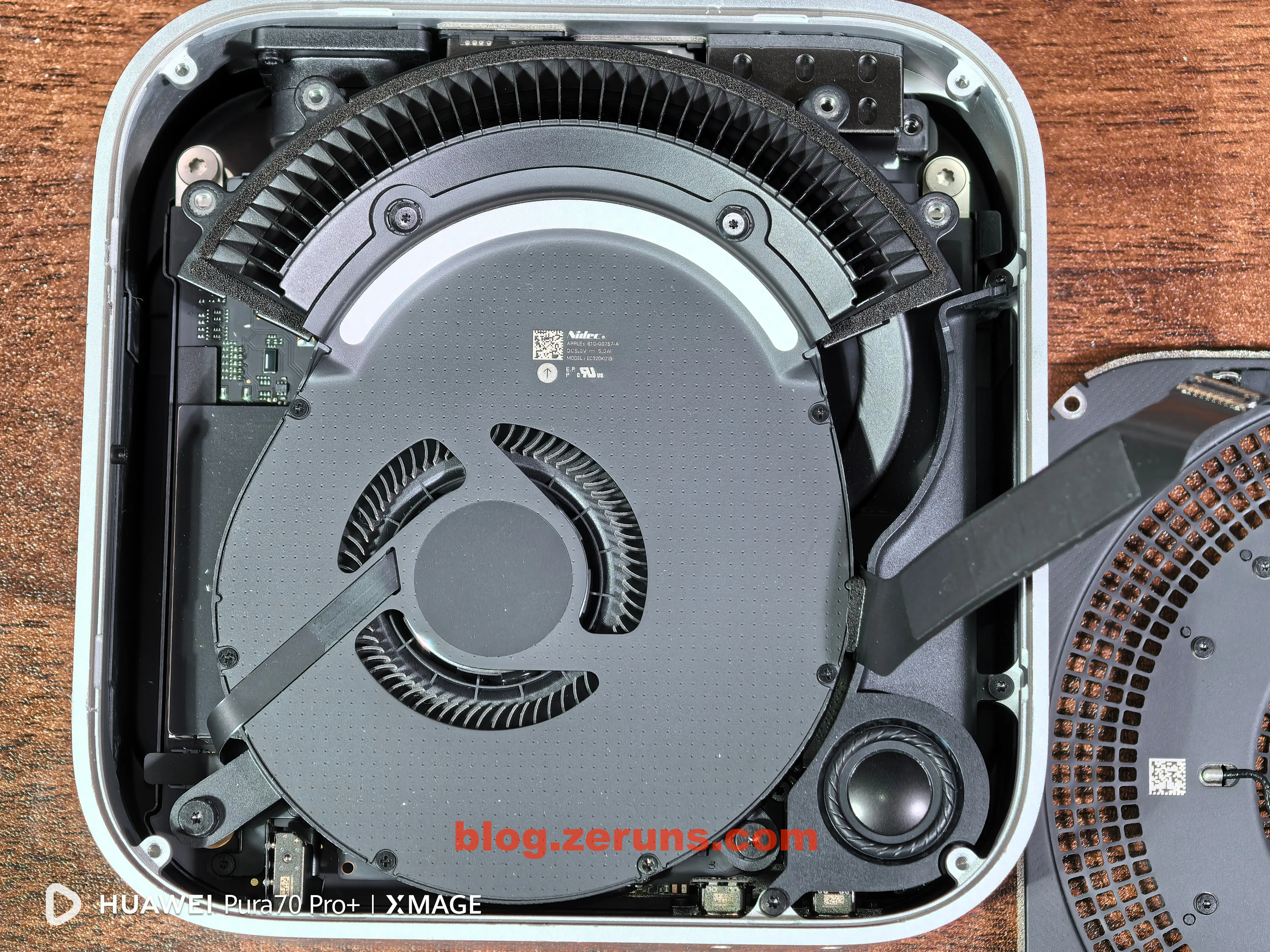
Next, remove the cooling fan:
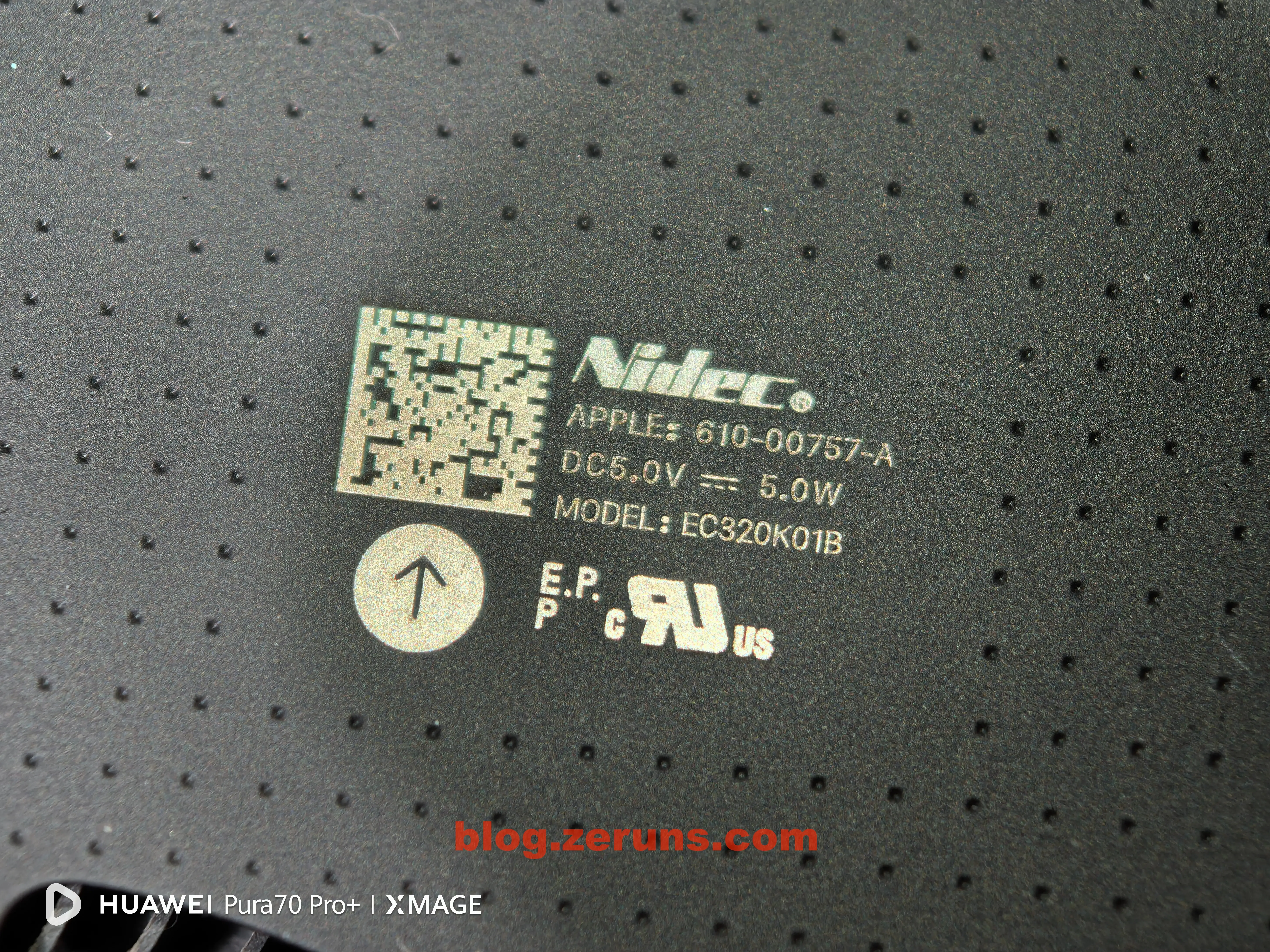
The cooling fan is made by Nidec, model EC320K01B, rated at 5V, 5W power.
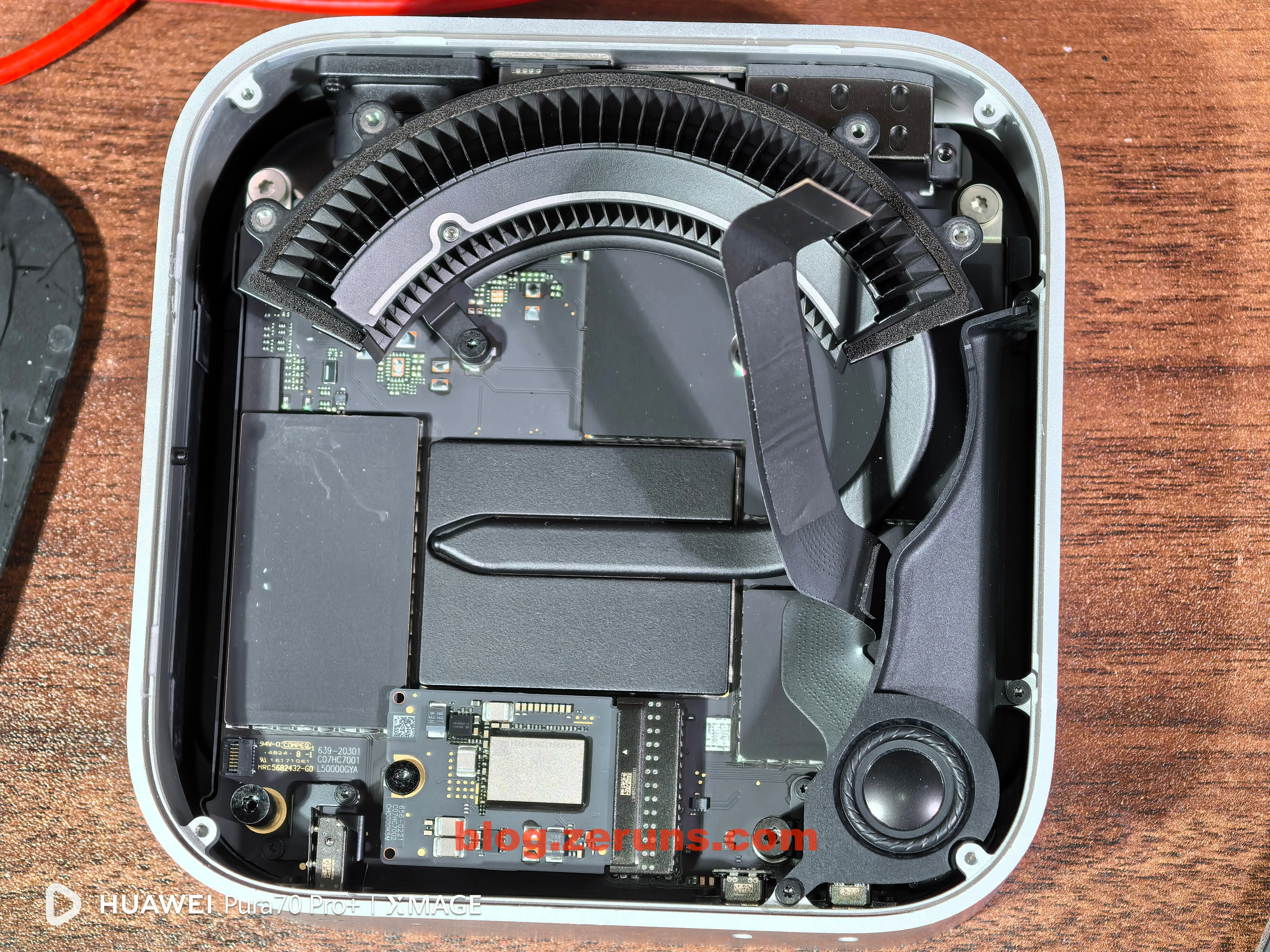
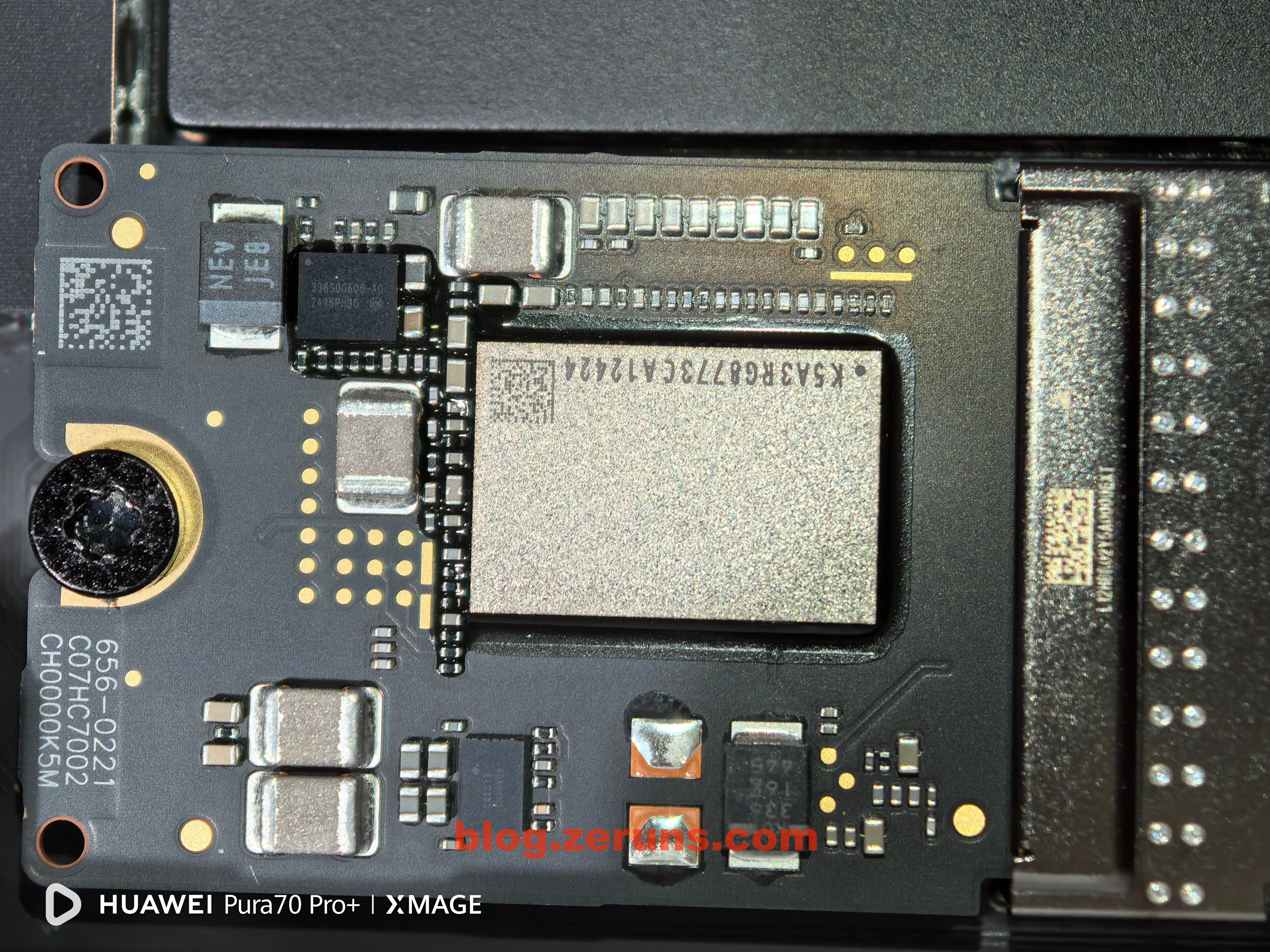
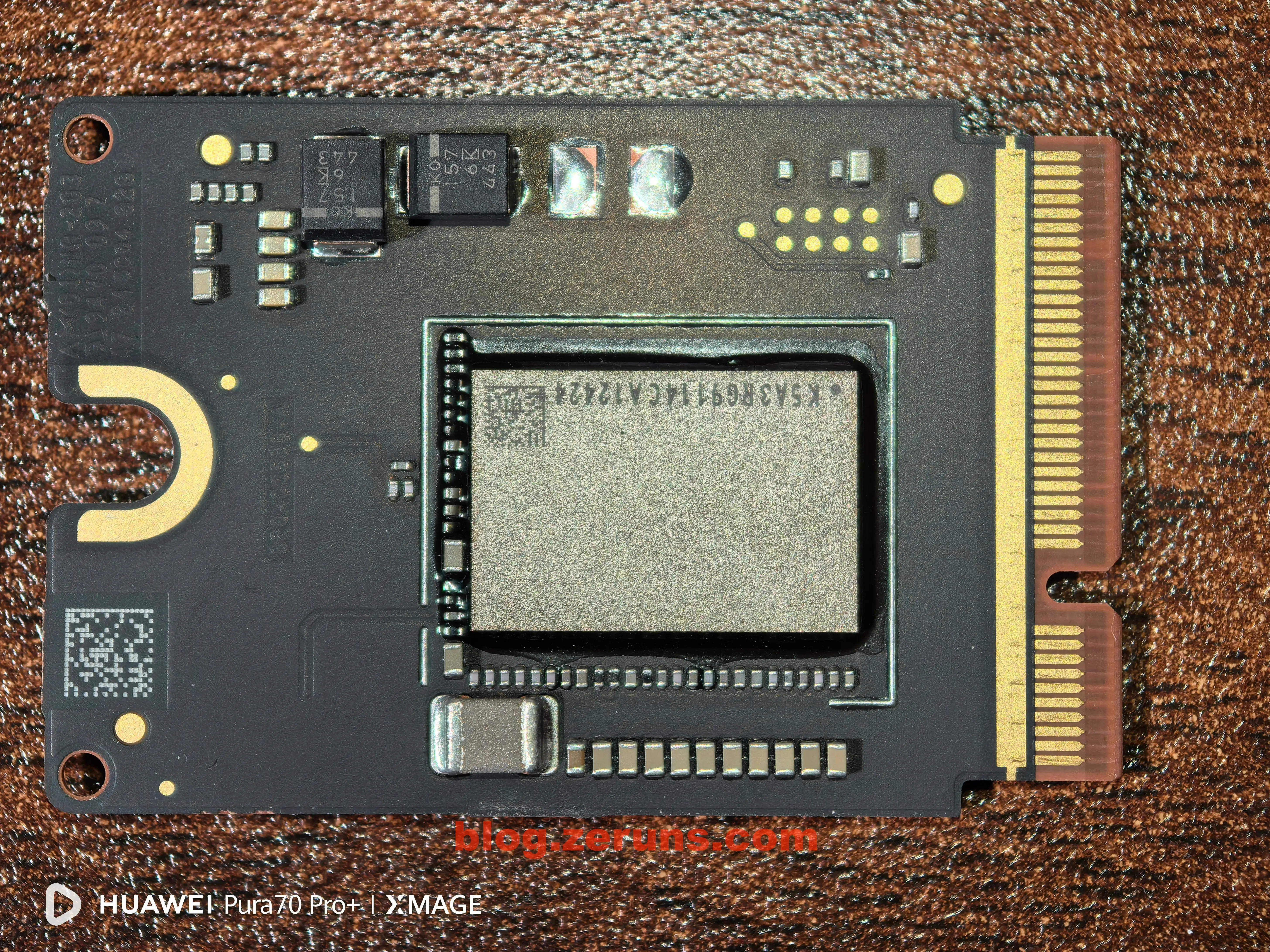
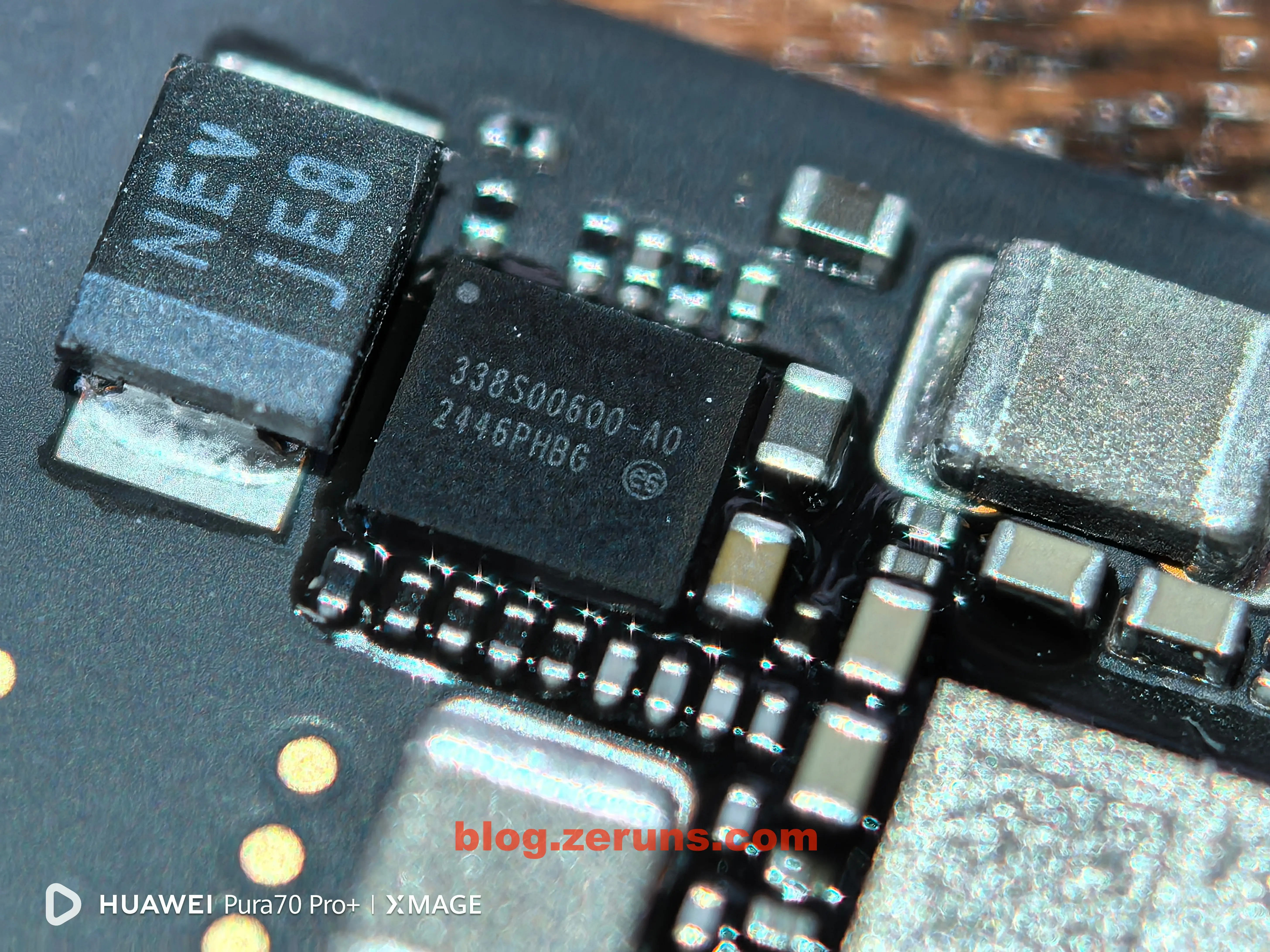
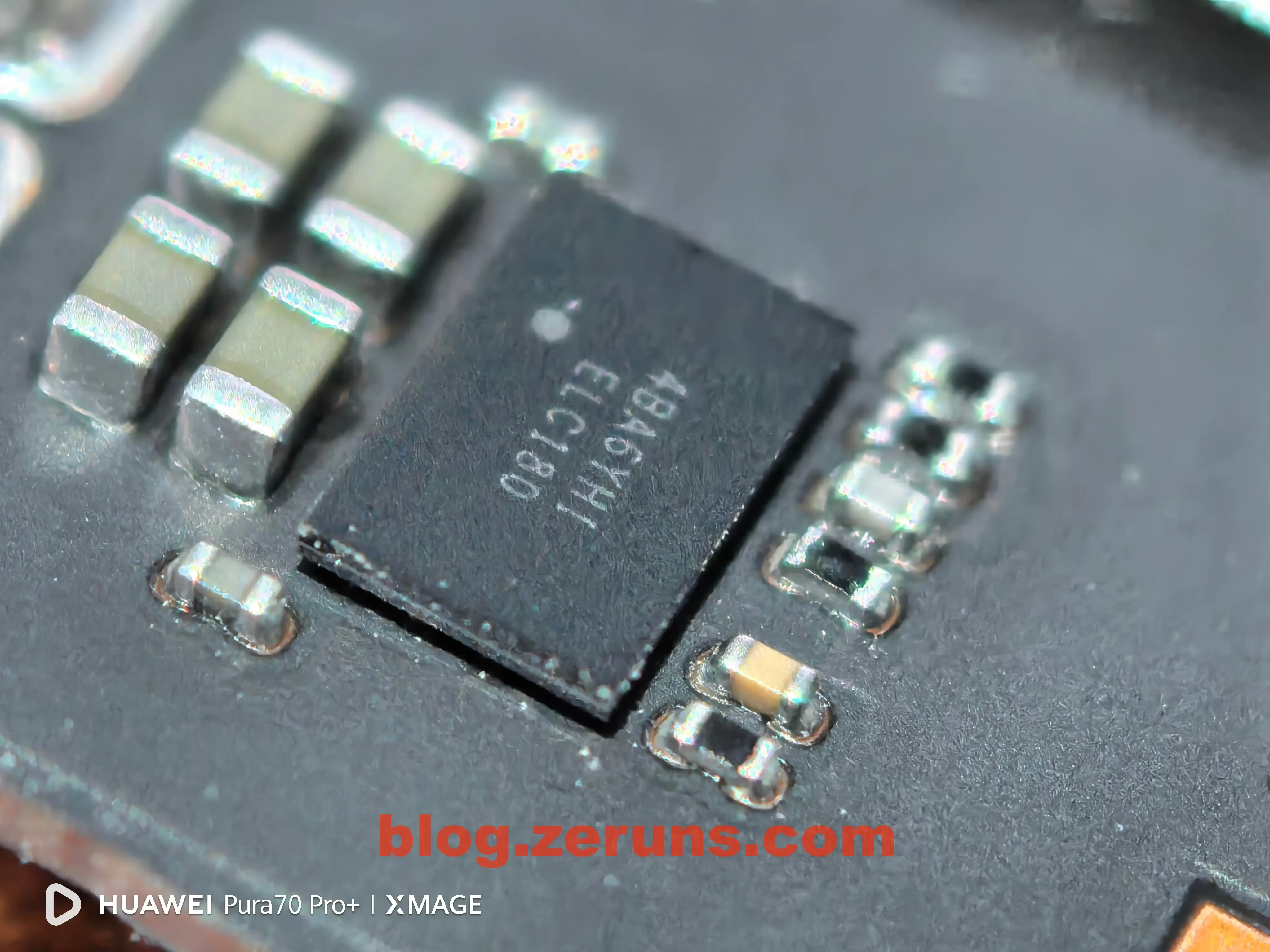
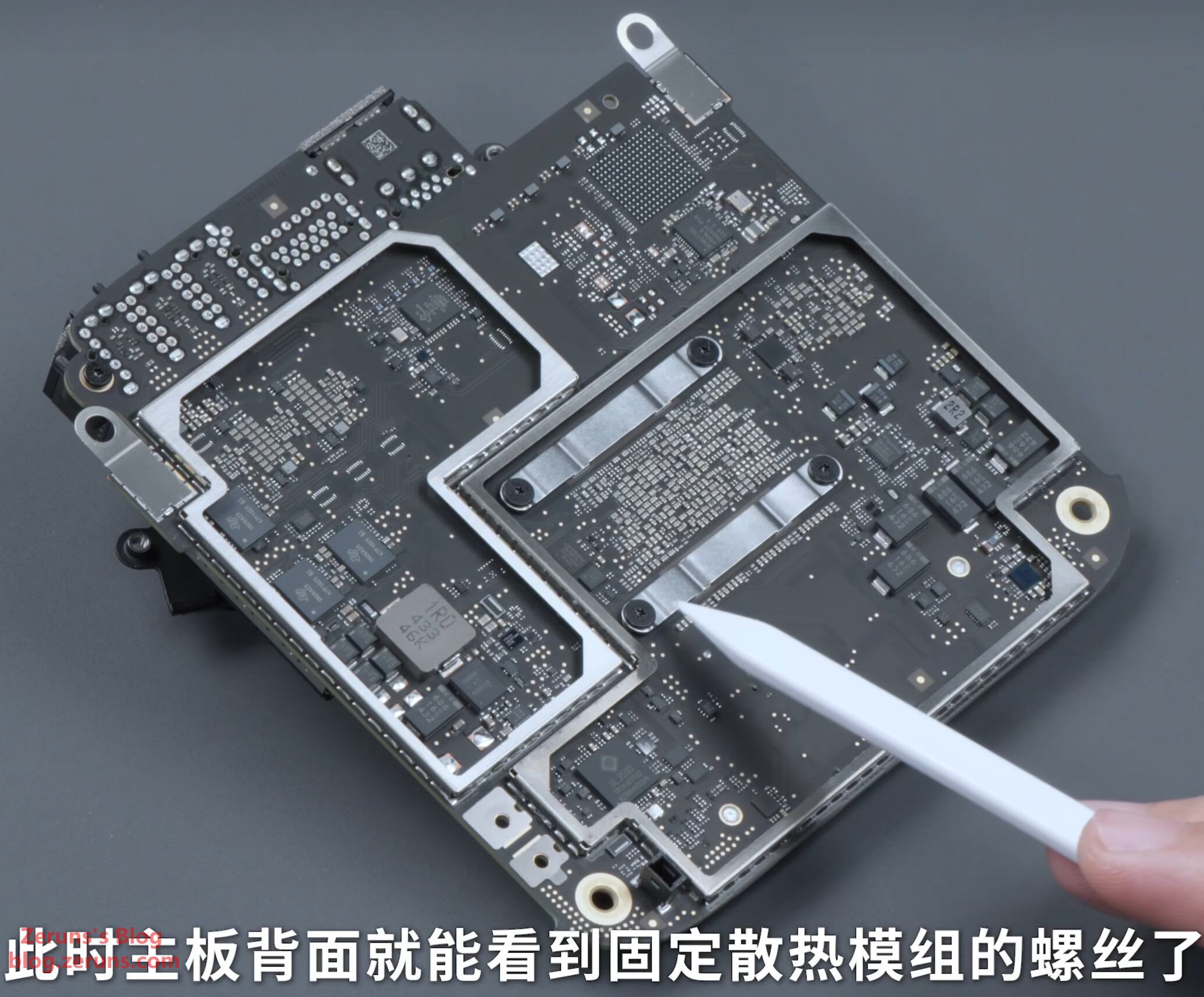
After removing the fan, the motherboard becomes visible. The SSD is on a separate small board (the interface isn’t standard M.2 or similar—it’s Apple’s custom design). There doesn’t appear to be a controller chip on the board—just NAND flash chips. You can either replace the entire SSD board with a higher-capacity one, or desolder the existing flash chips and replace them with higher-capacity ones. Replacement boards are now available, and services exist that offer capacity upgrades via chip replacement. Therefore, there’s no need to buy the high-capacity version upfront—opting for the base model is more cost-effective.
Front and back of the SSD module. Flash chip marking: K5A3RG8773CA12424
The following images are courtesy of Bilibili UP主: Weijifen WekiHome
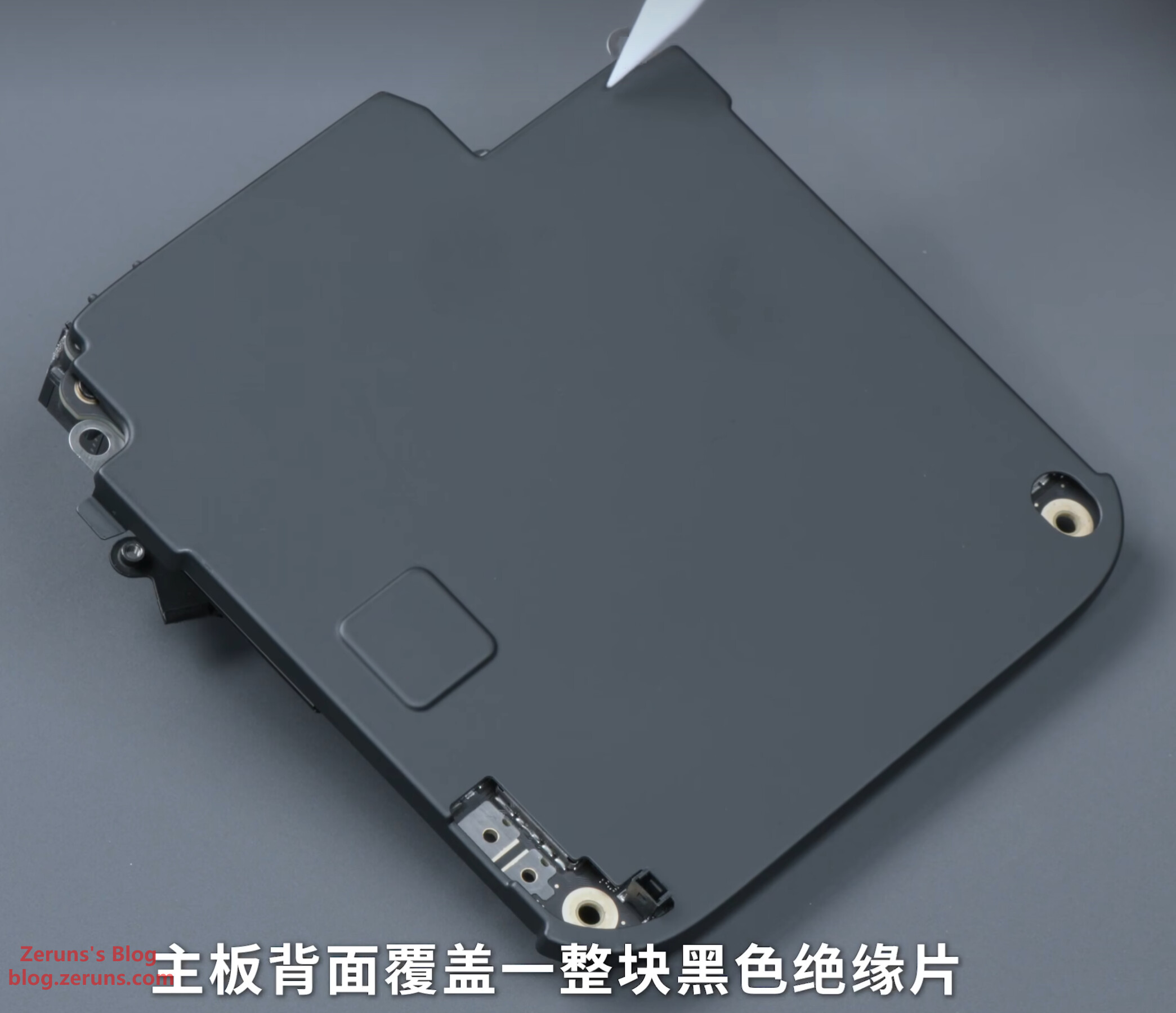
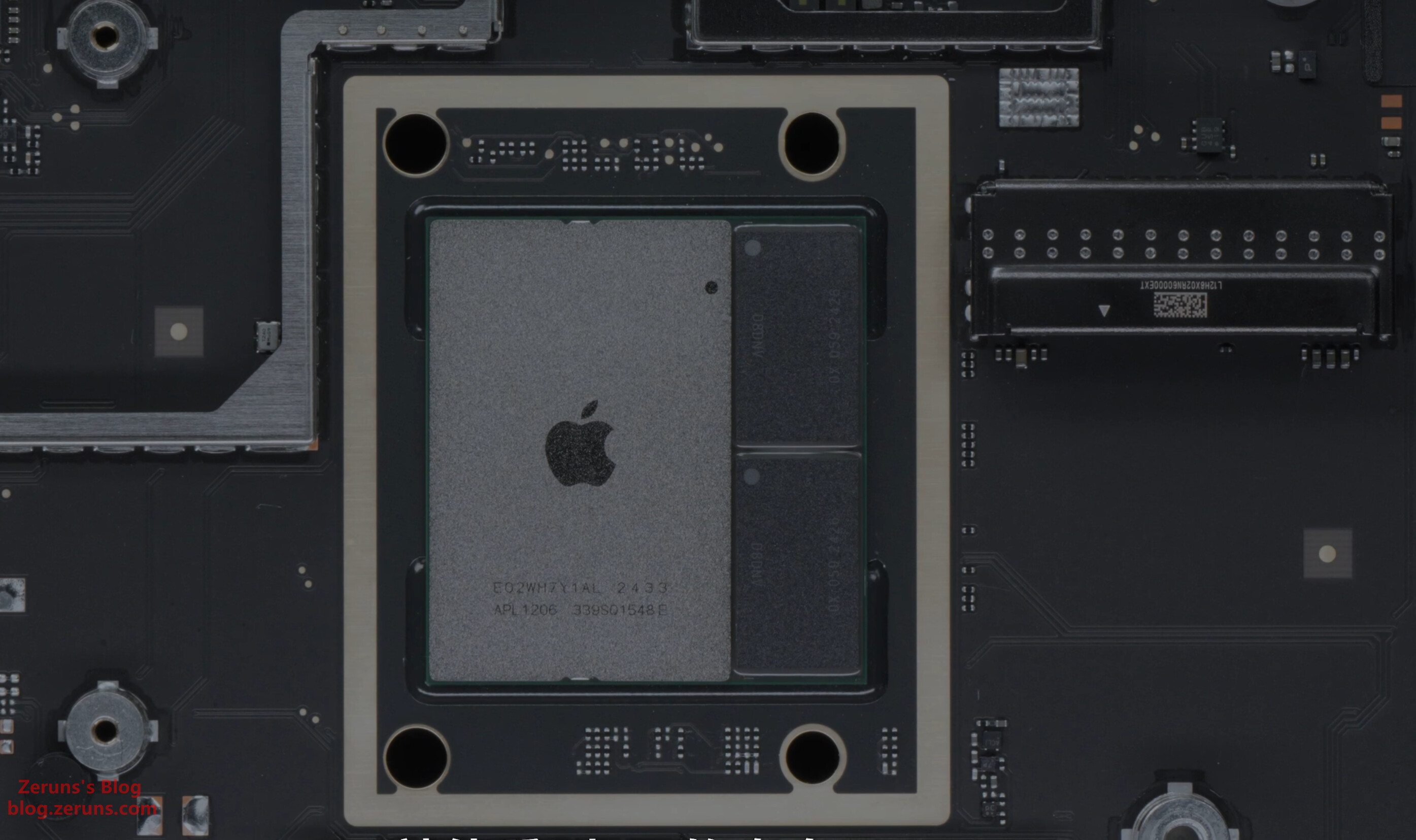
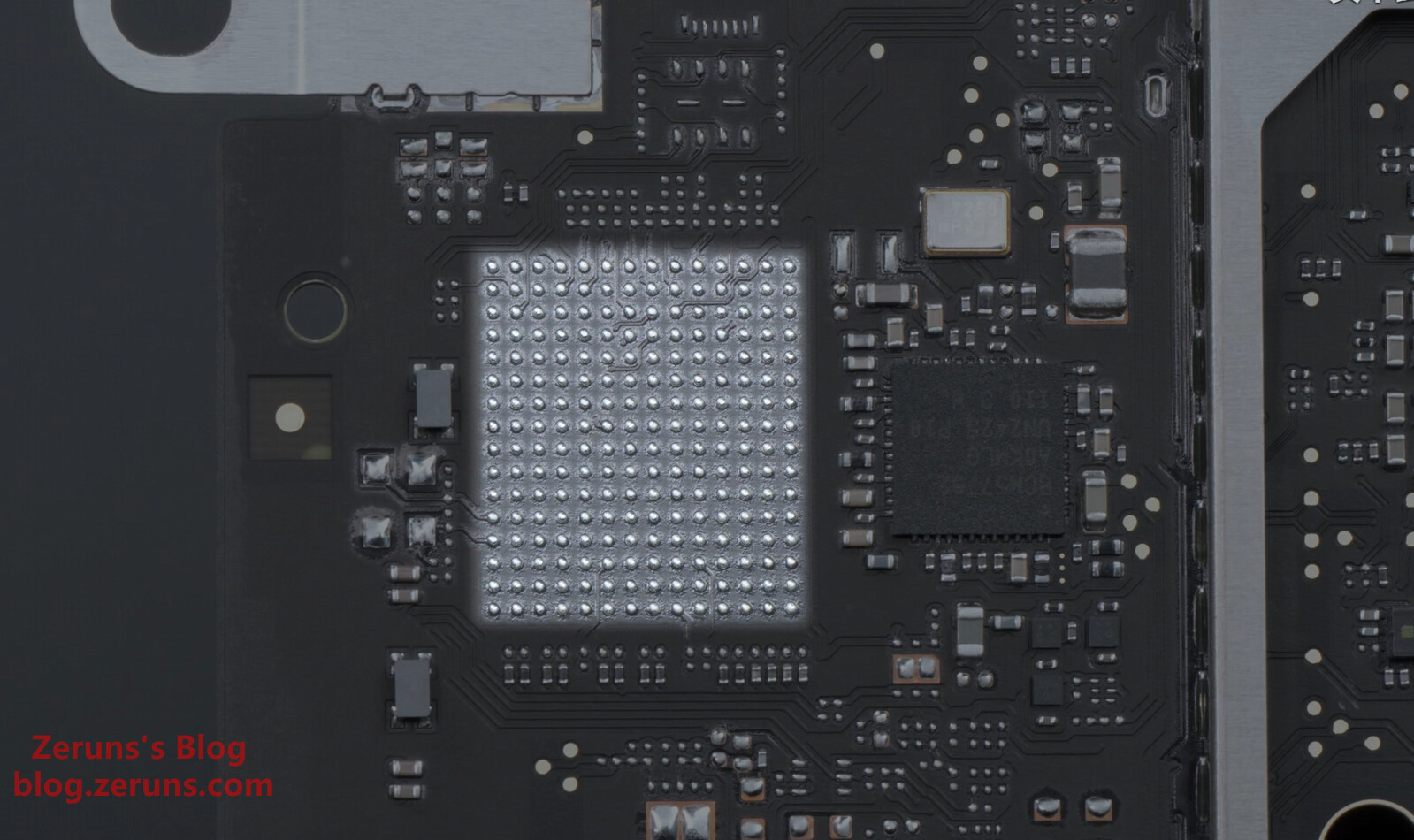
Motherboard backside:
M4 chip and memory chips. Memory is Micron LPDDR5X—stacked and packaged together with the processor die on the same substrate.
The motherboard has solder pads reserved for a 10Gb Ethernet chip. A 10Gb option is available for an additional $750.
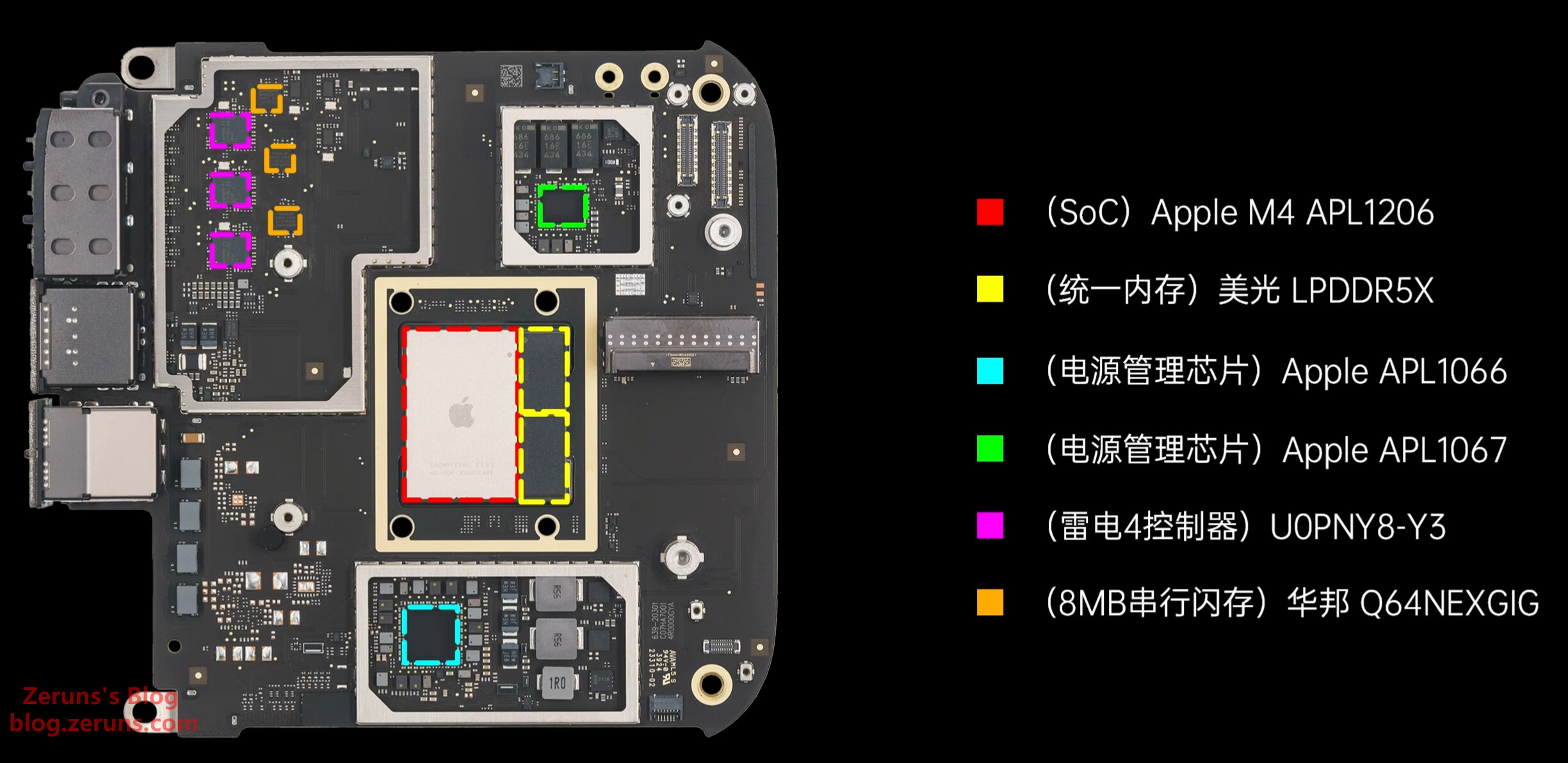
Chips on the front side of the motherboard:
- SoC: Apple M4 APL1206
- Unified Memory: Micron LPDDR5X
- Power Management ICs: Apple APL1066 and APL1067
- Thunderbolt 4 Controller: U0PNY8-Y3
- 8MB Flash: Winbond Q64NEXGIG (likely stores Thunderbolt 4 firmware?)
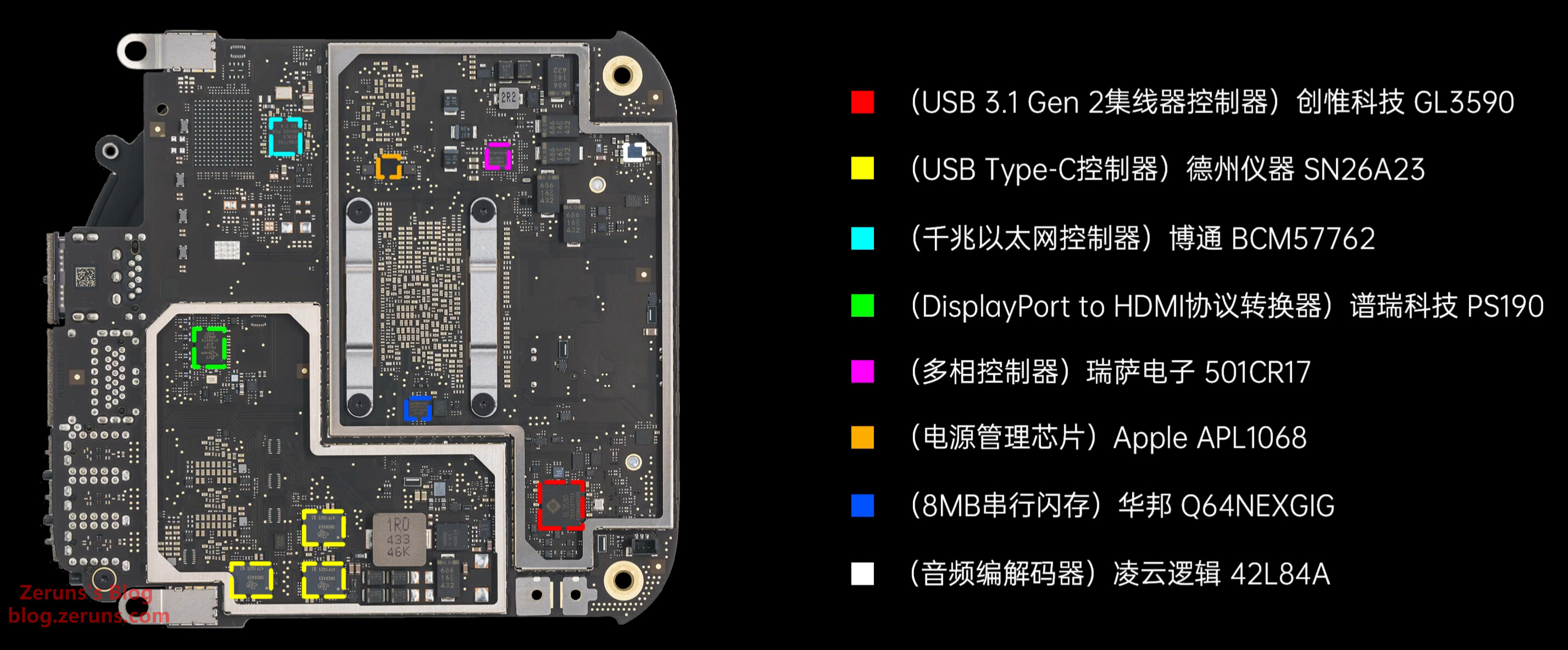
Chips on the back side of the motherboard:
- USB 3.1 Gen2 Hub Controller: Genesys Logic GL3590
- USB Type-C Controller: Texas Instruments SN26A23
- Gigabit Ethernet Controller: Broadcom BCM57762
- DisplayPort to HDMI Protocol Converter: Parade Technologies PS190
- Multiphase Controller: Renesas Electronics 501CR17
- Power Management IC: Apple APL1068
- 8MB Flash: Winbond Q64NEXGIG (likely stores BIOS firmware?)
- Audio Codec: Cirrus Logic CS42L84A
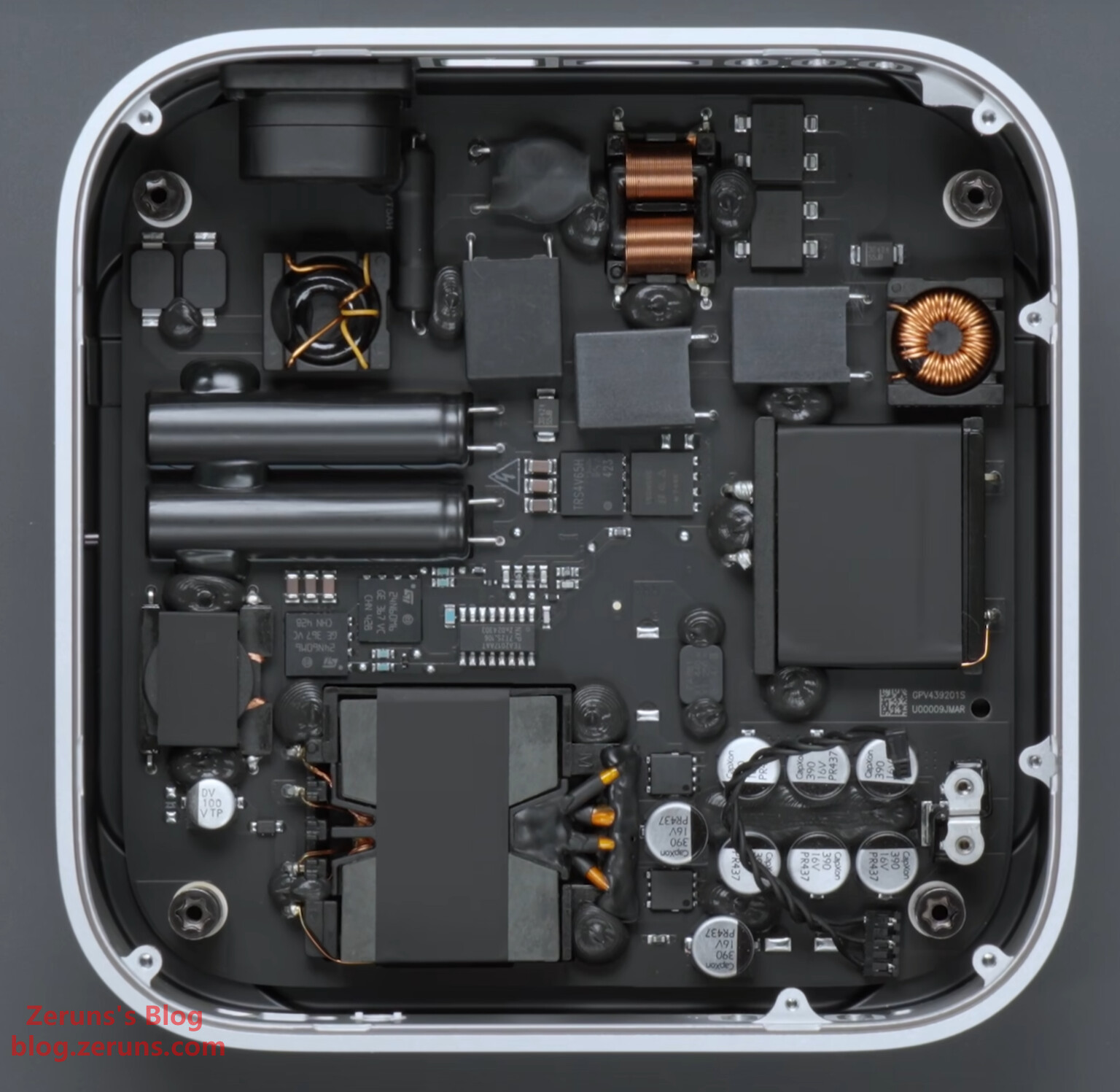
Under the motherboard lies the power supply board. It uses a planar transformer, with inductors and capacitors mounted flat—very efficient space utilization.
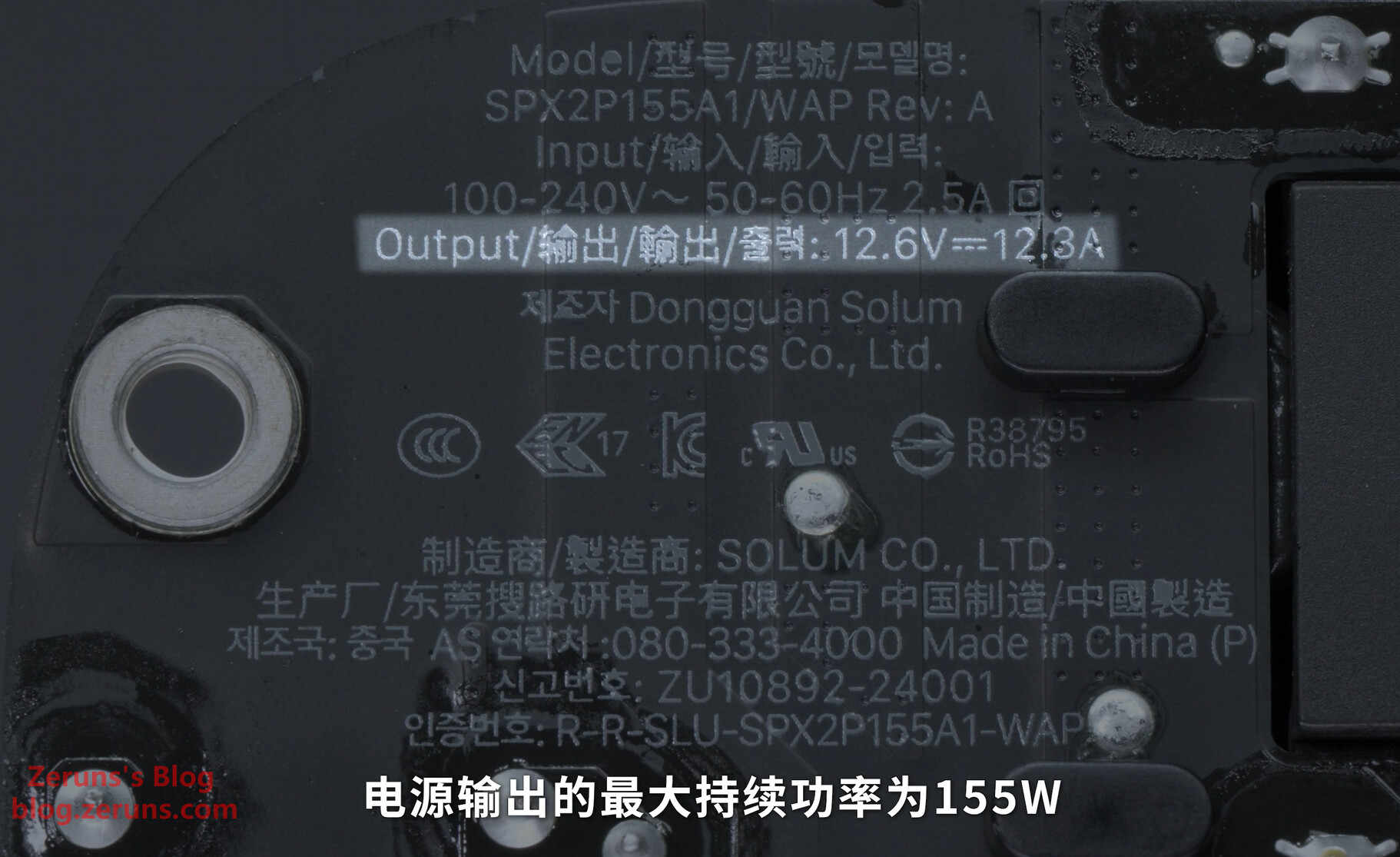
Maximum output power of the PSU is 155W, with output voltage/current of 12.6V / 12.3A.
Recommended Reading
- Recommended Affordable & High-Performance VPS/Cloud Servers: https://blog.zeruns.com/archives/383.html
- Minecraft Server Setup Guide: https://blog.zeruns.com/tag/mc/
- No-Code Blog Building Tutorial – Detailed Personal Website Guide: https://blog.zeruns.com/archives/783.html
- Travel Diary & Photos: Haikou → Beijing → Macau: https://blog.zeruns.com/archives/849.html
- iKuai IK-Q6000 WiFi6 Router – Unboxing and Teardown Review: https://blog.zeruns.com/archives/835.html
- 4 Great Panel-Based Hosting Platforms – One-Click Setup for Minecraft Modpacks, Palworld, 7 Days to Die, CSGO, and More: https://blog.zeruns.com/archives/808.html
English Version of the Article: https://blog.zeruns.top/archives/35.html