GL-RM1PE and FGB-01 Finger Robot: Unboxing, Review, and Teardown – Enable BMC-like Remote Management for Ordinary Computers
Review video: https://www.bilibili.com/video/BV1kBnNzsEBq/
Introduction to GL-RM1PE
The GL-RM1 is a versatile remote KVM device (IP-KVM) developed by GL.iNet (Guanglian Zhintong). With this device, you can remotely control your home computer, access local resources, or transfer files even when away from home. It supports remote control of offline devices, troubleshooting boot issues, adjusting BIOS settings, and offers audio support for a more immersive remote interaction experience. As a multi-scenario tool combining remote work and device management, the GL-RM1 significantly enhances the efficiency of remote operations.
The GL-RM1PE is the PoE version of the GL-RM1, designed specifically to simplify single-cable setup. The GL-RM1PE delivers both power and network connectivity over a single Ethernet cable, reducing cable clutter and streamlining installation. Additionally, this version upgrades the EMMC storage capacity to 32GB, enhancing its ability to handle system logs, recordings, or custom firmware.
- GL-RM1PE User Guide: https://docs.gl-inet.cn/kvm/user_guide/gl-rm1pe/
- Purchase GL-RM1PE: https://s.click.taobao.com/yyVXdXq
Introduction to the FGB-01 Finger Robot
The FGB-01 is an optional accessory offered by GL.iNet for KVM devices, providing added convenience for remote management.
Acting as a physical button emulator, the Finger Robot enables remote control of the physical power button on managed devices. Specifically designed for remote PC power-on and shutdown operations, it features easy adhesive installation, a battery life lasting up to one year, suitability for daily use, and requires no complex configuration.
Alternatively, you may choose the GL-ATX board, which installs inside the computer case and connects directly to the motherboard’s power switch pins (F_PANEL), enabling direct control of power operations.
Use Cases
- Centralized Server Room Management: Single-cable PoE simplifies cabling; remotely monitor server video output and operational status, enabling power cycling and fault intervention.
- Enterprise Remote Maintenance: Hardware-level remote control allows access even when the target device is offline or unable to boot, enabling quick resolution of issues like blue screens or failure to start—reducing on-site inspection costs.
- Remote System Installation and Maintenance: Mount ISO images as virtual CD/DVD or USB drives to remotely install, reinstall, or upgrade operating systems and firmware—ideal for bulk deployment scenarios.
- Unattended Device Management: PoE support makes it suitable for outdoor or industrial environments; combined with accessories, enables remote power control and real-time monitoring for low-maintenance operation.
Specifications
| Feature | GL-RM1PE | GL-RM1 | Others |
|---|---|---|---|
| Latency | ~30–60ms | ~30–60ms | >100ms |
| Ethernet Speed | 1Gbps | 1Gbps | 100Mbps |
| Power Supply | PoE/DC | DC | DC |
| Resolution | 3840×2160@30FPS | 3840×2160@30FPS | 1920×1200@60FPS |
| BIOS-Level Access | Supported | Supported | Supported |
| macOS/Windows Application Support |
Supported | Supported | |
| Remote Audio | Bi-directional | Uni-directional | None |
| Remote File Transfer | Supported | Supported | Not Supported |
| File Transfer Speed | 25MB/s | 10MB/s | Not Supported |
| Remote System Installation | Supported | Supported | Supported |
| Storage Space | 32GB eMMC | 8GB eMMC | 128MB |
| Enclosure | Aluminum Alloy | CNC Metal | PVC Plastic |
Unboxing
GL-RM1PE
Front of the box:
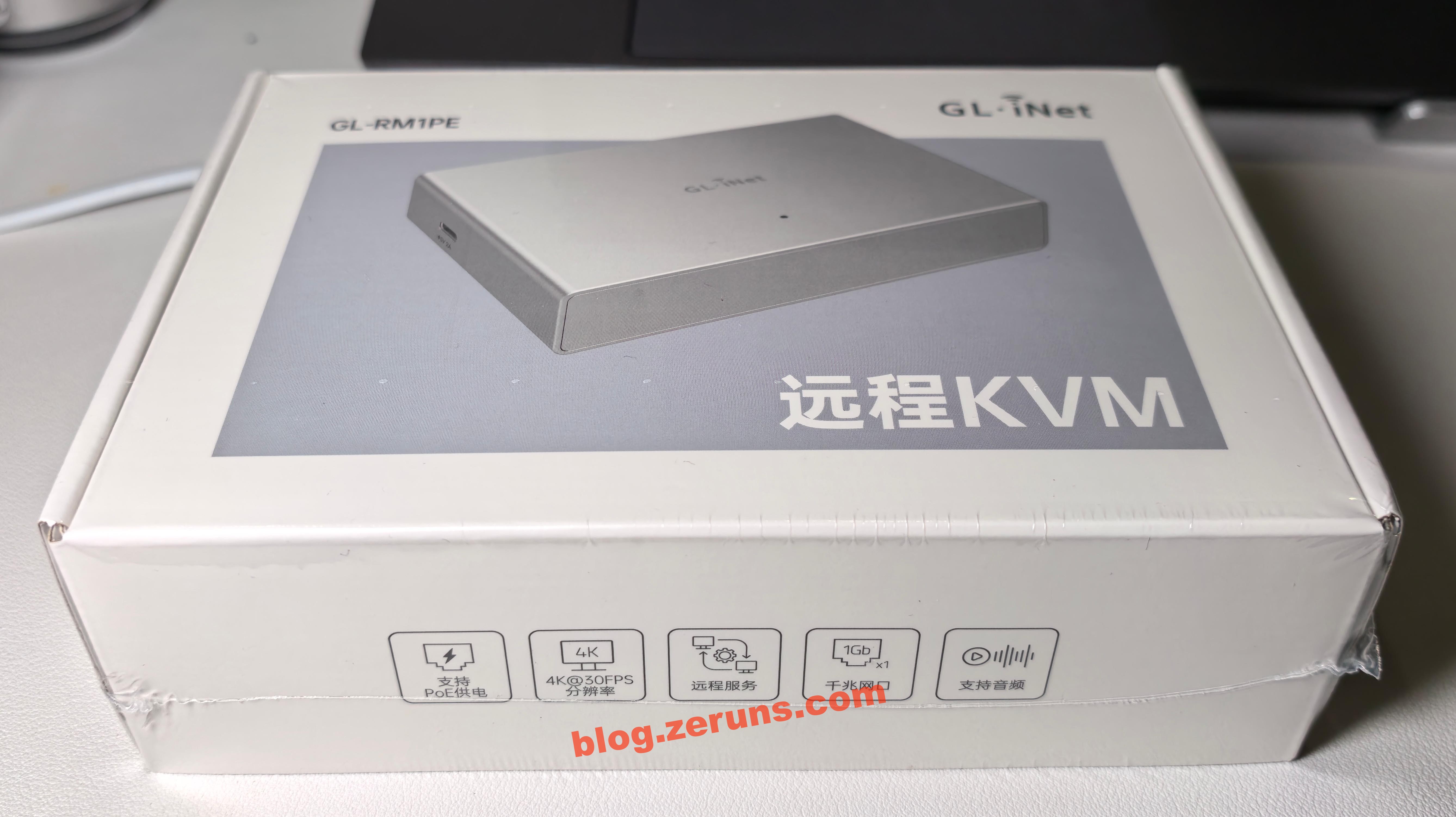
Side of the box, printed with the company’s official website address and package contents:
- GL-RM1PE Remote KVM
- Ethernet cable
- USB cable (Type A - Type C)
- USB cable (Type C - Type C)
- HDMI cable
- User manual
Bottom of the box, printed with company name and address:
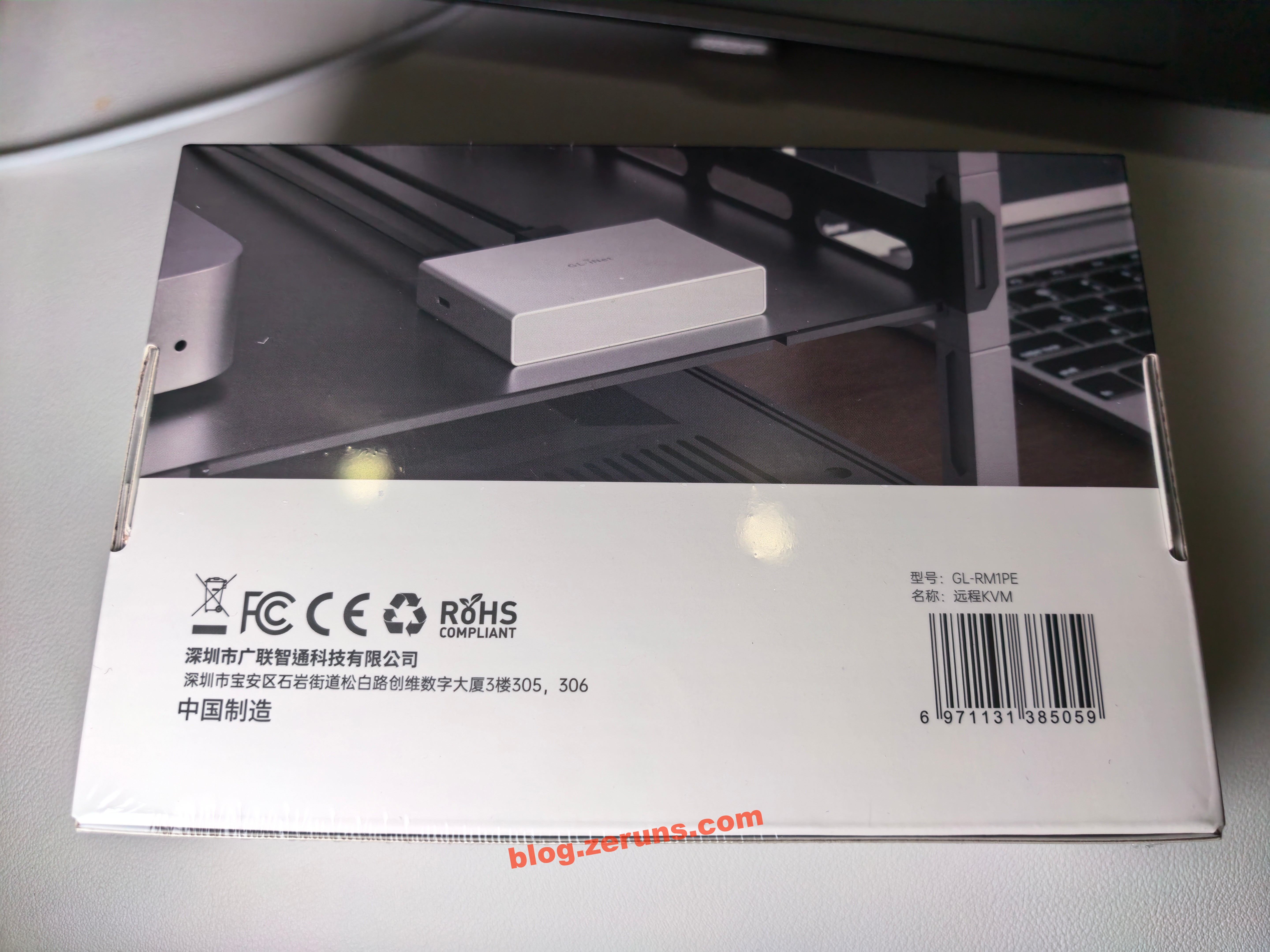
Opening the box, the manual and device are on top, with accessories and data cables underneath:
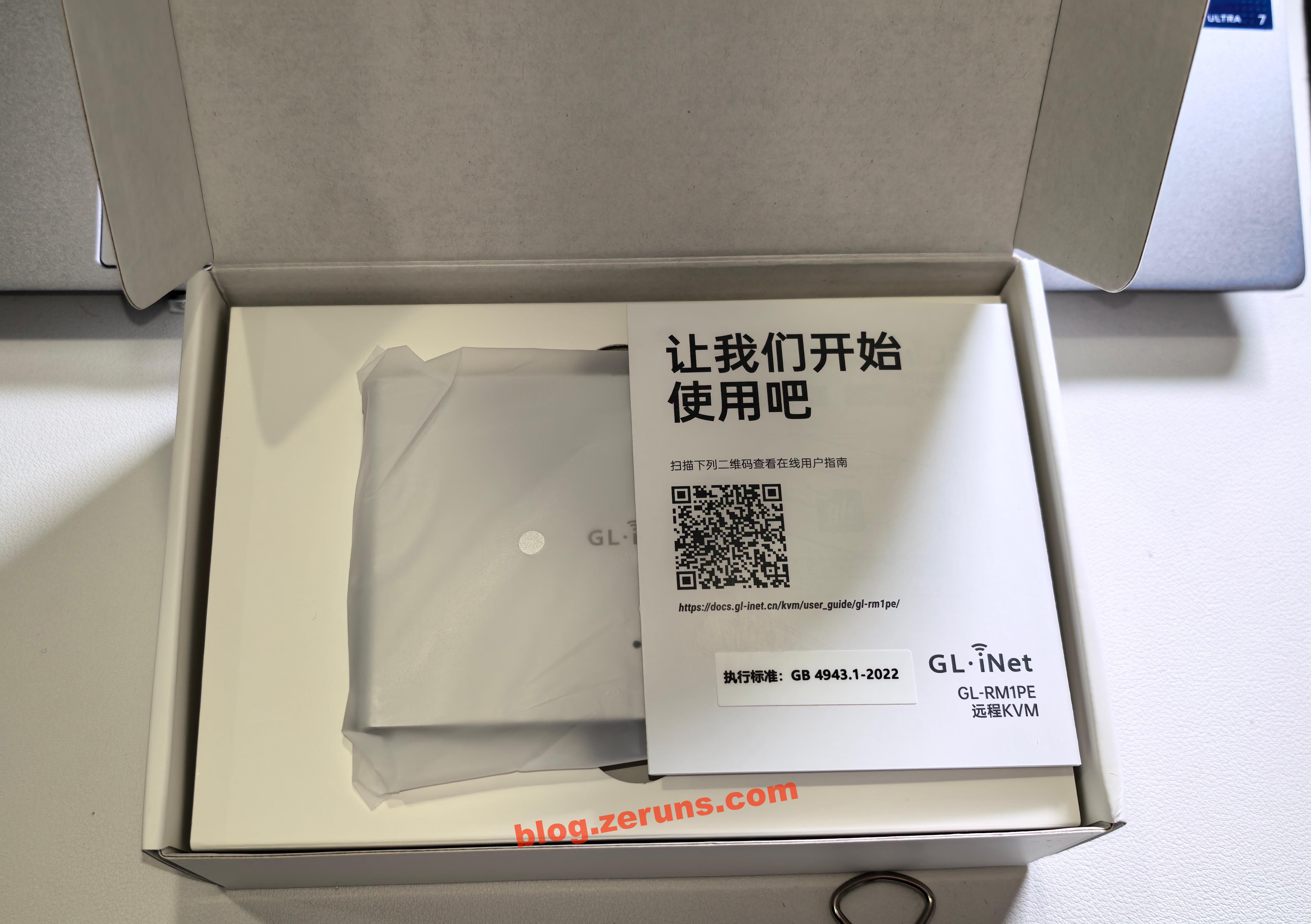
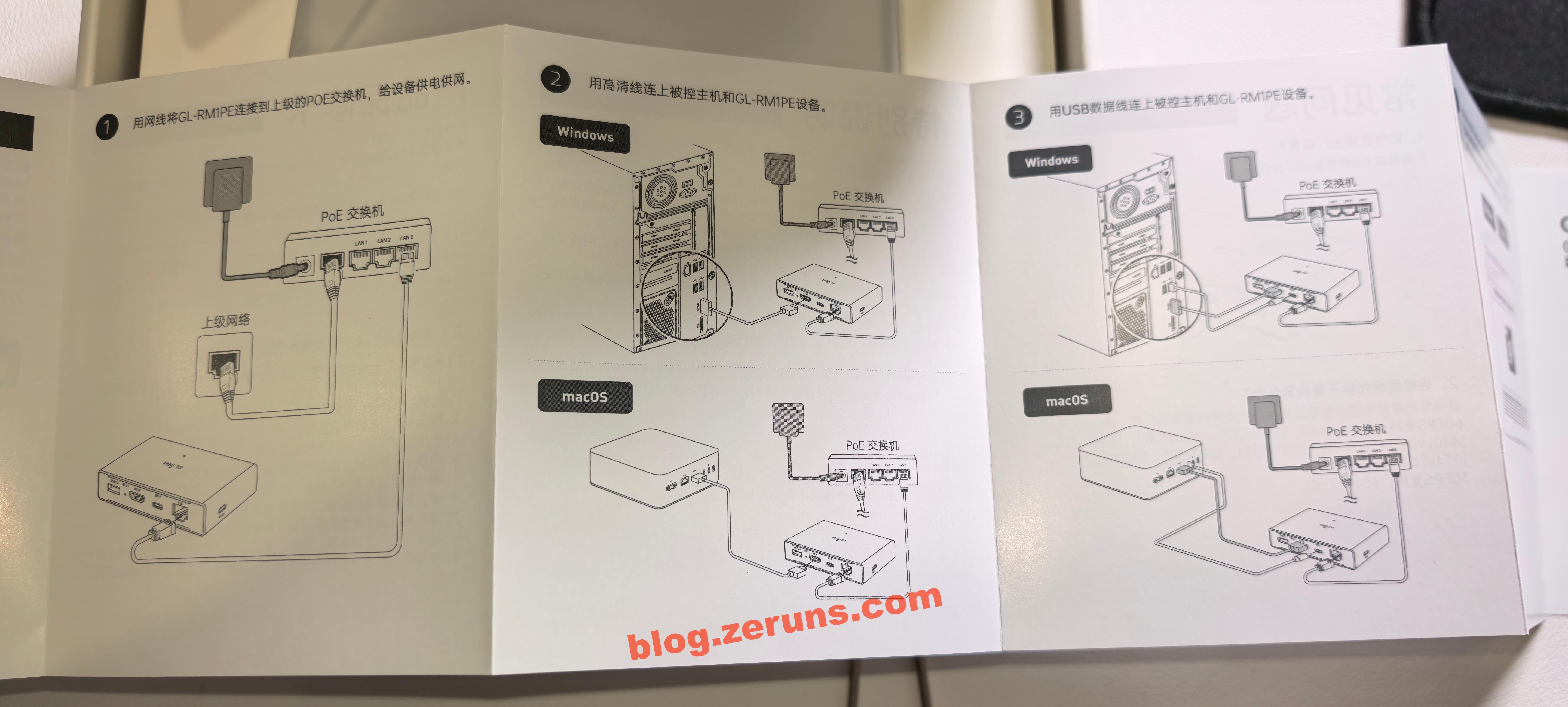
GL-RM1PE user manual:
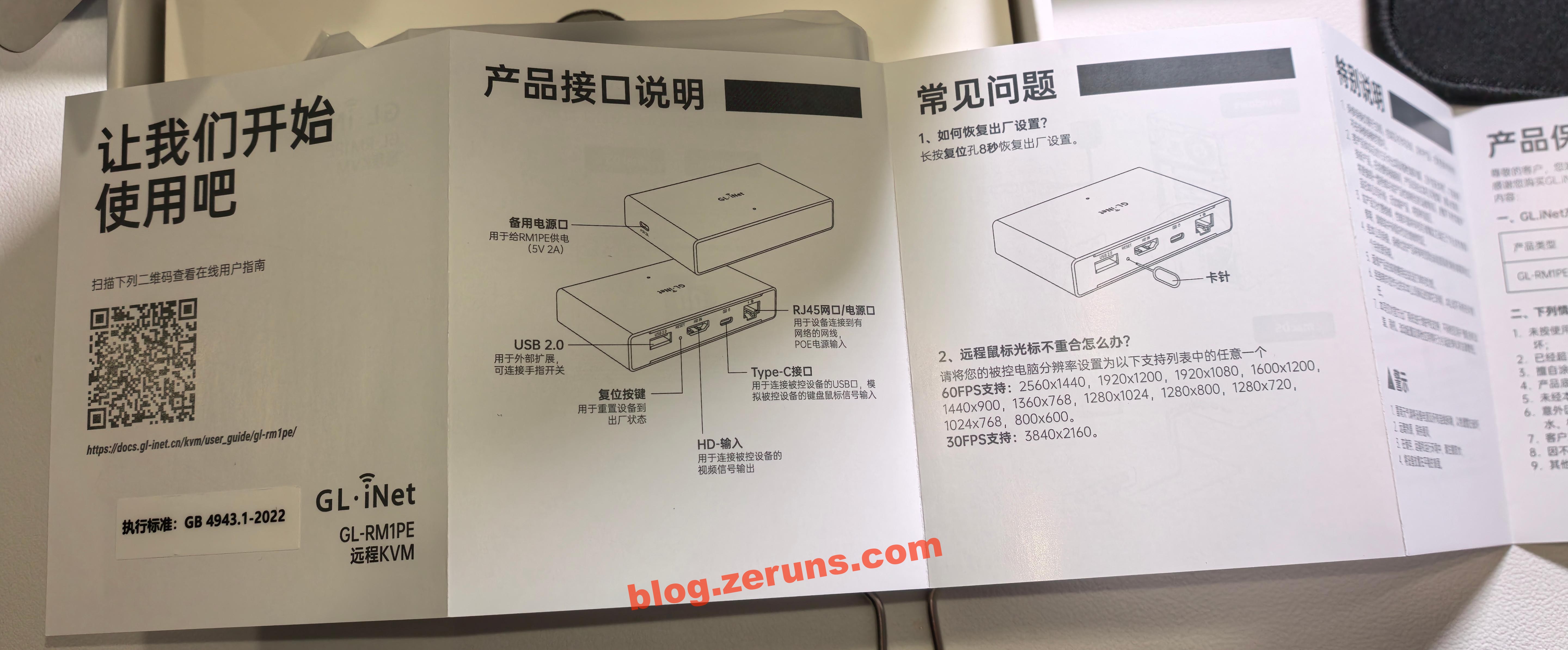
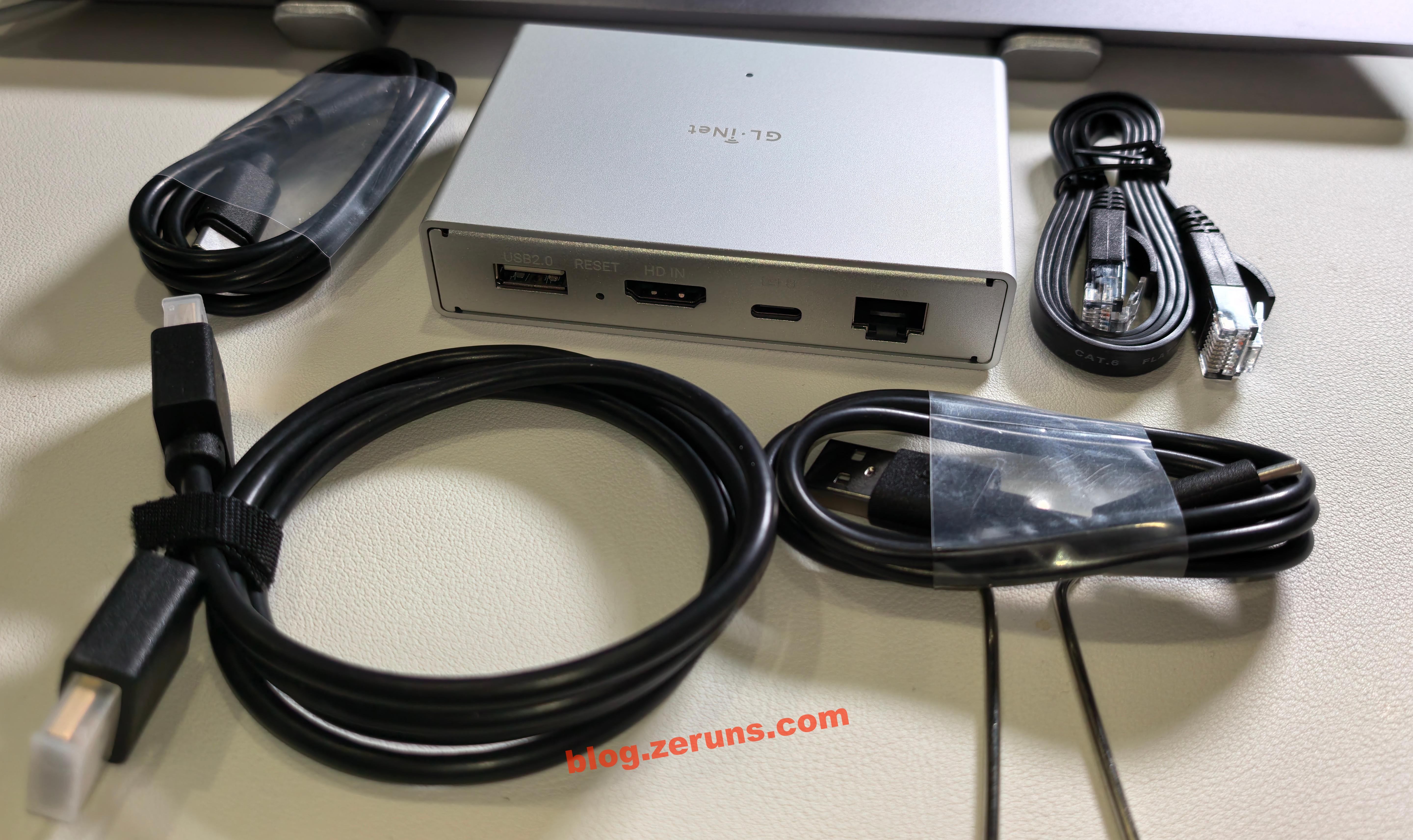
The GL-RM1PE and included data cables. The back ports include:
- USB-A (for connecting to the GL-ATX board or finger robot)
- HDMI (for capturing video signal from the controlled host)
- Type-C (for connecting to the controlled host to simulate keyboard and mouse)
- RJ45 Ethernet port (supports PoE power)
The side has a Type-C power port (5V power, PD compatible)
FGB-01 Finger Robot Unboxing
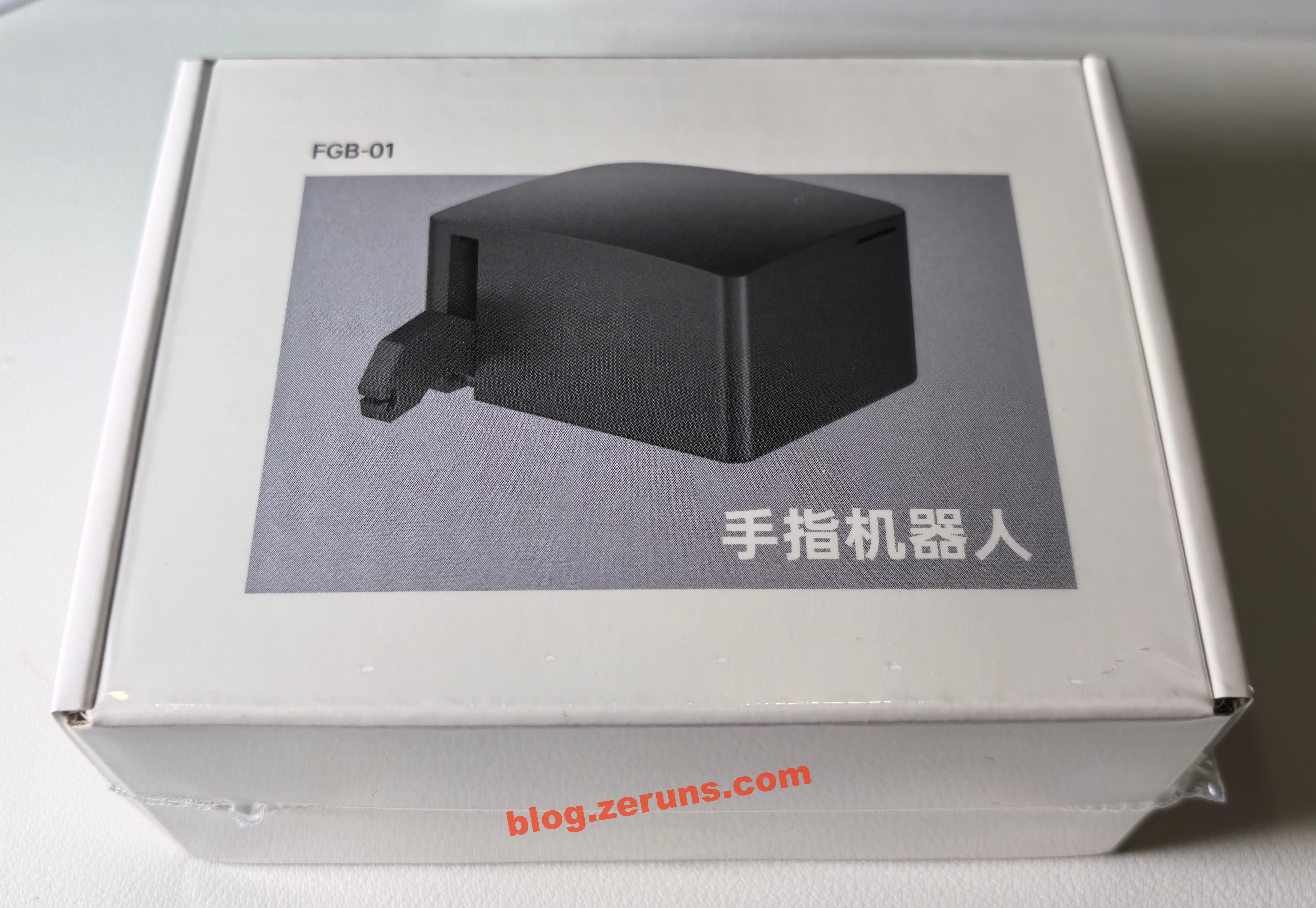
Front of the box:
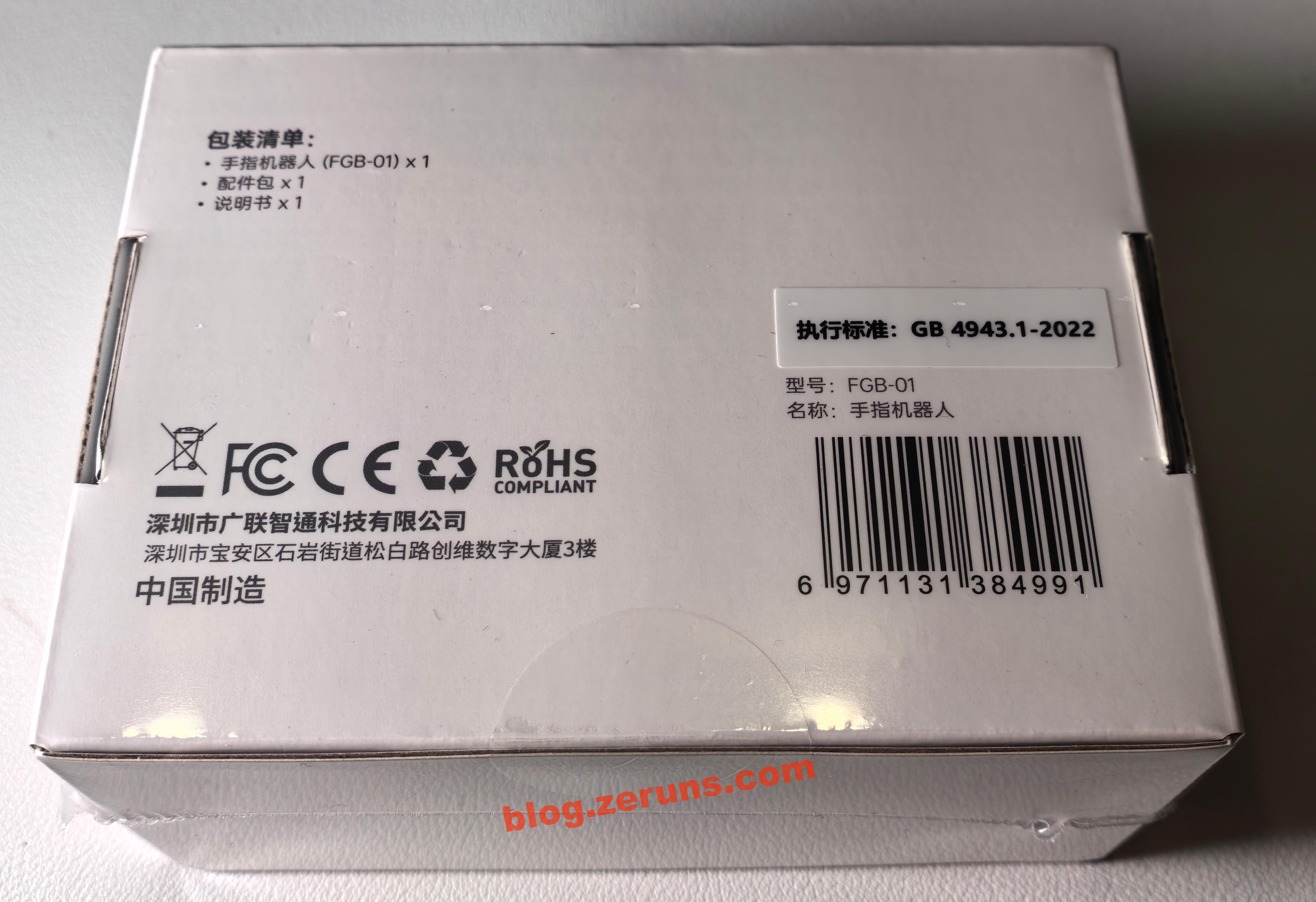
Bottom of the box, printed with company name and package contents:
- Finger Robot (FGB-01)
- Accessory kit
- User manual
Opening the box, the manual is on top:
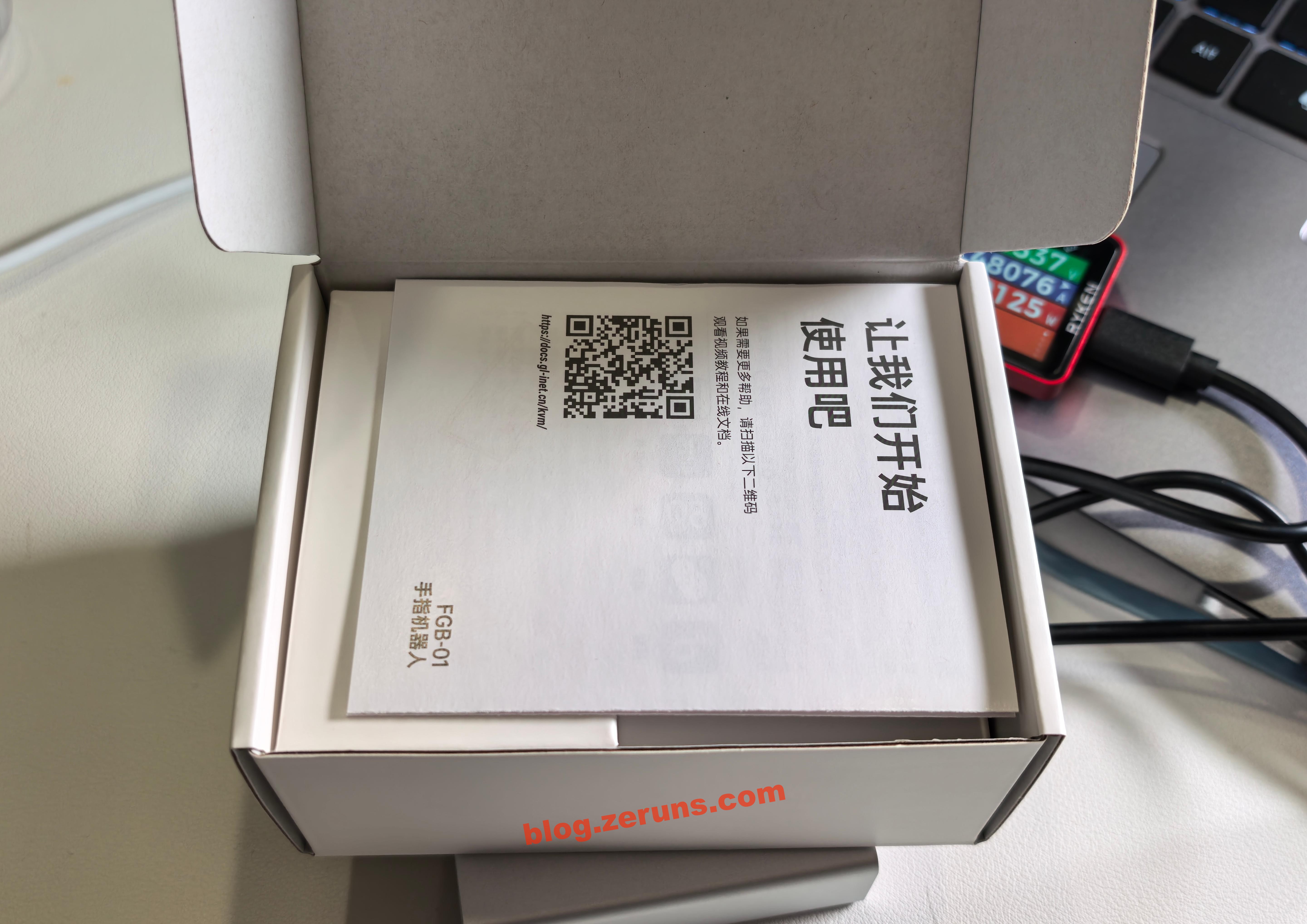
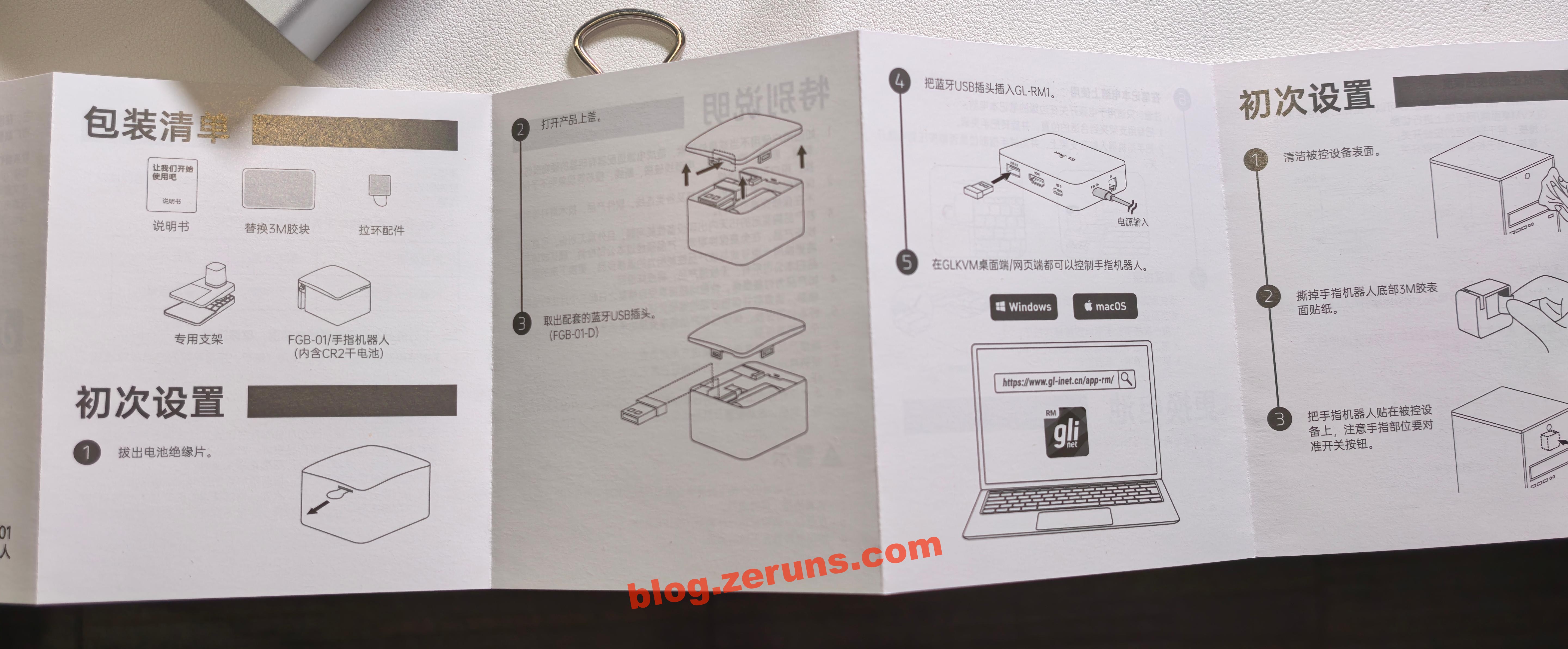
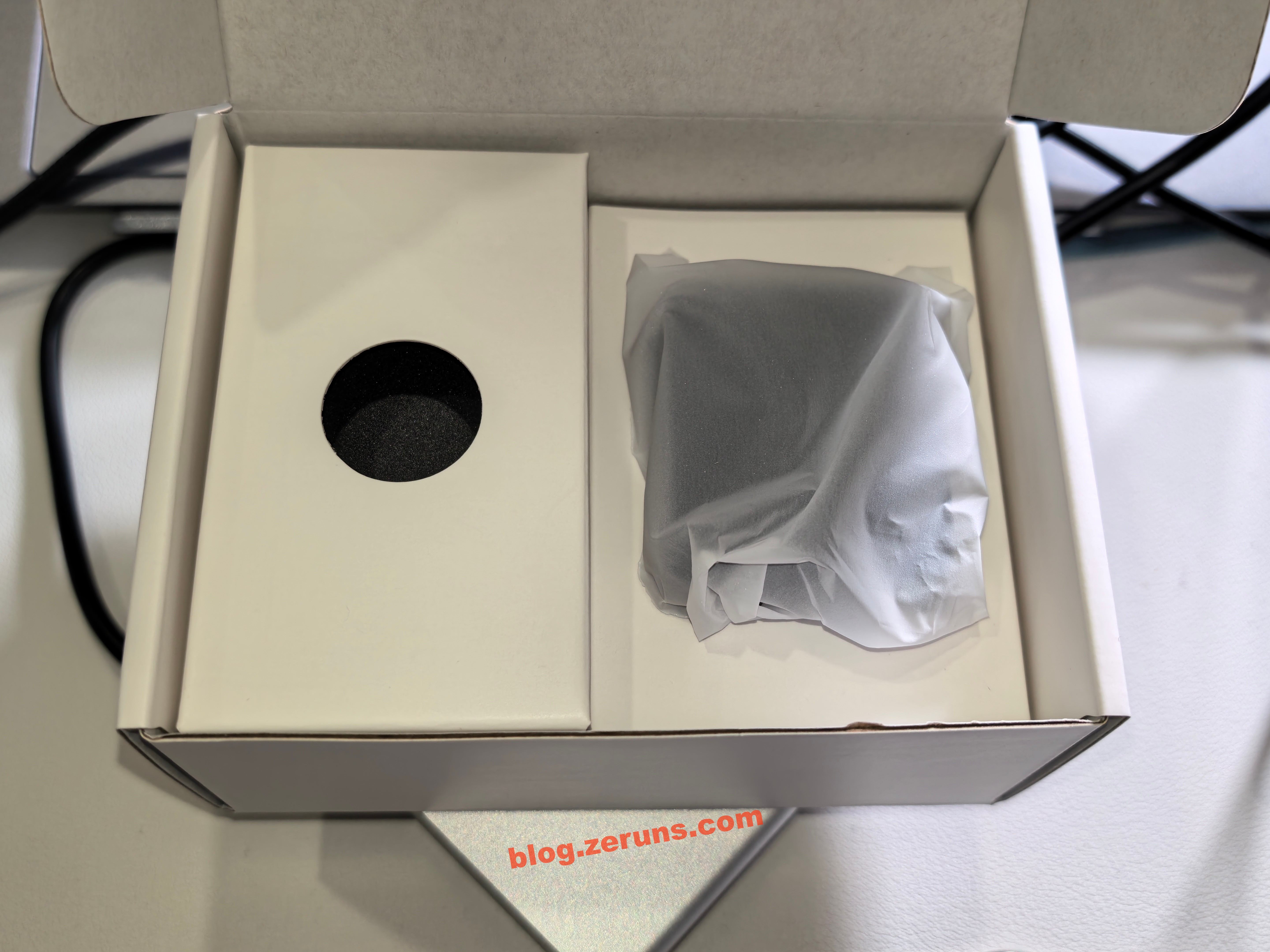
Followed by the finger robot and accessories:
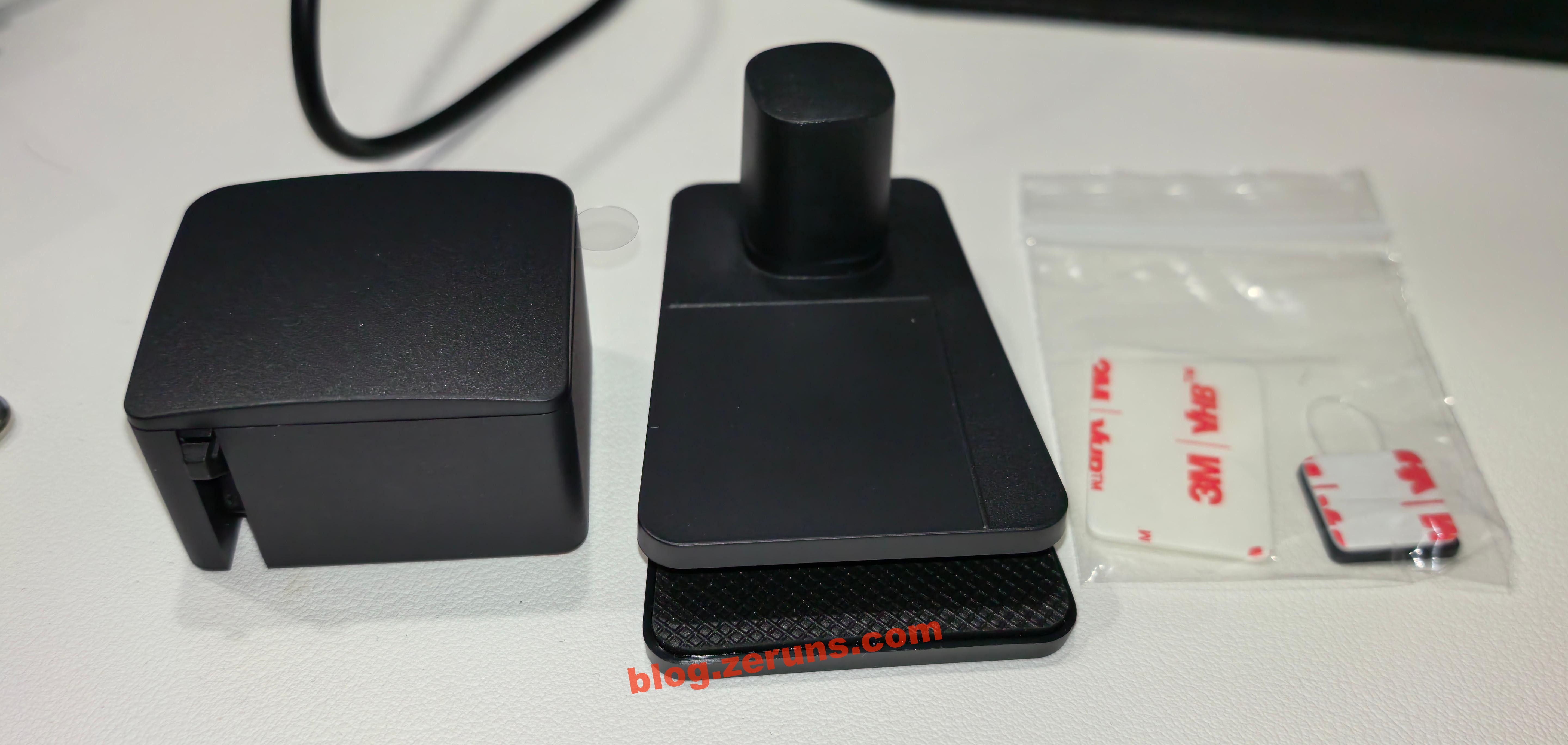
Accessories include two 3M double-sided adhesive pads and a clip (used to attach and secure the finger robot to a laptop)
Review and Usage Guide
GL-RM1PE
First, connect the GL-RM1PE to the target computer using the HDMI and Type-C cables (the one next to HDMI), then connect the Ethernet cable and power cable (to the side Type-C port).
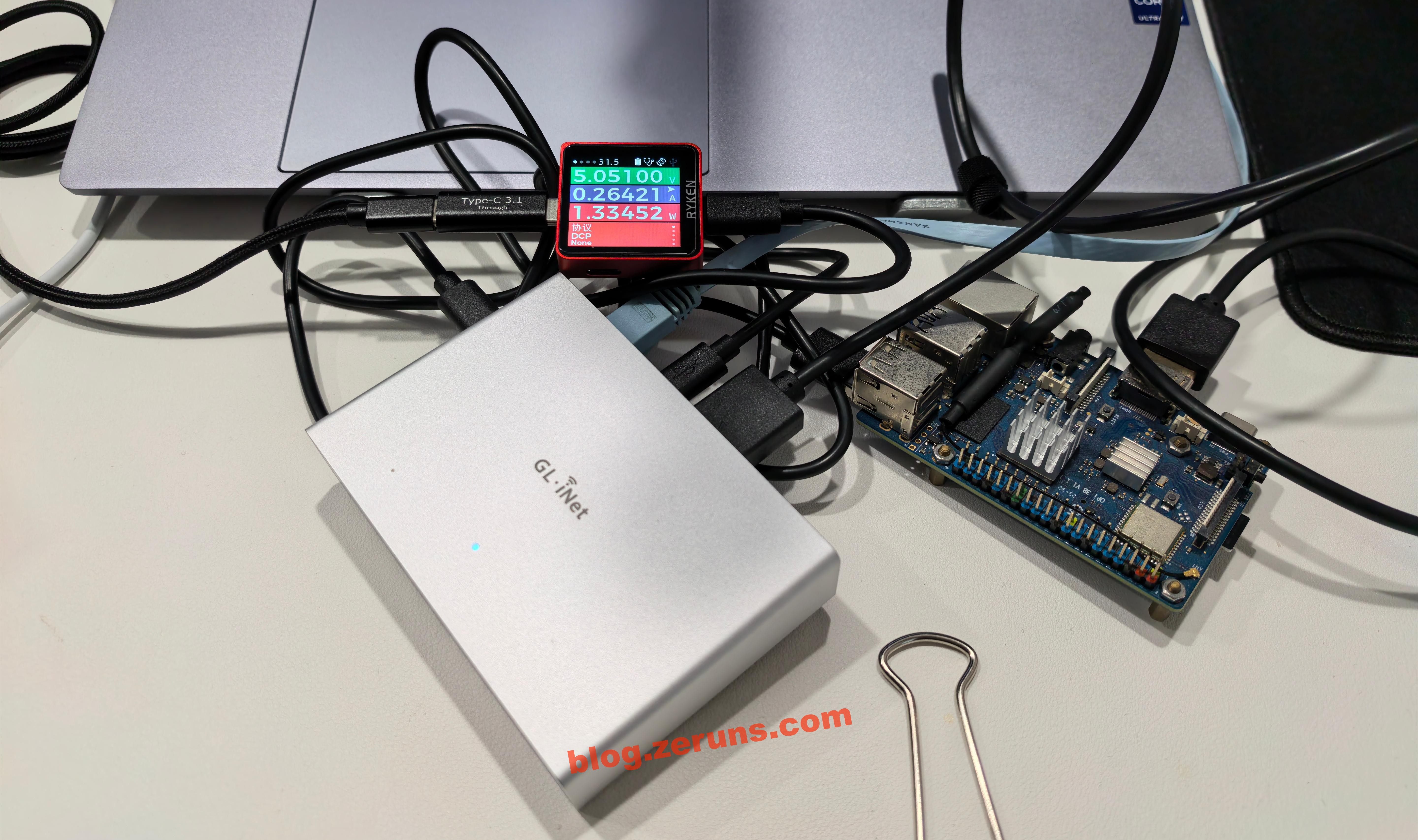
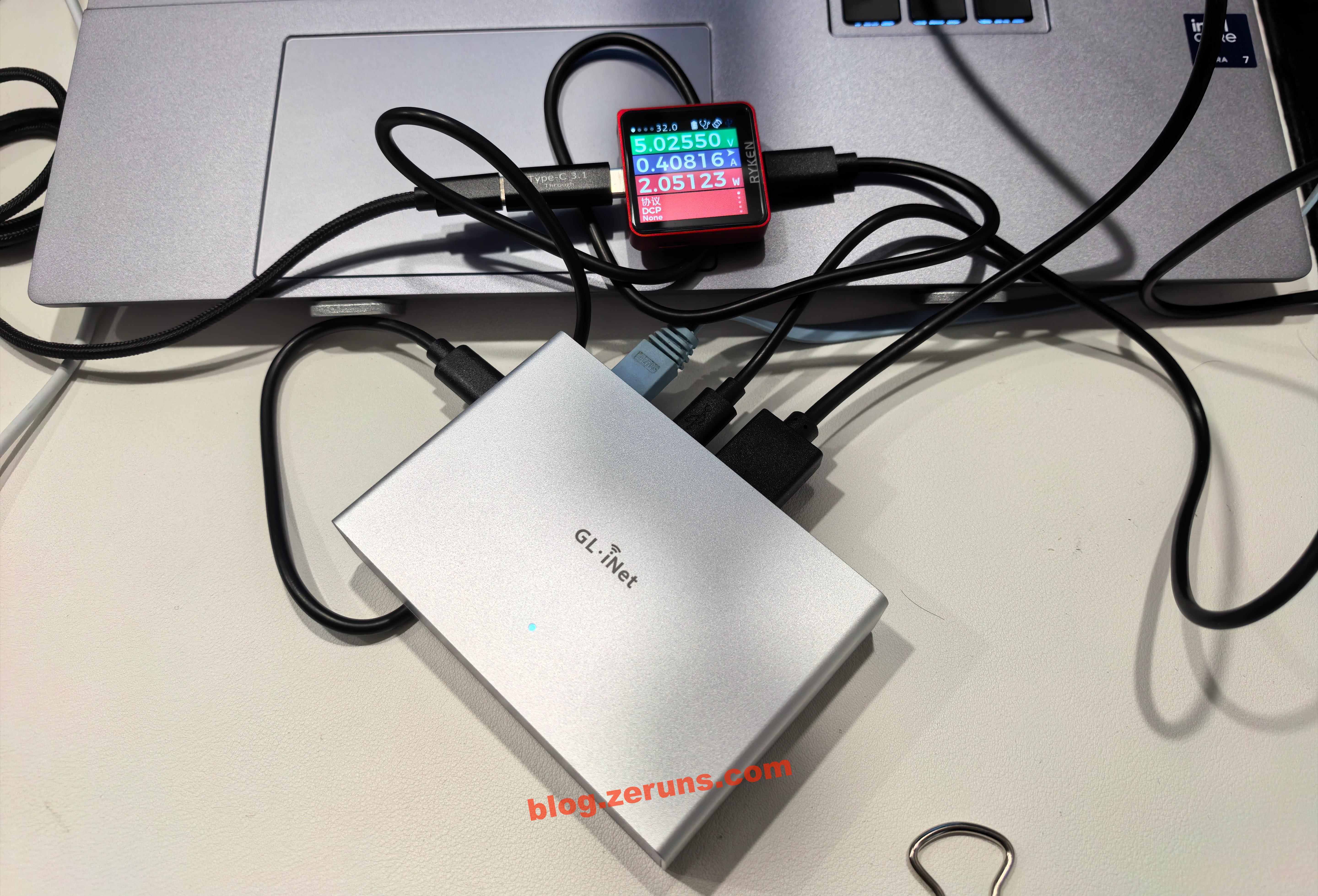
Wait until the GL-RM1PE indicator light stays solid white — this indicates startup is complete. After booting, the GL-RM1PE consumes about 2 watts.
USB power meter: https://s.click.taobao.com/bQtCNLq
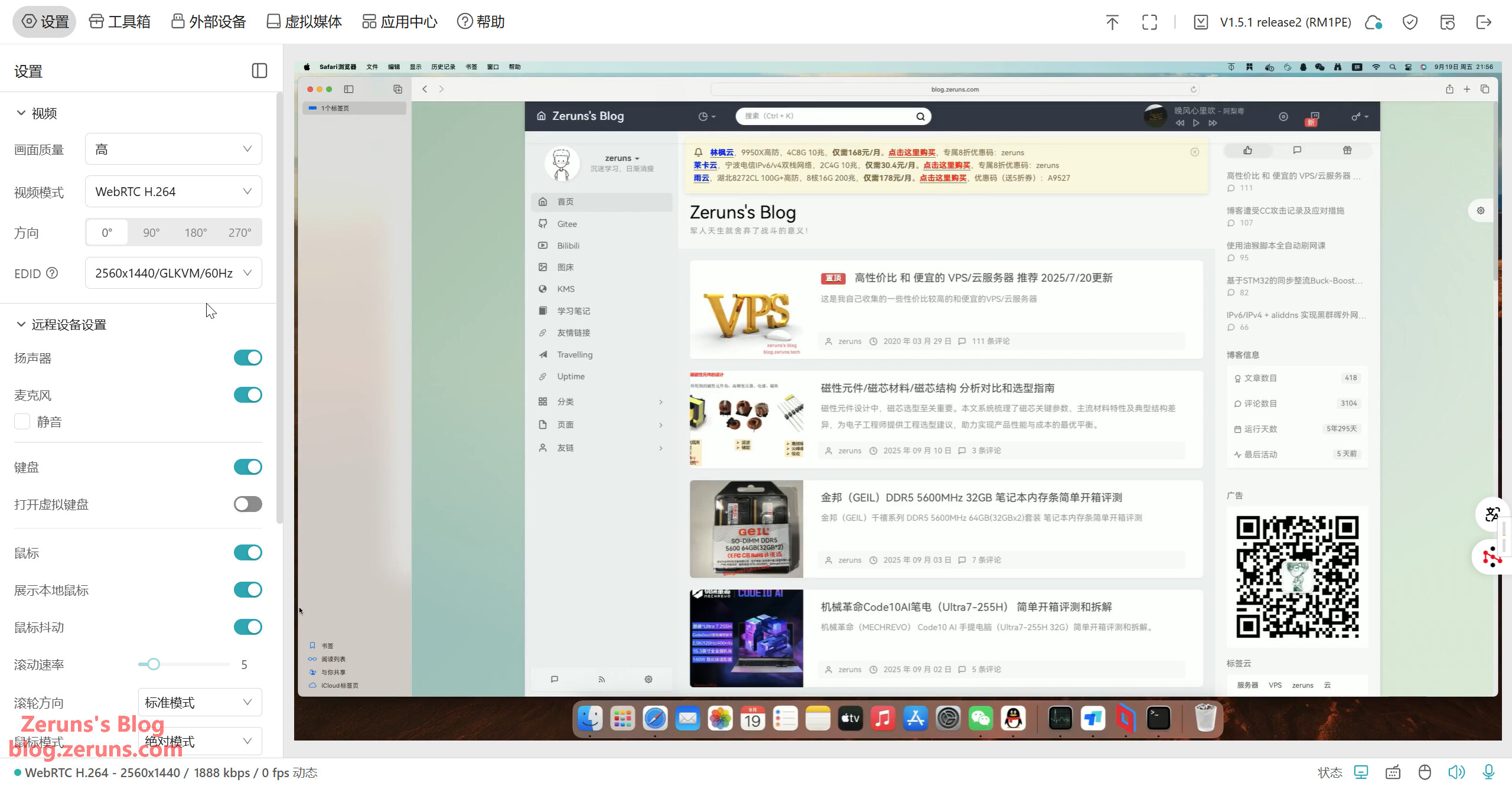
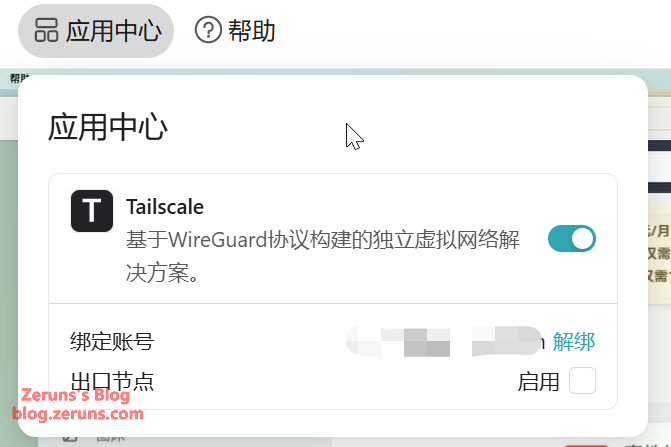
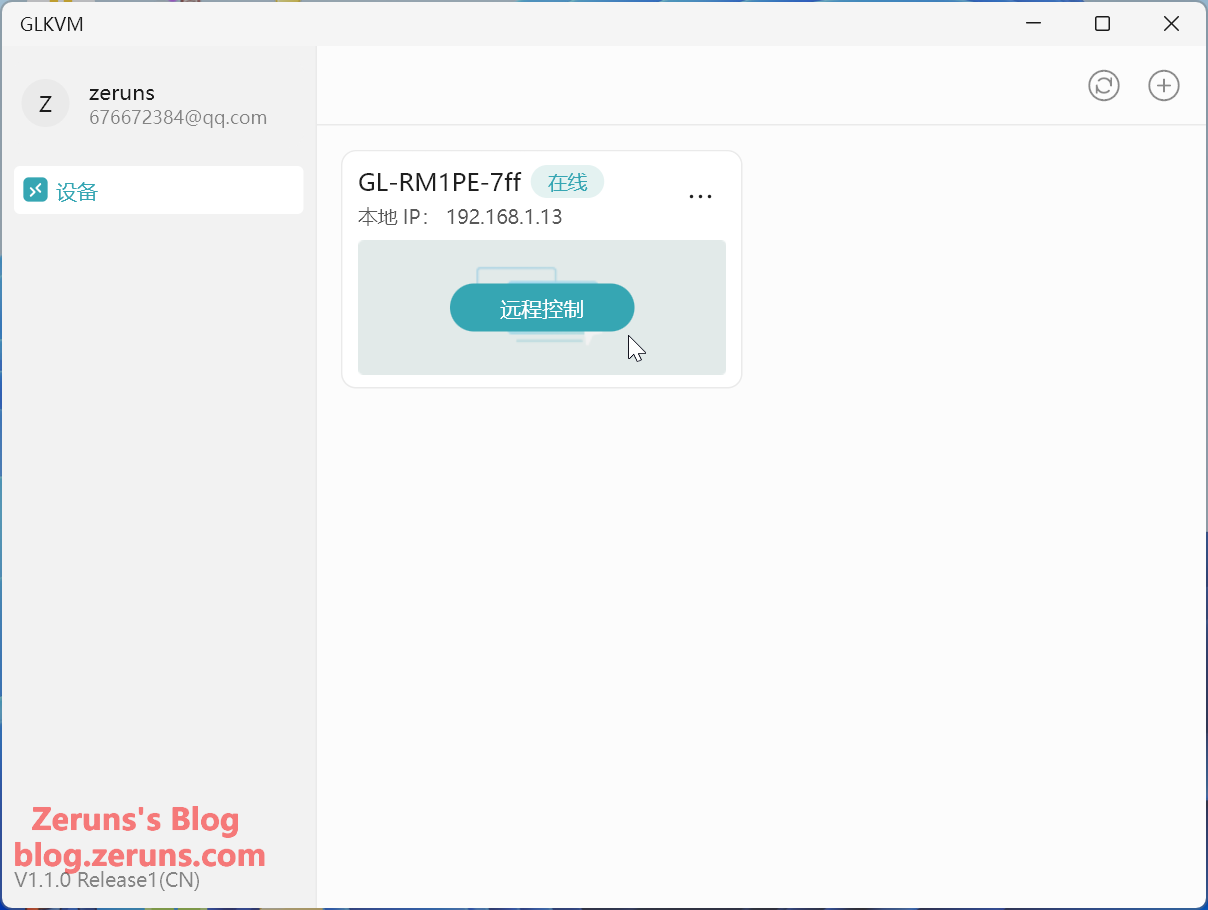
After startup, locate the device’s IP address in your router’s admin panel and copy it into your browser’s address bar to open the control page. On first access, you’ll need to set a password. Alternatively, you can download the client from the GL.iNet official website to search for and bind the device (must be on the same local network). If not on the same network, you can also bind the device by entering its SN serial number. Once bound, you can remotely control the device via the client even when off the local network. You can also use Tailscale (the GL-RM1PE has a built-in Tailscale client) to create a virtual local network for remote access.
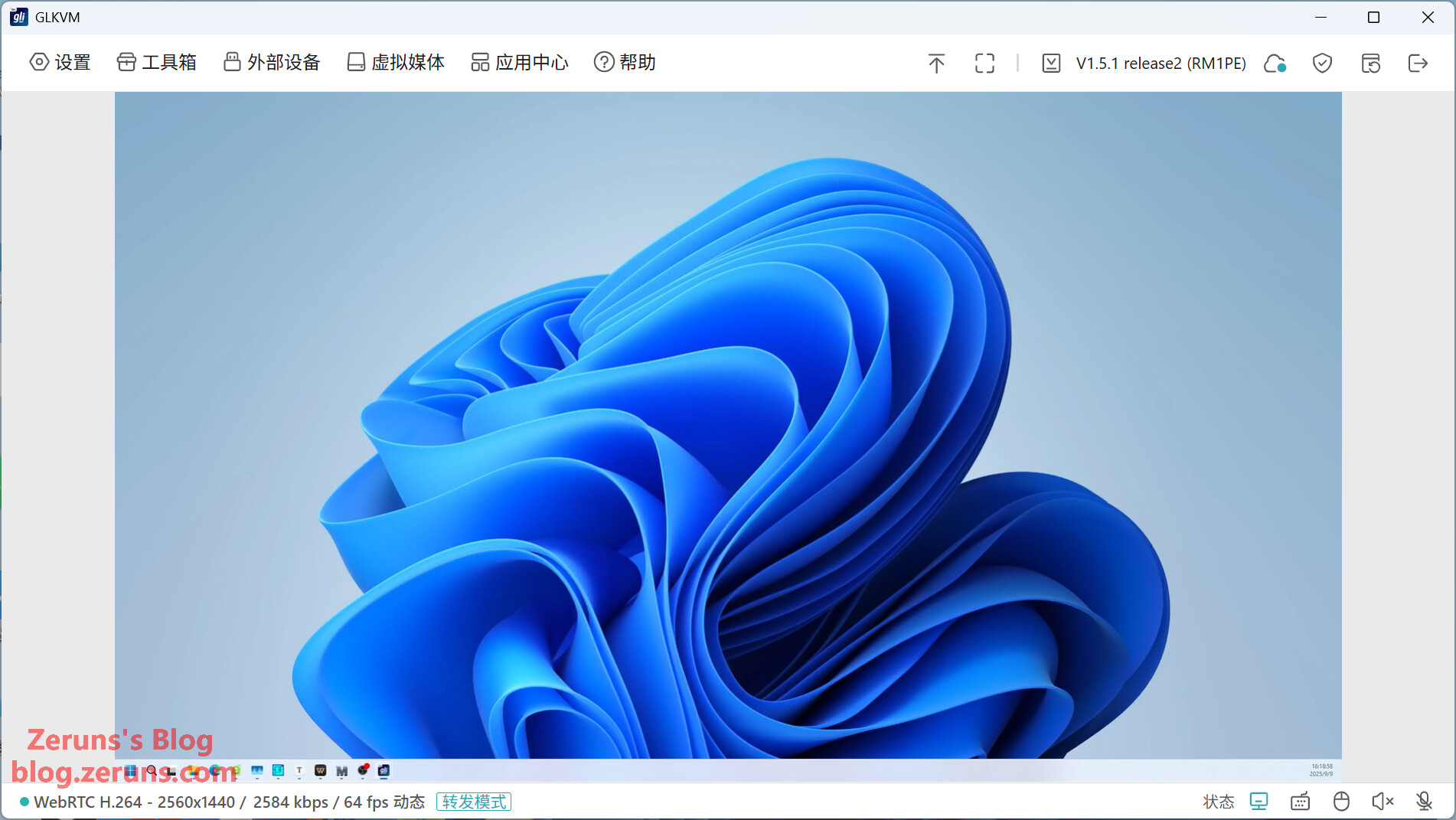
The video feed is quite smooth — see the review video link above for actual performance.
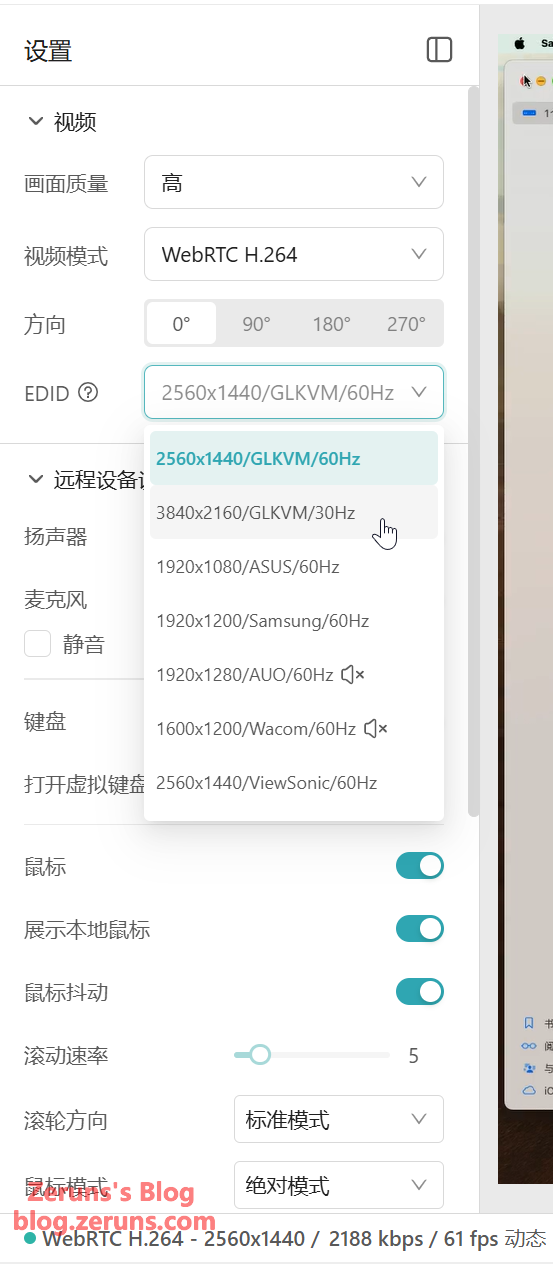
You can edit the EDID information of the HDMI port, with maximum support for 4K@30fps. Video encoding supports only H.264.
You can transmit your local microphone audio to the controlled device (the target device recognizes a USB-emulated microphone), and also stream audio from the target device’s speakers back to your local machine. It also features a virtual keyboard.
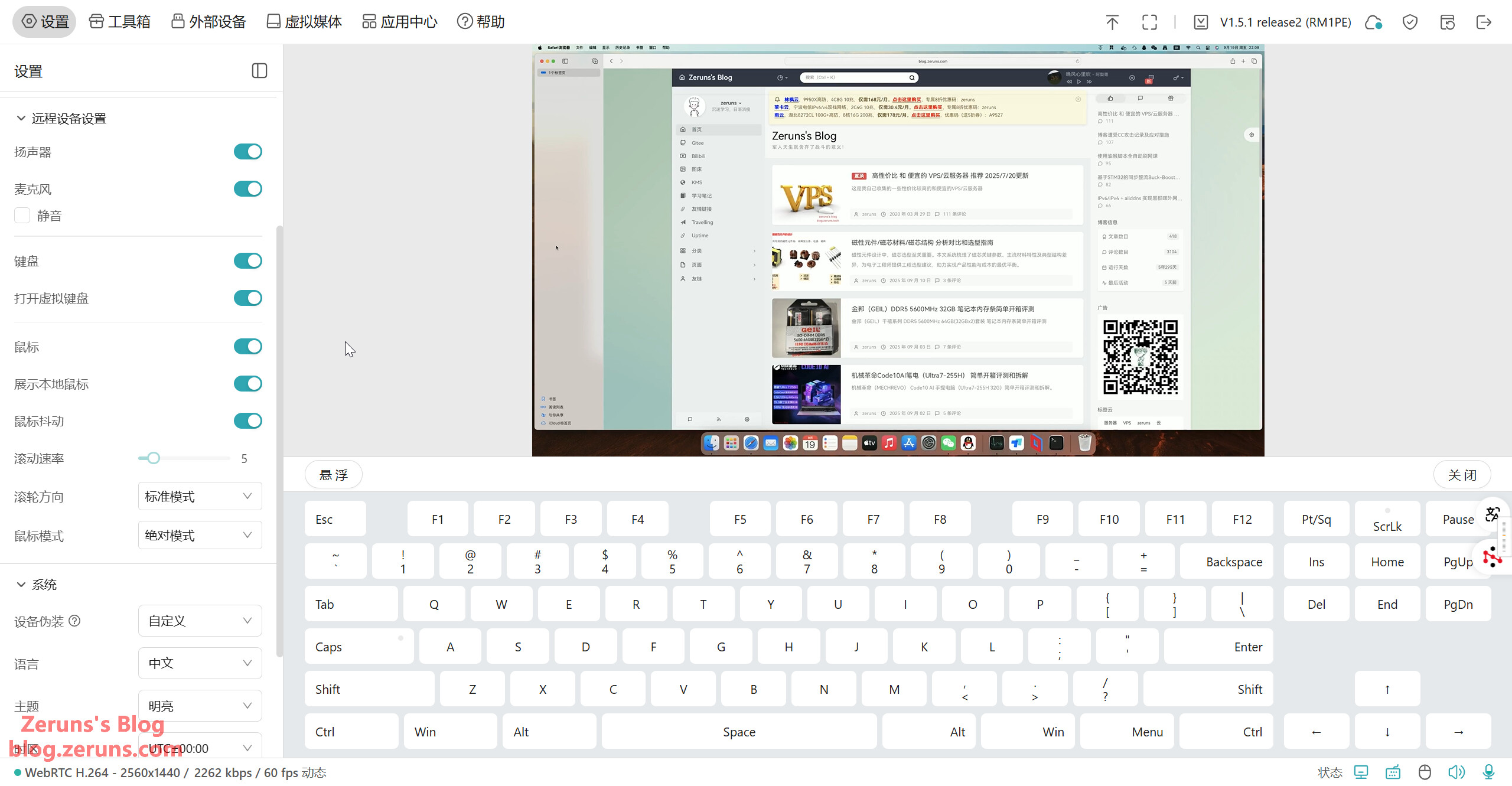
Device spoofing is supported.
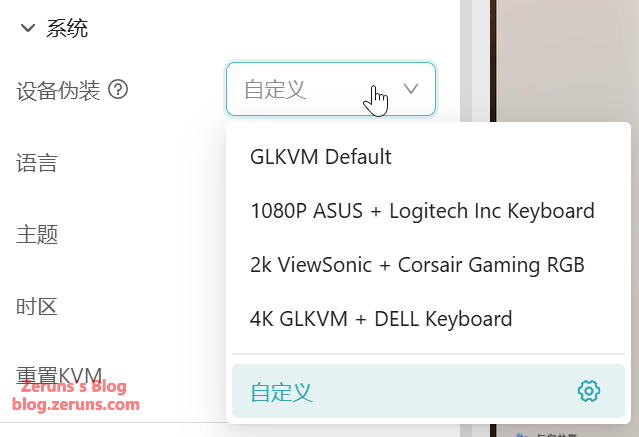
Using the clipboard tool in the toolbox, you can copy and paste text to the remote device, use common keyboard shortcuts quickly, and wake up devices on the local network.
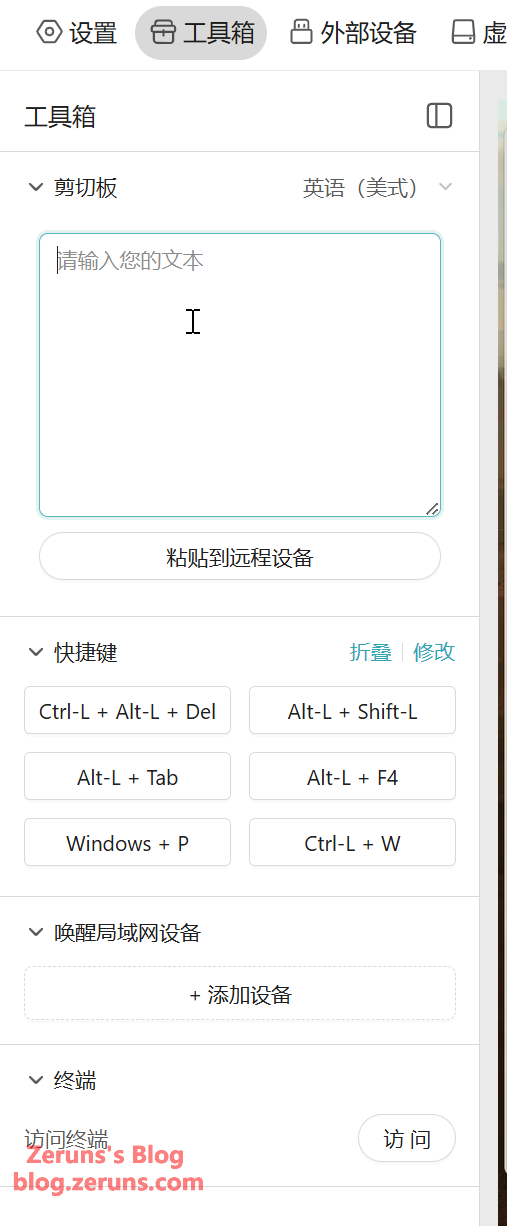
The terminal function allows access to the GLKVM system terminal, where you can see that the GL-RM1PE runs on Linux kernel 6.1.
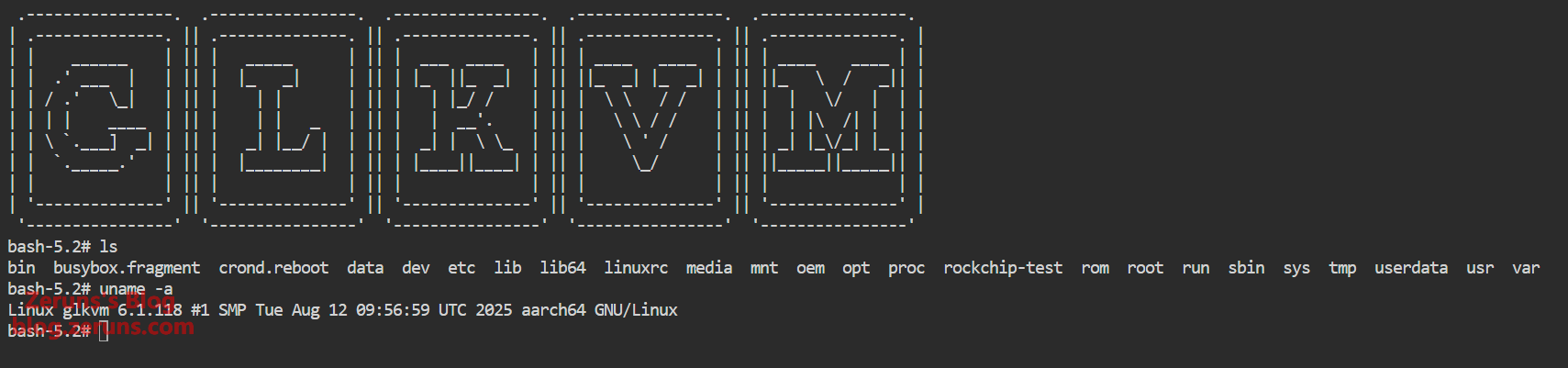
After connecting the GL-RM1PE to a finger robot or GL-ATX board, you can control the power button of the target device under the “External Devices” section, including setting the duration of the power button press.

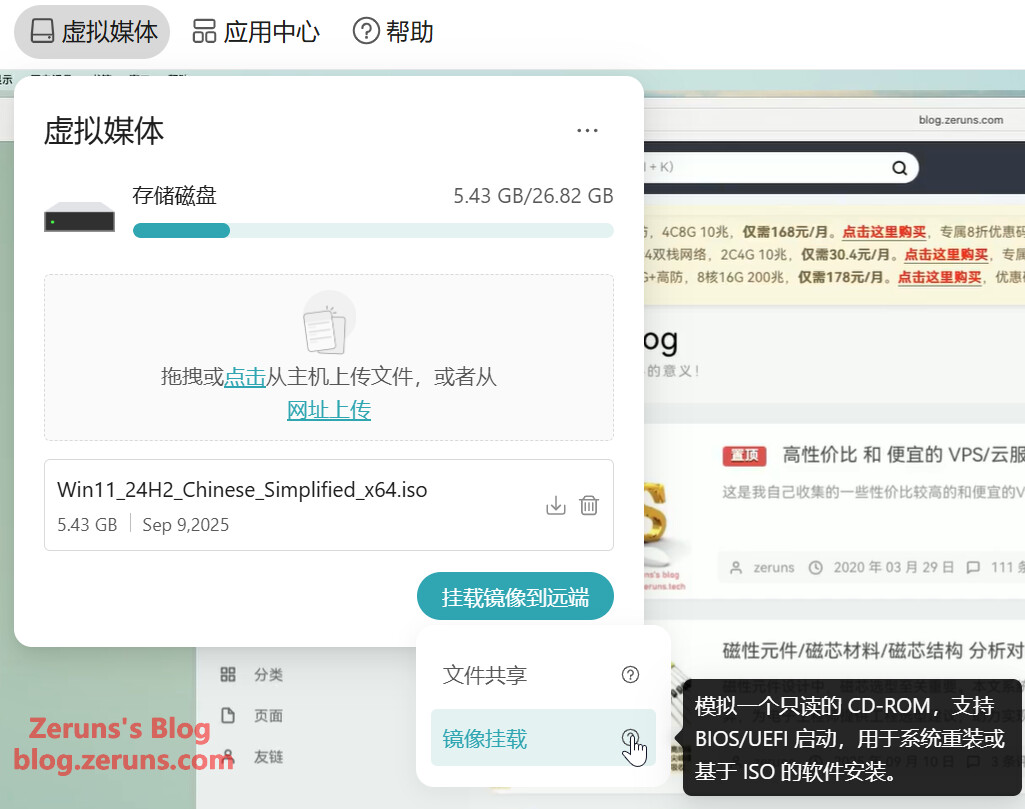
Under “Virtual Media,” you can upload files and emulate a USB drive to transfer files to the target device. You can also mount an image file as a read-only CD-ROM for system reinstallation and similar tasks.
The App Center includes Tailscale, enabling NAT traversal and remote control from anywhere.
Client screenshots — you can remotely control the device from outside the network using the client, without requiring a public IP address.
FGB-01 Finger Robot
Remove the plastic tab from the finger robot’s battery compartment to activate it. Open the top cover of the finger robot to retrieve the USB Bluetooth receiver. Plug the receiver into the USB-A port on the GL-RM1PE, and you can then control the finger robot via the “External Devices” section of the control interface to perform button presses.
The finger robot is powered by a CR2 battery (3V). You can replace it with a rechargeable CR2 lithium battery if desired.
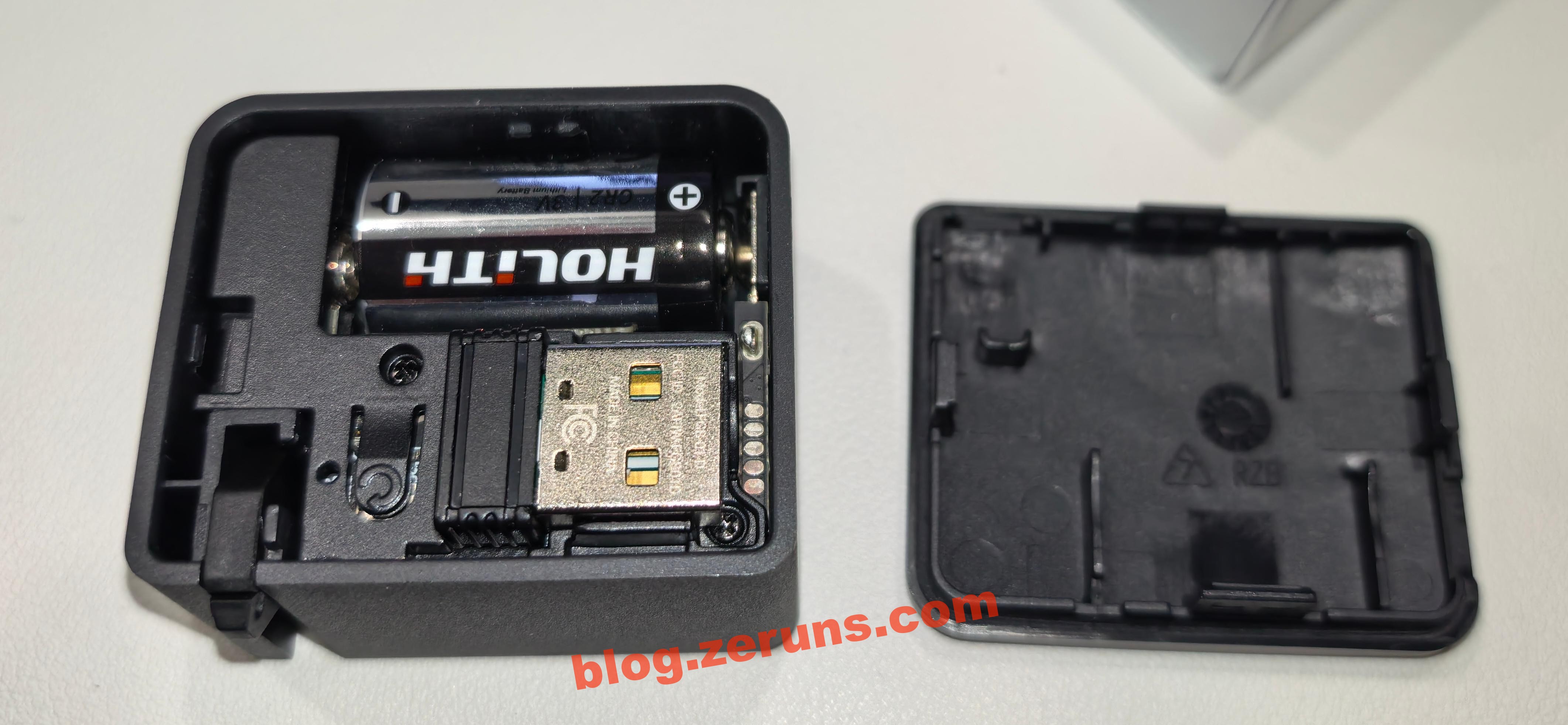
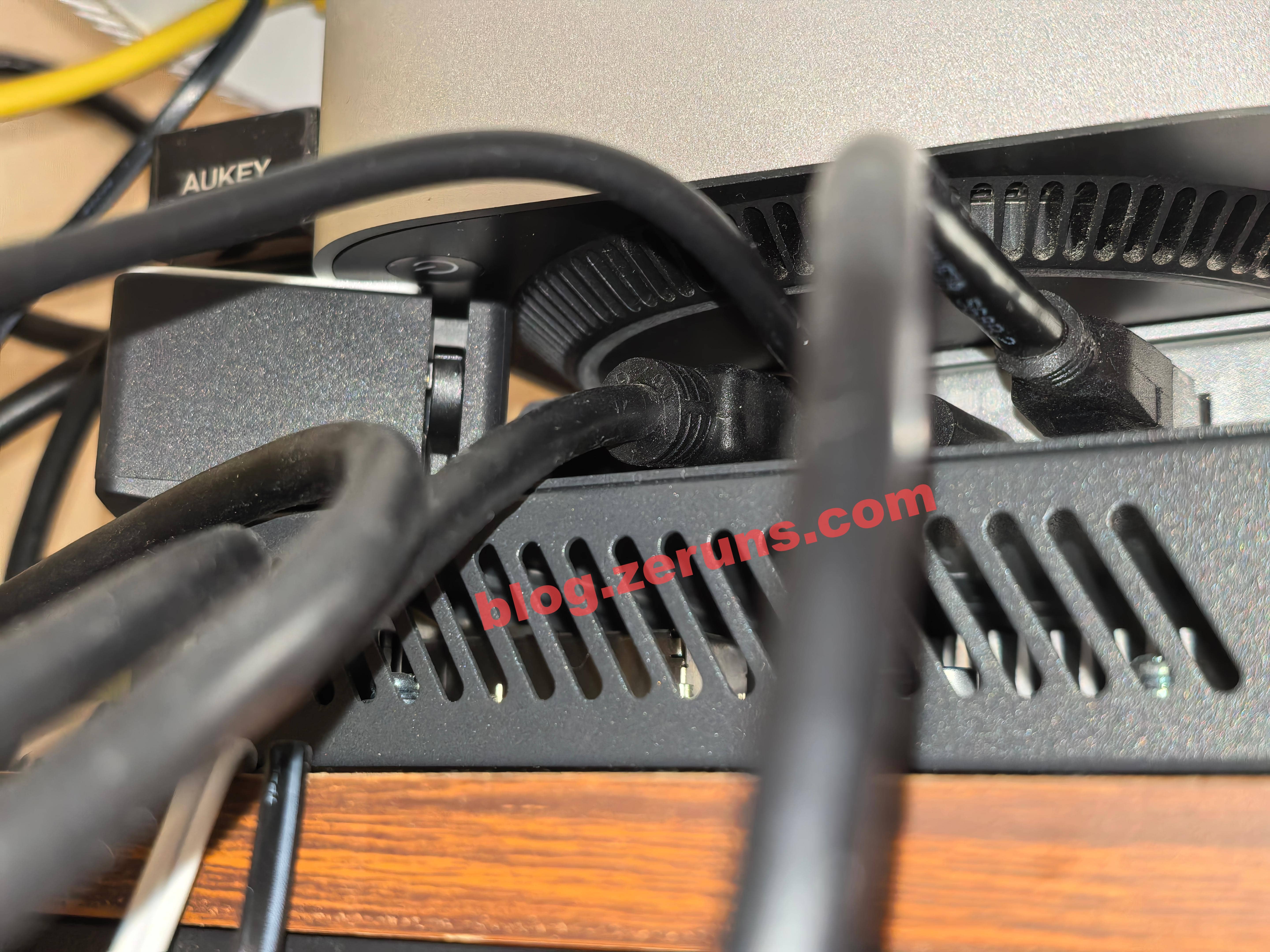
Next, attach the finger robot to the controlled device, ensuring its mechanical arm can reach the physical power button when pressed. This allows control over the device’s power.
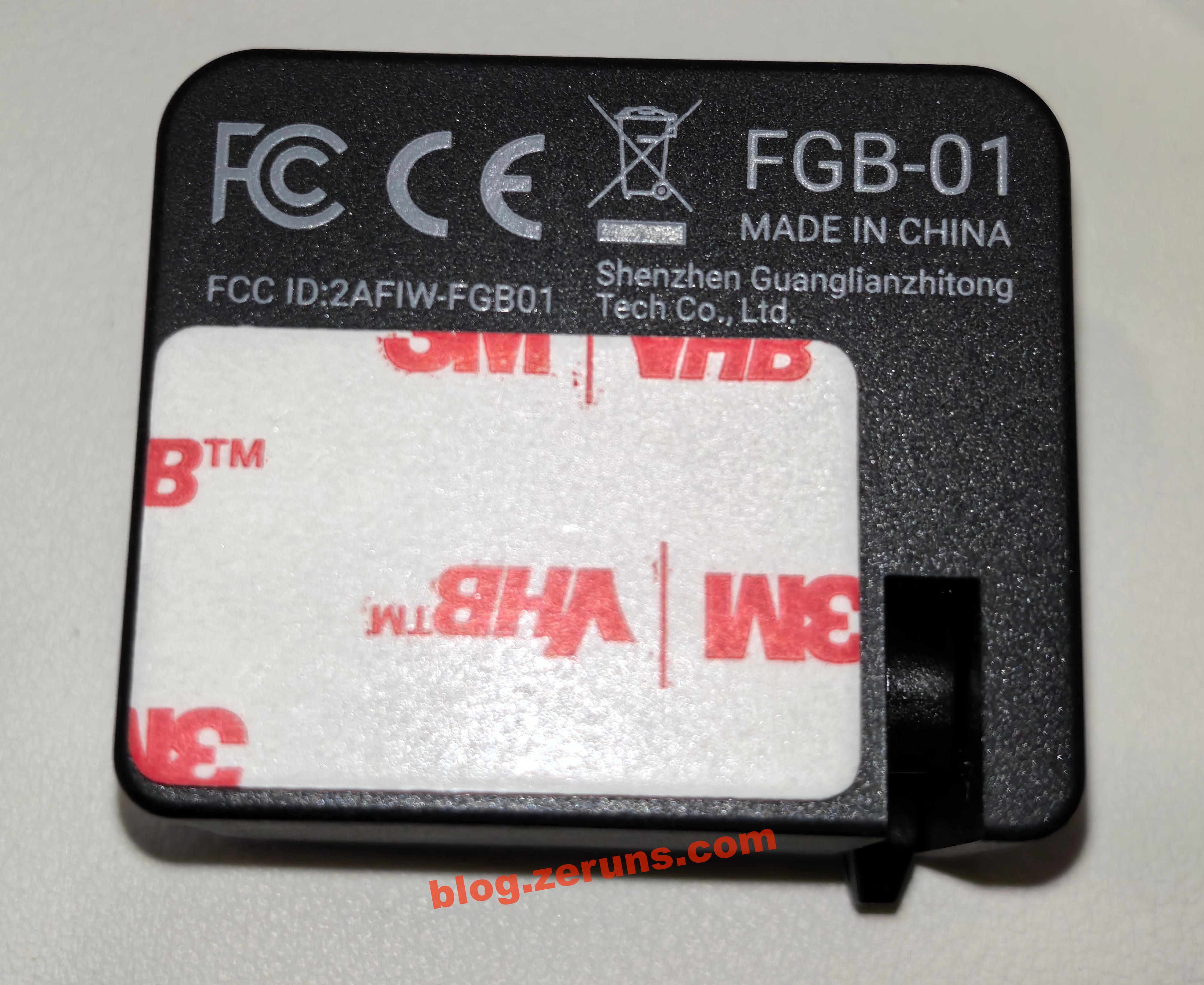
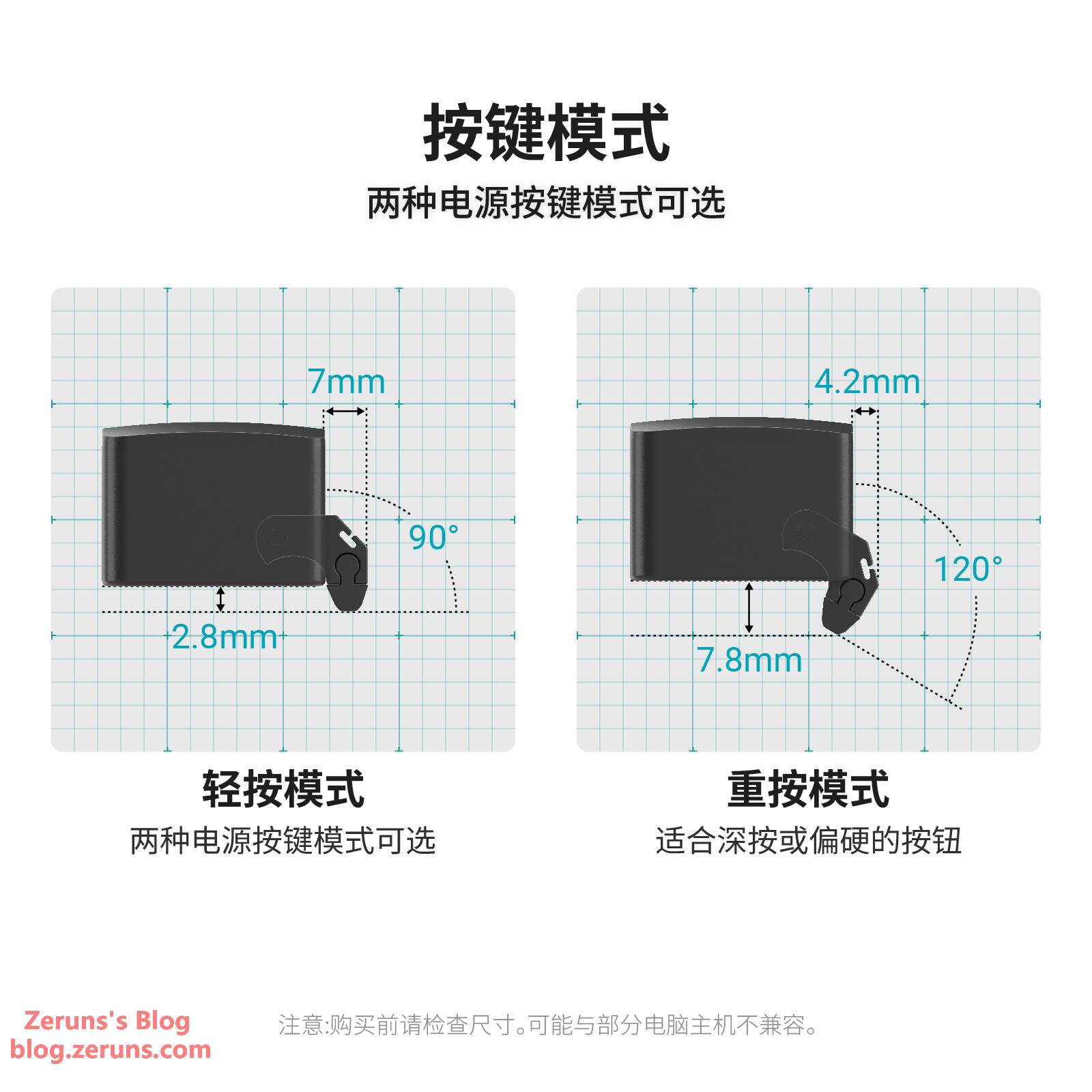
There are two pressing modes: hard press and light press, with different pressing depths to accommodate various types of buttons.
You can also use the test button (visible inside the finger robot after removing the top cover) to find your preferred pressing level.
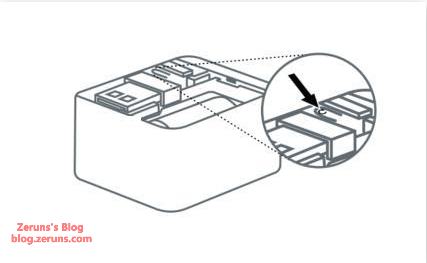
Disassembly
GL-RM1PE
Remove the screws under the four anti-slip pads to take out the mainboard and internal aluminum frame.
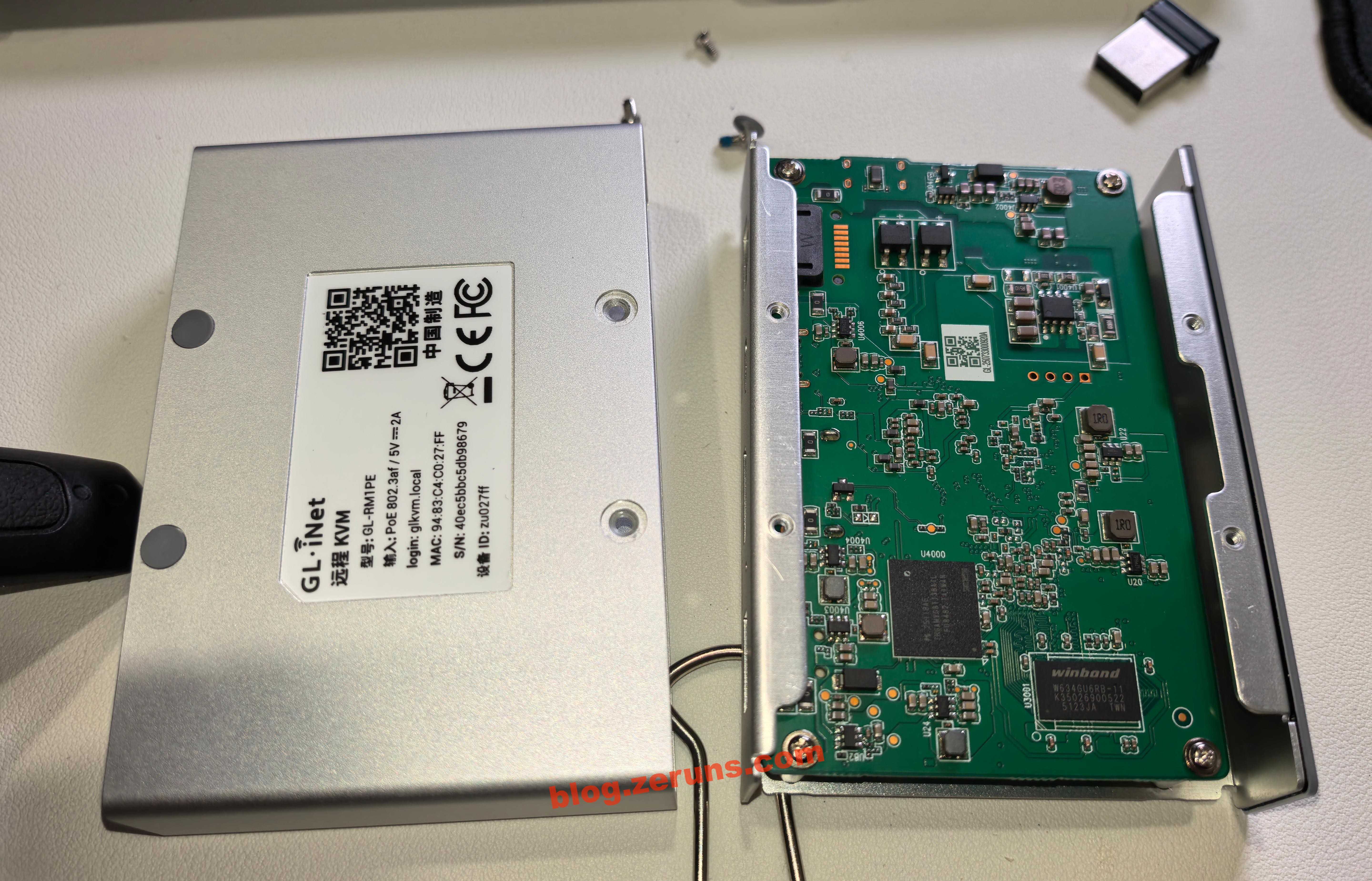
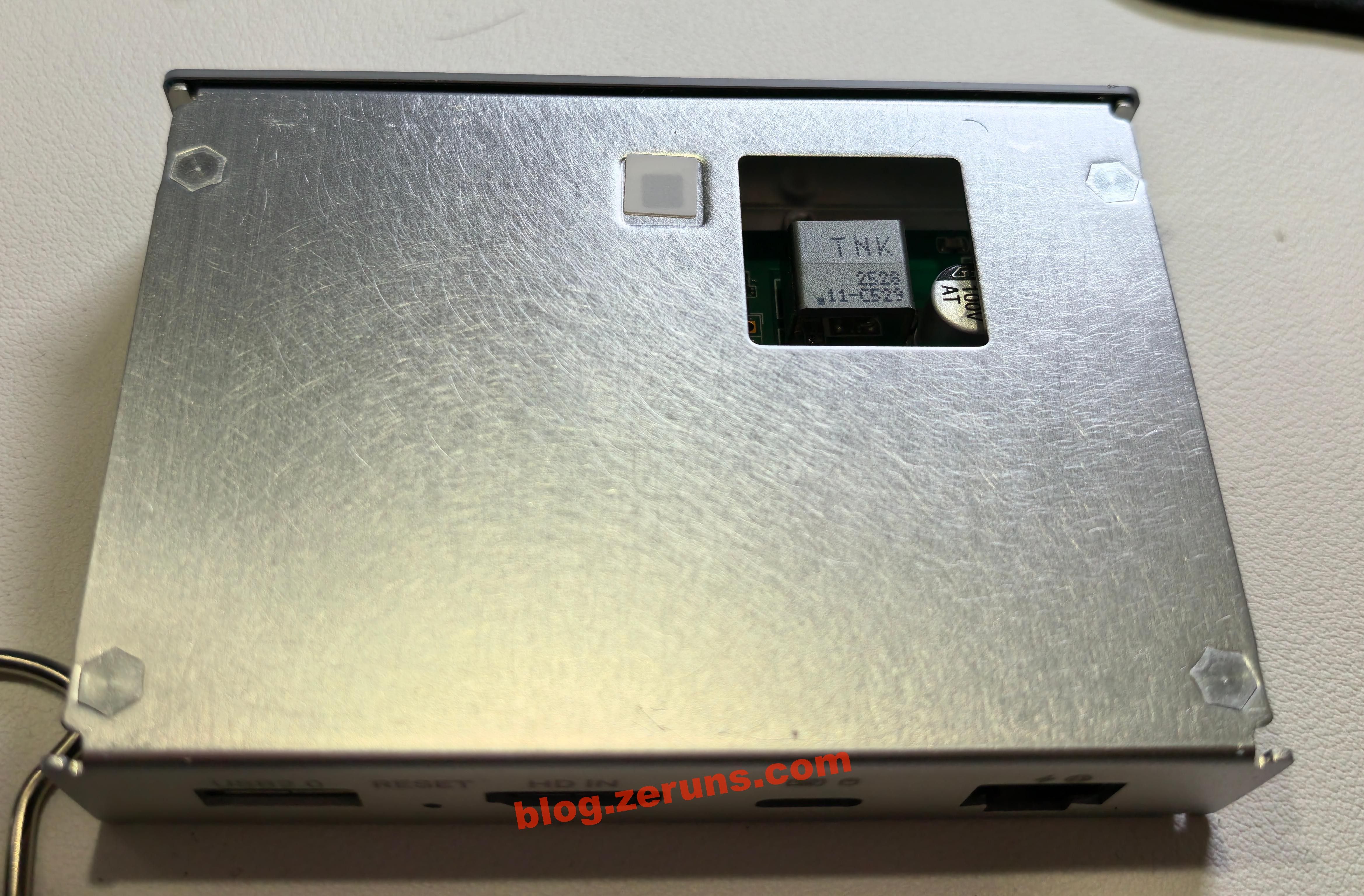
Backside of the aluminum frame, showing a cutout window for the transformer.
Unscrew the screws on the mainboard and remove the circuit board.
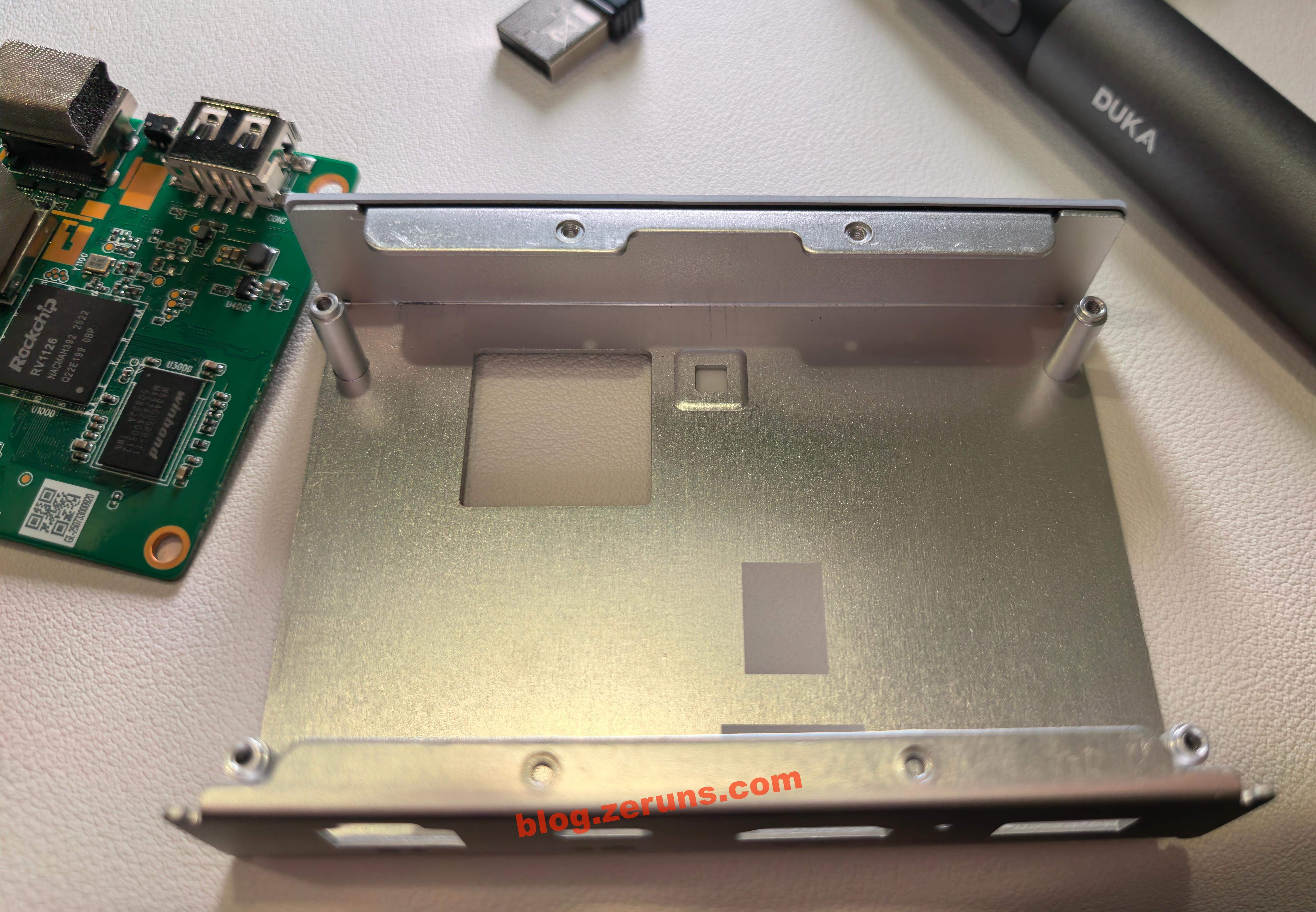
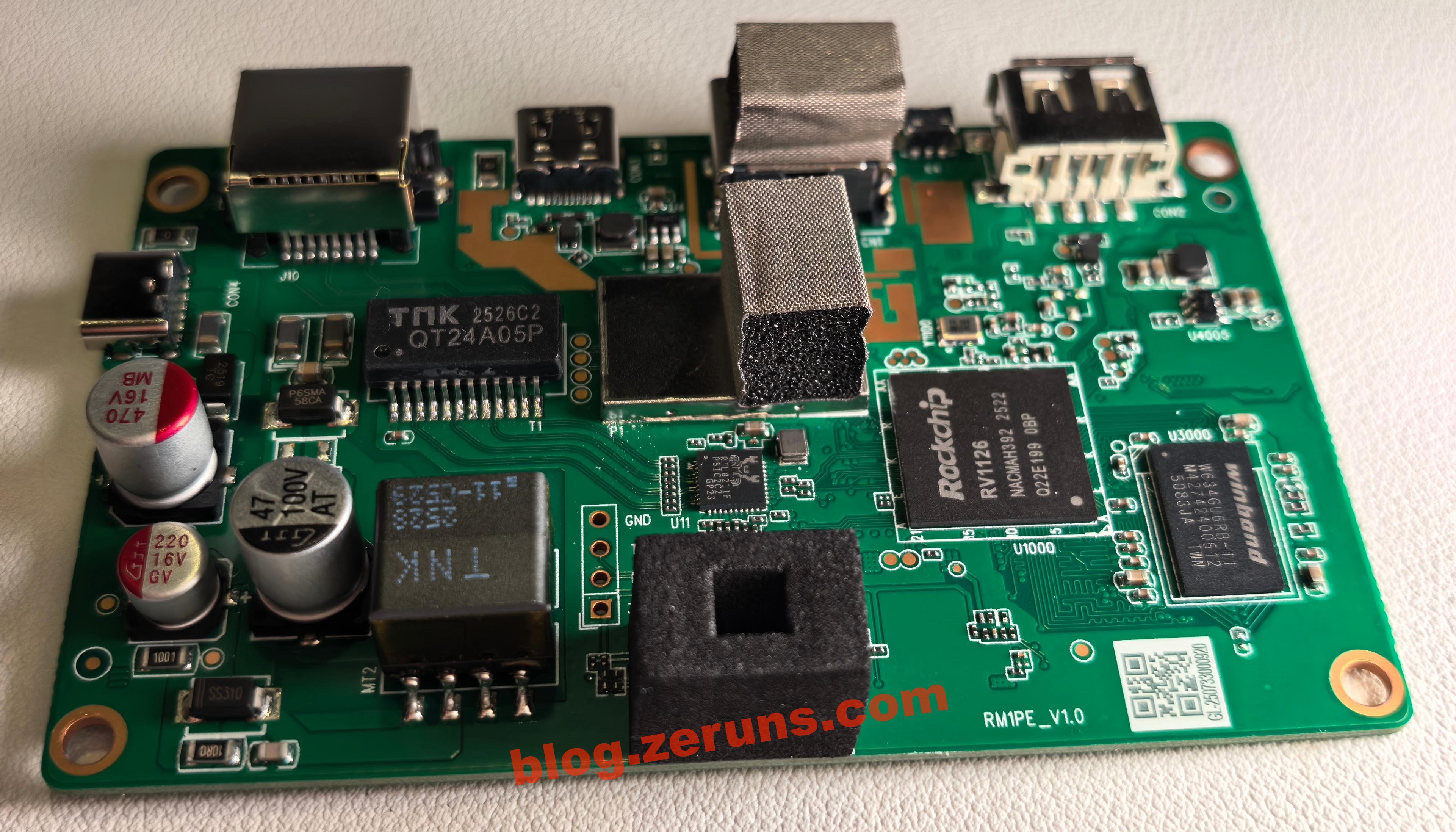
Front side of the mainboard. The PCB vias are filled with resin, which is slightly more expensive than standard via-oil plating.
The QT24A05P chip below the Ethernet port is a single-port Gigabit PoE-enabled network transformer from TNK (Xunkang Technology).
There’s another TNK transformer underneath; based on circuit analysis, this is likely the flyback power supply transformer for PoE.
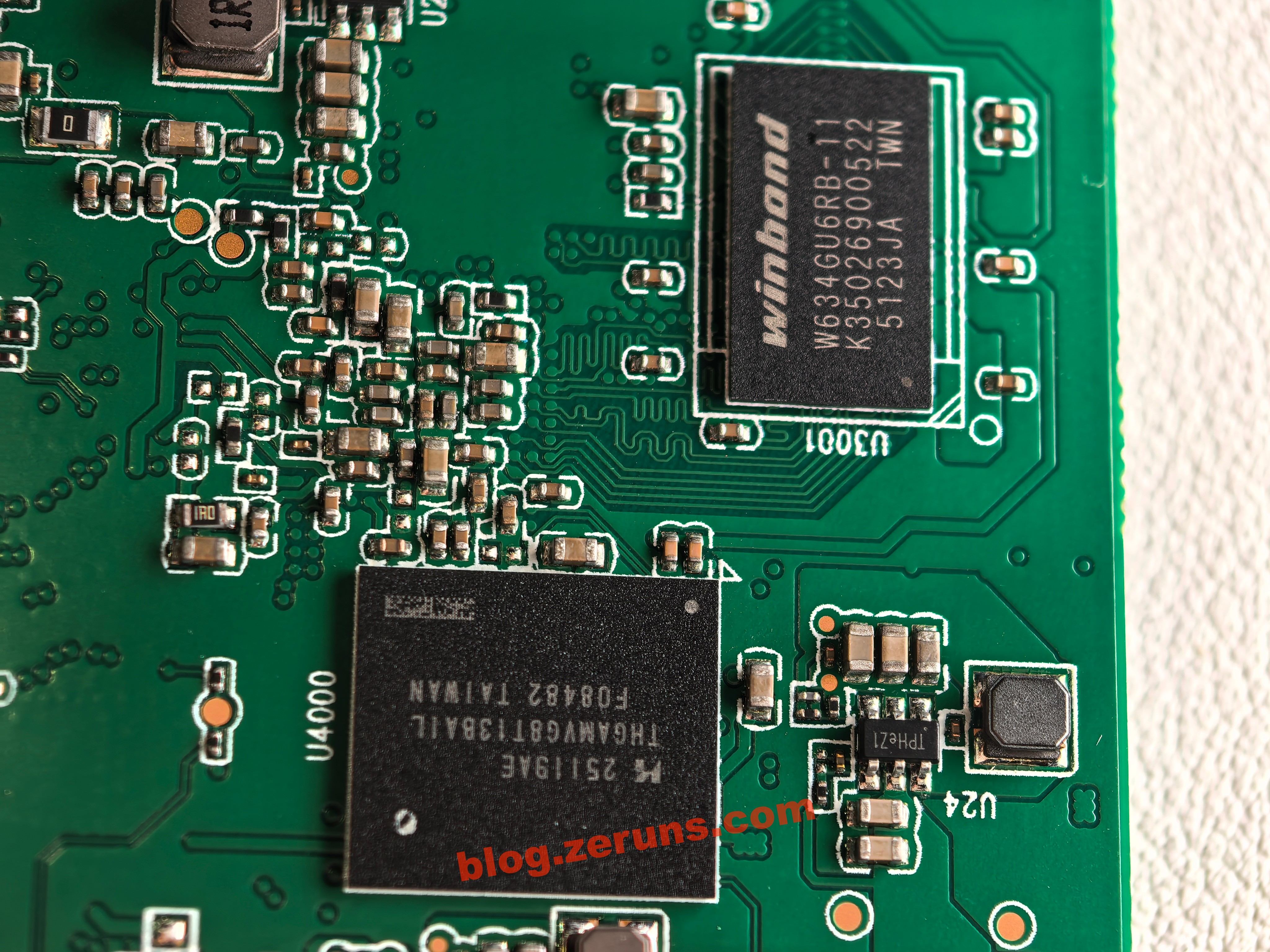
Next to the processor on the right is a chip labeled W634GU6RB-11, a 4Gbit (512MByte) DDR3L memory chip from Winbond Electronics. There’s another identical chip on the back of the mainboard, totaling 1GB of RAM.
After removing the shield next to the HDMI port:
The chip in the lower-right corner of the shield is Rockchip’s RV1126 — a quad-core ARM Cortex-A7 + RISC-V MCU with a 2.0 TOPS NPU, 14M ISP, supporting 4K H.264/H.265 video encoding and decoding.
Under the shield is Realtek’s RTL8211F, a Gigabit Ethernet PHY transceiver chip.
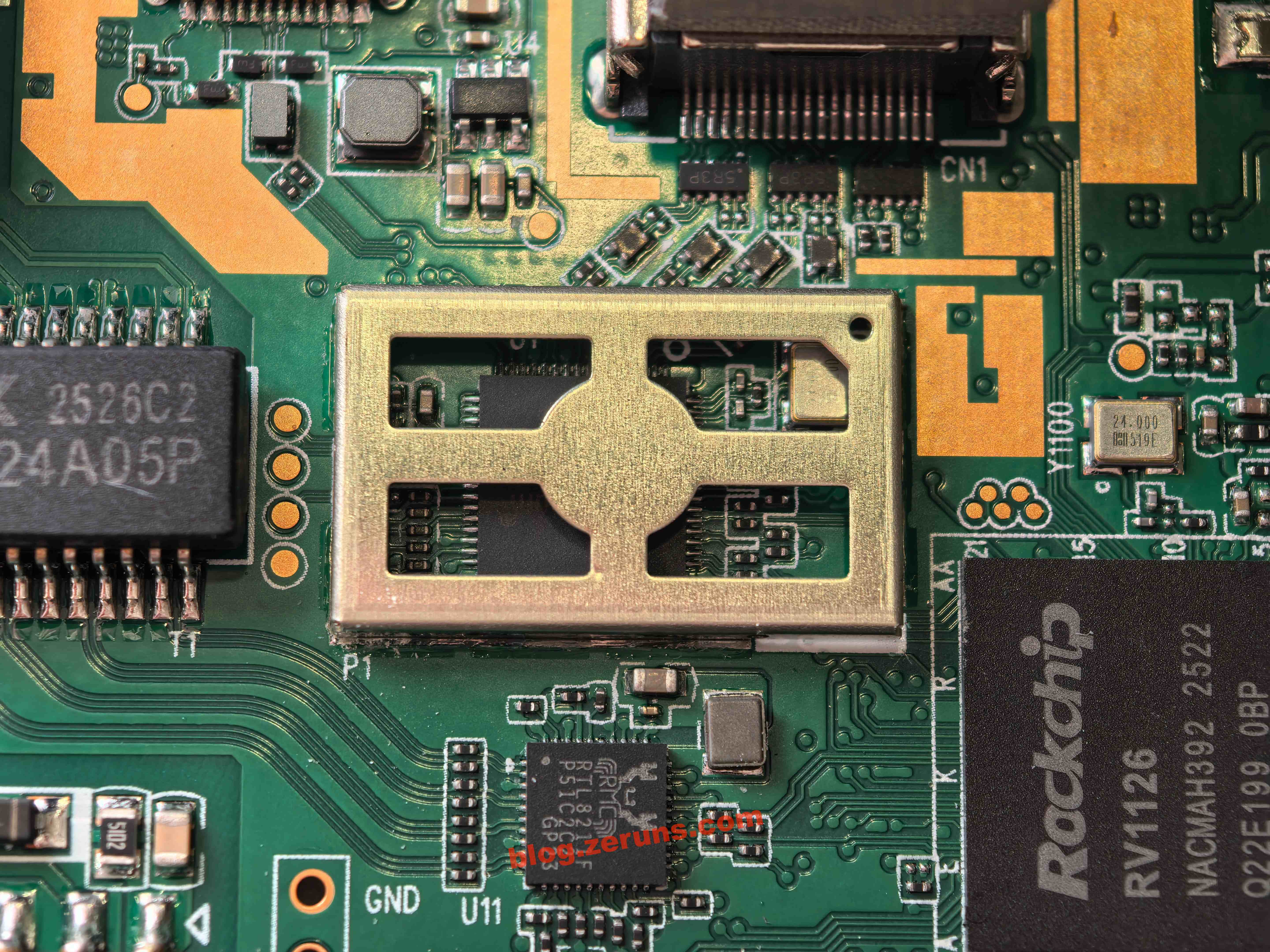
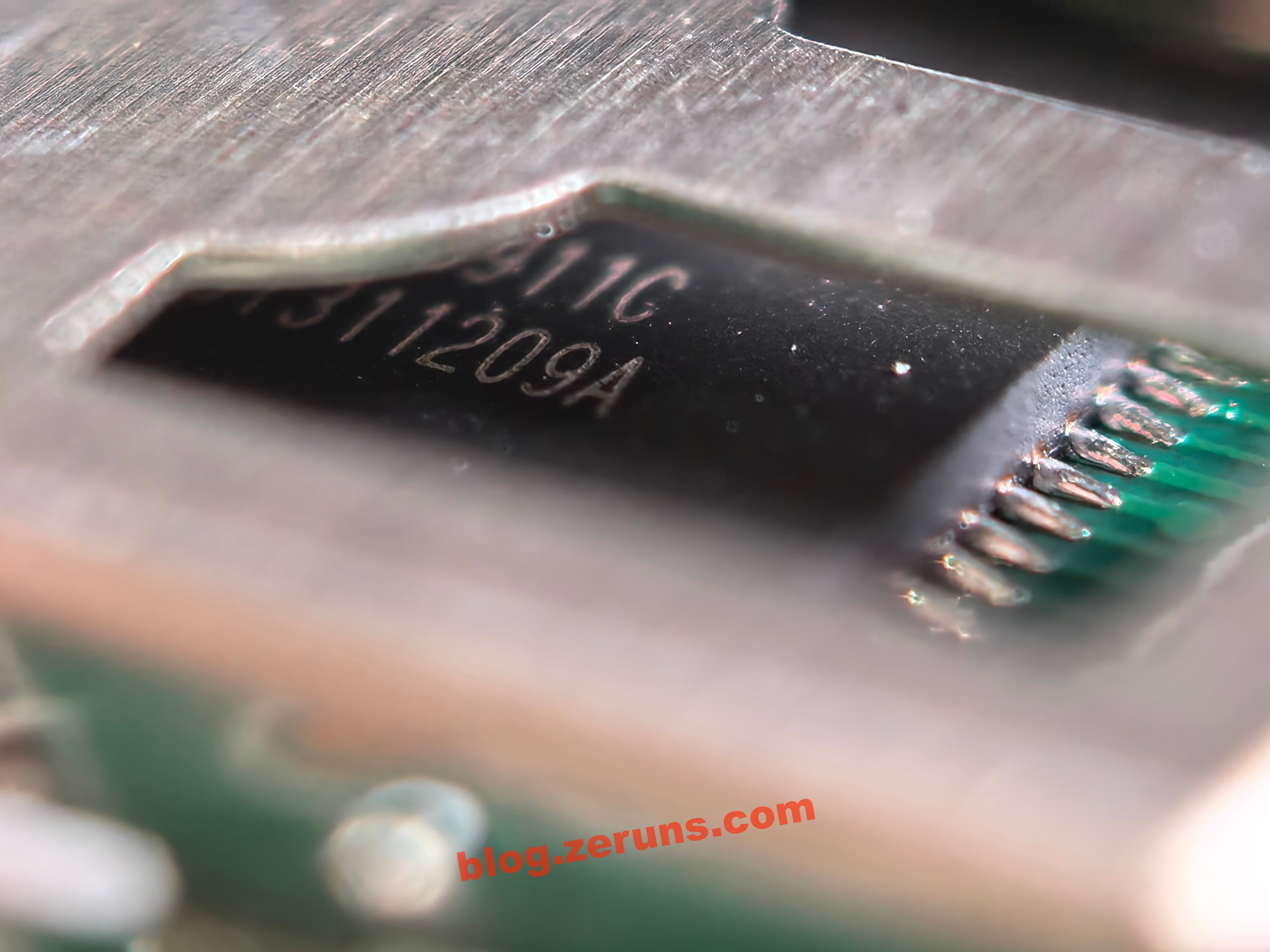
Inside the shield is the LT6911C, an HDMI-to-MIPI/LVDS/CSI chip from Lontium Semiconductor, supporting HDMI 1.4 with full audio processing capabilities and flexible control interfaces.
Backside of the mainboard:
Two bridge rectifiers on the left are likely part of the PoE power circuit. In the upper-right corner, the TME7350 chip is a standard PoE-powered IC from Tollsemi, supporting 802.3af PoE with a flyback converter; the flyback transformer is located on the front side of the mainboard.
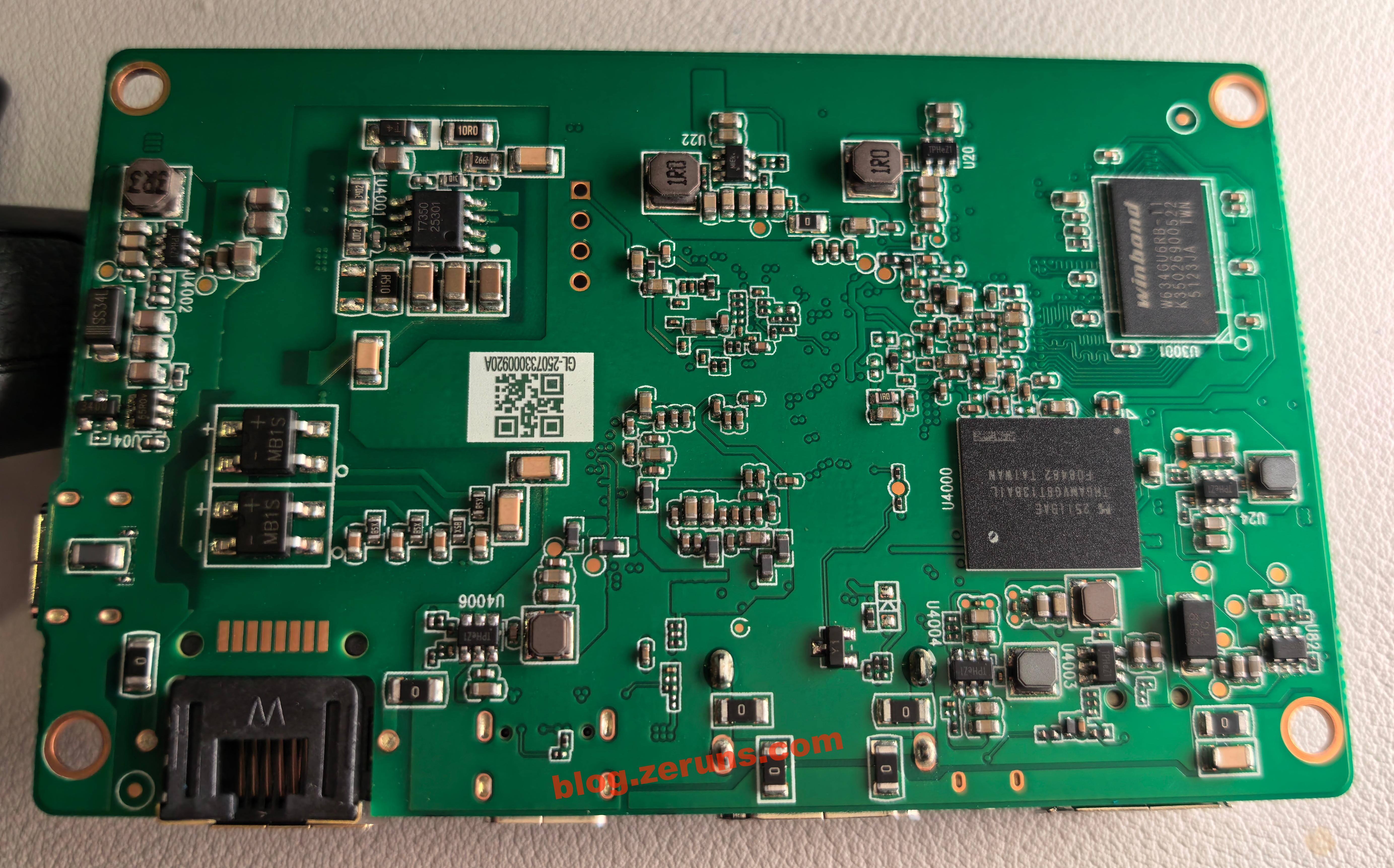
On the back of the mainboard is a chip labeled THGAMVG8T13BAIL — a 32GB eMMC 5.1 flash memory chip from KIOXIA (formerly Toshiba Memory), with a maximum speed of 400MB/s.
To the right is a DC-DC power chip marked “TPHeZ1”, whose exact model remains unidentified due to lack of available documentation.
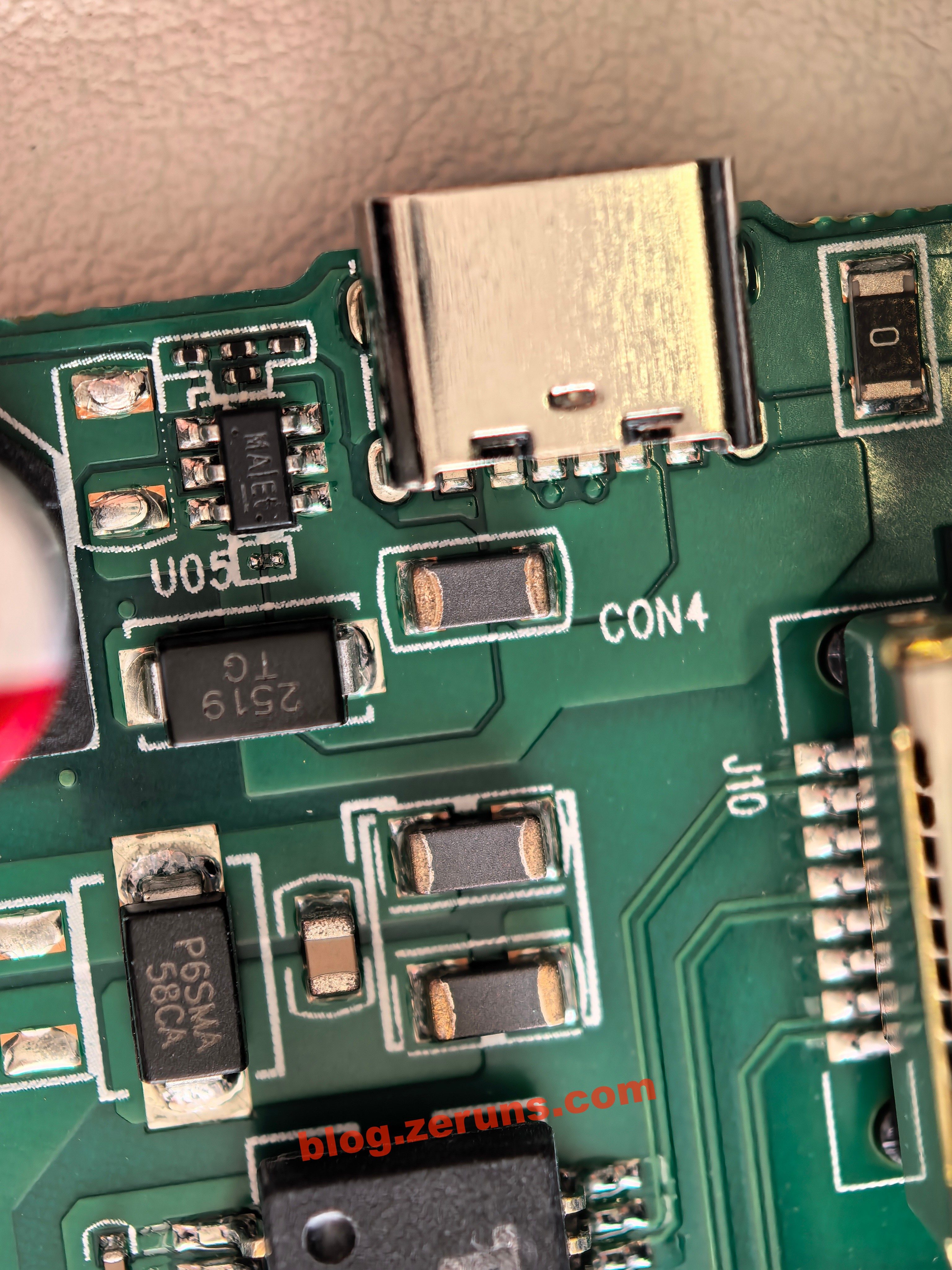
Near the Type-C power input is a DC-DC power chip; trace routing suggests it forms a boost step-up circuit.
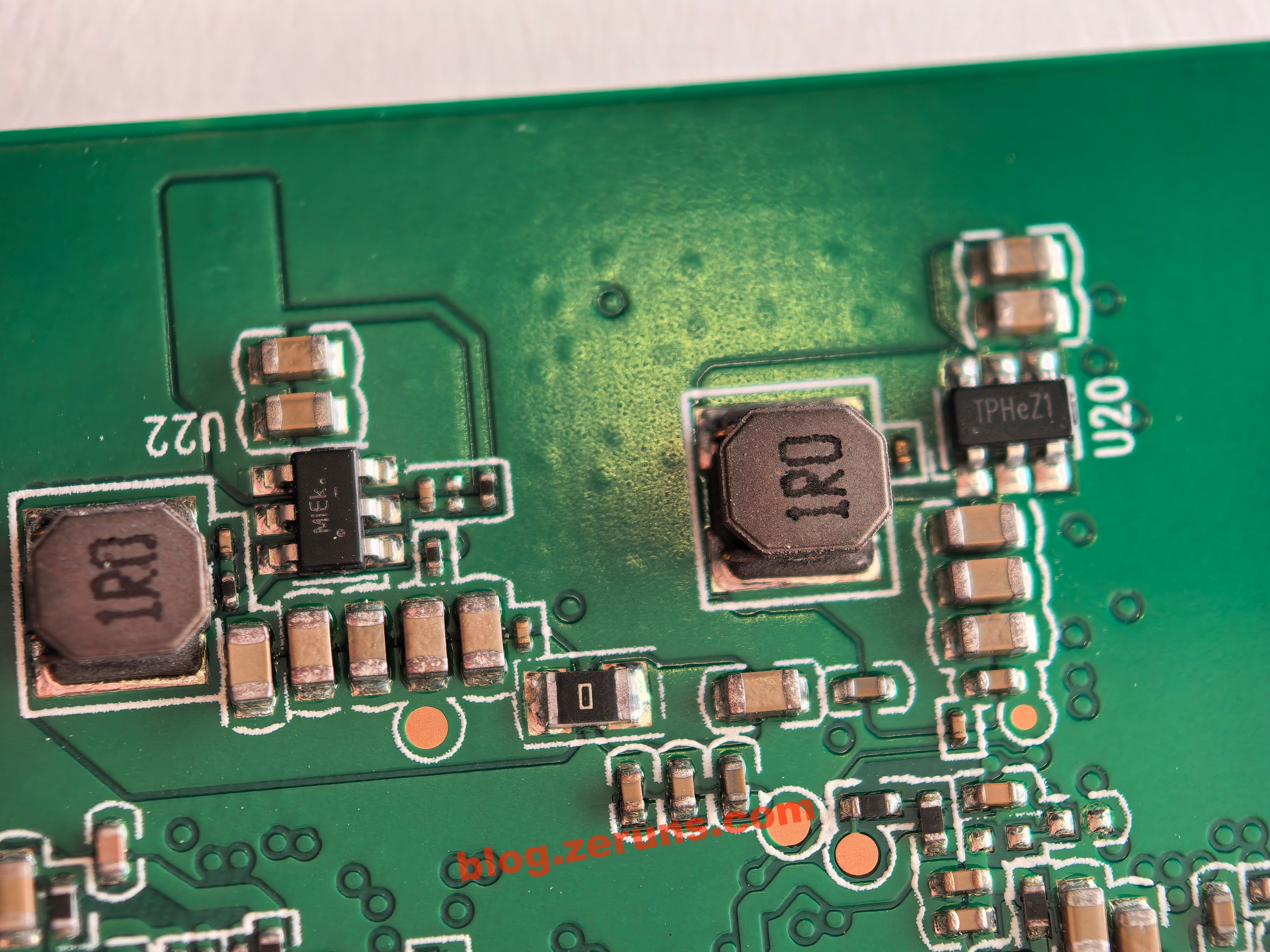
Other DC-DC power chips.
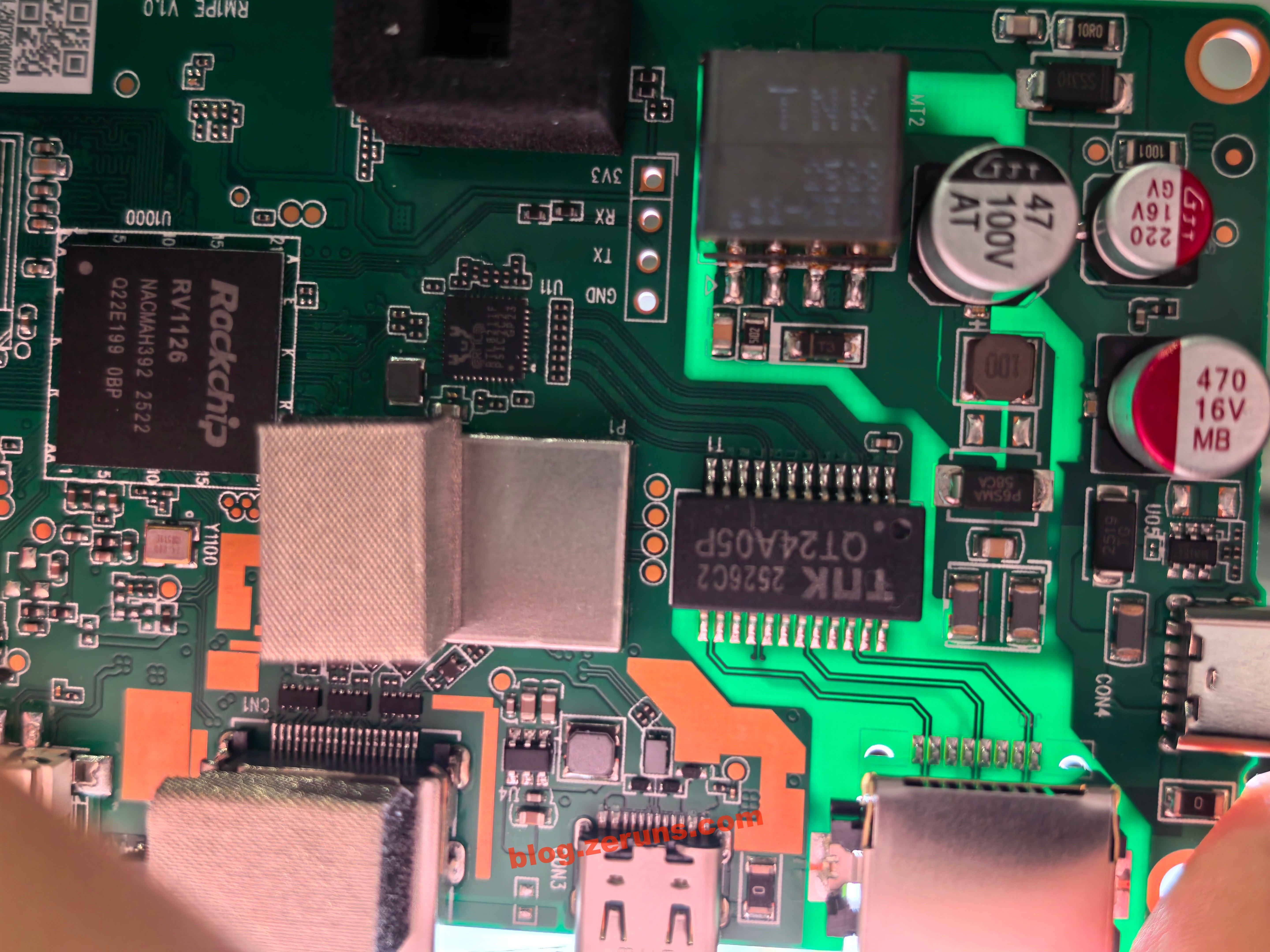
Viewed under light, inner layer traces are visible, indicating that this PCB has at least four layers.
FGB-01 Finger Robot
Remove the battery and unscrew the screws.
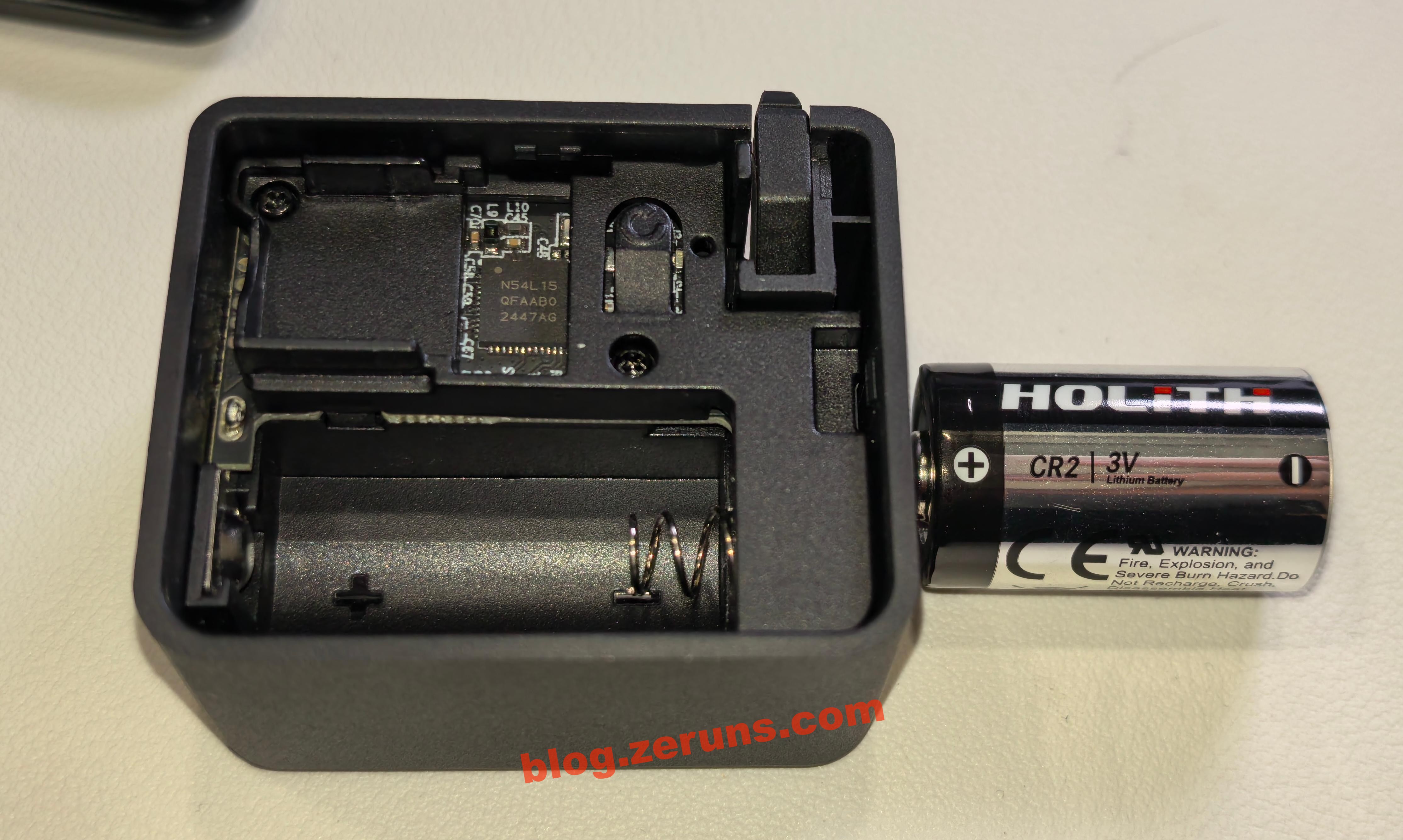
Disconnect the battery cable and remove the finger robot’s mainboard.
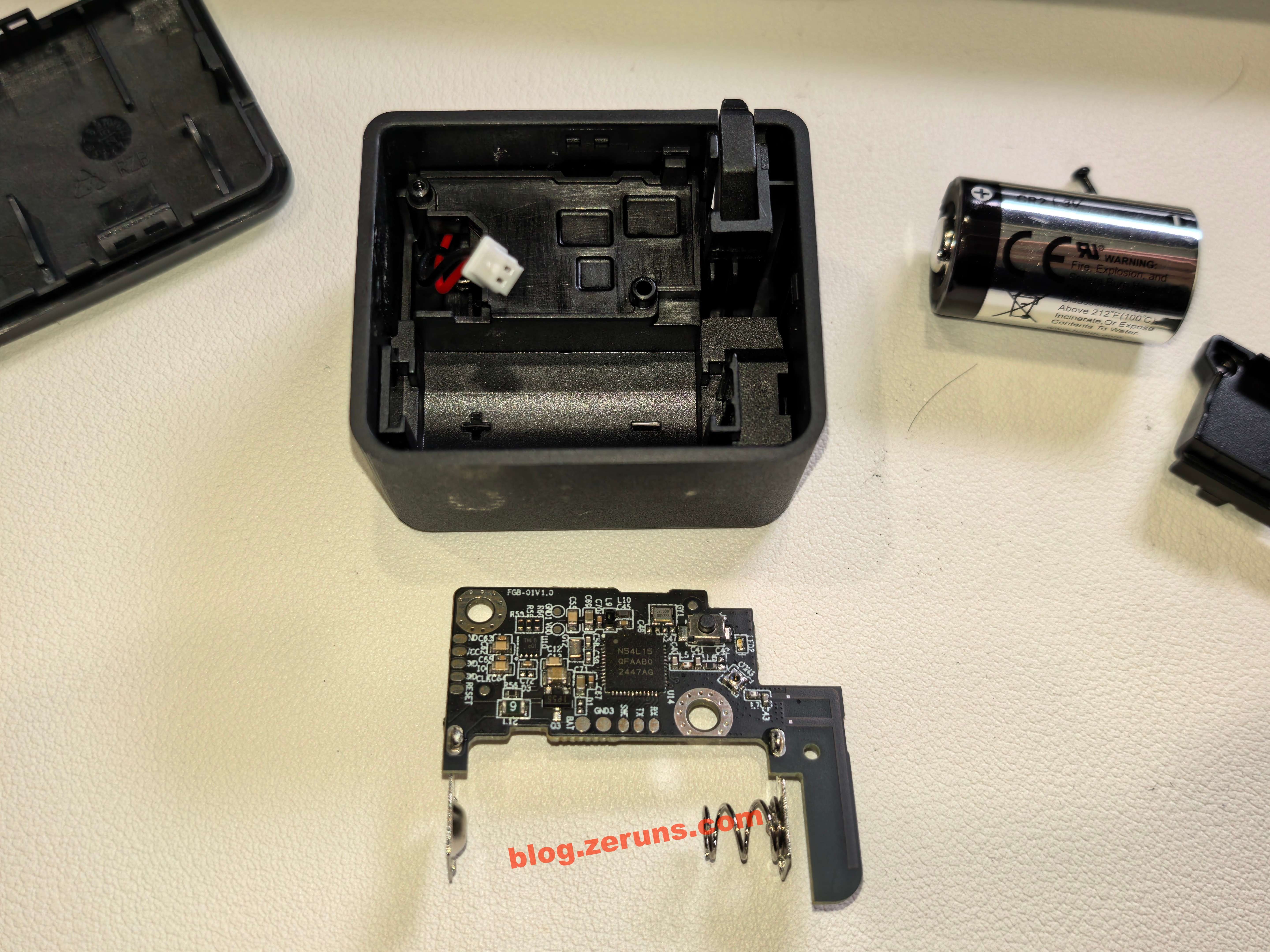
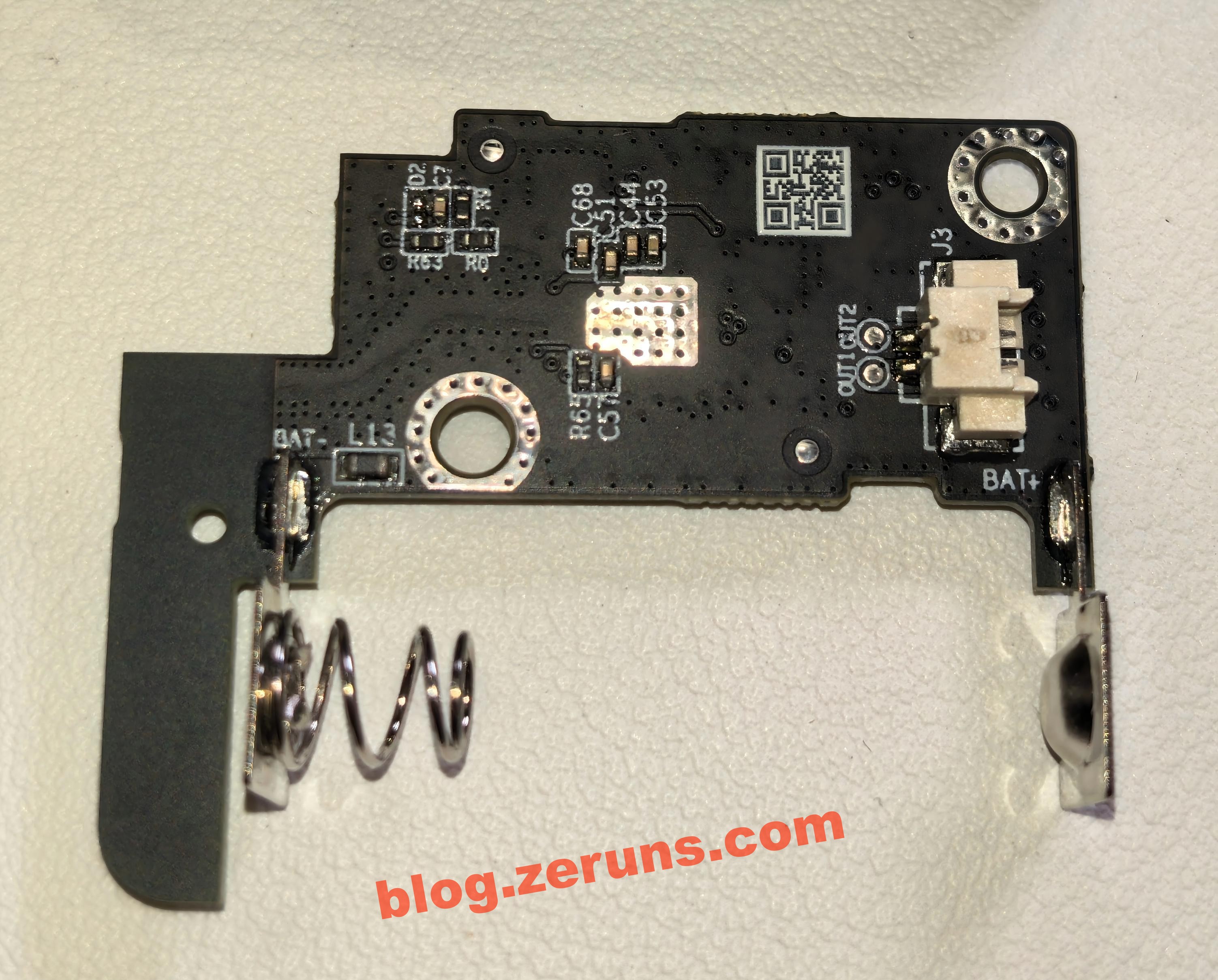
Backside of the mainboard.
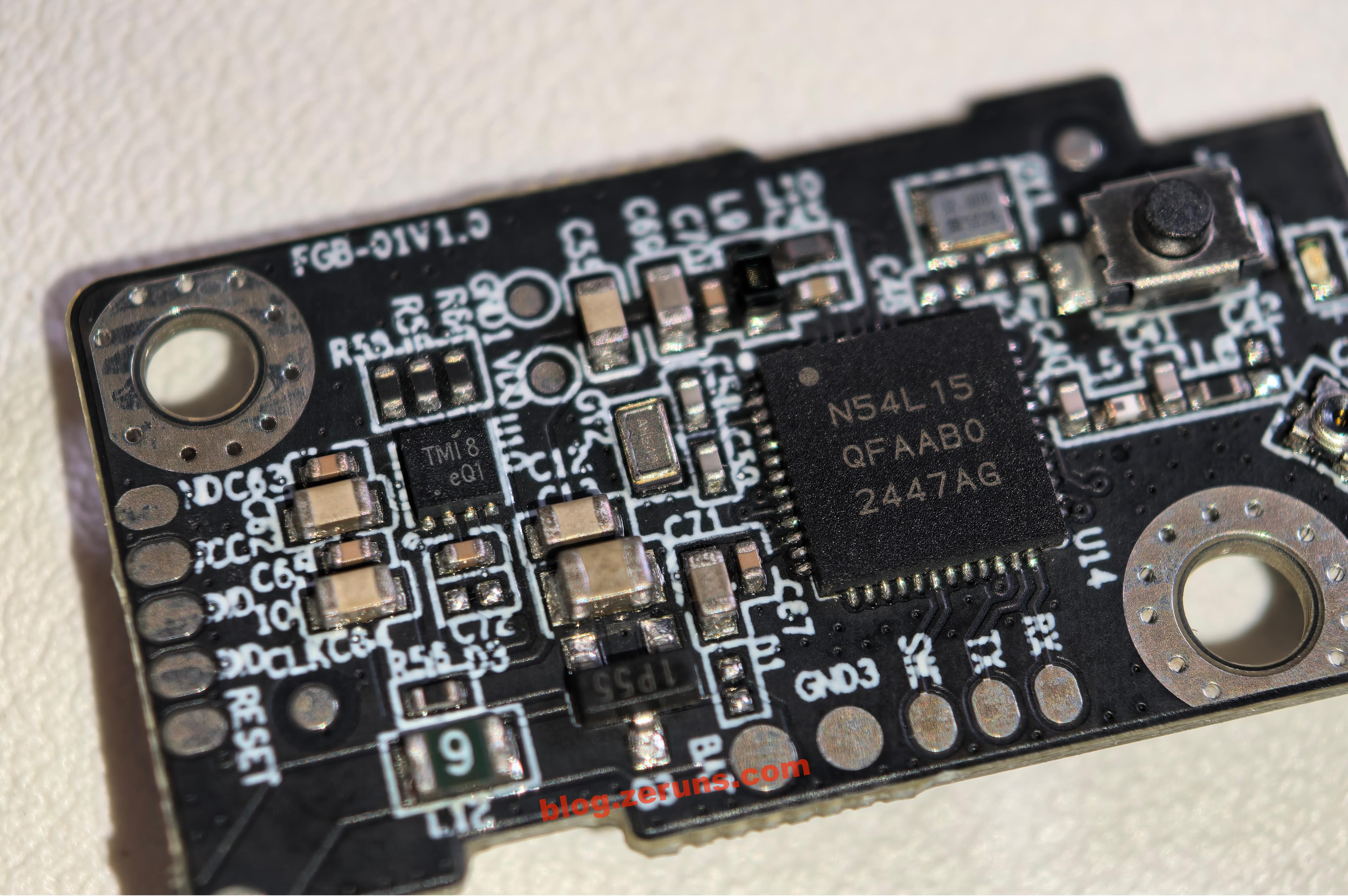
Main controller chip is the nRF54L15, an ultra-low-power, multi-protocol wireless SoC from Nordic Semiconductor. Built on a 22nm process, it integrates a 128MHz Arm Cortex-M33 processor and an RISC-V coprocessor, supporting Bluetooth 5.4/6.0, Thread, Matter, and other protocols. It features 1.5MB NVM and 256KB RAM, RF performance up to +8dBm transmit power and -98dBm receive sensitivity, PSA Level 3 security certification, and ultra-low power design—ideal for smart home and industrial IoT applications.
To the left is another chip marked “TMI8”, likely a brushed DC motor driver; possible models include TMI8870D or TMI8180D.
Thermal Imaging – Heat Performance
Unboxing and imaging performance review of the UNI-T UTi261M thermal camera: https://blog.zeruns.com/archives/798.html
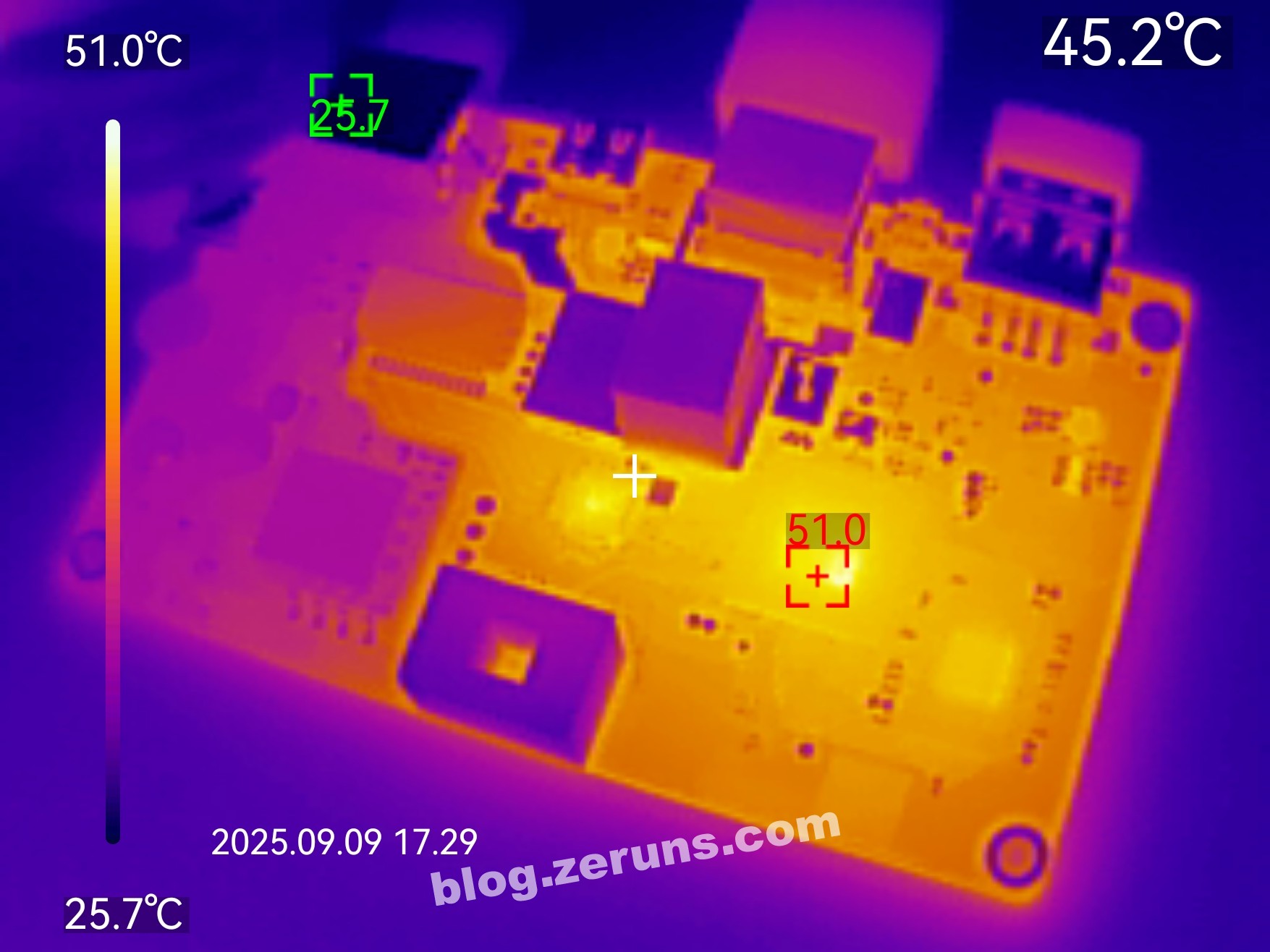
Thermal image of the front side of the mainboard after several minutes of operation with HDMI connected. Ambient temperature ~26°C, processor temperature ~51°C.
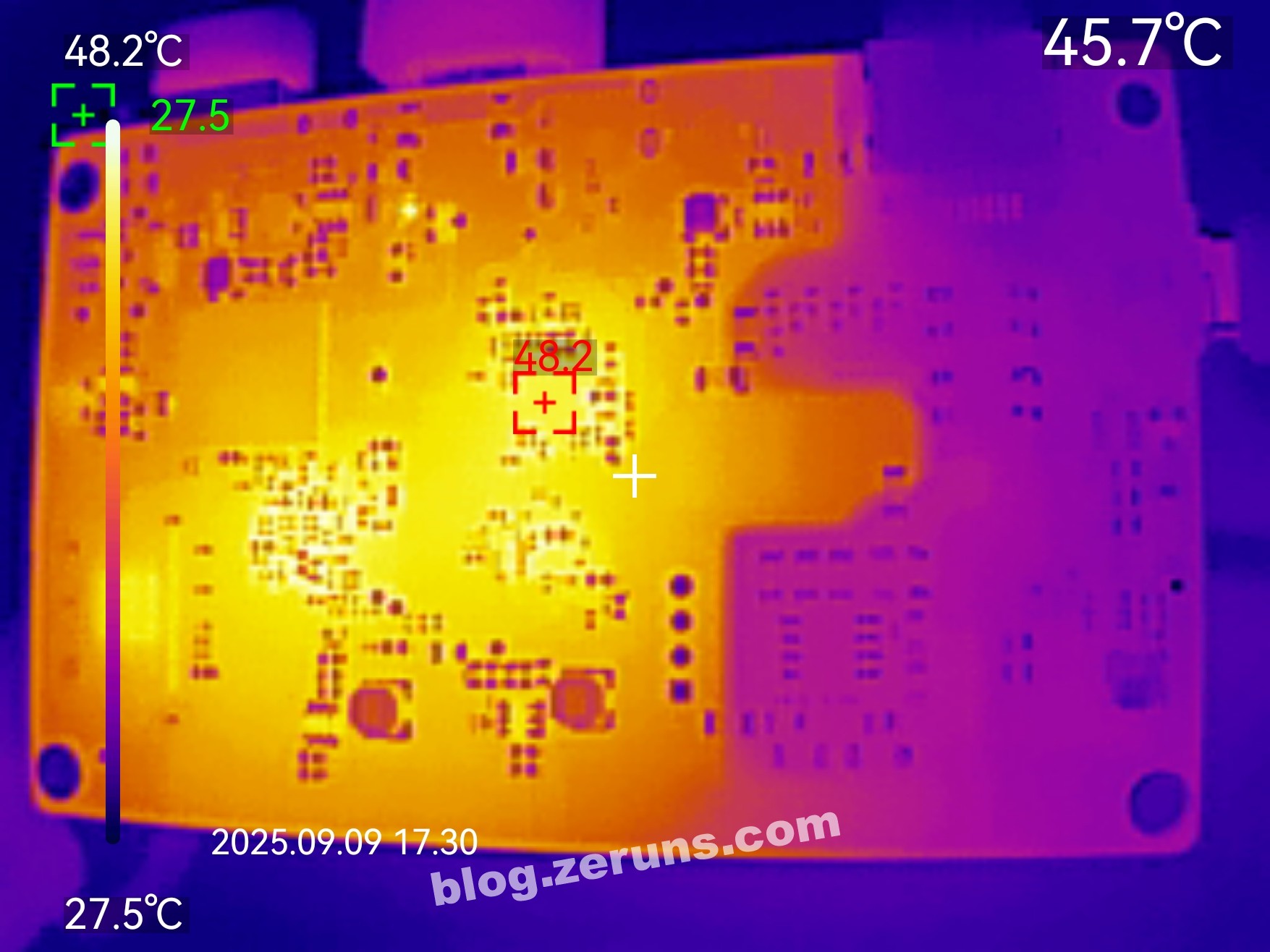
Thermal image of the backside of the mainboard. The hottest spot is beneath the HDMI converter chip, around 48°C.
Recommended Reading
- Affordable & High-Value VPS/Cloud Server Recommendations: https://blog.zeruns.com/archives/383.html
- Minecraft Server Setup Guide: https://blog.zeruns.com/tag/mc/
- NanoKVM Unboxing and Disassembly Review: https://blog.zeruns.com/archives/840.html
- Mechanical Revolution Code10AI Laptop (Ultra7-255H) Unboxing and Teardown: https://blog.zeruns.com/archives/895.html
- Guide to Building Cross-border E-commerce Independent Websites – WordPress International Website Guide: https://blog.zeruns.com/archives/889.html
English Version of the Article: https://blog.zeruns.top/archives/69.html