iKuai IK-Q6000 WiFi6 Wireless Router - Unboxing, Review, and Teardown
Since I’m already using iKuai software routers, I decided to switch all my access points (APs) to iKuai models for easier centralized management. I’ve purchased several iKuai wireless routers as APs (IK-Q6000, IK-W35, IK-Q3600). However, I’ve noticed that the WiFi signal strength of iKuai devices is significantly weaker compared to my previous TP-Link routers. The hardware configuration of the iKuai Q6000 reviewed in this article is nearly identical to my previous TP-Link XDR6088 (same CPU and wireless RF chips), yet the TP-Link’s signal strength feels much stronger in real-world use (though the XDR688 is nearly twice the price of the Q6000).
Given the nearly identical hardware, the XDR6088 can actually be flashed with iKuai firmware, which I’ve already done.
TP-Link XDR6088 WiFi6 Router Unboxing and Review: https://blog.zeruns.com/archives/731.html
IK-Q6000 Teardown Video: https://www.bilibili.com/video/BV1XT6xYvEti/
Electronics/Microcontroller Technical Discussion QQ Group: 2169025065
Specifications
- CPU: MT7986A, quad-core A53, 2.0GHz clock speed, 12nm process
- RAM: 512MB
- Flash Storage: 128MB
- Ports: 1x 2.5G Ethernet port, 3x Gigabit LAN ports
- Wireless Standards: IEEE 802.11a/b/g/n/ac/ax
- Wireless Speed: 5952Mbps (2.4GHz: 1148Mbps, 5GHz: 4804Mbps)
- Antennas: 4 internal antennas
- Dimensions: 145mm x 65mm x 166.5mm
iKuai Official Product Page: https://url.zeruns.com/F4okg
- JD.com Purchase Link: https://u.jd.com/b1z4ZJ9
- Taobao Purchase Link: https://s.click.taobao.com/1IU0n3t
- Pinduoduo Purchase Link: https://p.pinduoduo.com/y5OVF8hD
Unboxing
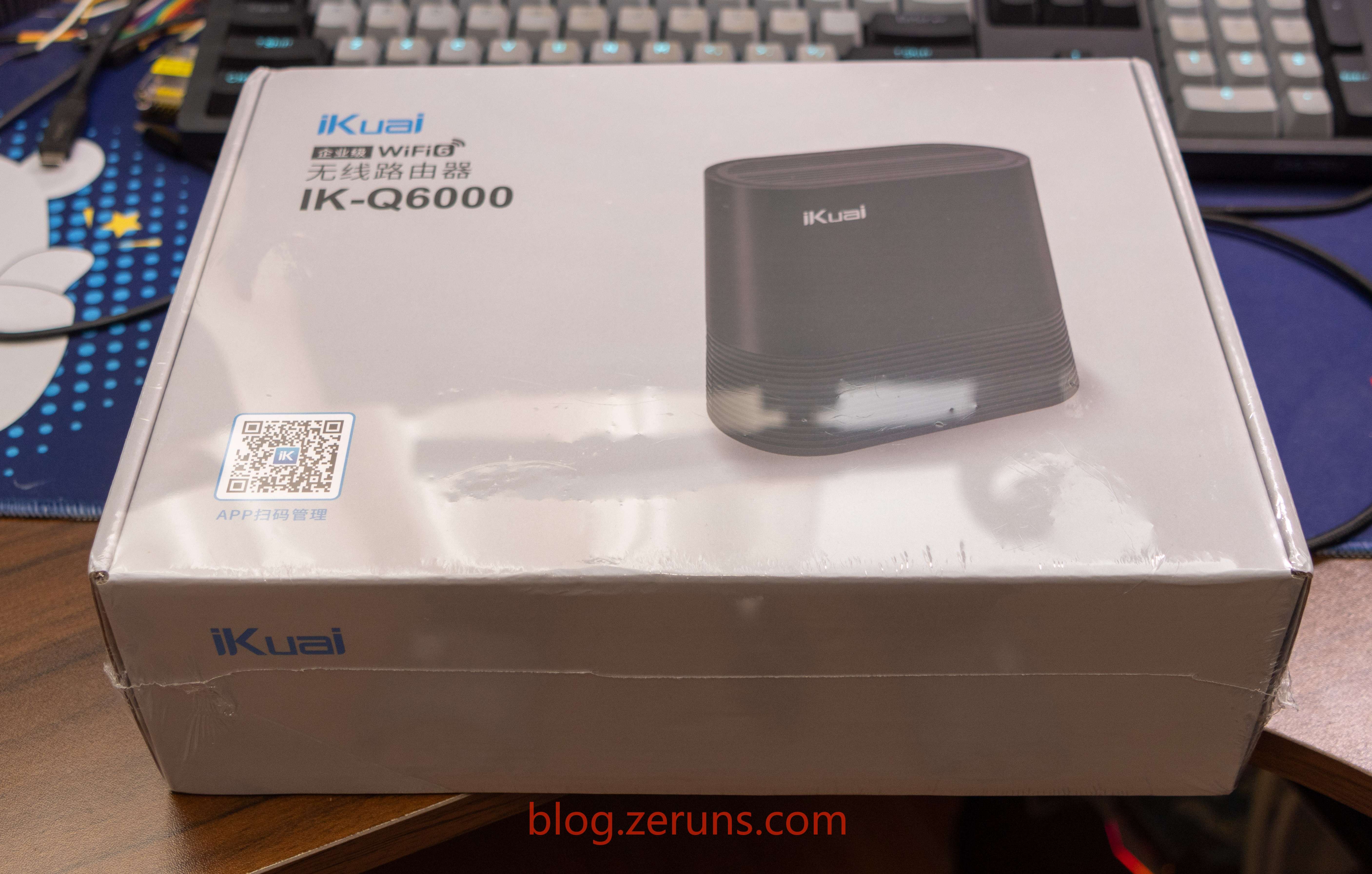
Front of the box
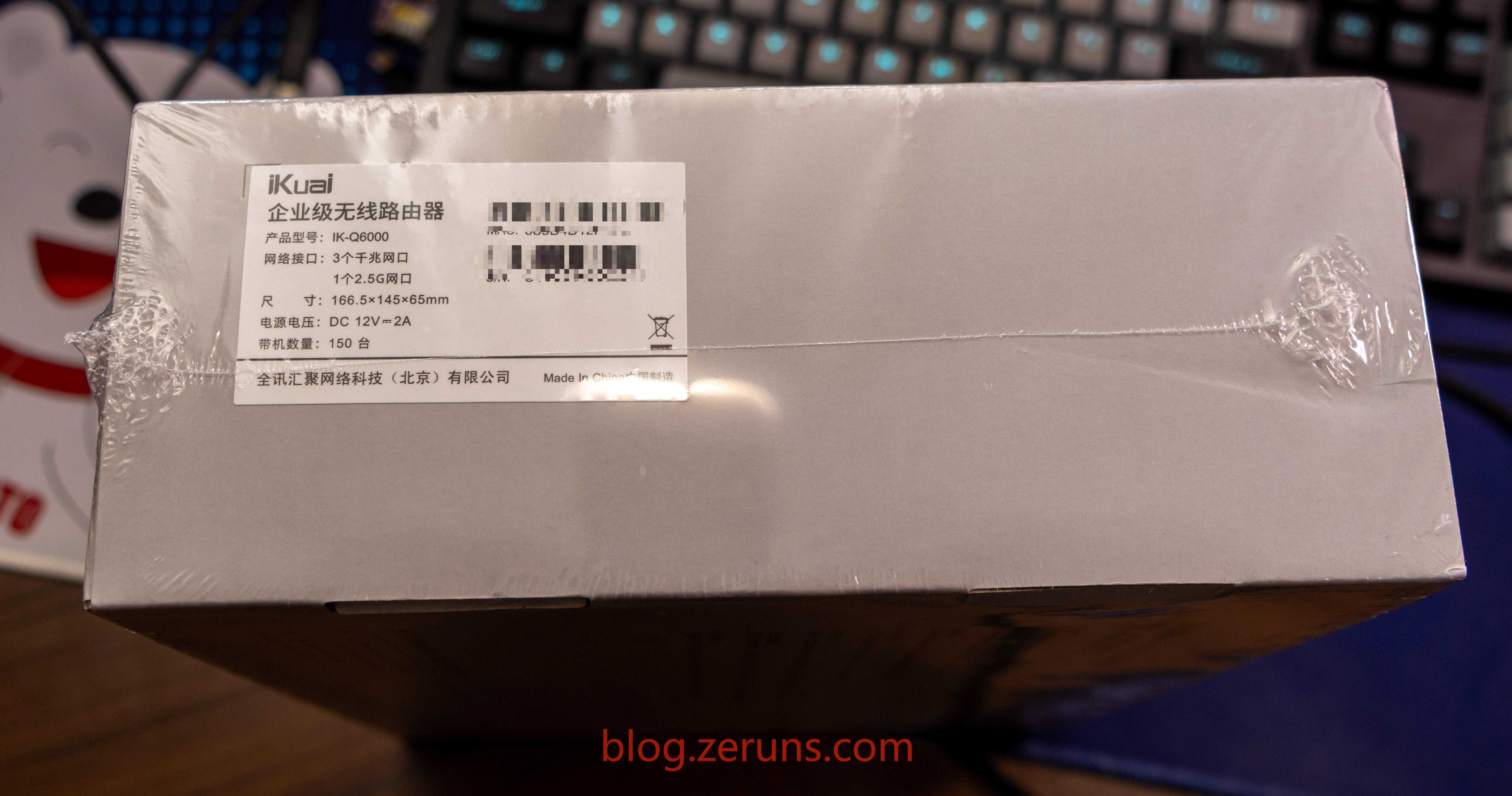
Side of the box
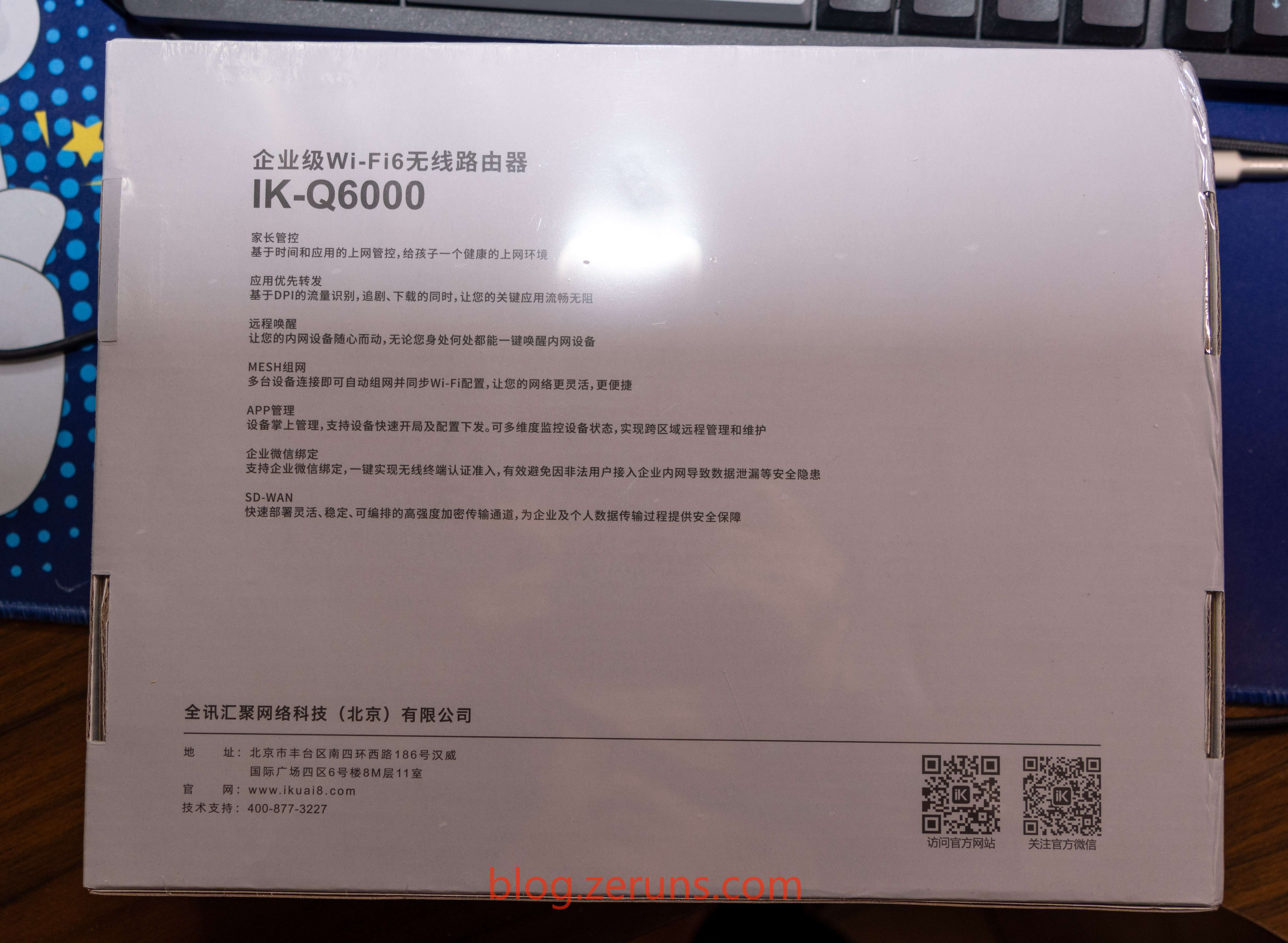
Bottom of the box
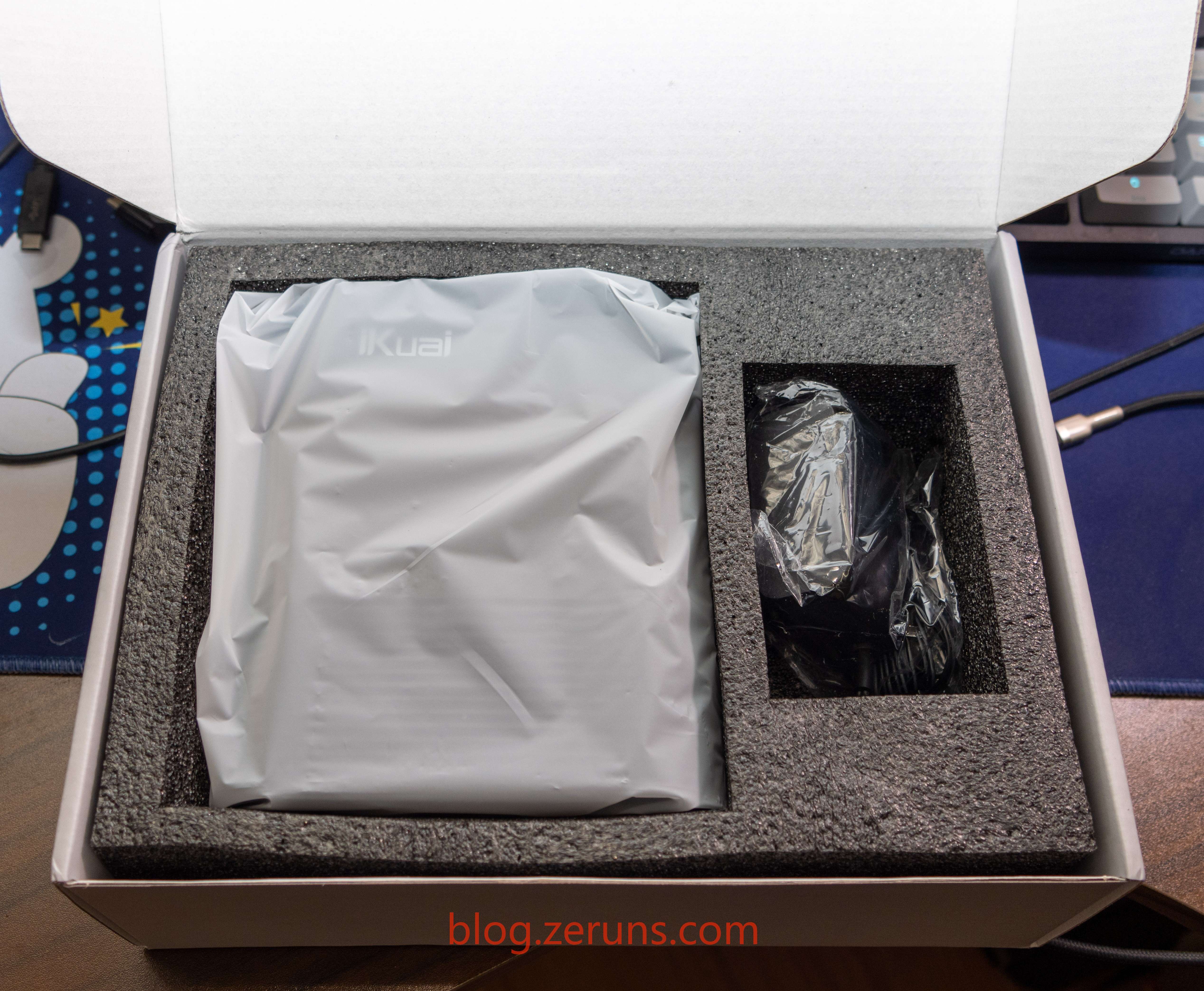
Inside the box: the router and a power adapter
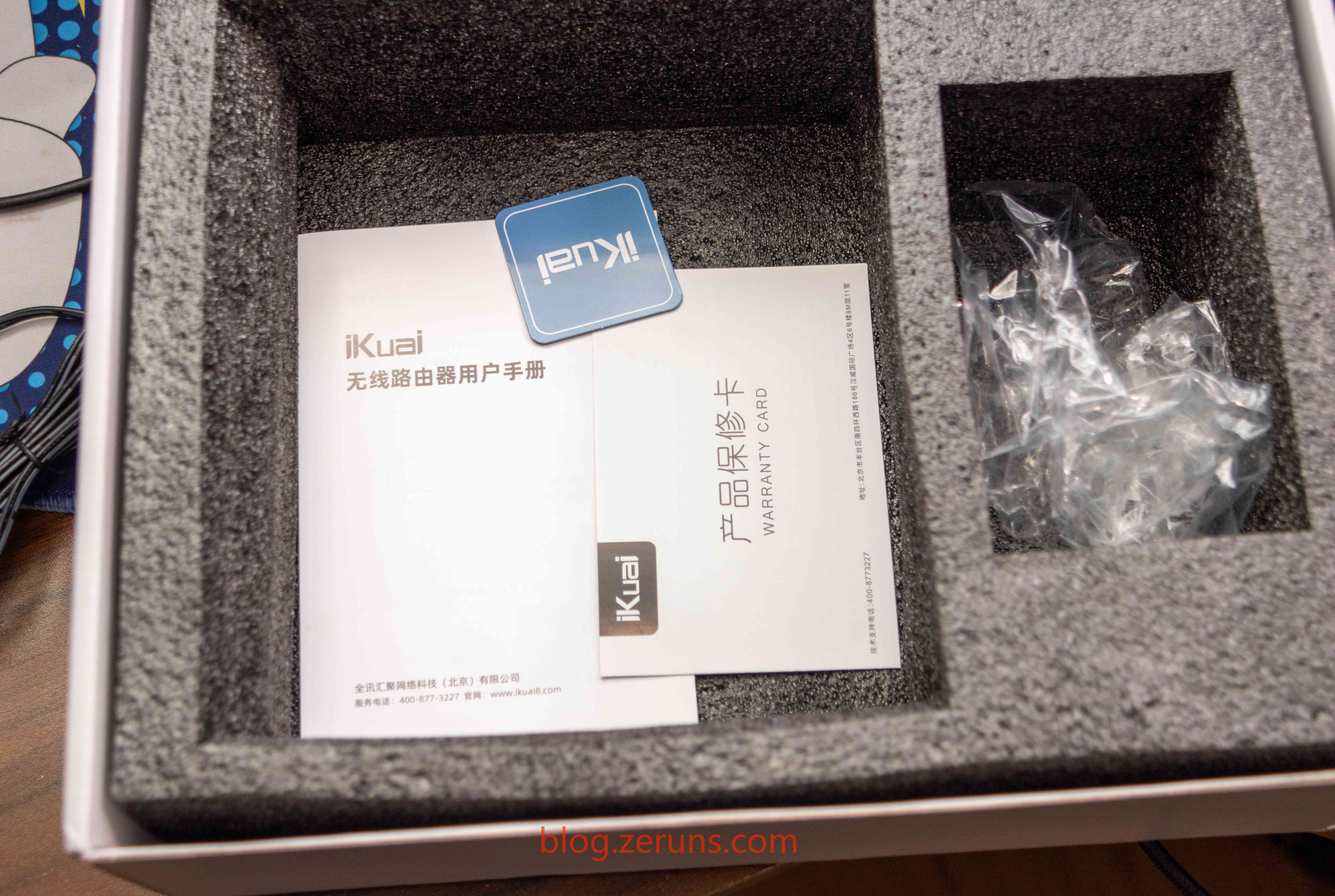
After removing the router, the user manual and warranty card are underneath
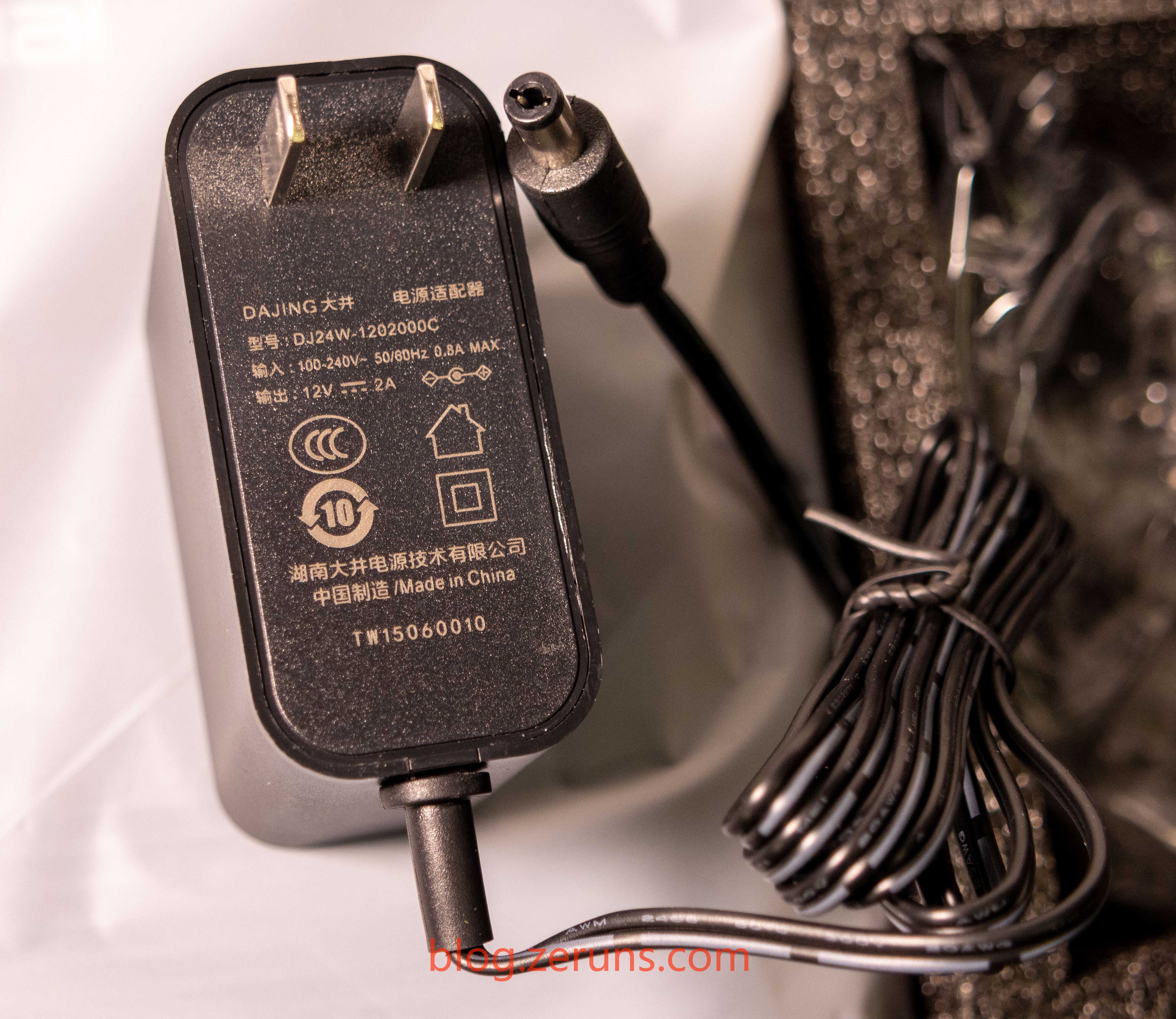
The power adapter supports wide voltage input (100–240V), with DC output of 12V/2A. The brand is Dajing, model DJ24W-1202000C
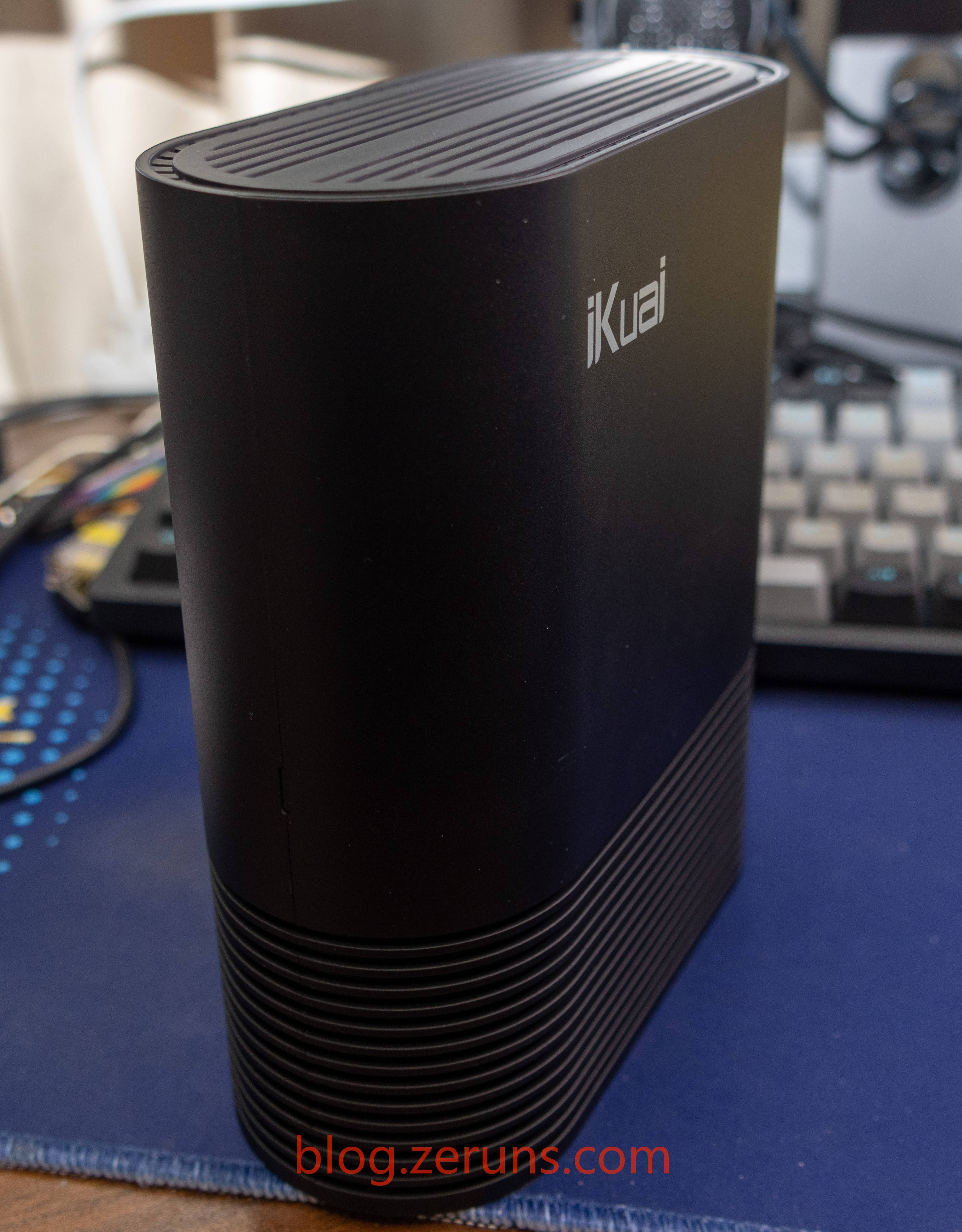
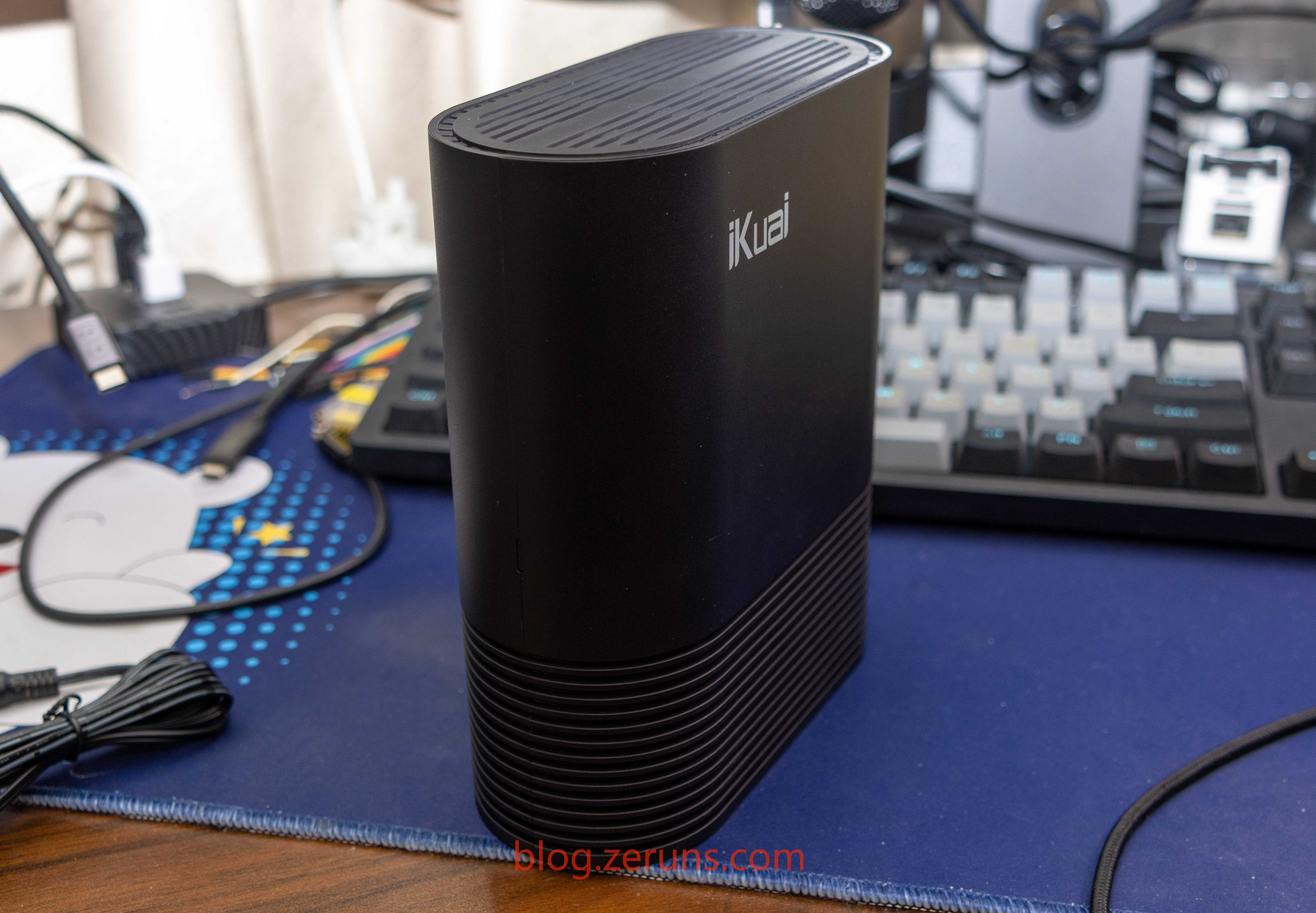
Front view of the IK-Q6000 router
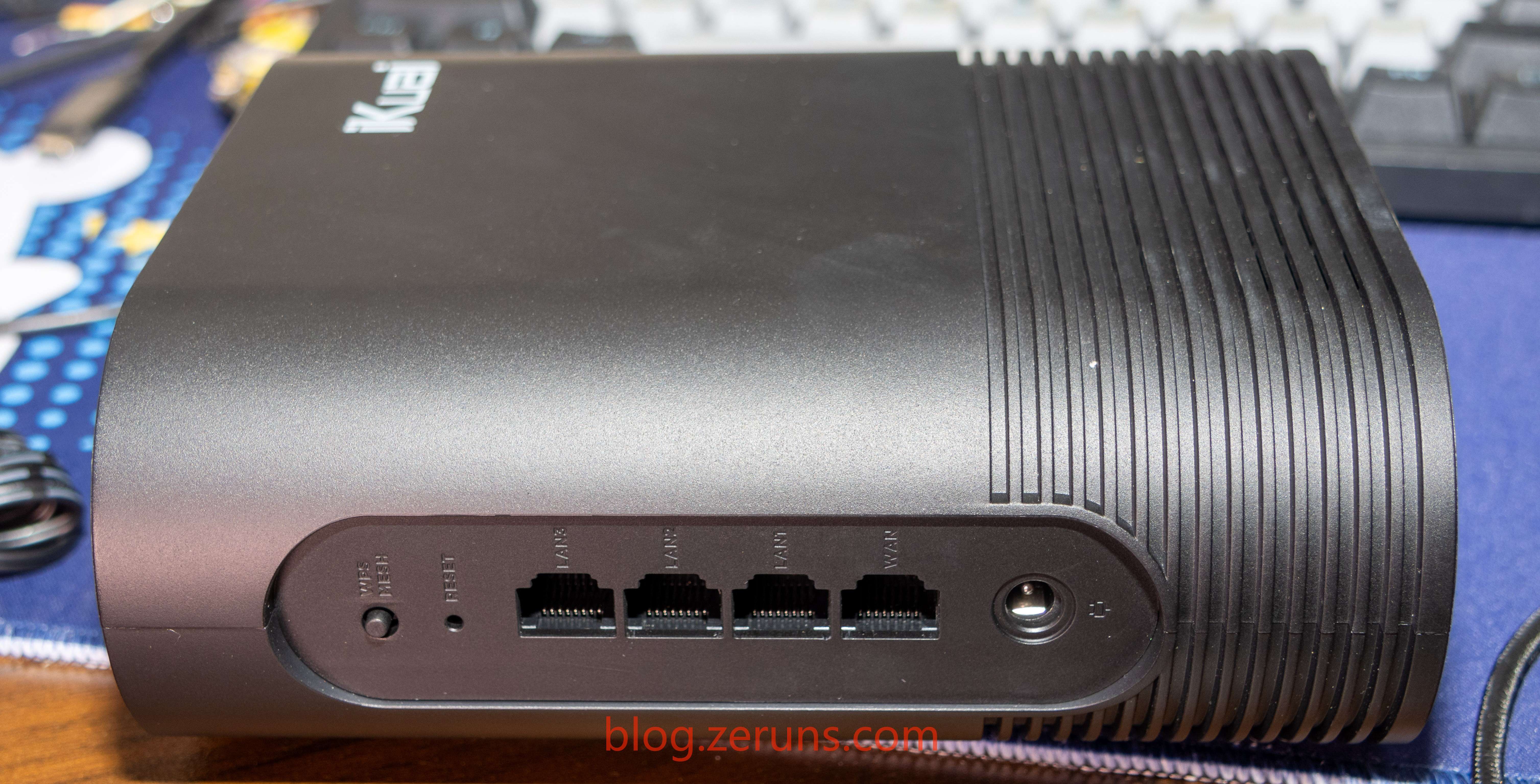
Back panel ports, from left to right: WPS/MESH button, reset button, 3 Gigabit LAN ports, 1 2.5G WAN port, DC power jack
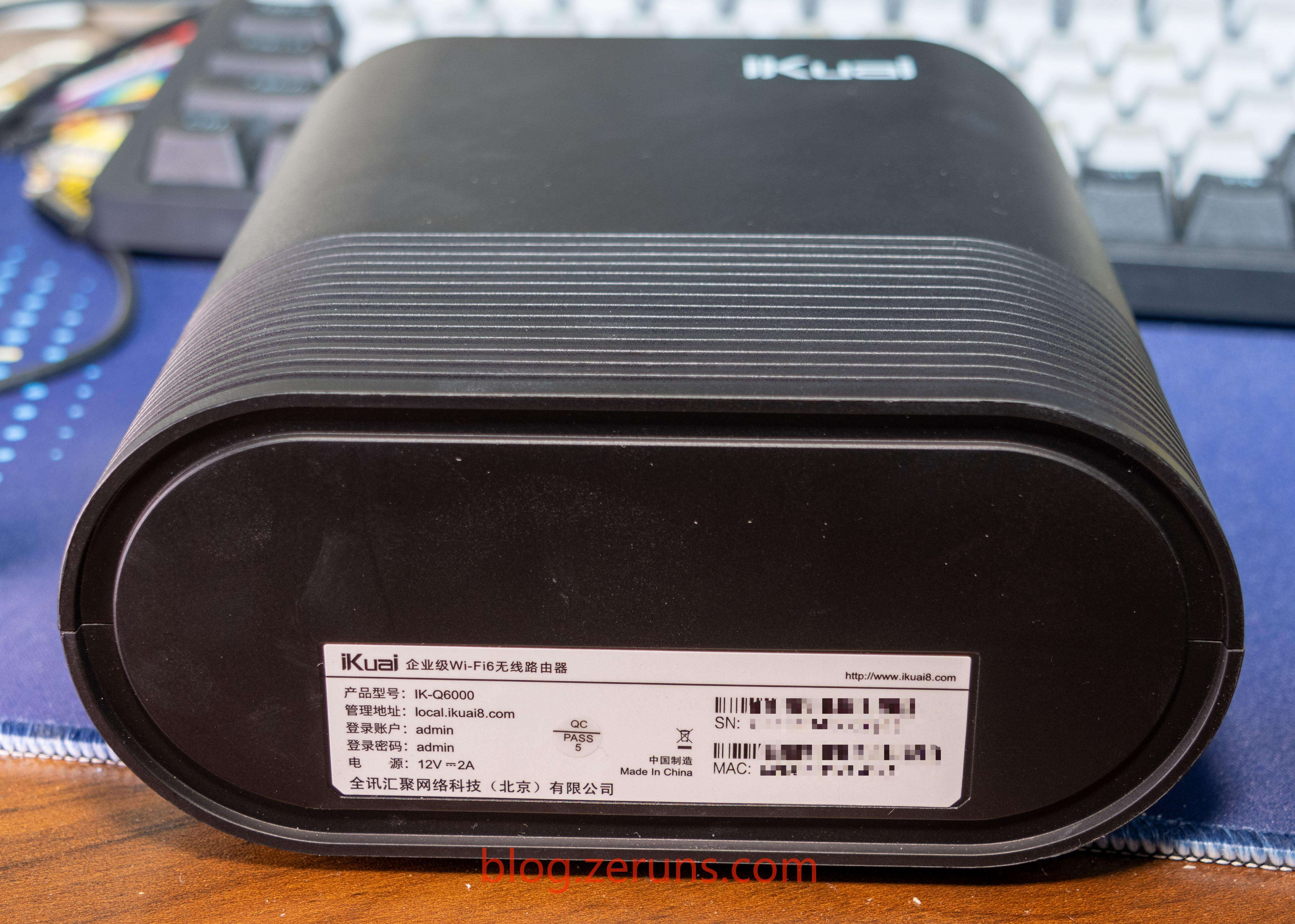
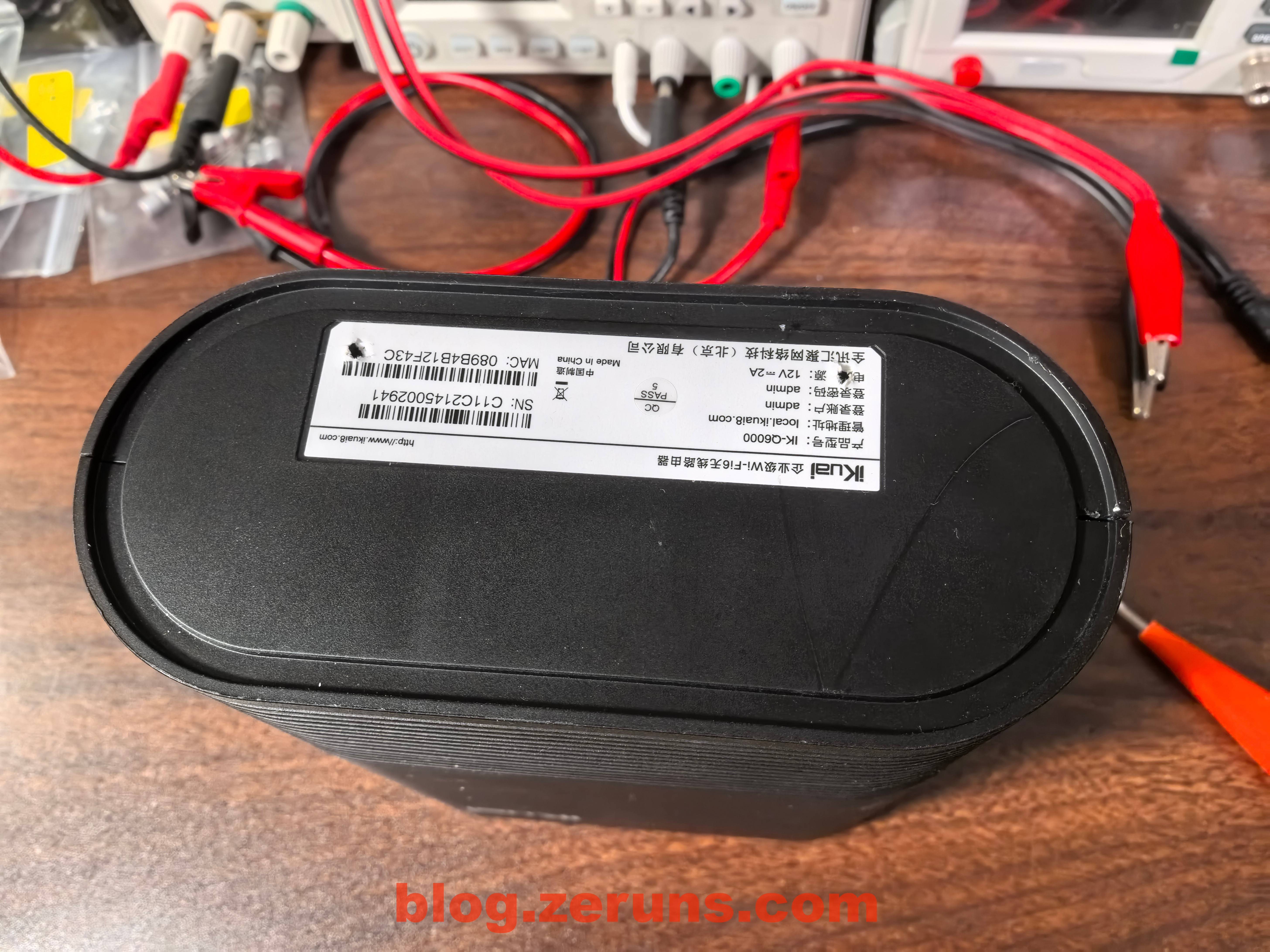
Label on the bottom of the router
Review
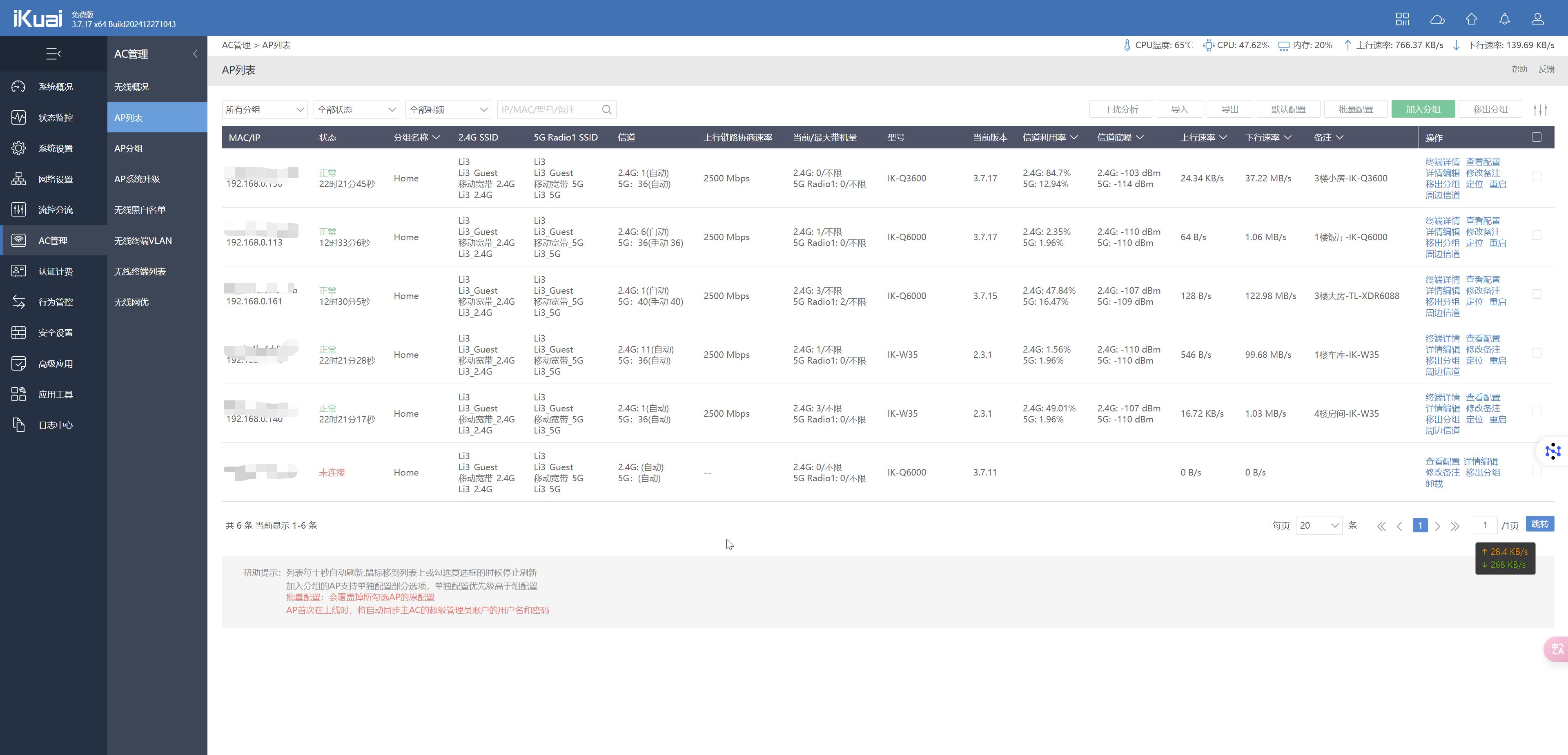
iKuai’s AP management interface is quite feature-rich.
Power Consumption Test
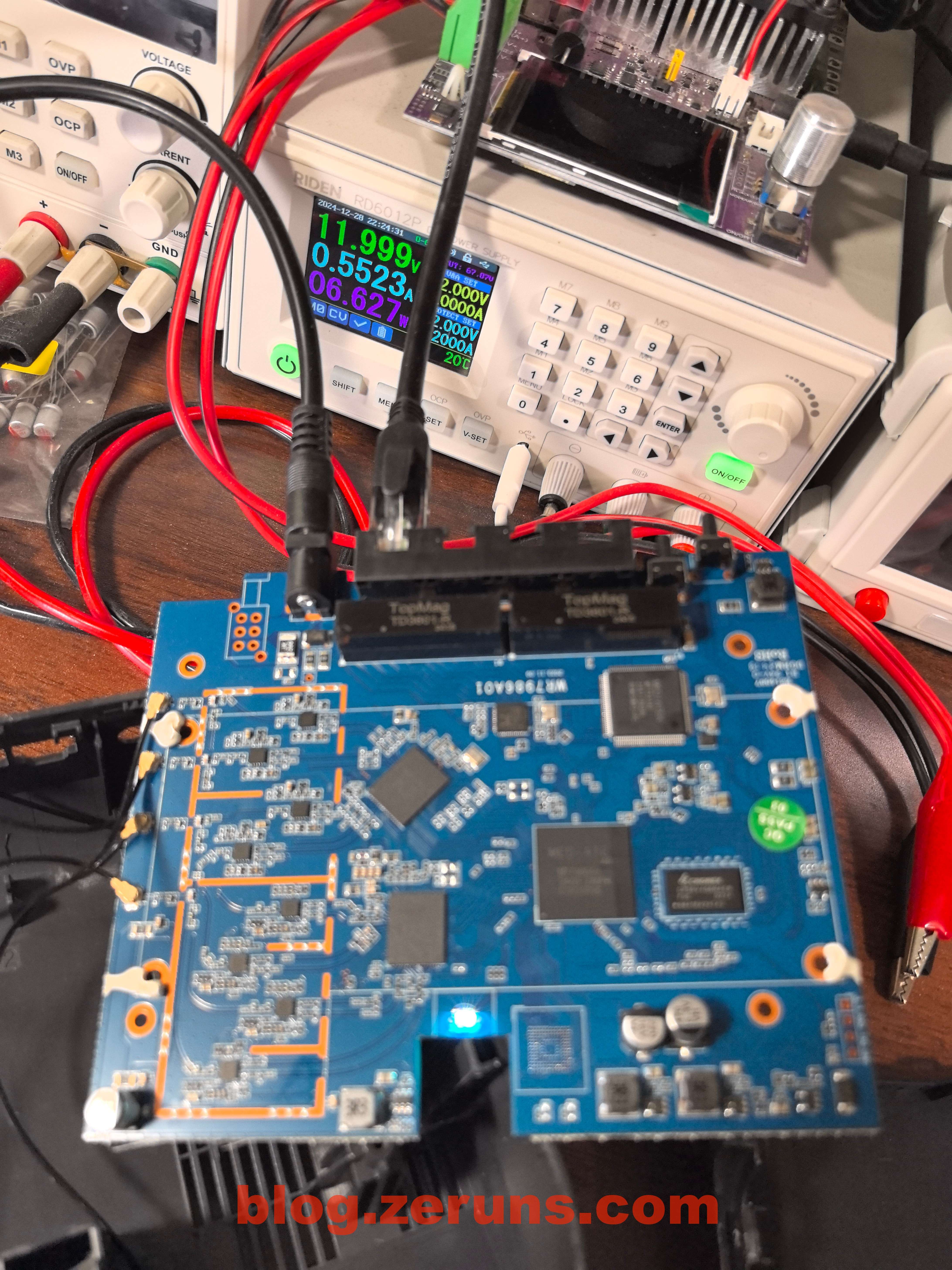
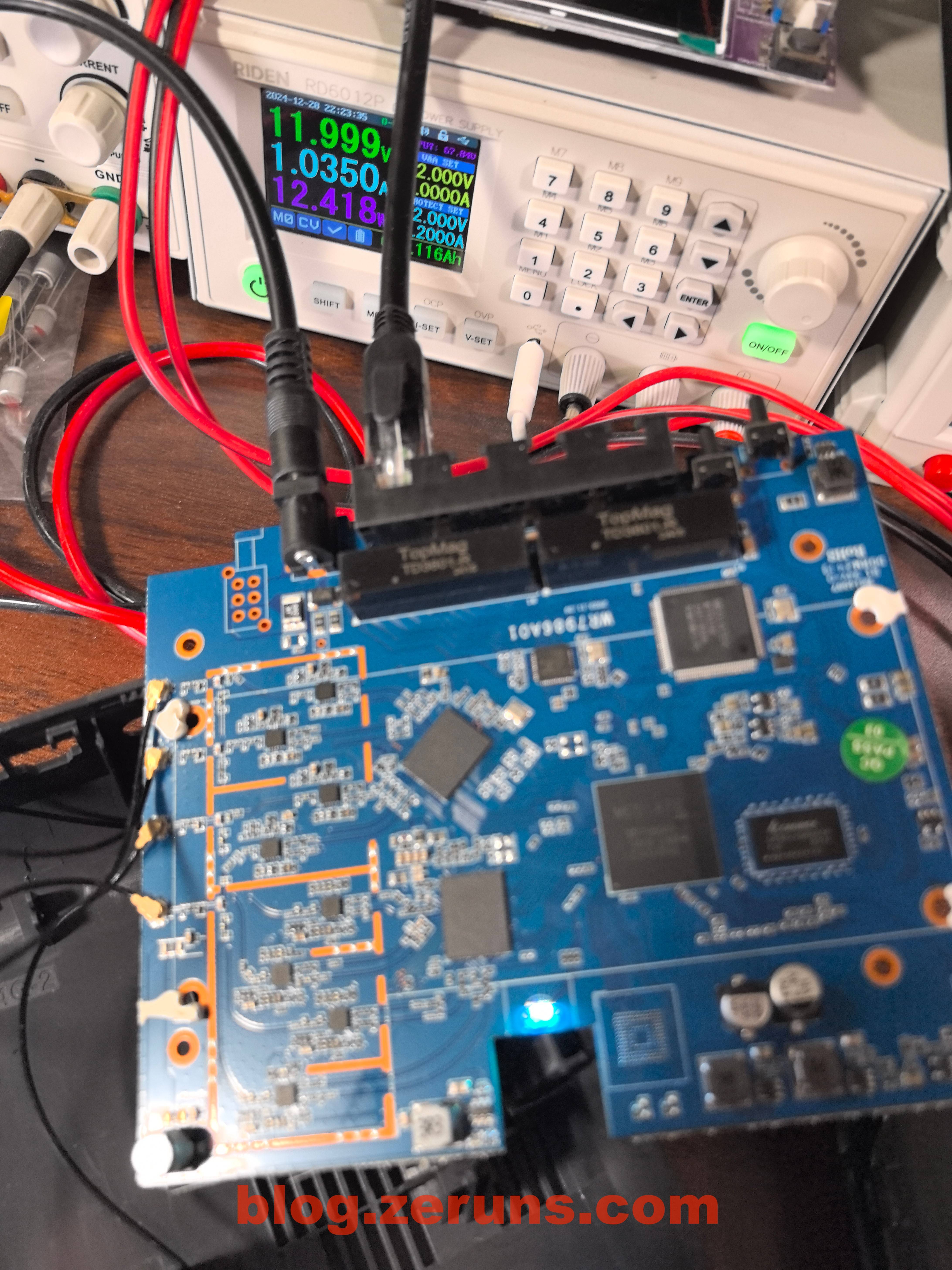
With a 2.5G Ethernet cable connected to the WAN port and no wireless devices connected, the operating power is around 7W.
With one smartphone connected and downloading at full speed, power consumption rises to about 13W.
Speed Test
Test device: Pura70Pro+
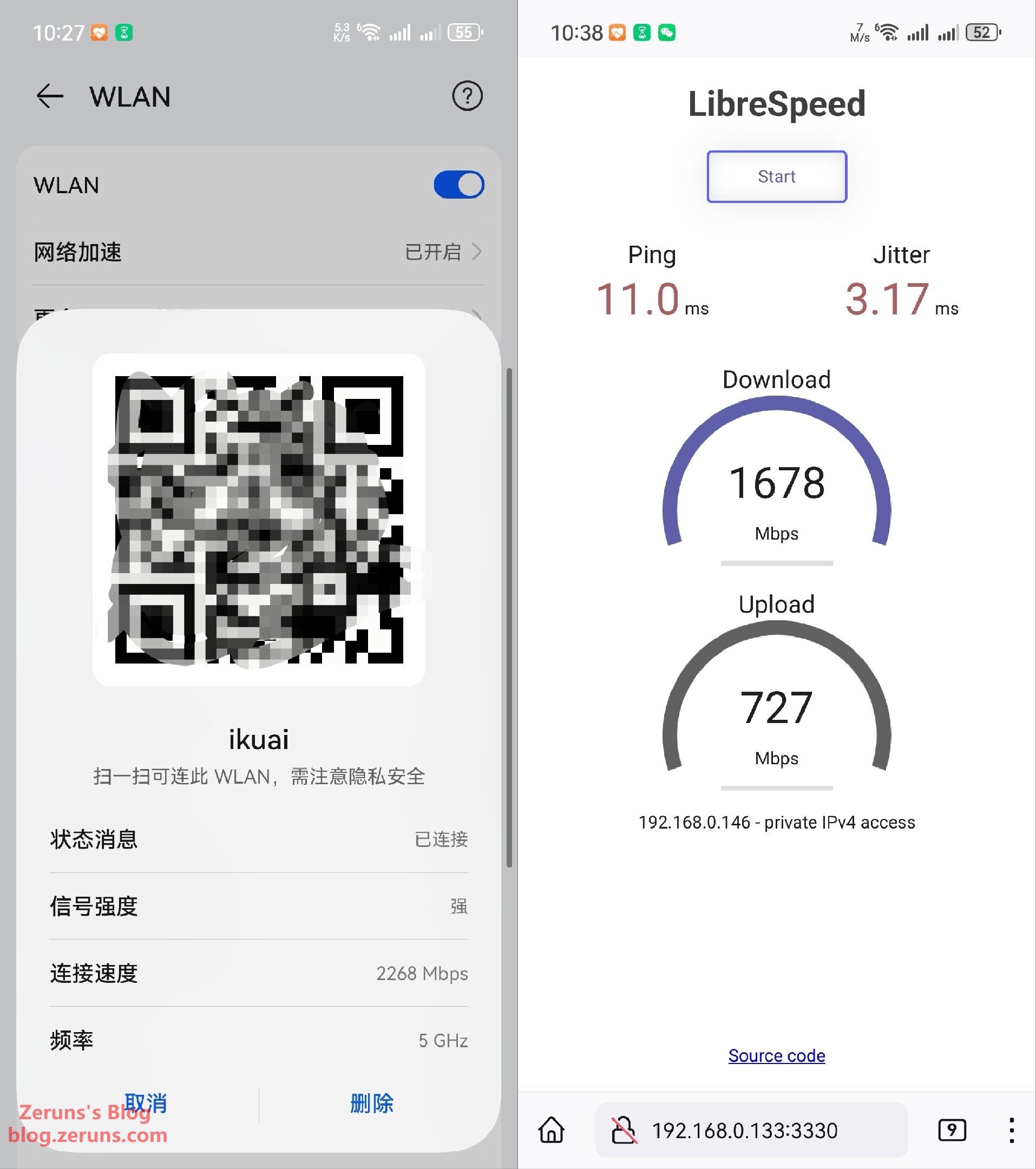
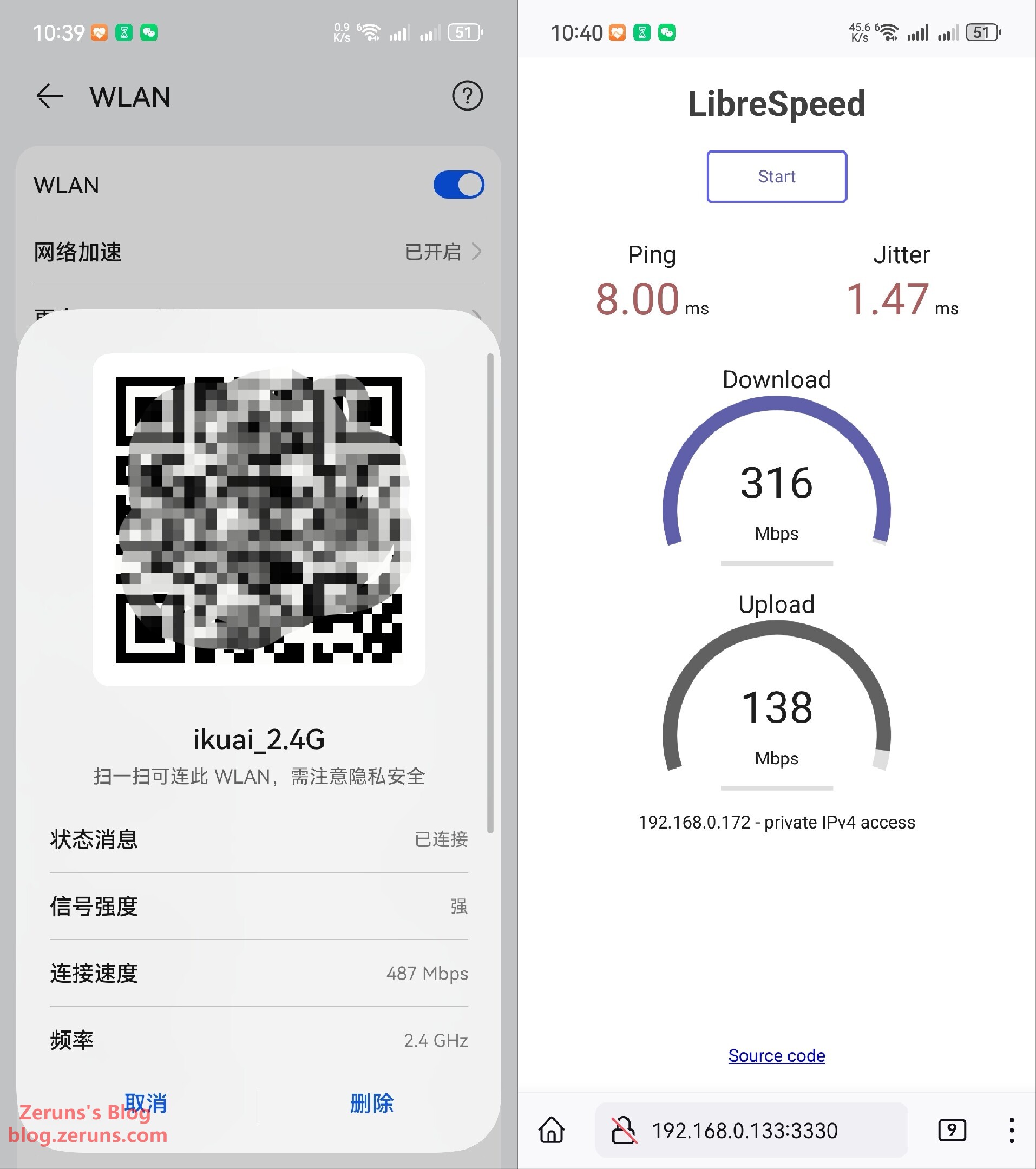
Local network speed test, 1 meter from router, no obstacles:
- 5GHz band: Negotiated speed 2268Mbps, download 1678Mbps, upload 727Mbps
- 2.4GHz band: Negotiated speed 487Mbps, download 316Mbps, upload 138Mbps
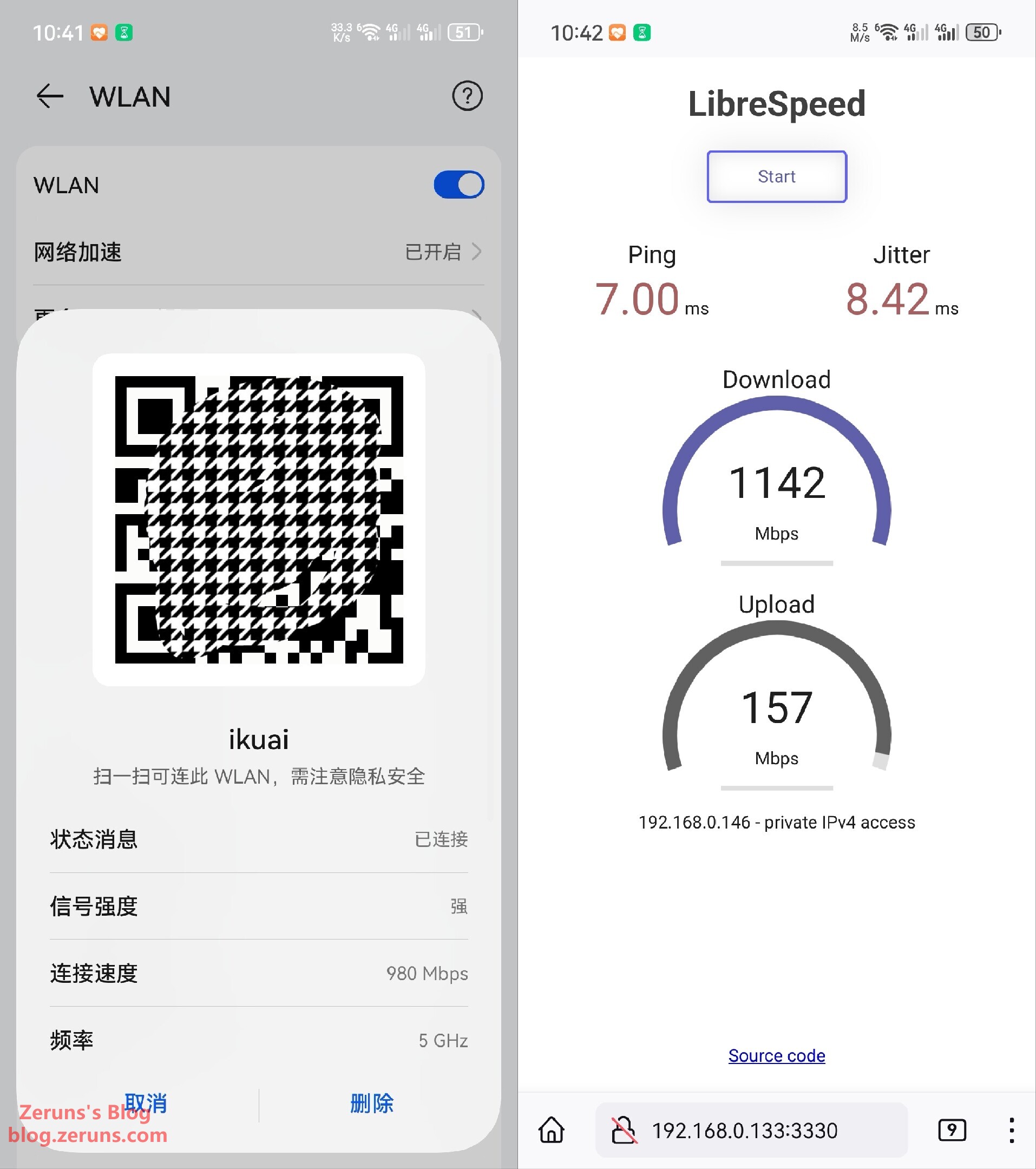
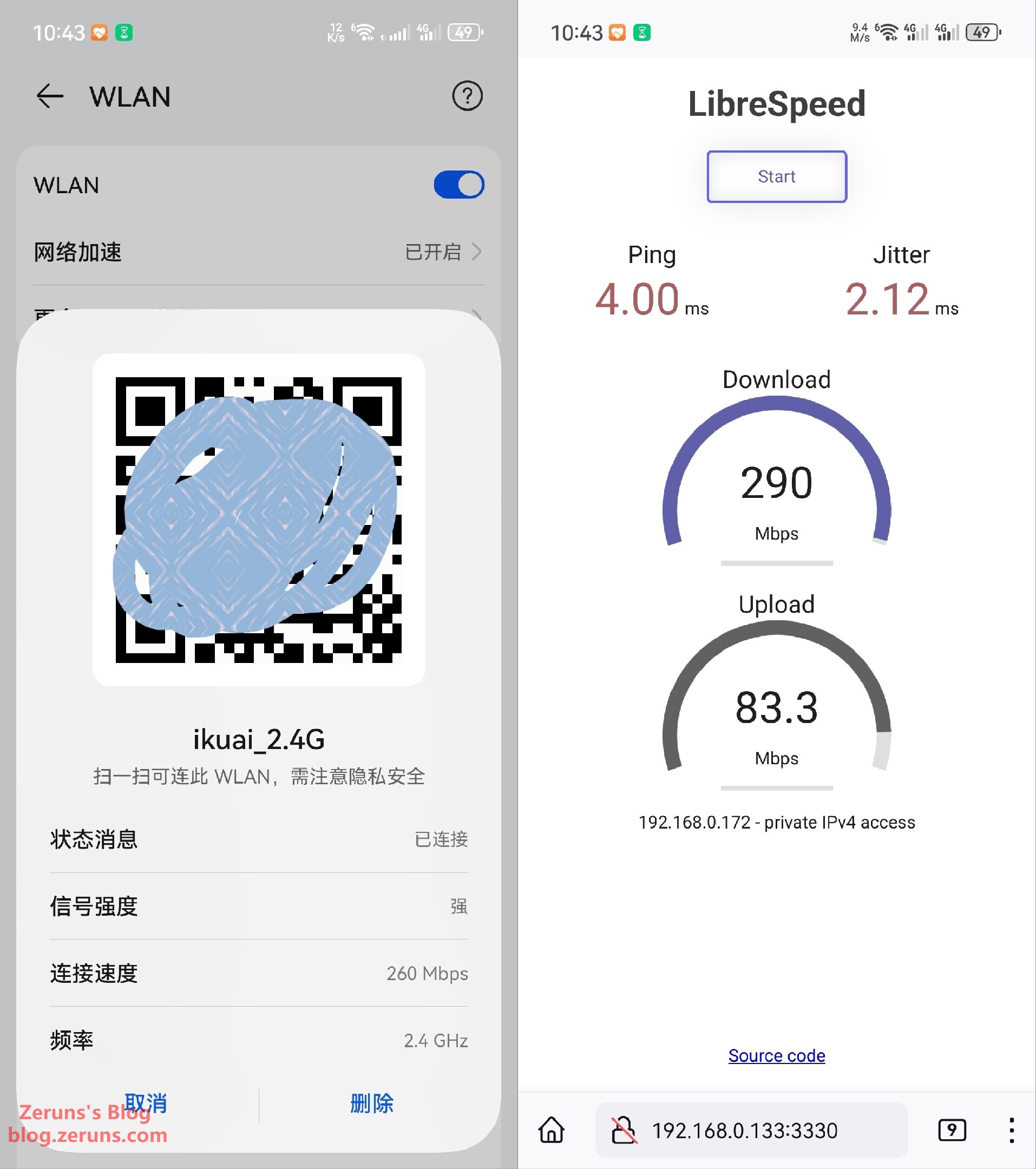
Local network speed test, one wall between device and router:
- 5GHz band: Negotiated speed 980Mbps, download 1142Mbps, upload 157Mbps
- 2.4GHz band: Negotiated speed 260Mbps, download 290Mbps, upload 83.3Mbps
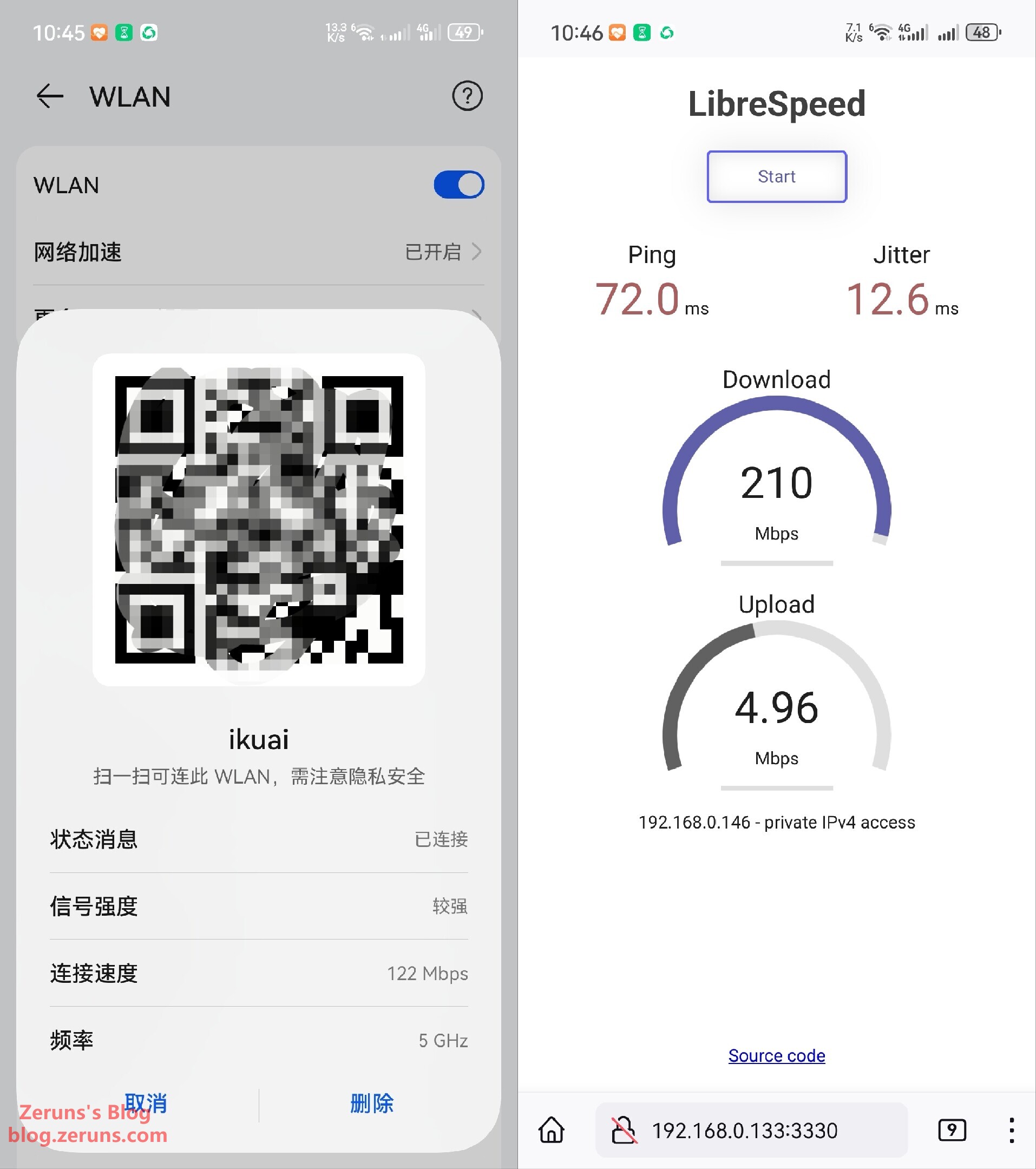
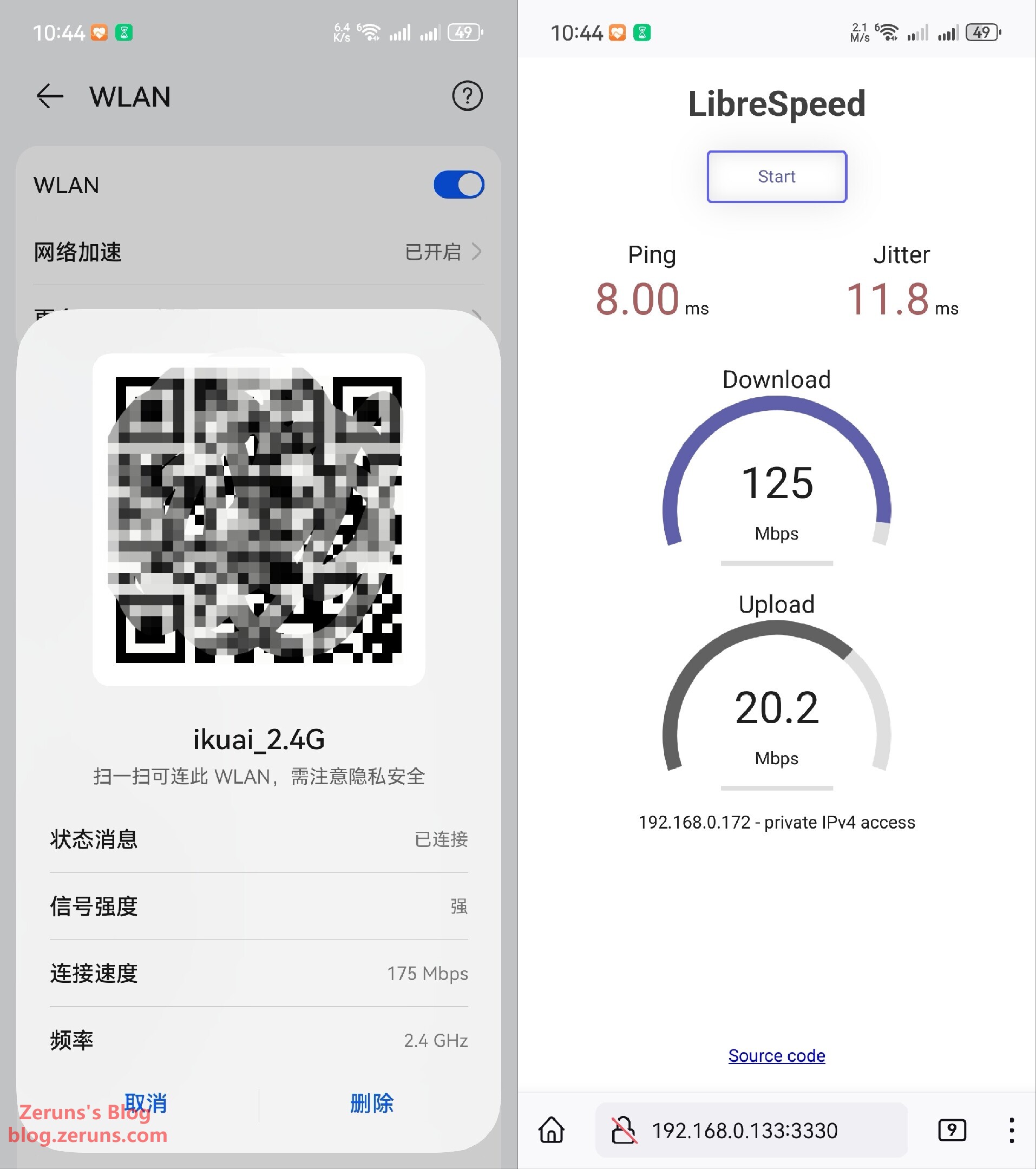
Local network speed test, two walls between device and router:
- 5GHz band: Negotiated speed 122Mbps, download 210Mbps, upload 4.96Mbps
- 2.4GHz band: Negotiated speed 175Mbps, download 125Mbps, upload 20.2Mbps
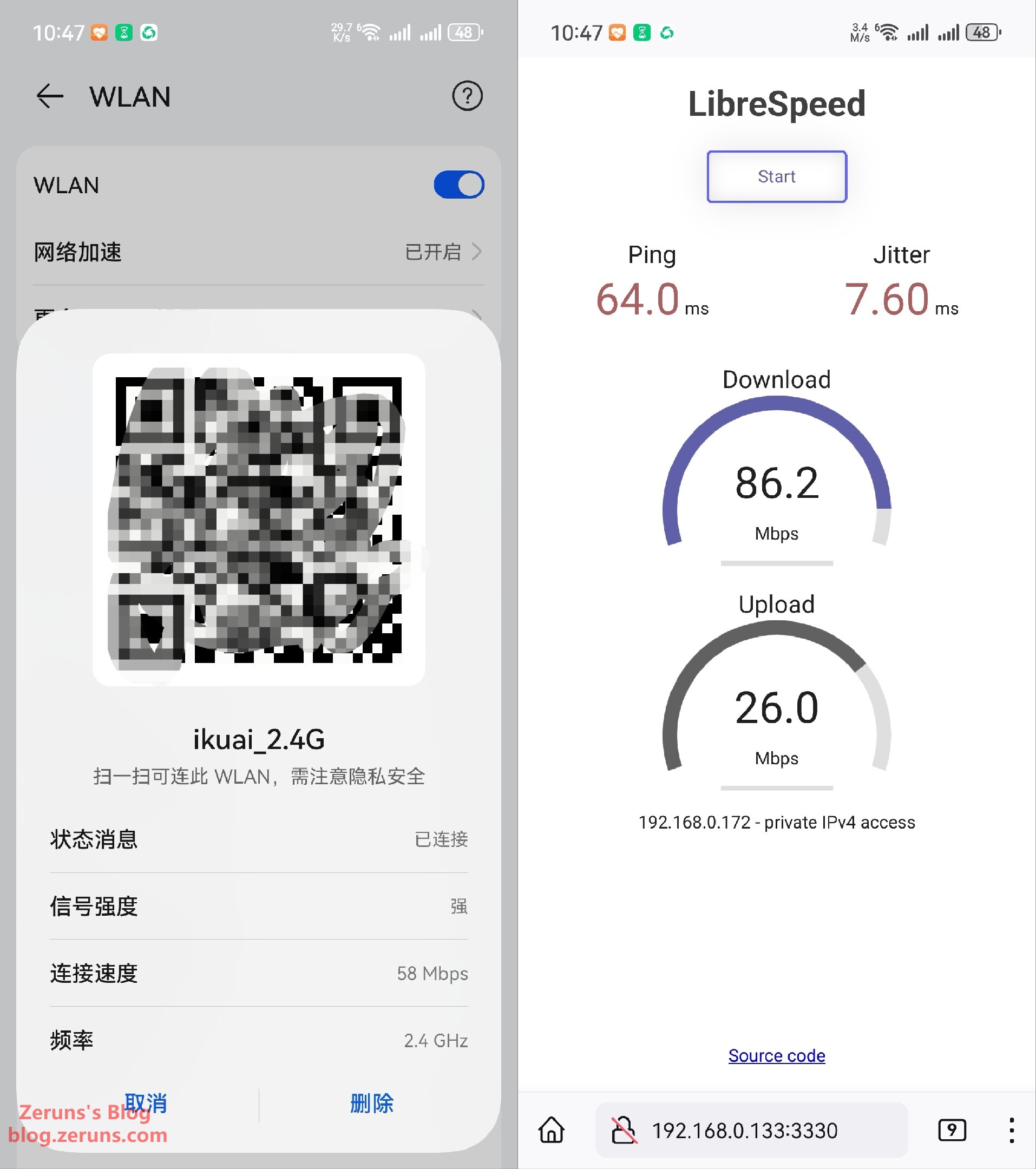
Local network speed test, one floor between device and router:
- 5GHz band: Unable to connect
- 2.4GHz band: Negotiated speed 58Mbps, download 86.2Mbps, upload 26Mbps
Thermal Imaging
Review and sample images from the UNI-T UTi261M thermal camera: https://blog.zeruns.com/archives/798.html
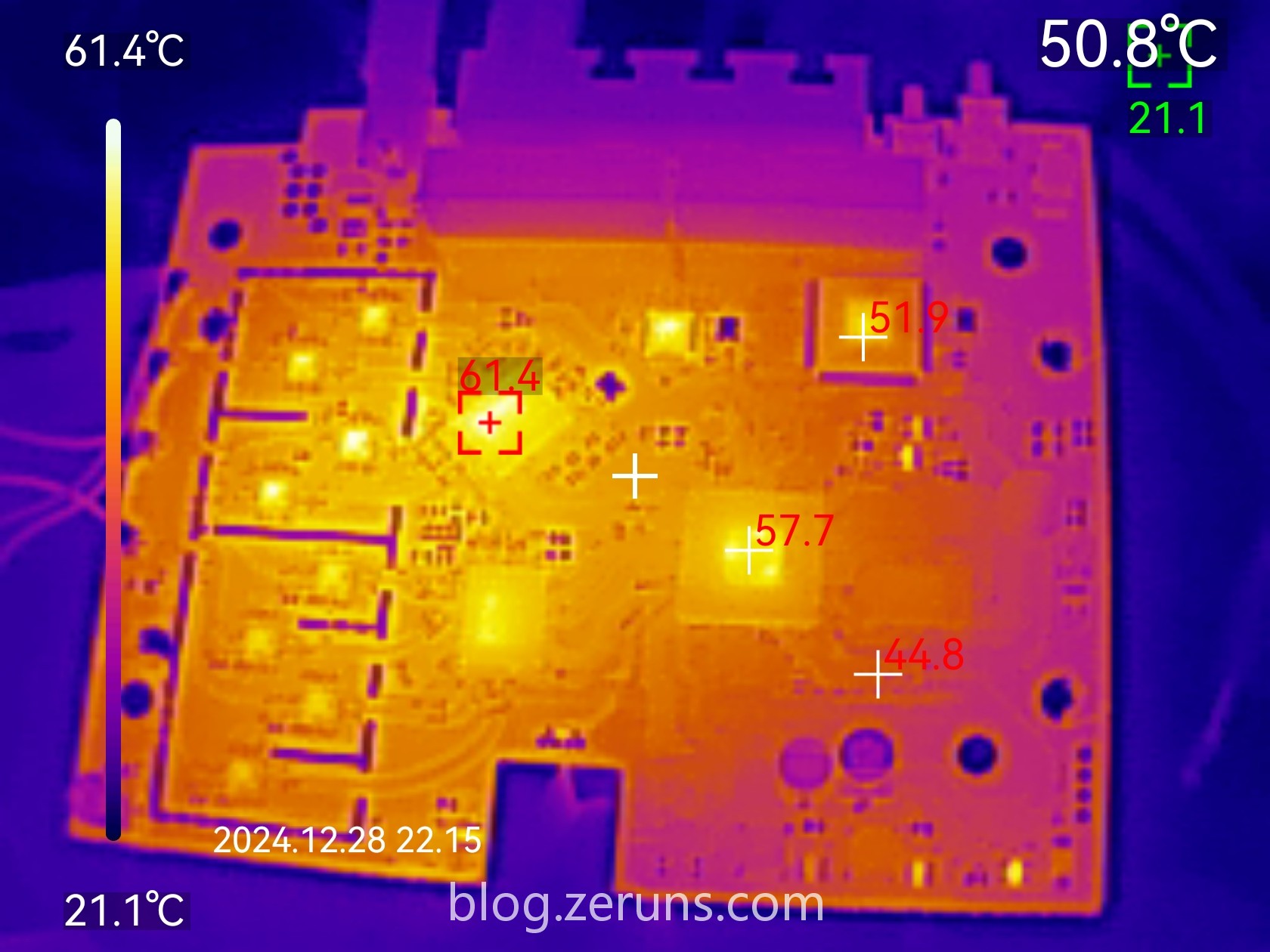
Thermal image of the router’s PCB front (after removing heatsink): The RF chip is the hottest component at 61.4°C (ambient temperature ~21°C)
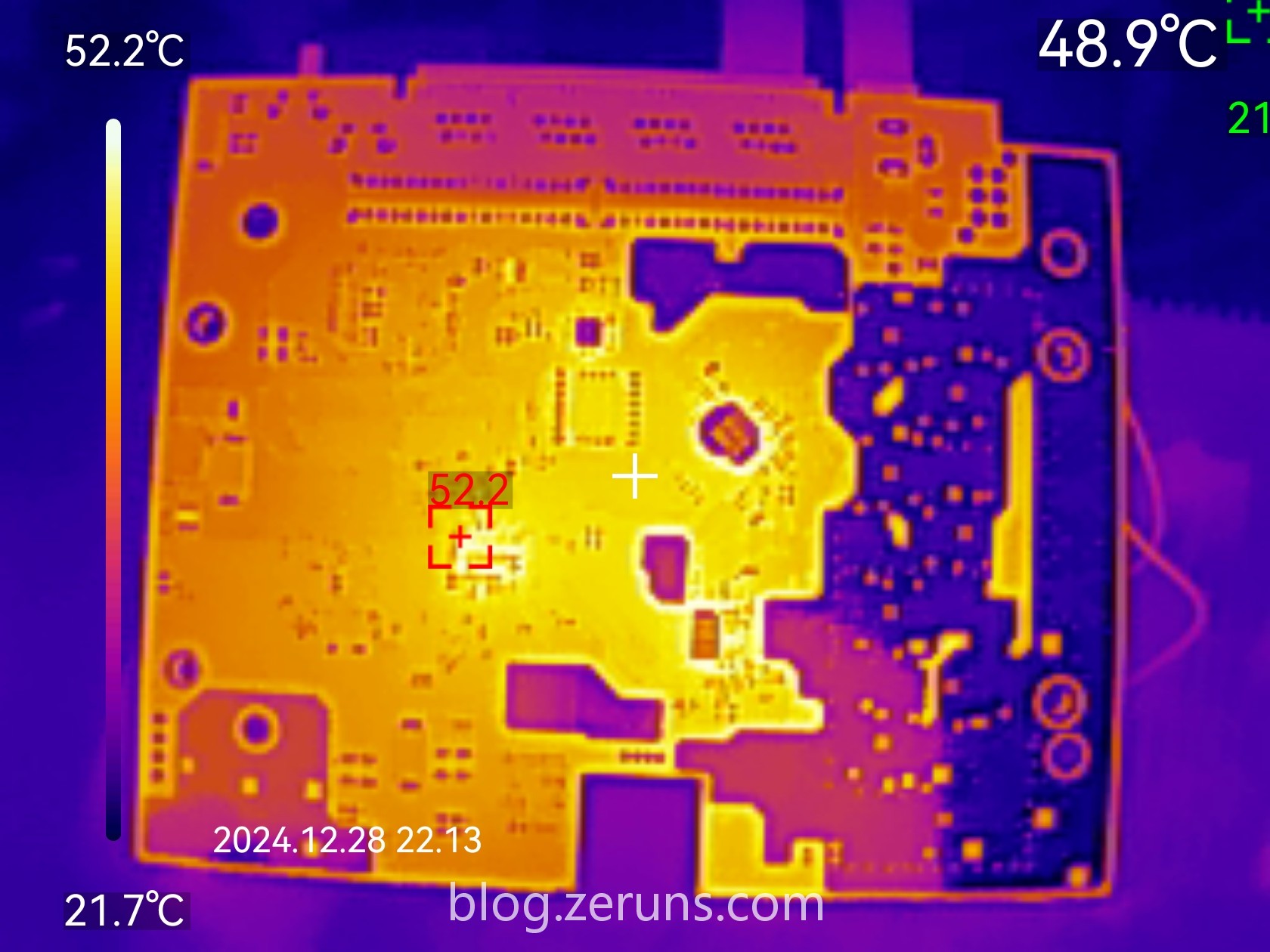
Thermal image of the router’s PCB back: Maximum temperature 52.2°C (ambient temperature ~21°C)
Teardown
There are two screws hidden under the label on the bottom of the Q6000. After removing them, pry open the case along the seam. There are strong clips, so the case cannot be opened without damage — the clips will break.
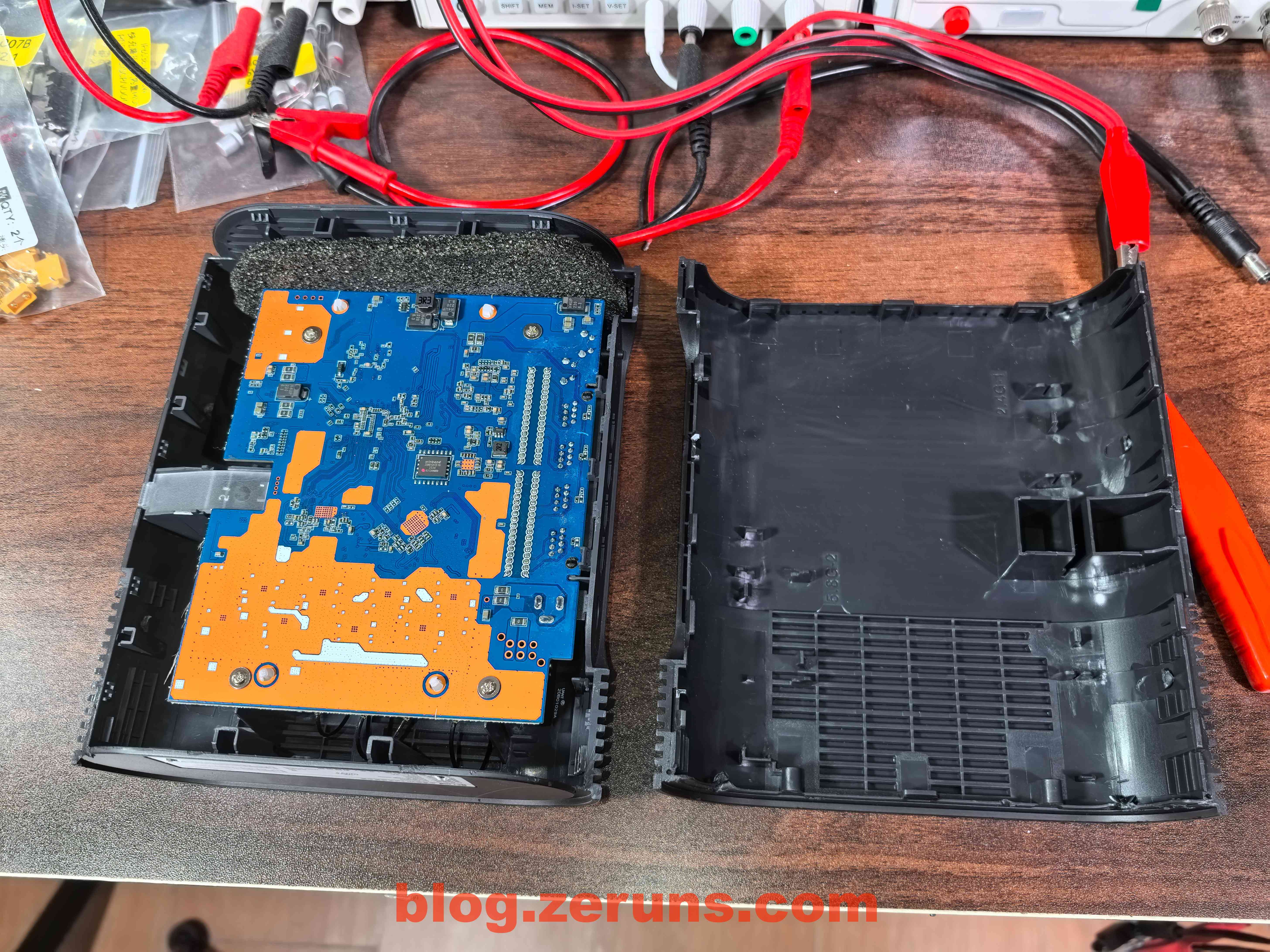
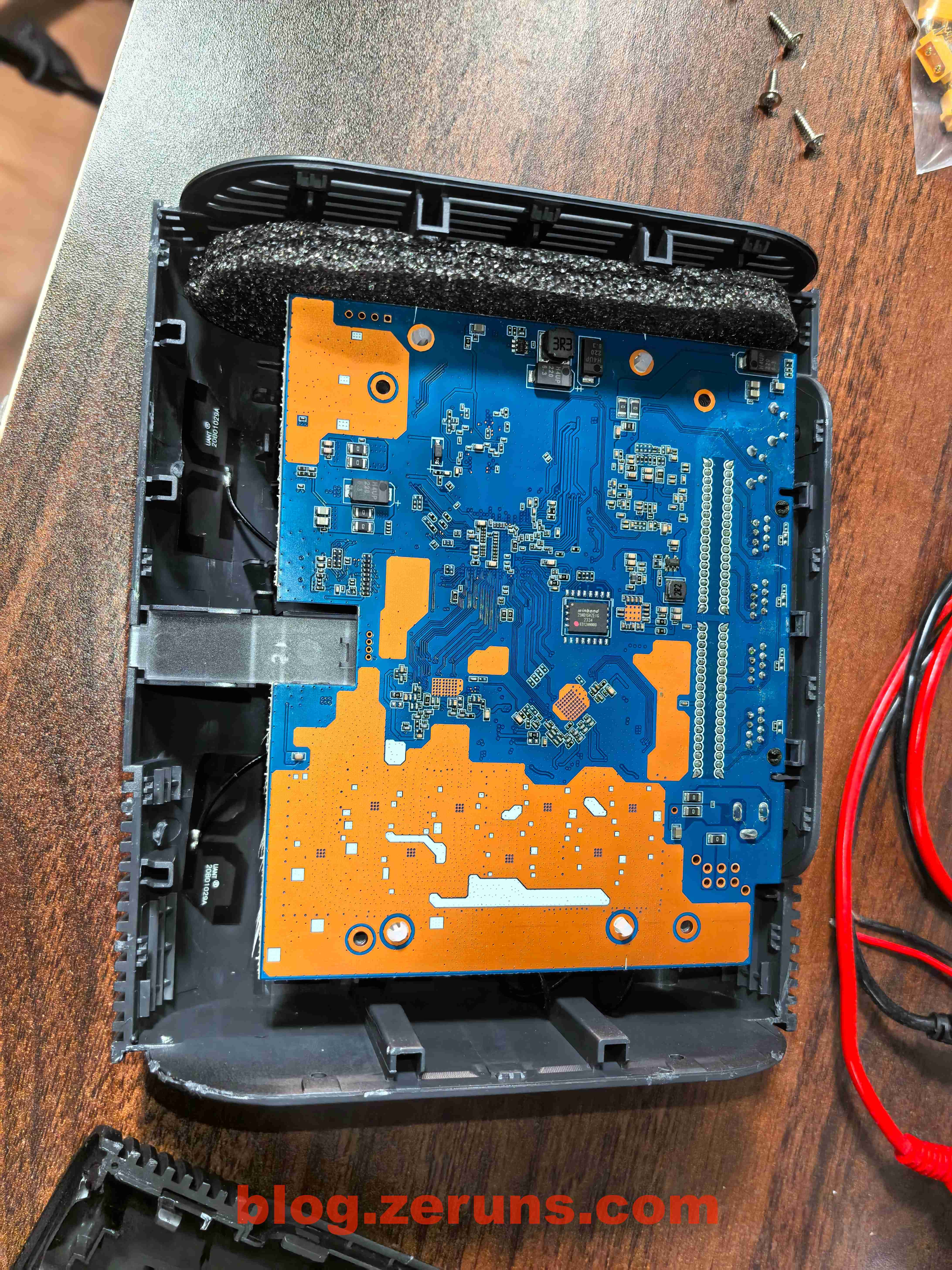
After prying open the case
View of the back of the router’s PCB
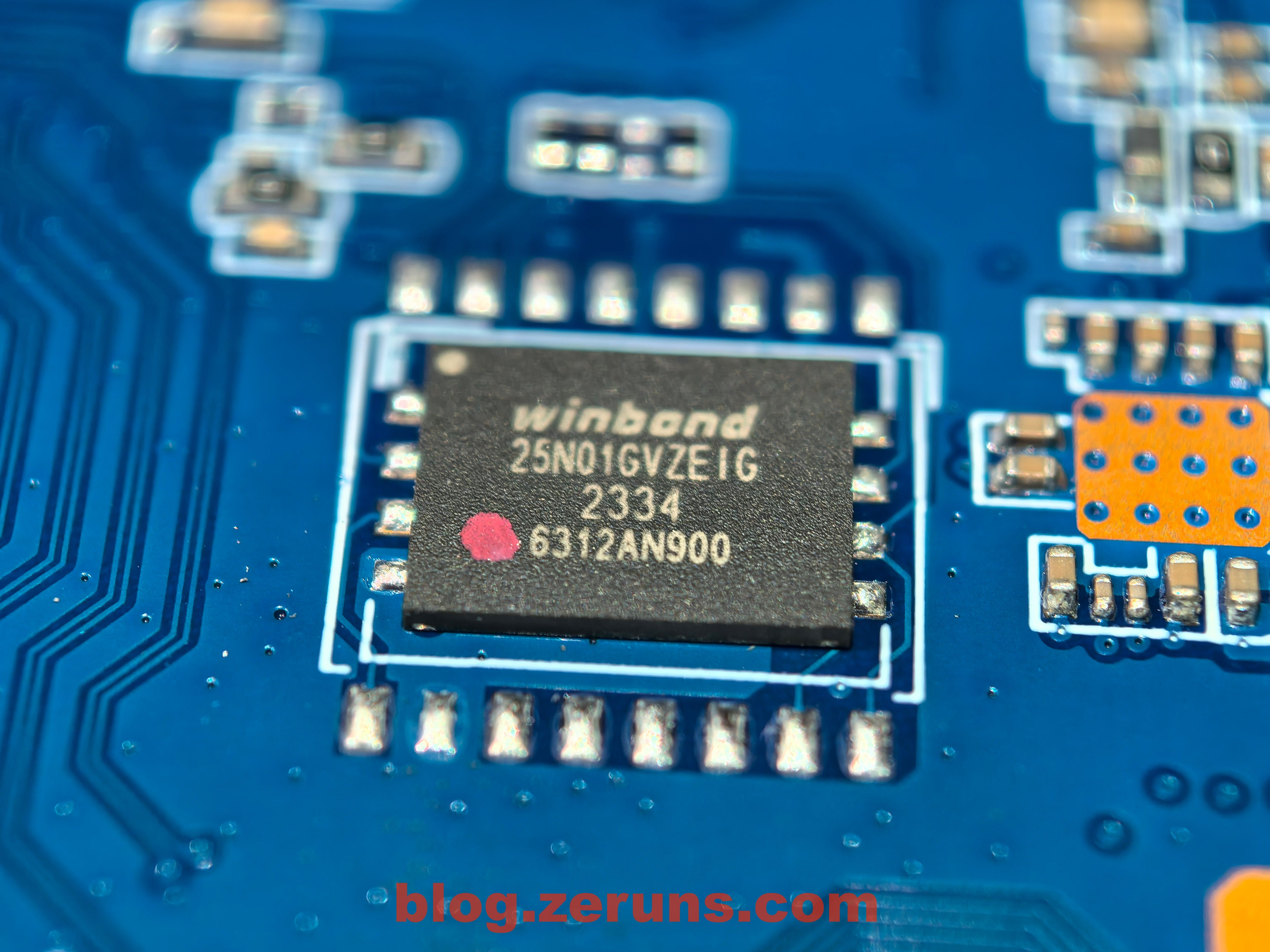
The chip in the center of the PCB back is a NAND flash chip, model 25N01GVZEIG, 1Gbit (128MB) capacity, made by Winbond (華邦)
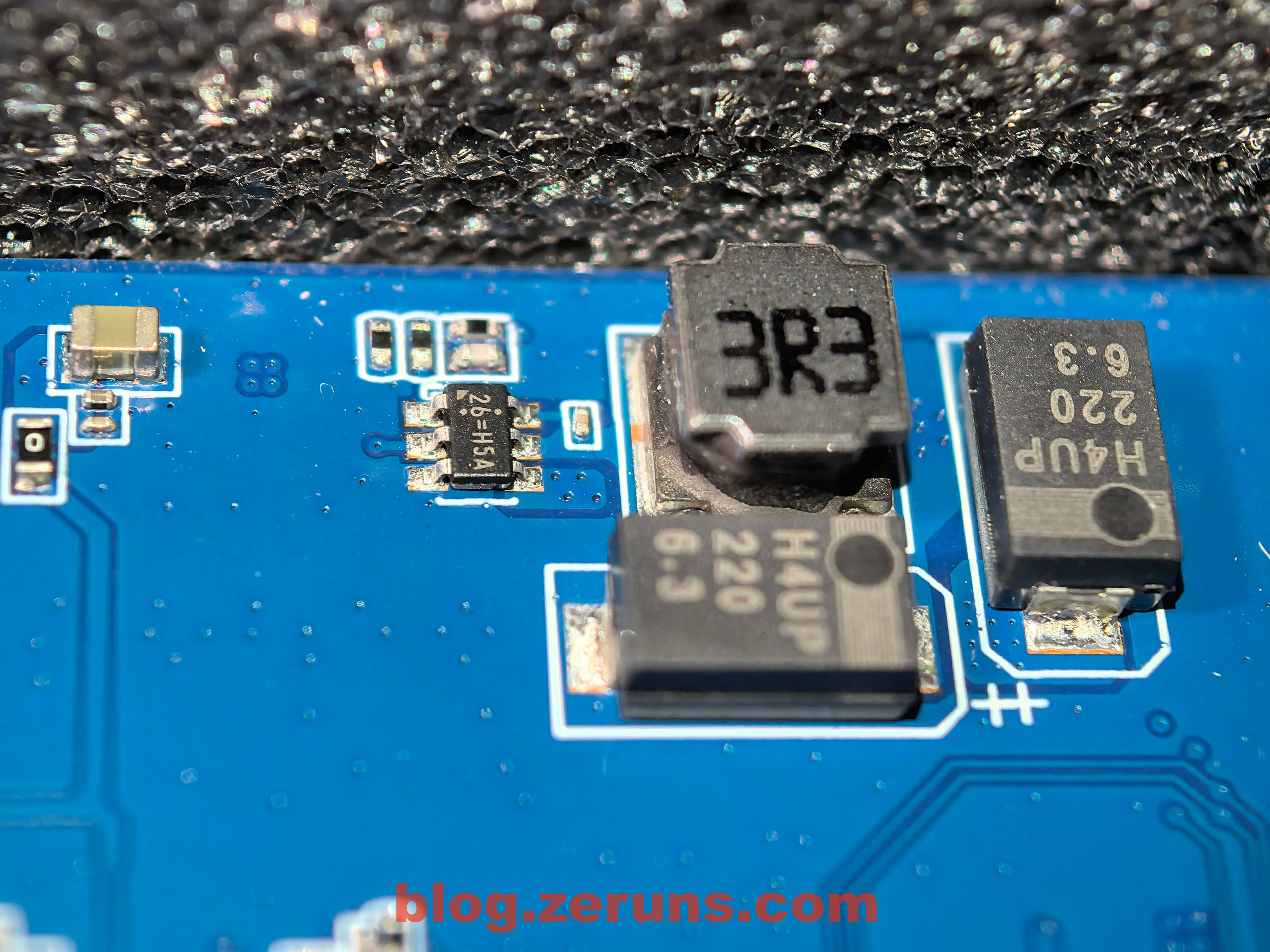
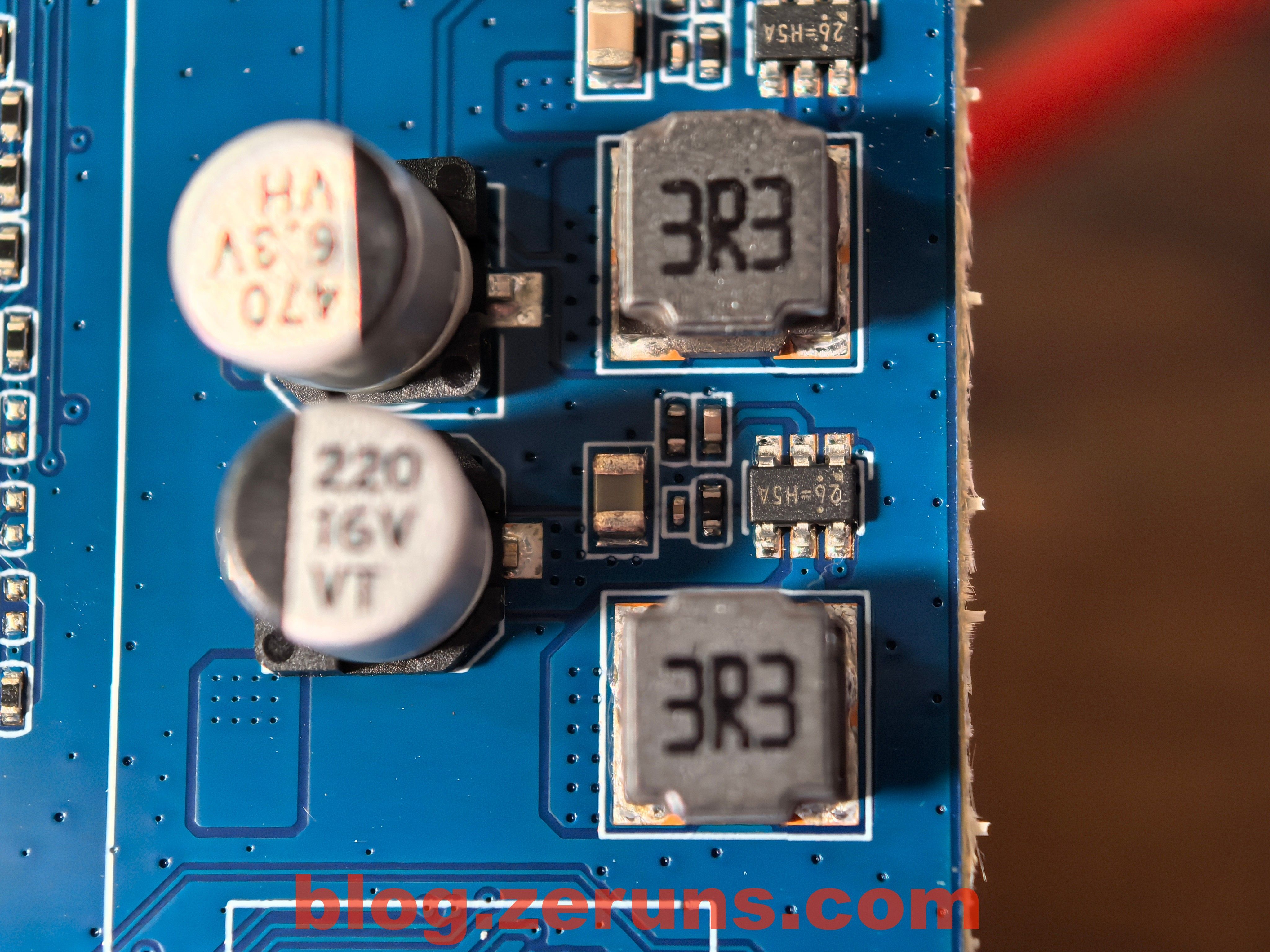
Unknown DC-DC power chip with silkscreen “26=H5A”. Notably, tantalum capacitors are used for filtering.
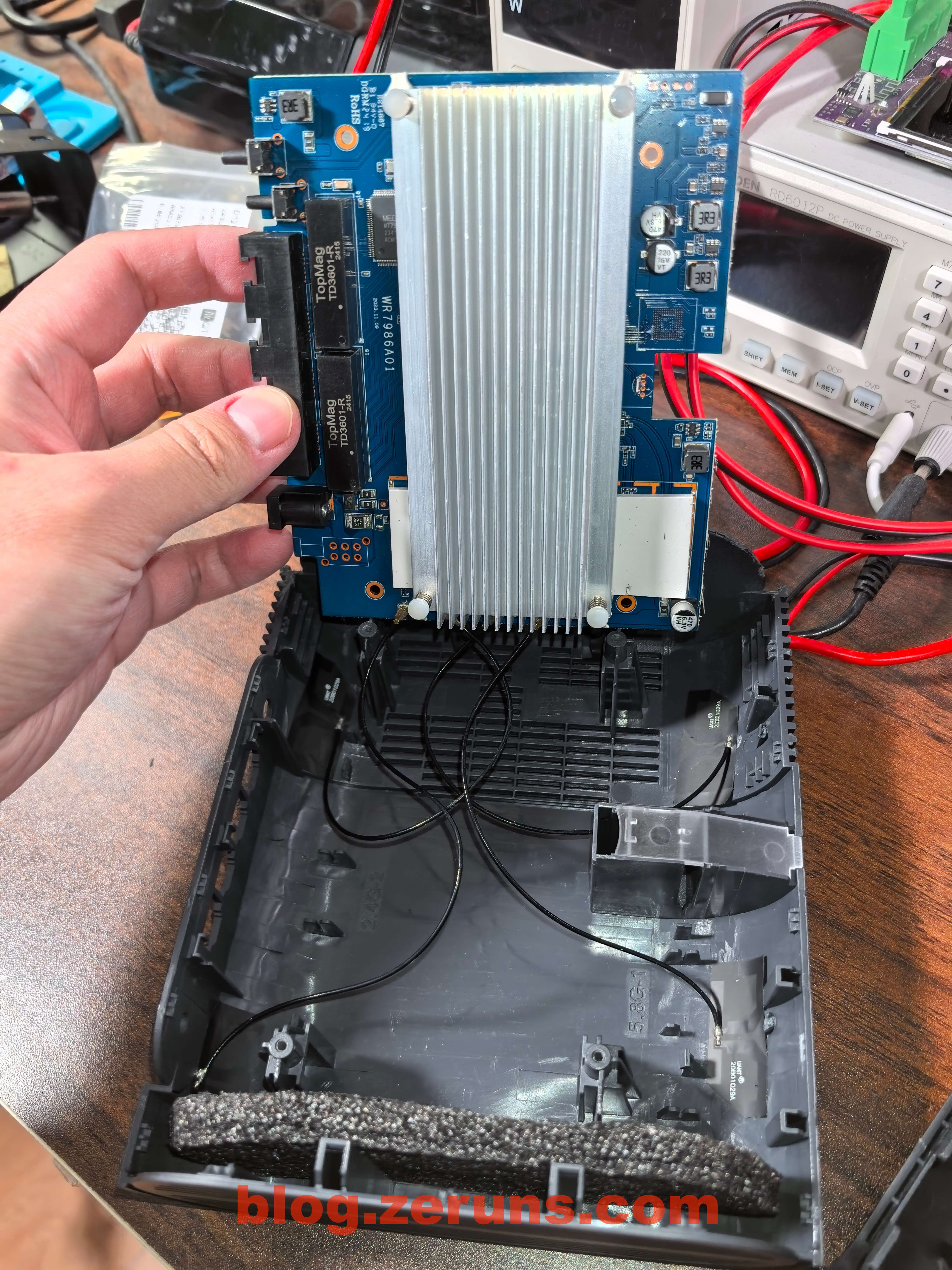
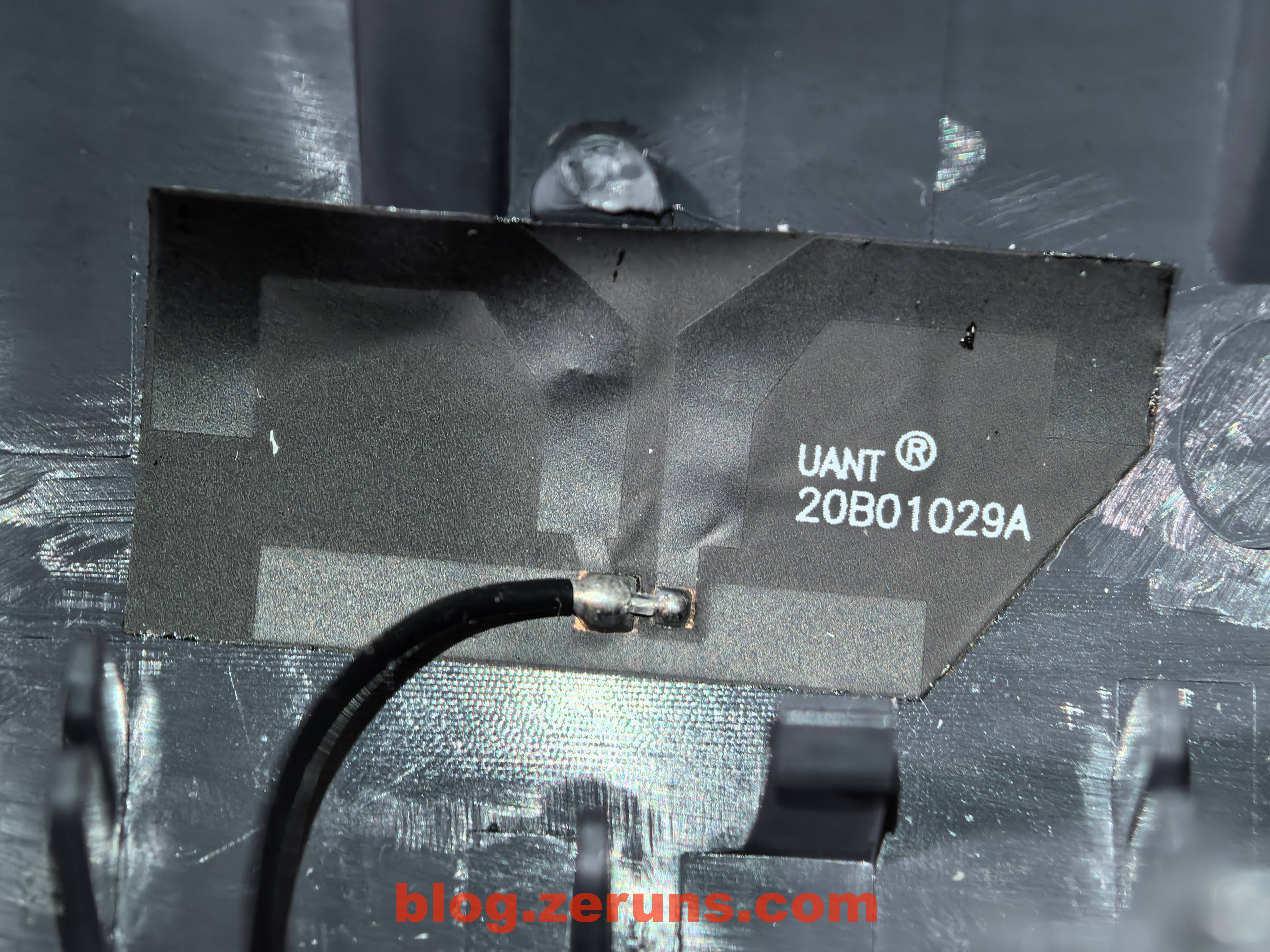
Flipping the board to the front: A large aluminum heatsink covers the main components. Four FPC antennas are attached to the plastic case and connected to the motherboard via coaxial cables.
FPC antennas
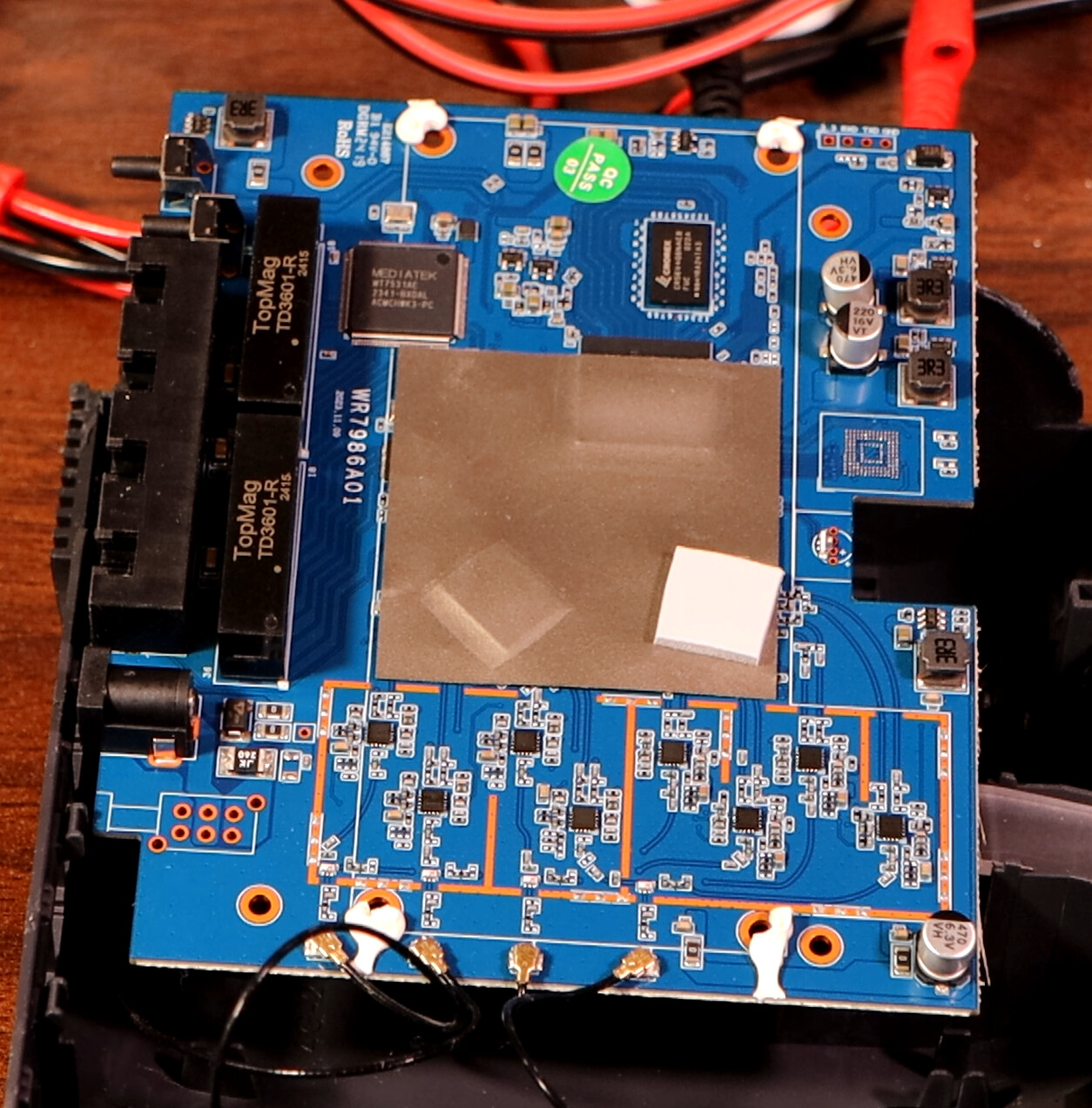
After removing the heatsink, a shielding sticker (not a metal shield) is visible on the PCB.
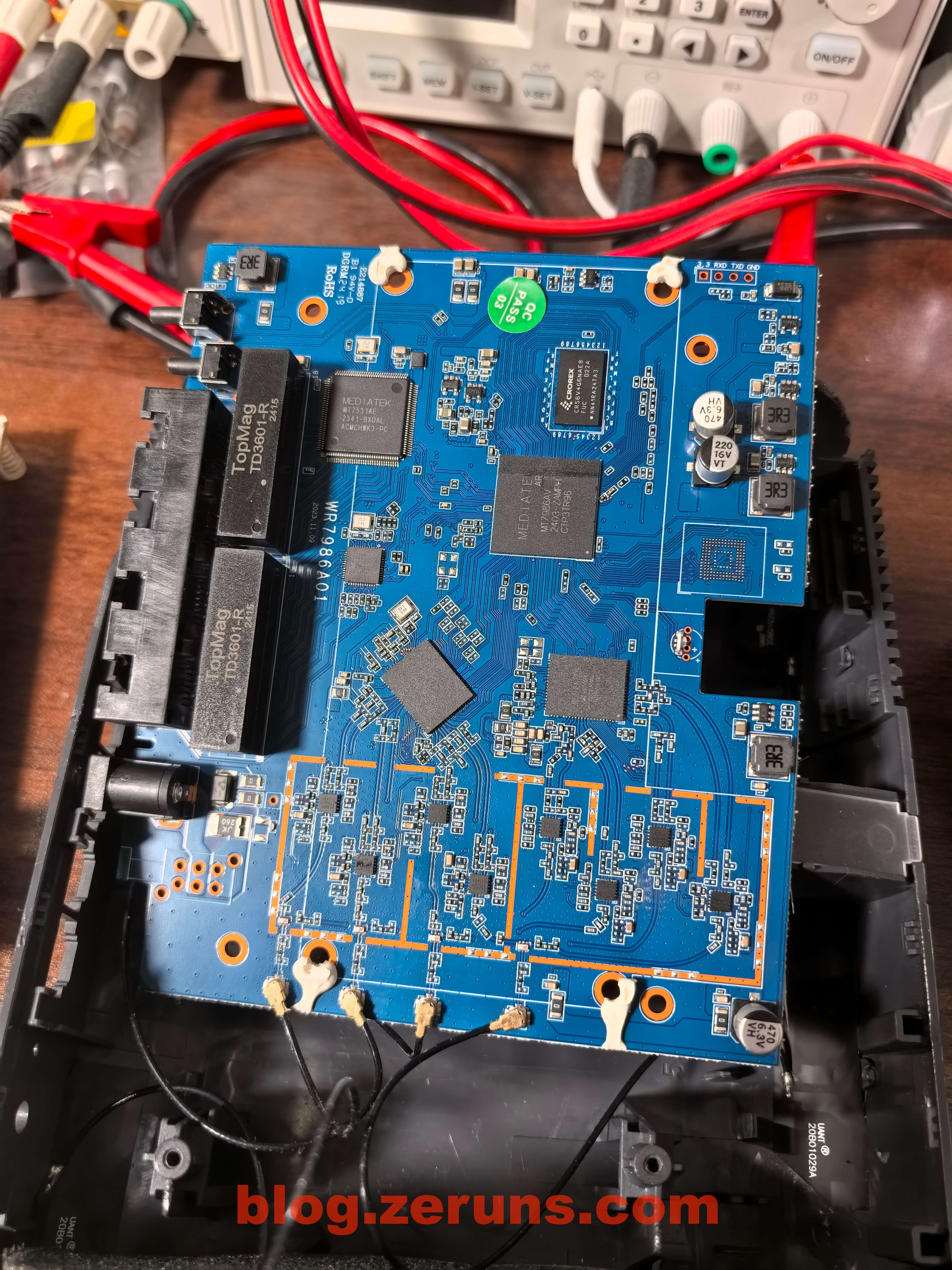
The network transformer is model TD3601-R, made by TopMag.
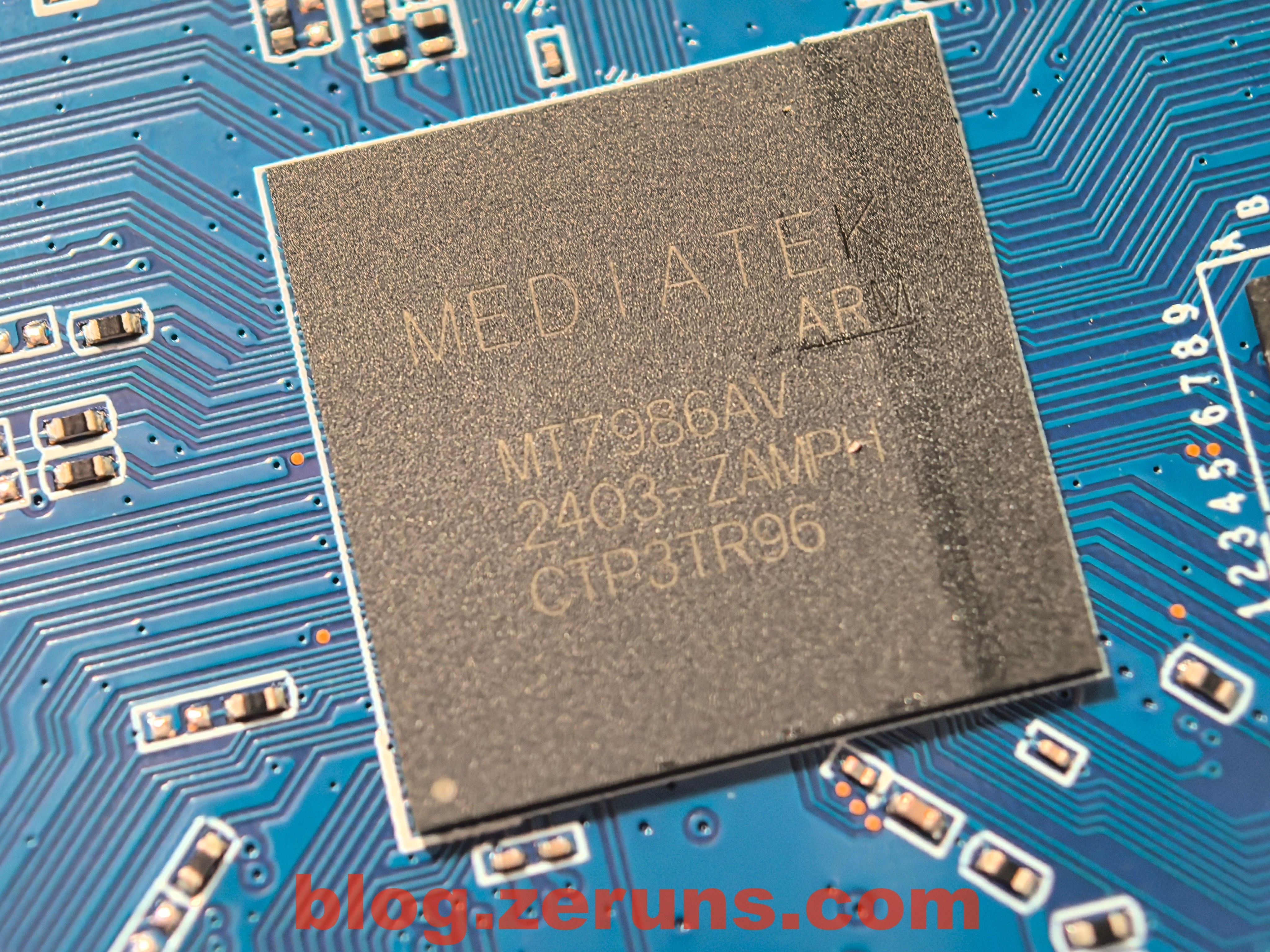
After removing the shielding sticker, the CPU is revealed as MediaTek MT7986AV (Filogic 830).
Official description of MT7986AV: https://url.zeruns.com/5t4u9
MediaTek Filogic 830 is a high-performance, energy-efficient single-chip solution for routers, repeaters, access points, and mesh networking devices. Built on a 12nm process, it features a powerful quad-core Arm Cortex-A53 CPU, integrated multi-band 4x4 Wi-Fi 6/6E, dual 2.5G Ethernet ports, hardware network accelerators, and full support for Wi-Fi Alliance Wi-Fi 6 Release 2. The chip integrates dual-band Wi-Fi 6 baseband, supports up to 1024QAM modulation, OFDMA transmission to 24 users, 160MHz bandwidth, and eight spatial streams (SS).
The MediaTek Filogic 830 platform is versatile, enabling multiple high-performance router configurations on a single platform, such as:
- 6.0Gbps dual-band Wi-Fi 6 (4x4 2.4GHz + 4x4 5GHz)
- 7.8Gbps tri-band Wi-Fi 6/6E (combined with Filogic 630: 2x2 2.4GHz + 4x4 5GHz + 3x3 6GHz)
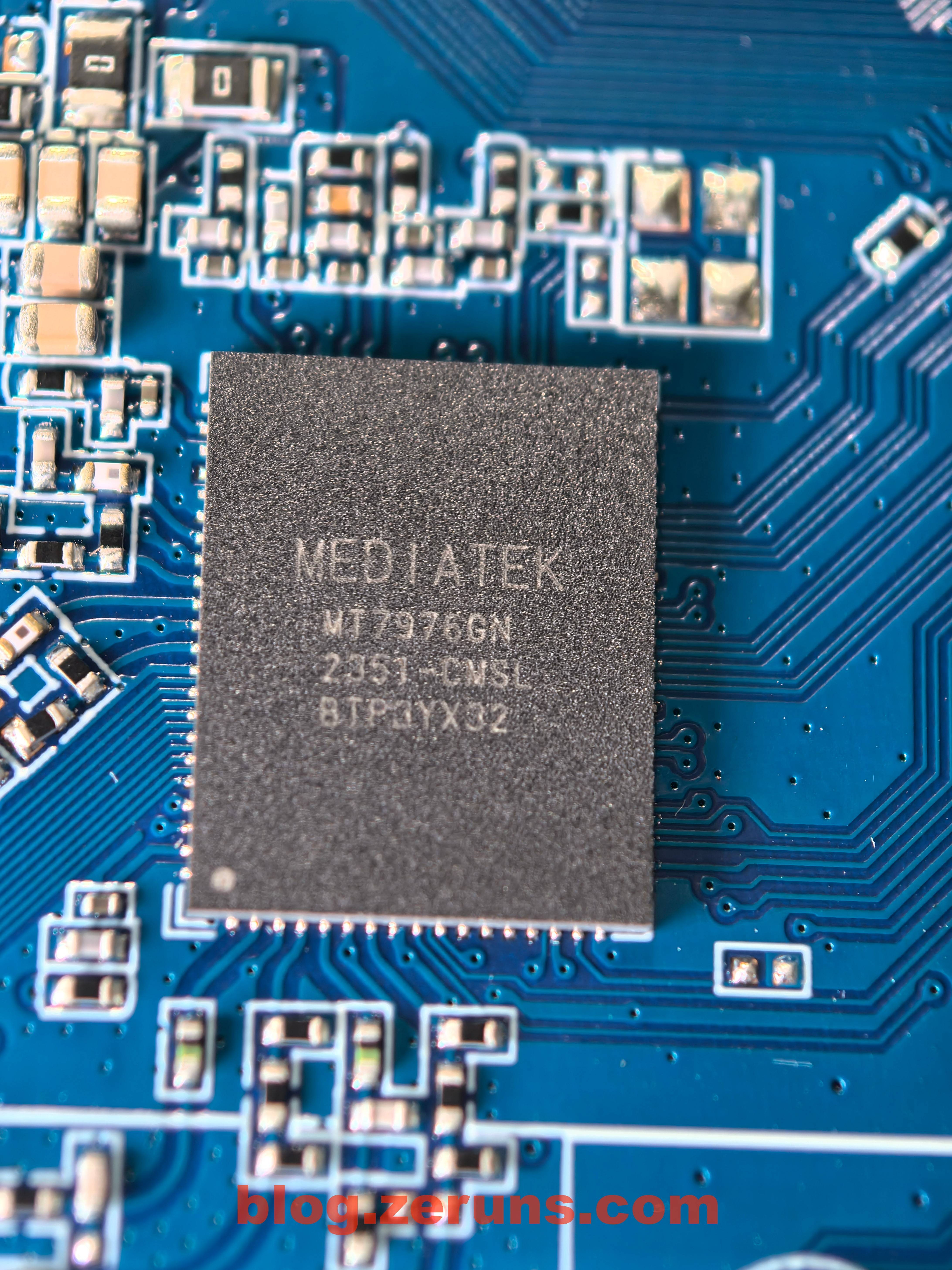
The 2.4GHz RF (radio frequency) chip model is MT7976GN.Wi-Fi 6 supporting 4x4 MIMO, 40MHz channel bandwidth, and 1024-QAM, with a maximum speed of 1147 Mbps.
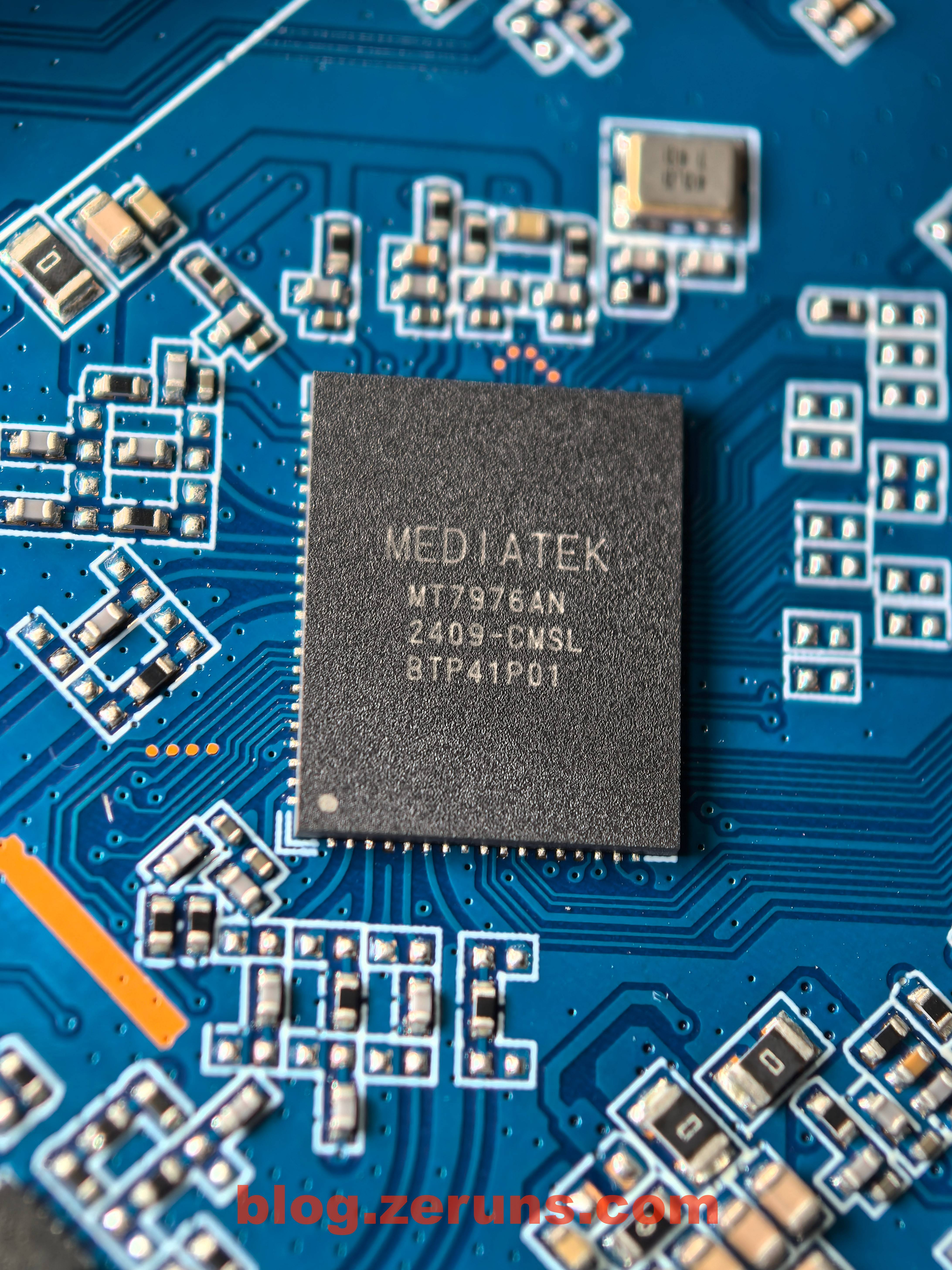
The RF chip model for the 5GHz band is the MT7976AN.
Supports 4x4 MIMO, 160MHz channel bandwidth, and theoretical peak speeds up to 4804 Mbps.
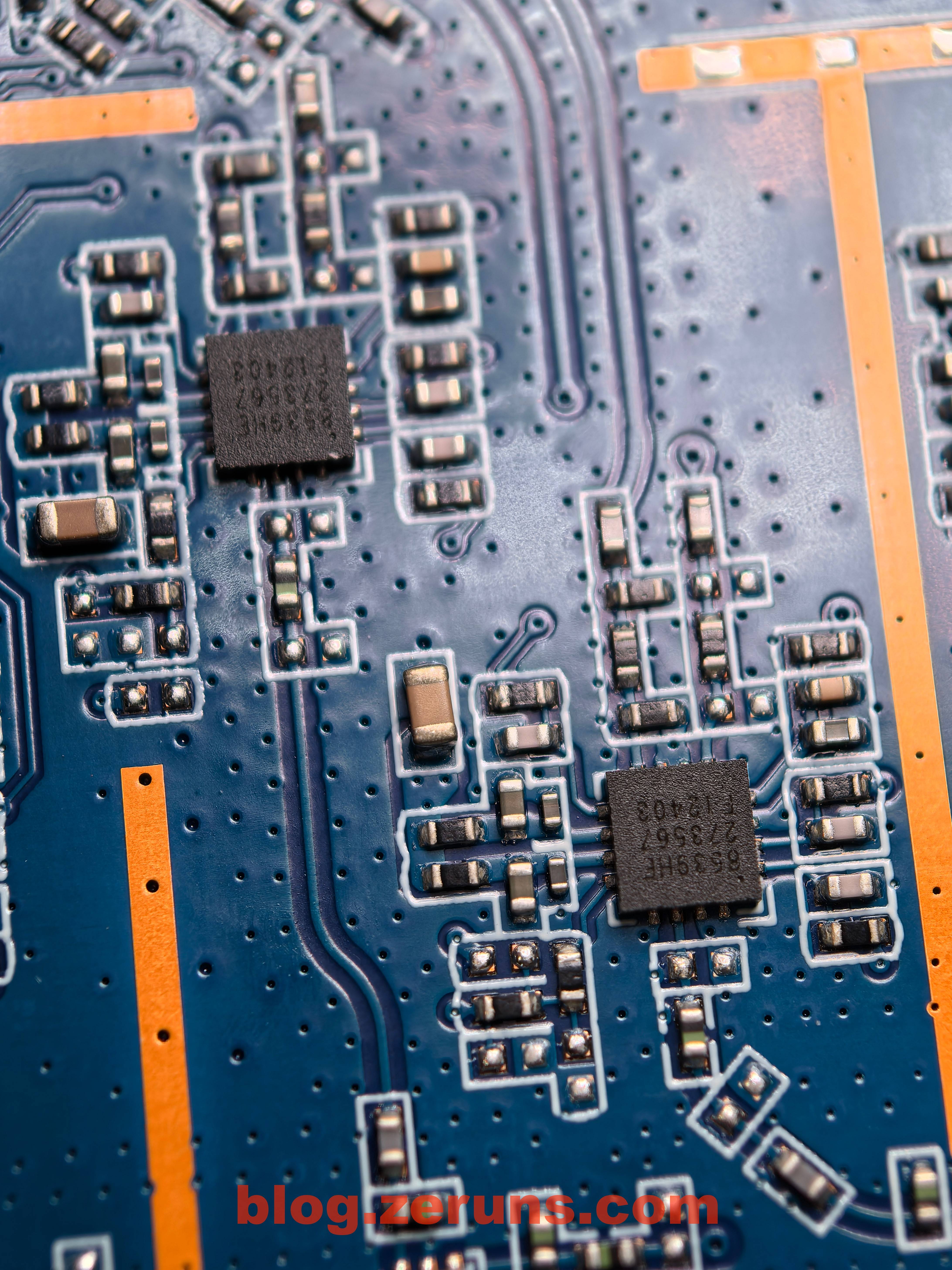
Both the 2.4GHz and 5GHz bands are equipped with four separate external FEM chips.
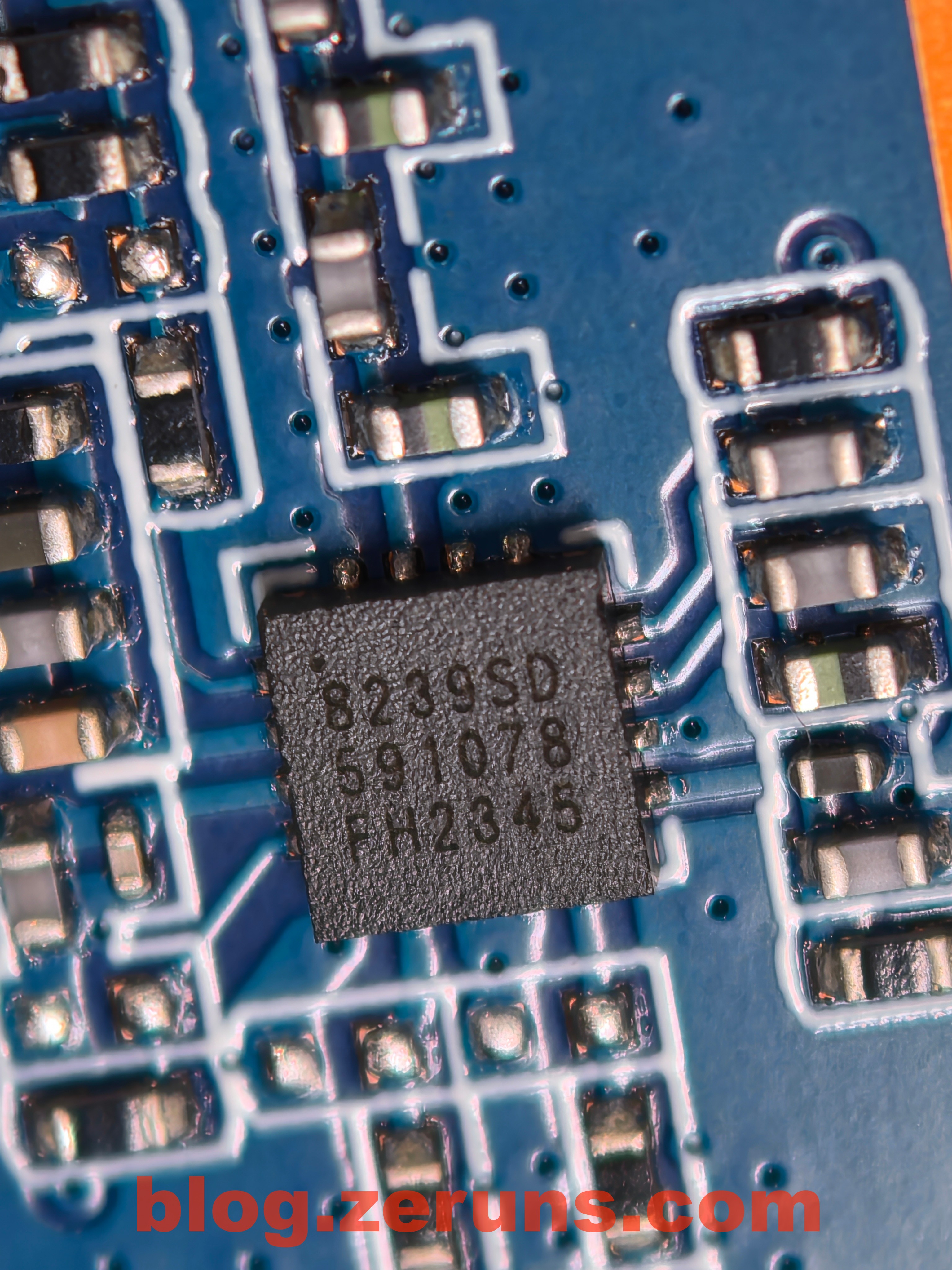
The silkscreen marking on the 2.4GHz standalone FEM chip is 8239SD, identified as the KCT8239S from Shanghai Kocen Communication Technology.
Official link: https://url.zeruns.com/Ry1G8
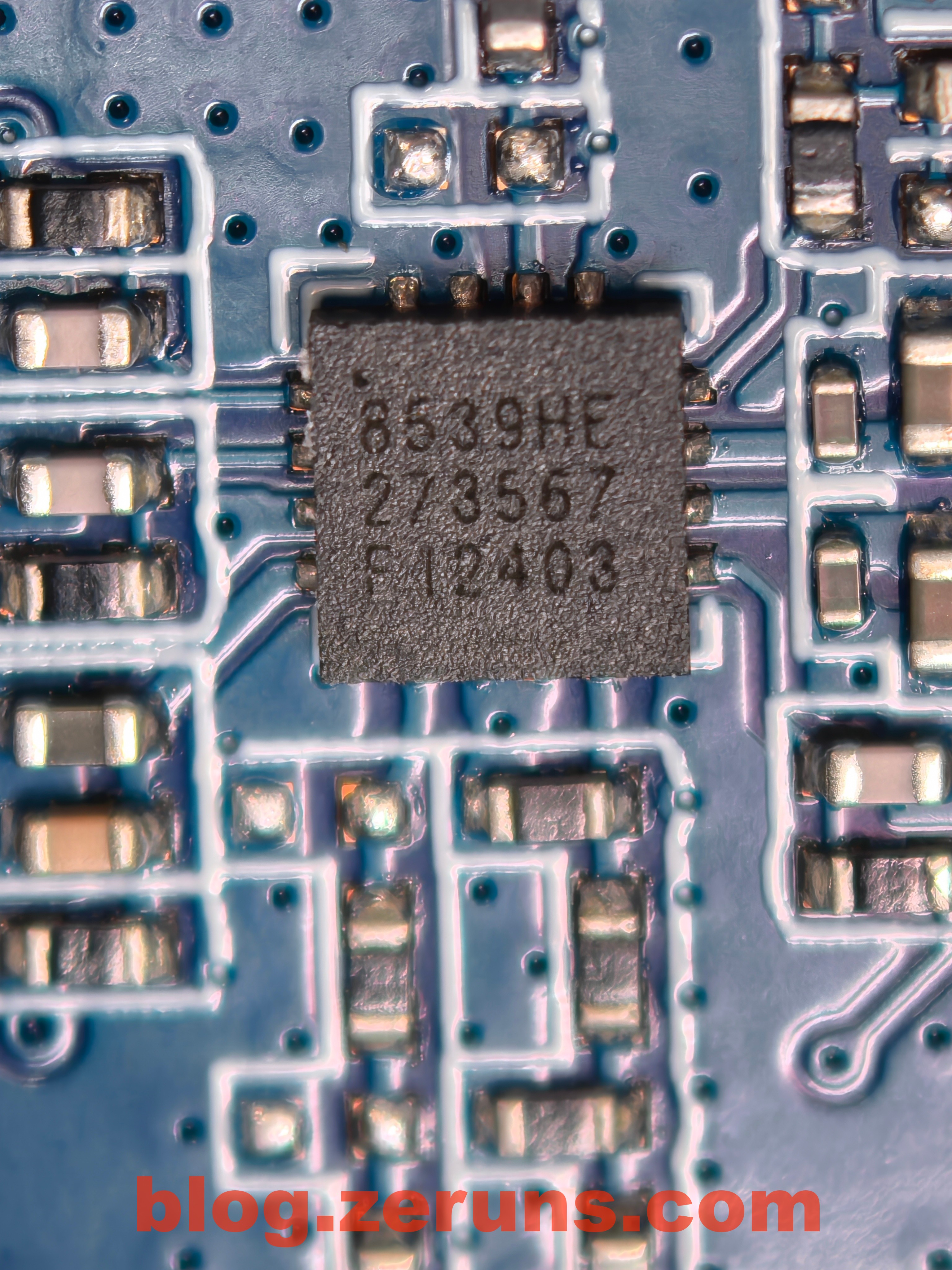
The silkscreen marking on the 5GHz standalone FEM chip is 8539HE, identified as the KCT8539HE from Shanghai Kocen Communication Technology.
Official link: https://url.zeruns.com/AL2oN
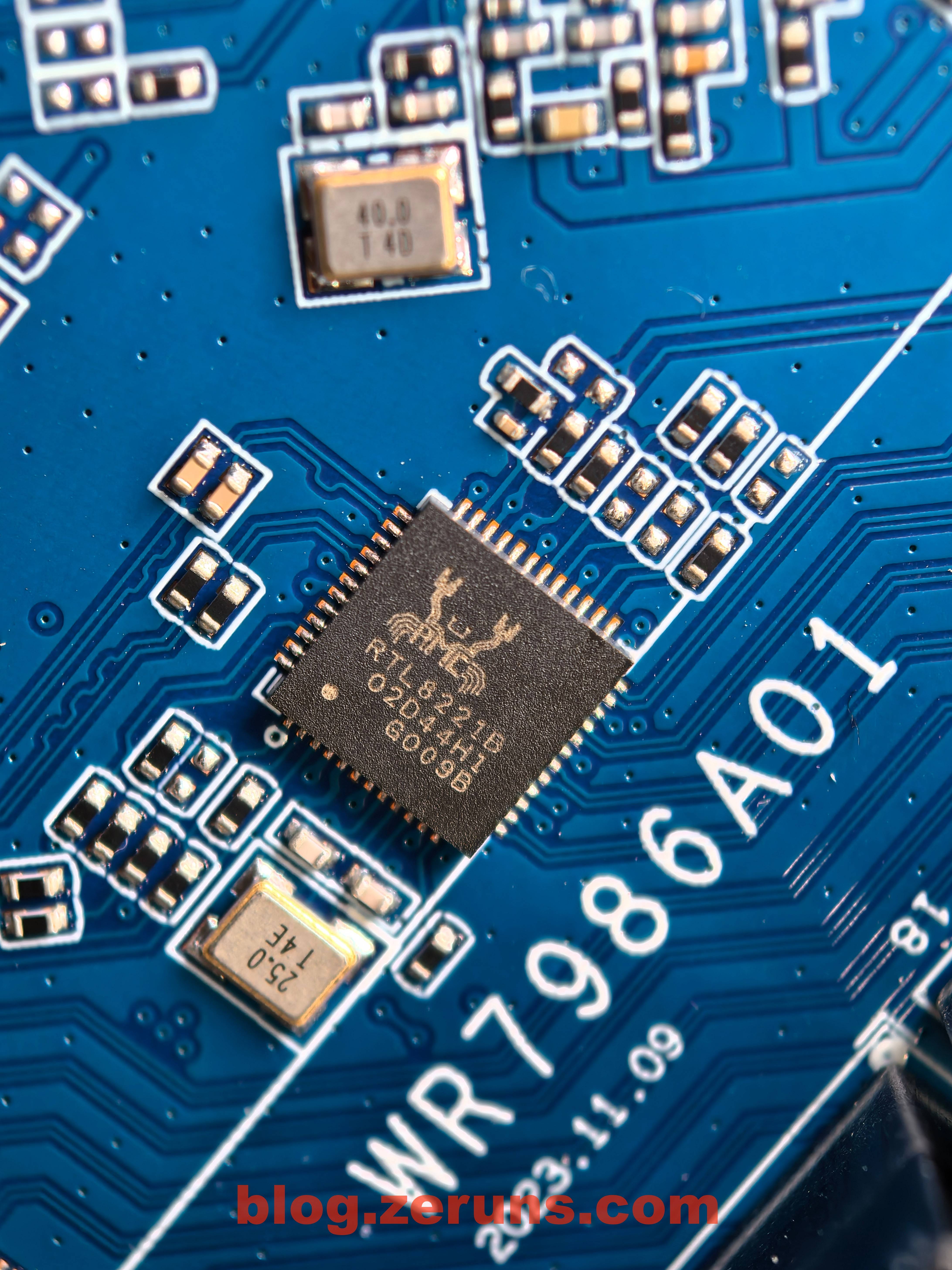
The 2.5G Ethernet port uses the Realtek RTL8221B chip, a highly integrated Ethernet PHY transceiver supporting 10/100/1000M/2.5G.
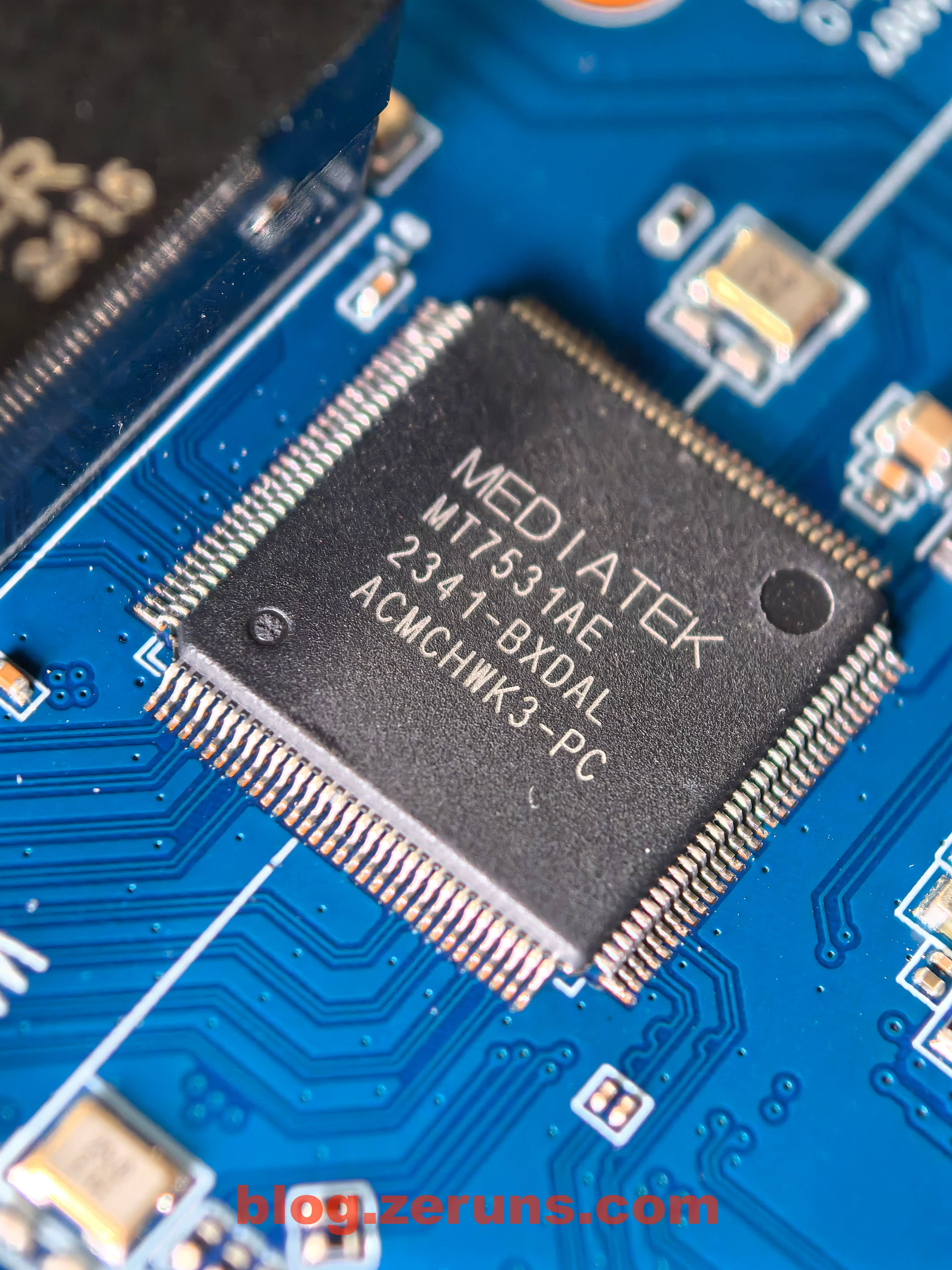
The Gigabit Ethernet switch chip model is the MT7531AE.
The MT7531AE is a highly integrated wired Ethernet switch chip introduced by MediaTek, integrating a 7-port Gigabit Ethernet MAC and a 5-port Gigabit Ethernet PHY, equipped with a 2-port high-speed SGMII interface capable of up to 2.5 Gbps, suitable for connecting 2.5 Gbps backbone networks or external 2.5 Gbps PHY devices.
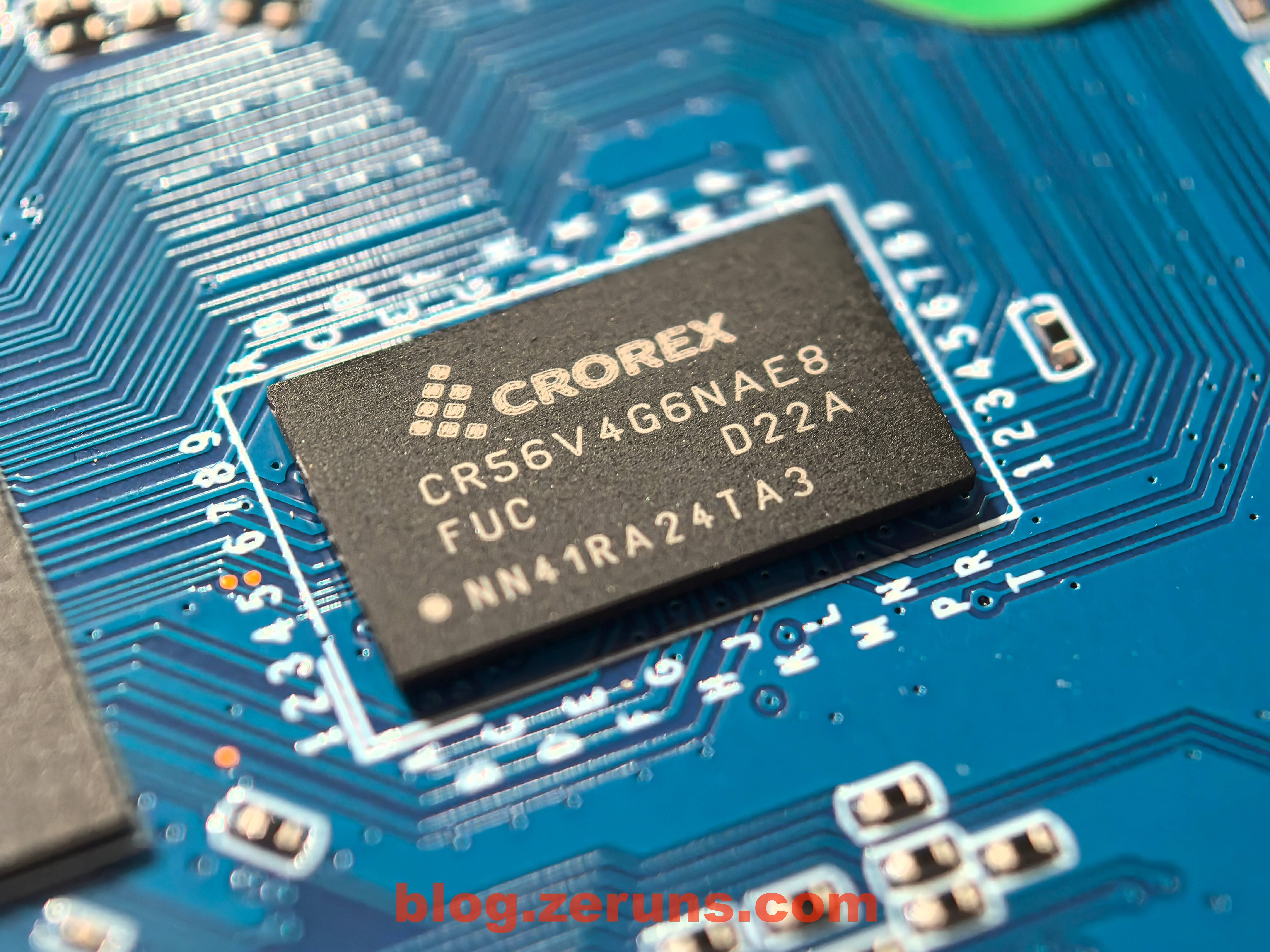
Next to the CPU is another chip labeled CR56V4G6NAE8; no information was found, but based on circuit routing it appears to be a memory chip.
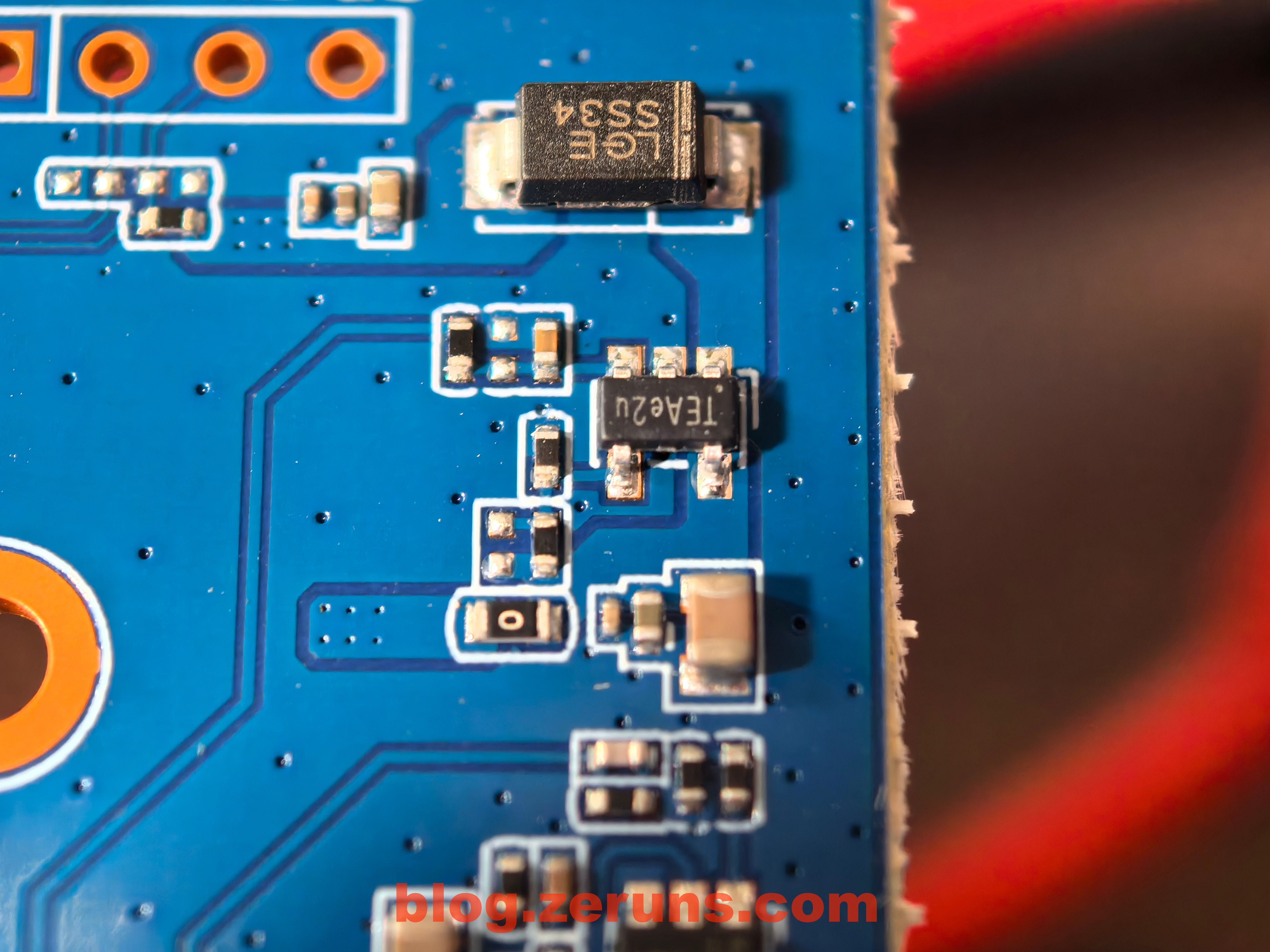
Other power-related circuits.
Recommended Reading
- Recommended affordable and cost-effective VPS/cloud servers: https://blog.zeruns.com/archives/383.html
- Minecraft server setup guide: https://blog.zeruns.com/tag/mc/
- Teardown analysis of the Reditel D1500 UPS (Uninterruptible Power Supply): https://blog.zeruns.com/archives/792.html
- Tutorial: Building a mail server on Linux: https://blog.zeruns.com/archives/822.html
- Open-source 140W+65W buck-boost PD3.1 fast charging module (2C+1A ports): https://blog.zeruns.com/archives/801.html
- Quick unboxing review of the ViewSonic VG2481-4K monitor, 24-inch 4K HDR400: https://blog.zeruns.com/archives/831.html
English version of this article: https://blog.zeruns.top/archives/24.html