Sharing a switching power supply design tool - SMPSKit, which can quickly calculate transformer parameters.
SMPSKit Software Introduction
Basic Positioning
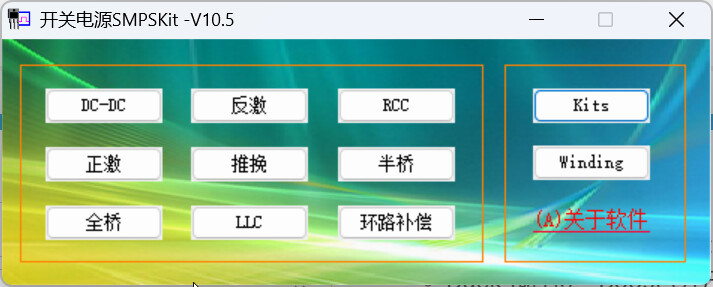
SMPSKit is a professional calculation software developed specifically for switching power supply design, focusing on solving the tedious parameter calculation problems that power engineers face during the design process, and greatly improving design efficiency and accuracy through automated calculation.
Core Features
1. Inductor and Transformer Calculation
- Supports calculation for various DC-DC and AC-DC topologies
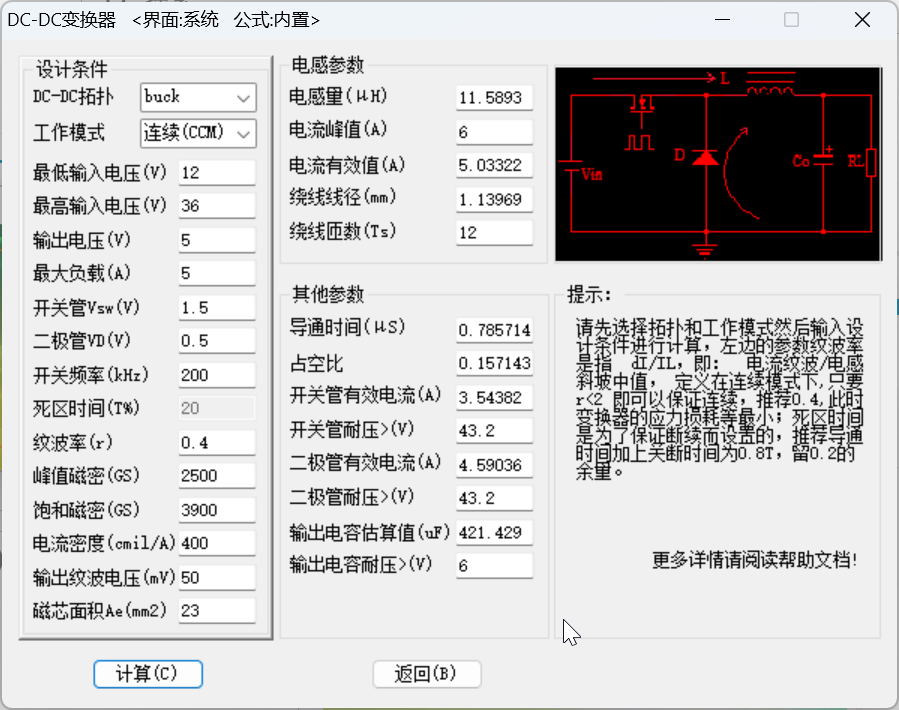
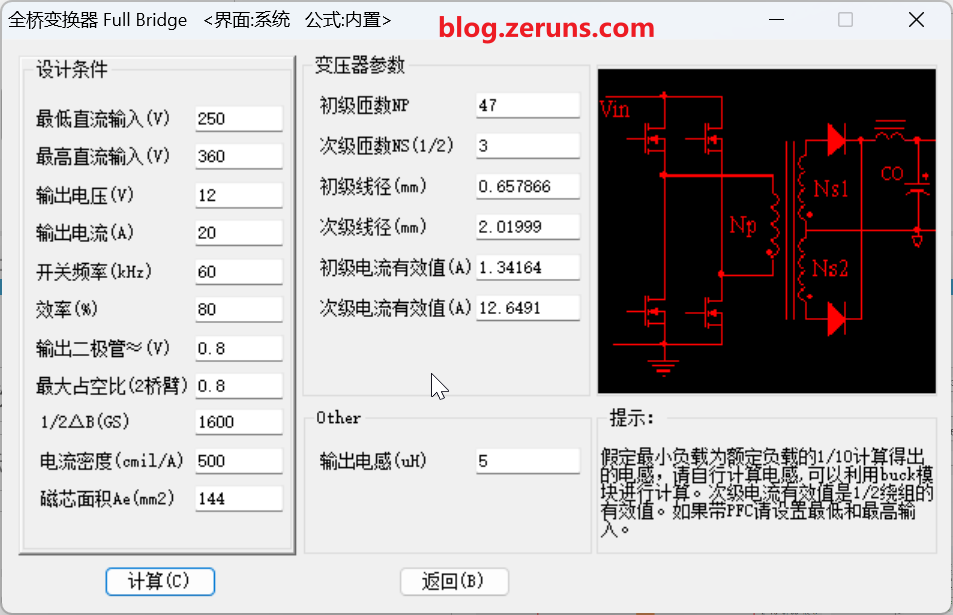
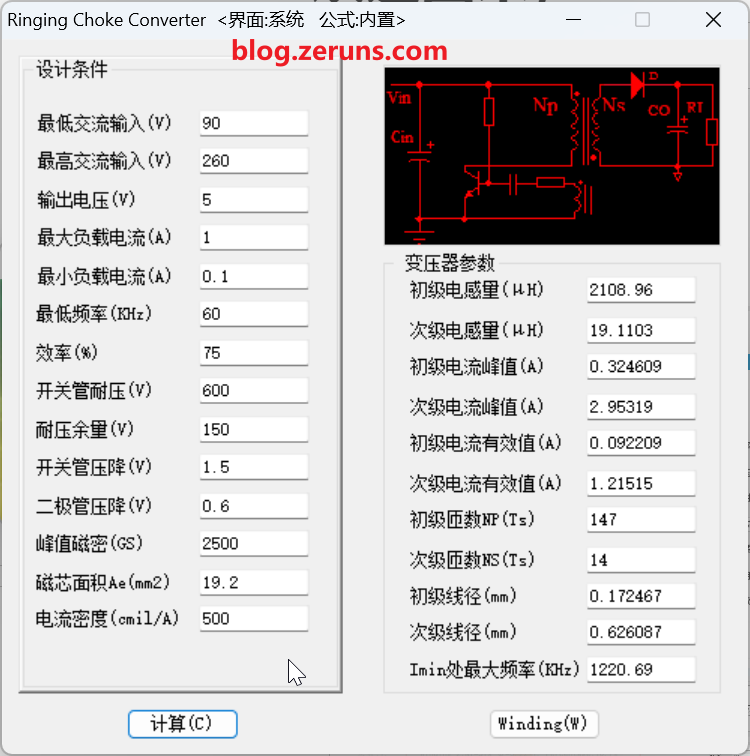
- Simply input basic parameters (input/output voltage, current, frequency, etc.) to automatically generate detailed parameters (inductance value, number of turns, wire diameter, core specifications, etc.)
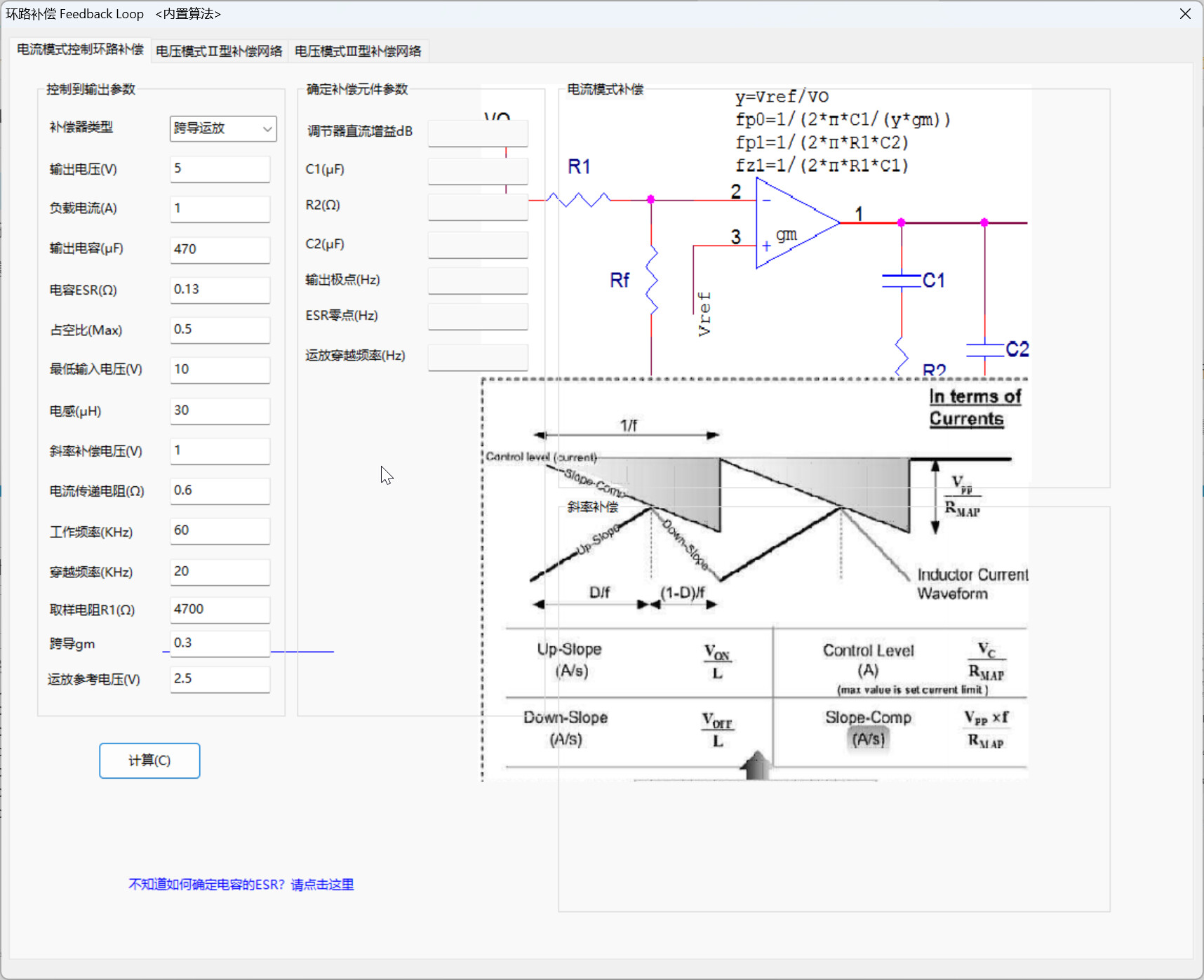
2. Loop Compensation Design
- Provides compensation network parameter calculation for closed-loop control systems
- Optimizes power supply dynamic response and stability, avoiding oscillation
3. Topology Support
- Comprehensively covers mainstream switching power supply topologies:
- Buck (step-down), Boost (step-up), Buck-Boost (step-up/down)
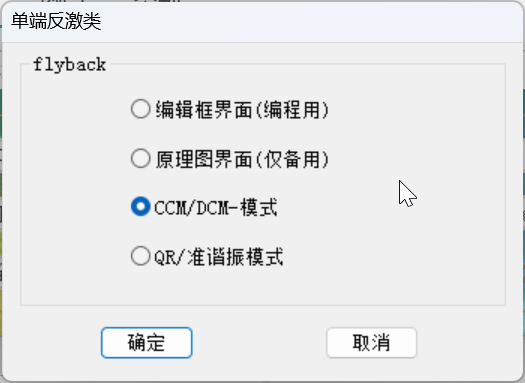
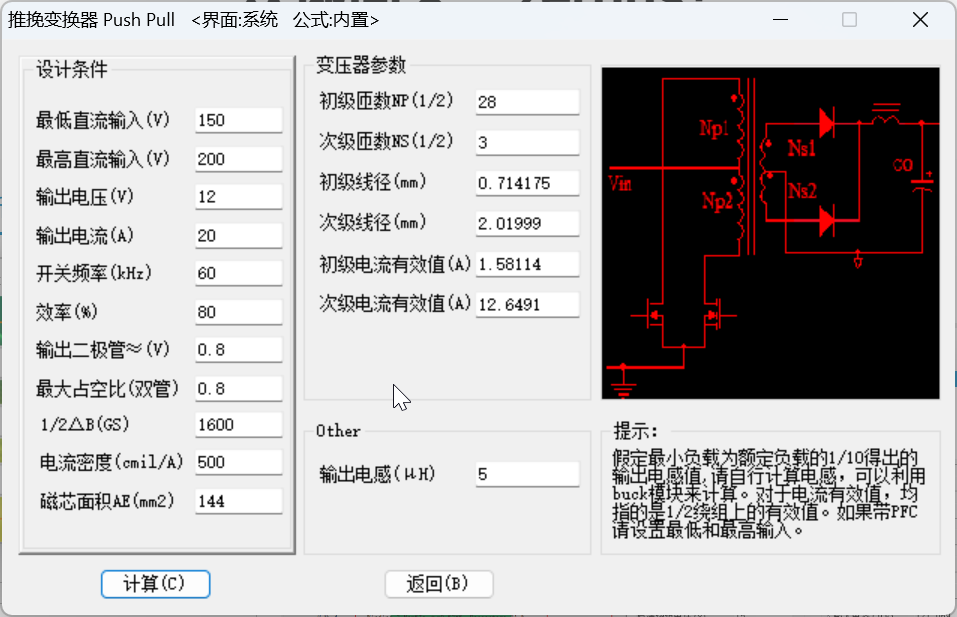
- Flyback, Forward, Push-Pull
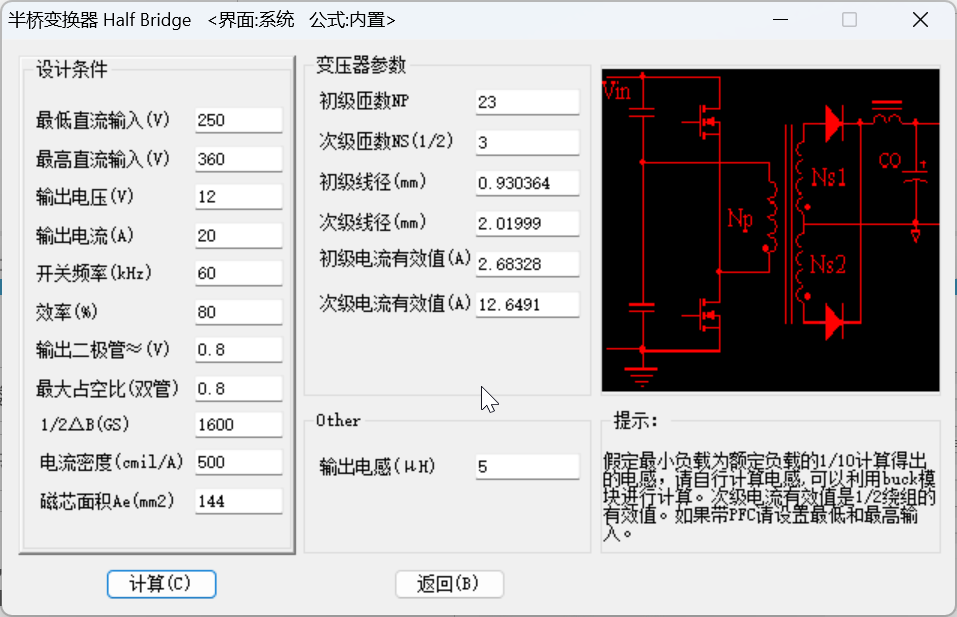
- Full-bridge, half-bridge, and other structures
4. Advanced Features
- Formula editing function: Allows users to customize calculation methods to meet special design requirements
- Multiple interface modes: Provides interface choices for different operating habits
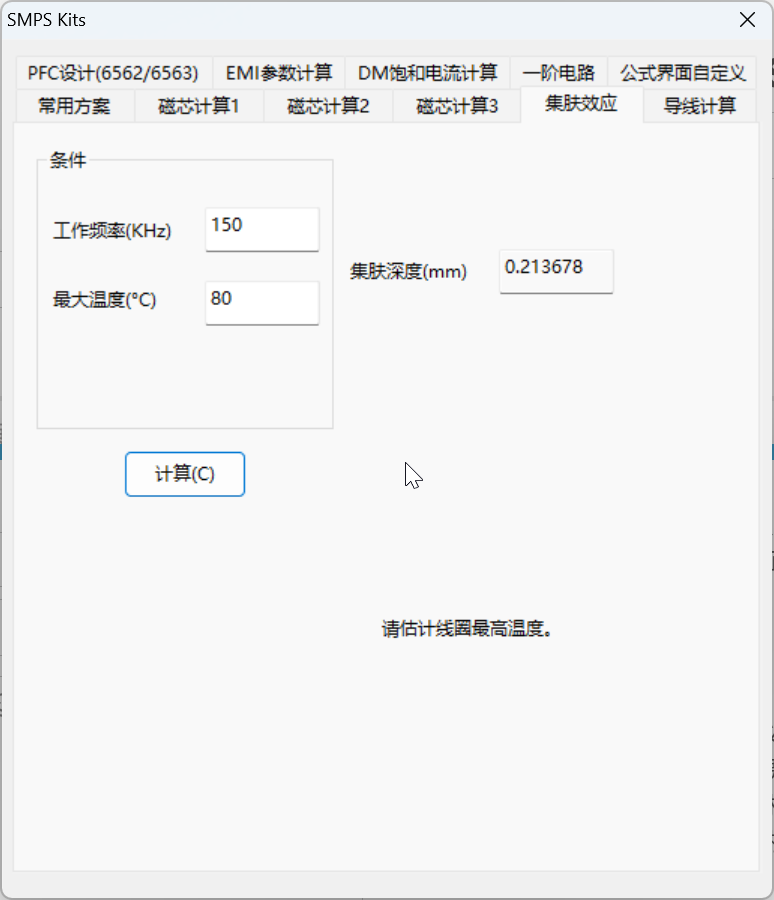
- Flexible parameter configuration: Calculation precision and conditions can be adjusted according to design requirements
- Continuous algorithm optimization: Constantly updates and corrects the internal calculation model to improve accuracy
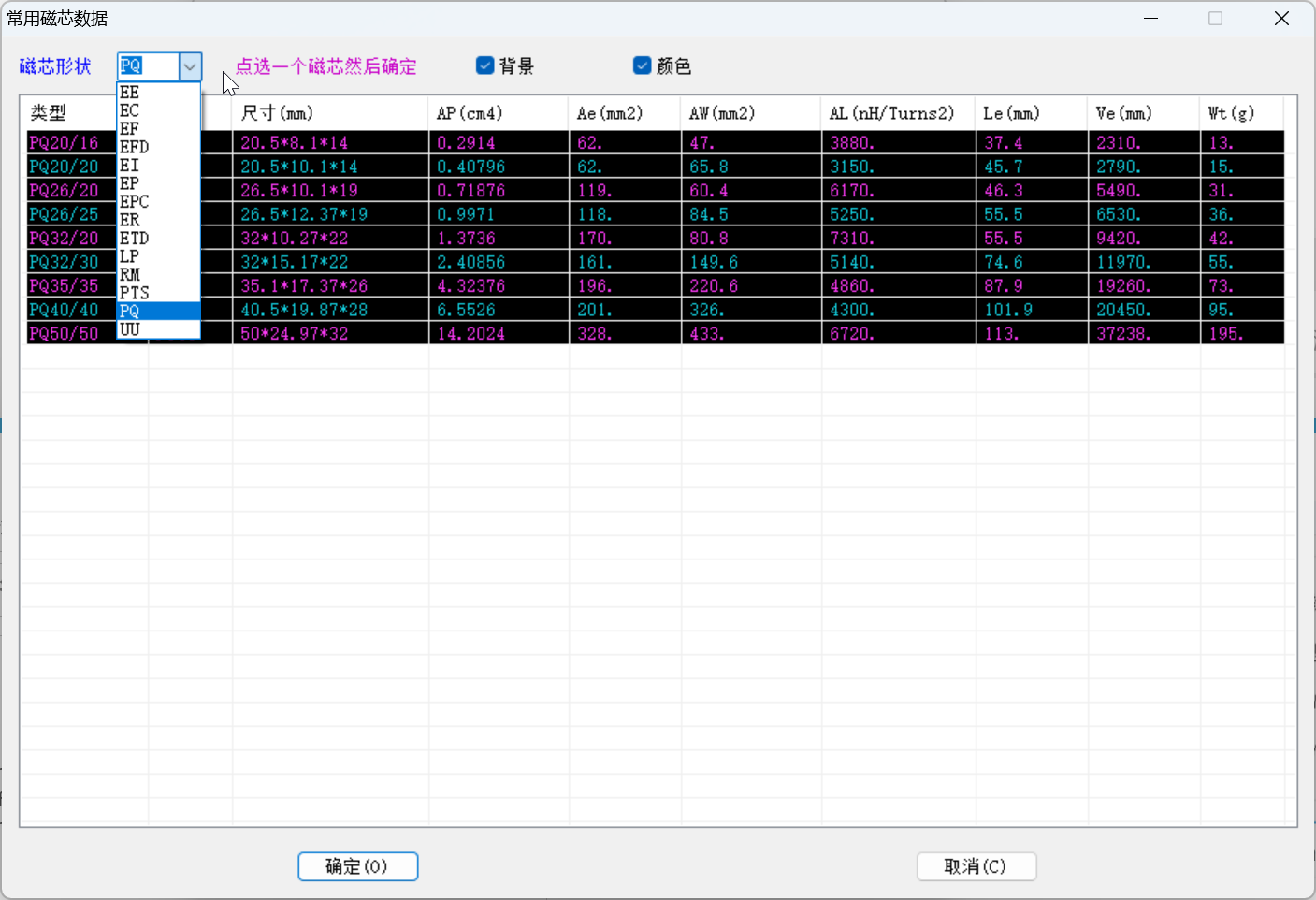
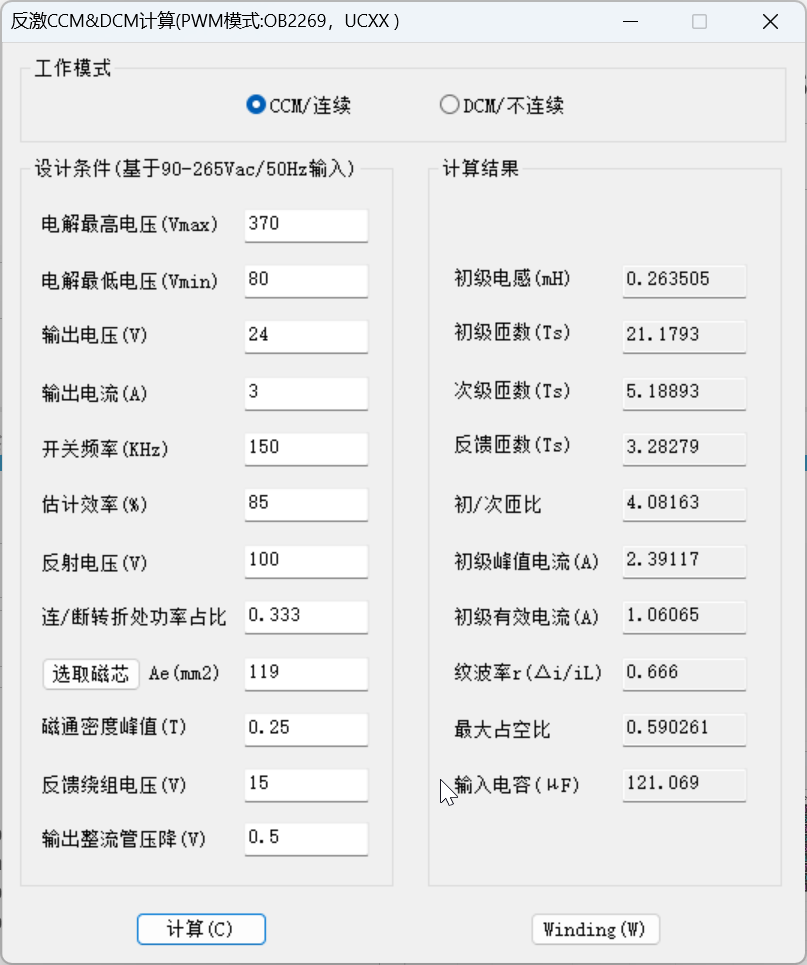
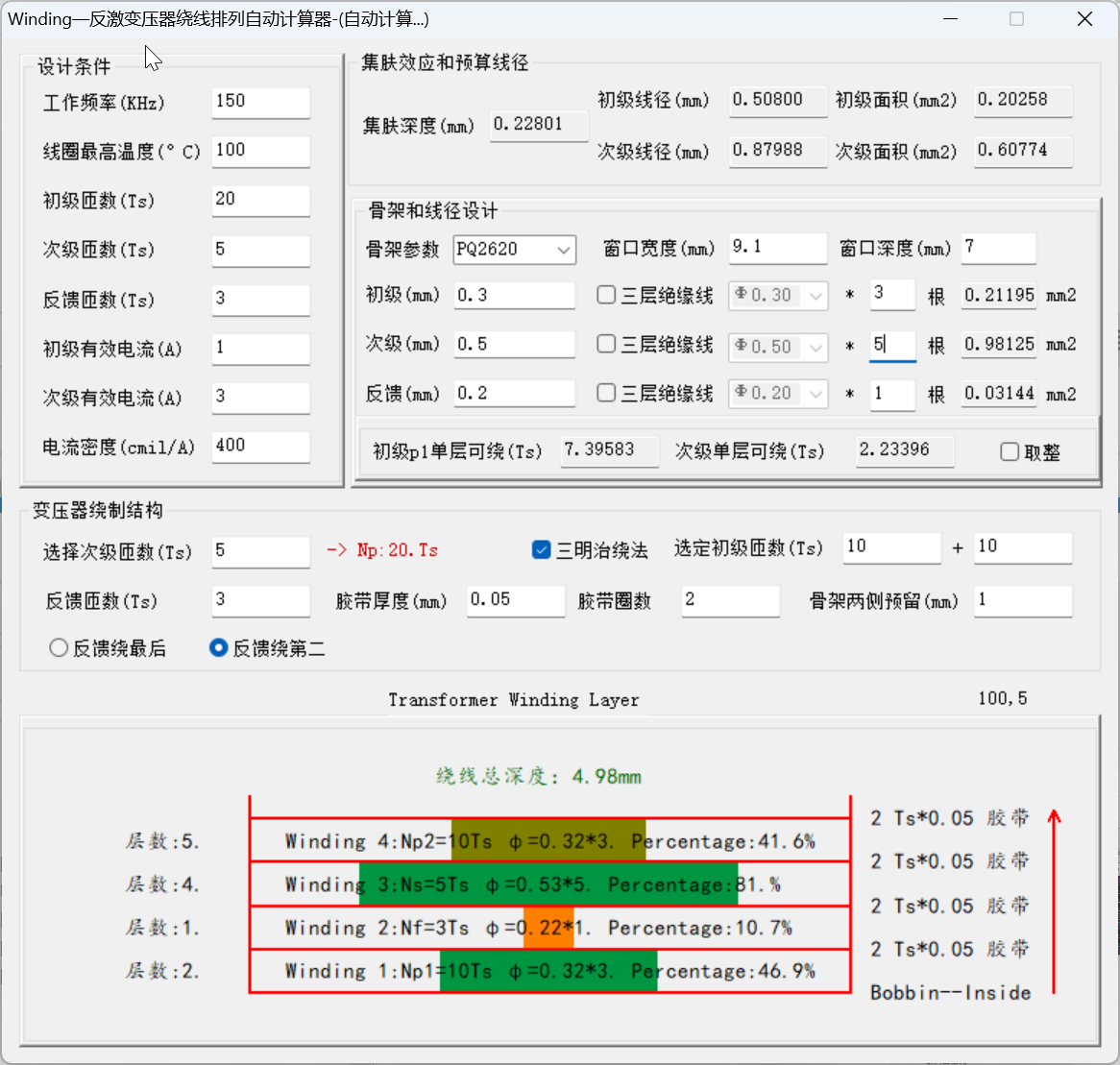
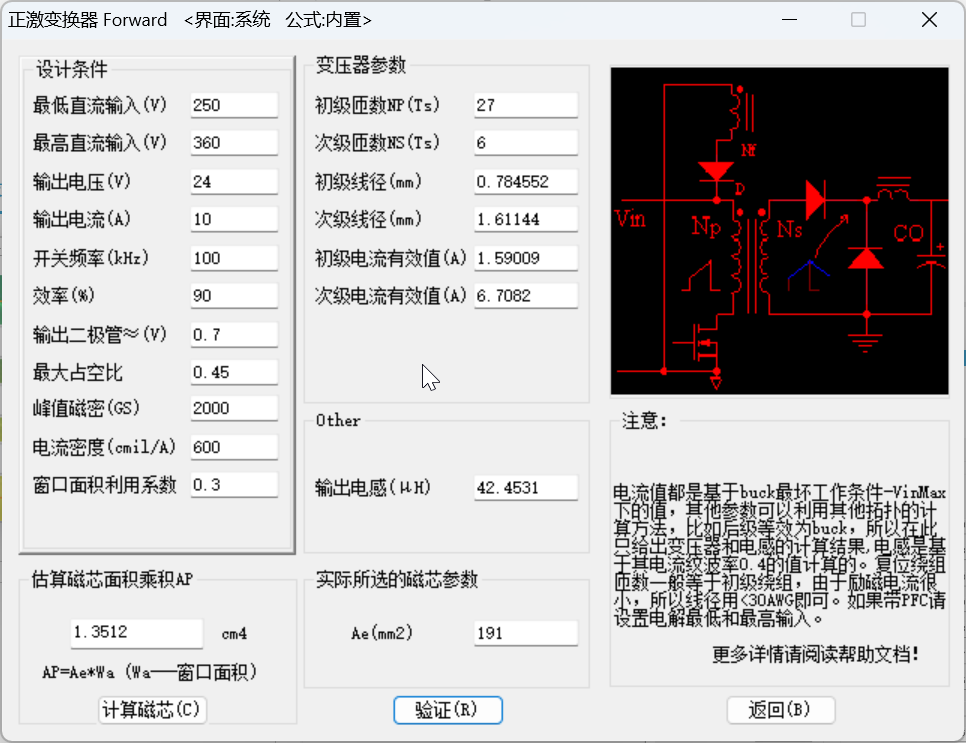
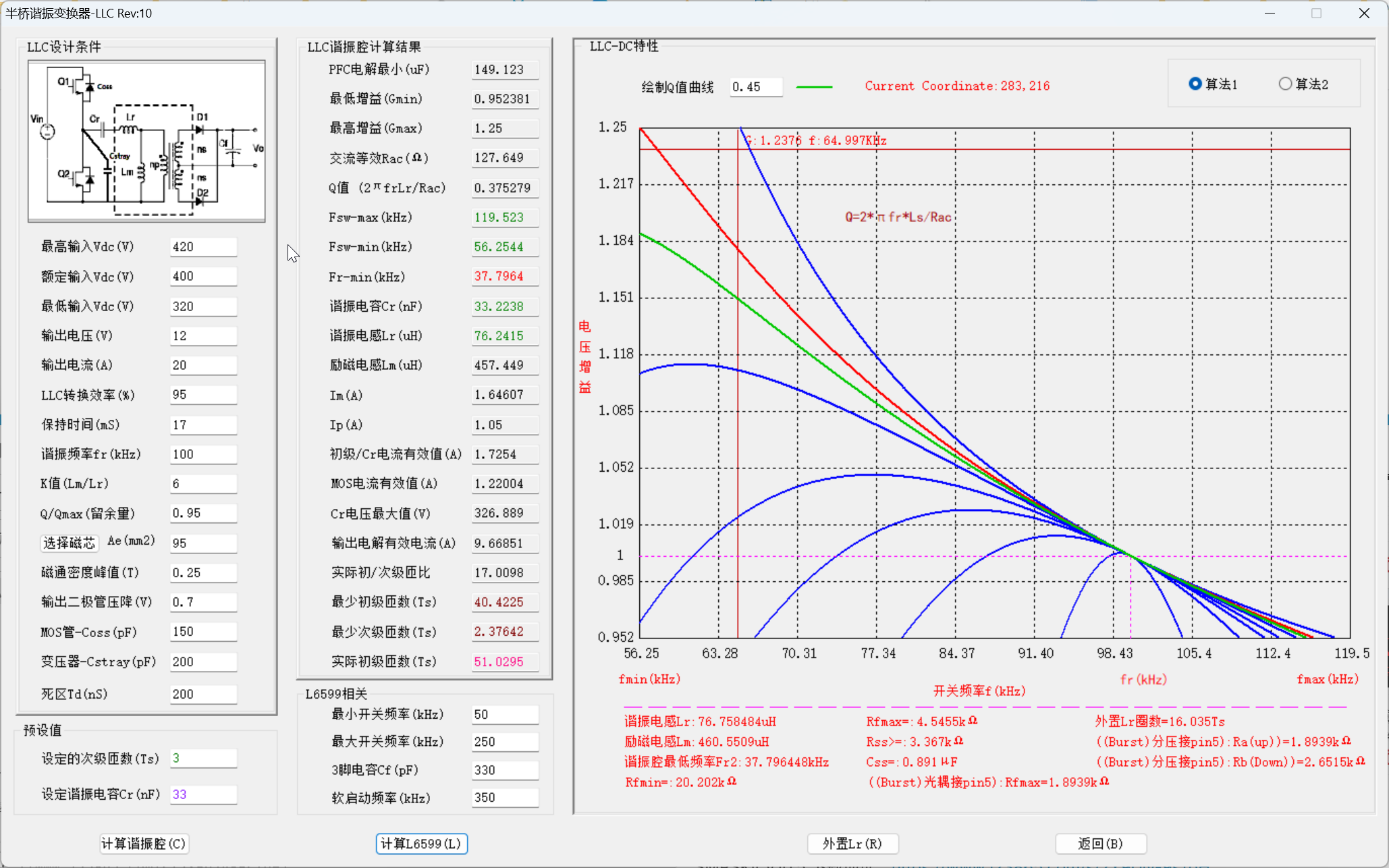

 A perfect score, take a look.